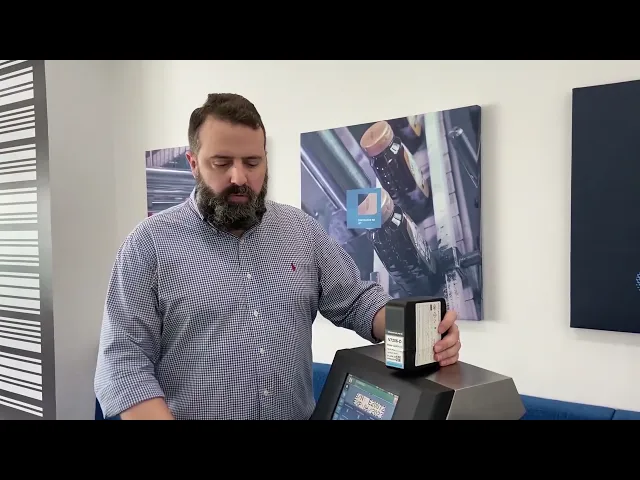
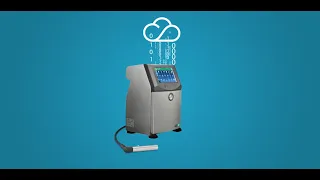
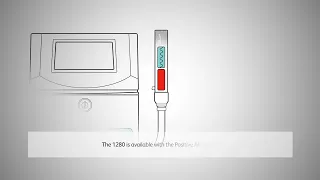
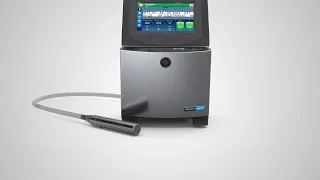
hello i'm matthew regional sales manager for indonesia and malaysia with video jet technologies in singapore today i have the pleasure of introducing our new 1280 light duty cij when we design a cij printer for our customers we have two key concepts one is to be reliable and the second is to be simple to use how do we do that first of all we have a very small sleek design its case in premium ip55 stainless steel so it integrates easily into your line you'll notice a very bright eight inch color display with the latest user interface
called simplicity on the back you have all the ports you would normally expect usb ethernet as well as the ports for the product sensor and the encoder let's move inside inside you'll find the very famous video jet smart cartridges here with 750 milliliters of ink and makeup they are designed to be no mess no mistake we have our ink system with a smart cell that makes maintenance predictable and easy also the printhead we have a modular design with both 60 and 70 micron configurations available positive air is optional but dynamic calibration is standard meaning you'll
ensure good print quality no matter what your environmental condition let's talk about these features in depth let's begin by taking a closer look at the new interface simplicity the 1280 has a 8 inch color touch screen display that is very responsive it is based on the common icon design that we see in tablets and phones these days we even have a notification bar the notification bar here is green and that tells you that the printer is running as per normal if you see the bar turning yellow that will be an alert and lastly if it
turns red that will mean that there is an urgent issue that needs to be addressed it also has a notification tray much like many of the world's best smartphones with the majority of the screen the dashboard will give you an easy glance at the health and performance of your printer we can also do other basic tasks easily through wizards let's take a look at creating a line and set up here we actually have some pre-programmed lines but let's go ahead and create a new one so let's call this video one two three okay we've named
this new line we have some choices here about the orientation of the printing we also have some modifications on how the trigger may work let's do a single print trigger just to make it easy for this case we also have some different settings for the sensor as well as the product distance from the printhead we'll leave these as default for now likewise you may want to set up shaft encoder other details will leave as is very easy to set a line speed you can manually enter your line speed here maybe it could be 30 meters
per minute for example now we're done if we go down we can find that setting again we activate video one two three once it's activated you'll see video one two three active on the status bar and you'll notice that job which has been set up for configuration with this printer first video jets own data suggests that about 60 to 70 of service calls actually don't require spare parts so we'll walk you through some of the most basic maintenance routines for example let's go down here we go to tools and then we select maintenance let's talk
about nozzle cleaning cij nozzle cleaning is a basic routine procedure to clean off any excess ink from the printhead so if it's 3 am in the morning and your operator is new to this printer he may not know exactly how to do this he can easily select the nozzle clean video here we have this video we press play and we can expand the video and it will walk him through in 35 seconds exactly how to clean that printhead [Music] so with this in mind we can also go back and we can actually see that there
are several videos included you can see that there's a handful of basic operation and maintenance procedures where we have active videos it's extremely helpful for operators to conduct their maintenance without having to worry about training and operations let's now take a look at the printhead the printhead here is connected to the printer by an optional two meter or three meter length umbilical this itself is the printhead cover we can remove the cover to show you the printhead design this is quite interesting because we're able to do a modular design you have an independent valve deck
and print nozzle deck this is modular in the sense that if you ever encounter a problem in the printhead you can very quickly isolate and possibly replace the problem part without having to replace the entire umbilical or printhead chassis it's a very neat and clean design as well as functional we have optional positive air where we have an air pump that will be consistently keeping positive pressure inside the printhead which will exit at the front of the printhead and greatly reduce dust ink splashback and other buildup of ink allowing you to go longer by time
between printhead cleanings lastly let's talk about dynamic calibration dynamic calibration is a network of sensors that we have throughout the printer that is always sensing the temperature of the air and the environment allowing it to constantly measure and regulate the viscosity of the ink ensuring good print quality throughout your work day and regardless of environmental change let's take a deeper look at the hardware when we open the printer we immediately see two key components one is of course the fluid cartridges the fluid cartridges are the video jet standard 750 milliliter cartridges of ink and makeup
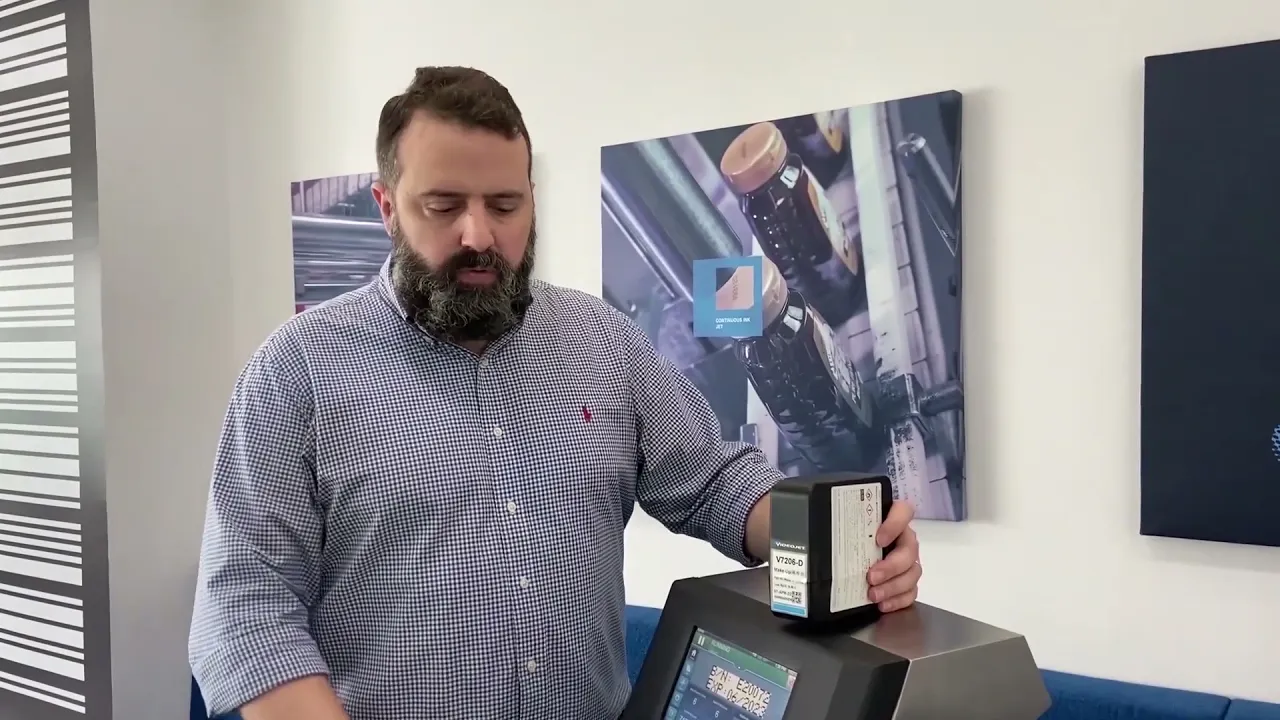
you can see that i have a cartridge here on top to give you an example of what they look like the cartridge itself have a smart chip which allows us not only to read and authenticate the ink it also allows us to write i'll explain why that's important in a moment the cartridges have a needle and septum design the septum design allows us to insert and also take out cartridges without spilling or wasting any fluid let's talk a little bit about that in practice with the user interface here we've intentionally left a makeup cartridge that
is five percent full let's imagine that you're basically at zero percent and you need to switch this out now so i'm going to put this down because you need both hands what you're going to do is simply take it out so here we've done it there's still some still some fluid in it and i can feel it see there's no waste and the cartridge is out we now we now notice that we actually have a yellow status bar alerting us to that there's no makeup in the printer and we can see zero percent no problem
let's put this new cartridge in so now the printer is going to read the new chip let it go to 100 makeup and it's green that's all you can see my hands are clean and dry there's no waste no mistake no mess i'm going to use another circumstance let's imagine that this cartridge is now another printer or in another cartridge as said one of the benefits of our smart chips is that we can read we can also write to that chip we recorded in this chip that there's still five percent left let's walk you through
this you take this cartridge out and it's out this one's full again here we are at 5 level it gives you a lot of flexibility if you need to move the cartridge back in and out it'll remember the volume level so let's move into the ink system itself this is the ink system this is sometimes called the mixing tank on top we call a smart cell and it's sometimes called a service module the smart cell is really the only one maintenance part here that we have to replace within a certain amount of time this needs
to be replaced every 3000 hours of operation or one year whichever comes first it's very easy to replace and put in it's not a major maintenance overhaul it can be done by your own team and you'll be ready to go for another 3000 hours or one year whichever comes first place it back i'd like to highlight how clean inside the video jet printer is we have very good cable control and as you can see it's very clean easy to use very little exposure to wire apart so when we talk about no mess no waste no
mistake what are we talking about of course when we talk about mess we're talking about fluid leaking out of the cartridge when we talk about waste our design ensures that the printer uses all the fluid available but when we talk about mistake what does that necessarily mean many cij printers use a pour in fluid system it's very easily mistaken to pour makeup into the ink compartment or vice versa it can be an easy mistake to make and it's a very painful mistake there's often a lot of maintenance and possibly overhaul when a printer has the
fluid switched we've made our cartridges smart it's mistake proof right now the printer identifies both the makeup and the ink via the smart chip it knows that we're using v4211-d and it knows that we're using makeup v7206-d i've already shown you how easy it is to change the cartridge but let's talk about for example if your operator's first job in the morning is to change the ink and he hasn't had his coffee yet he says oh i just need to change the ink and grabs the wrong cartridge firstly we do have visual reference here we
have the blue and the black which gives you a visual cue but mistakes get made and so let's take out this ink you can see that we get a warning and we see that the ink is now shown to be at zero percent so we're going to take a makeup you can see that makeup has a similar design and we're now going to mistakenly insert the makeup into the ink compartment let's see what happens you push it in with a very satisfying click and you'll see that we have a warning and it now says that
it's been rejected it automatically detects it because of the smart chip and it can detect that it is an incorrect fluid and will not ingest the wrong fluid so now we realized our mistake we pull out the wrong cartridge no problem we have the right ink ready here to go 100 and it's now operating to find out more about how the ease of use and reliability of the 1280 printer can help your organization with its coding and marketing needs reach out to your local video jet [Music] representative [Music] you