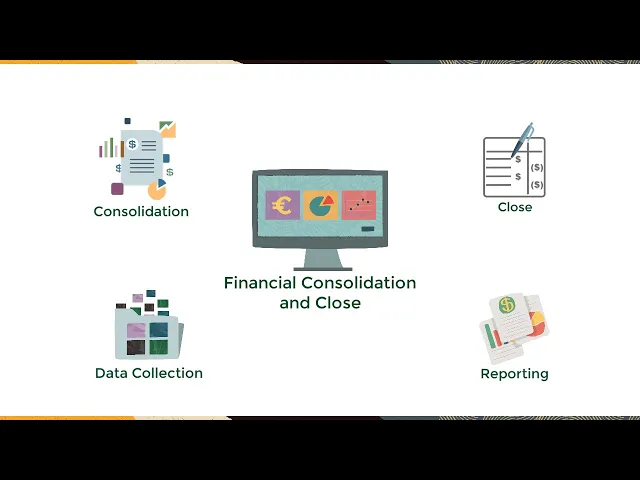
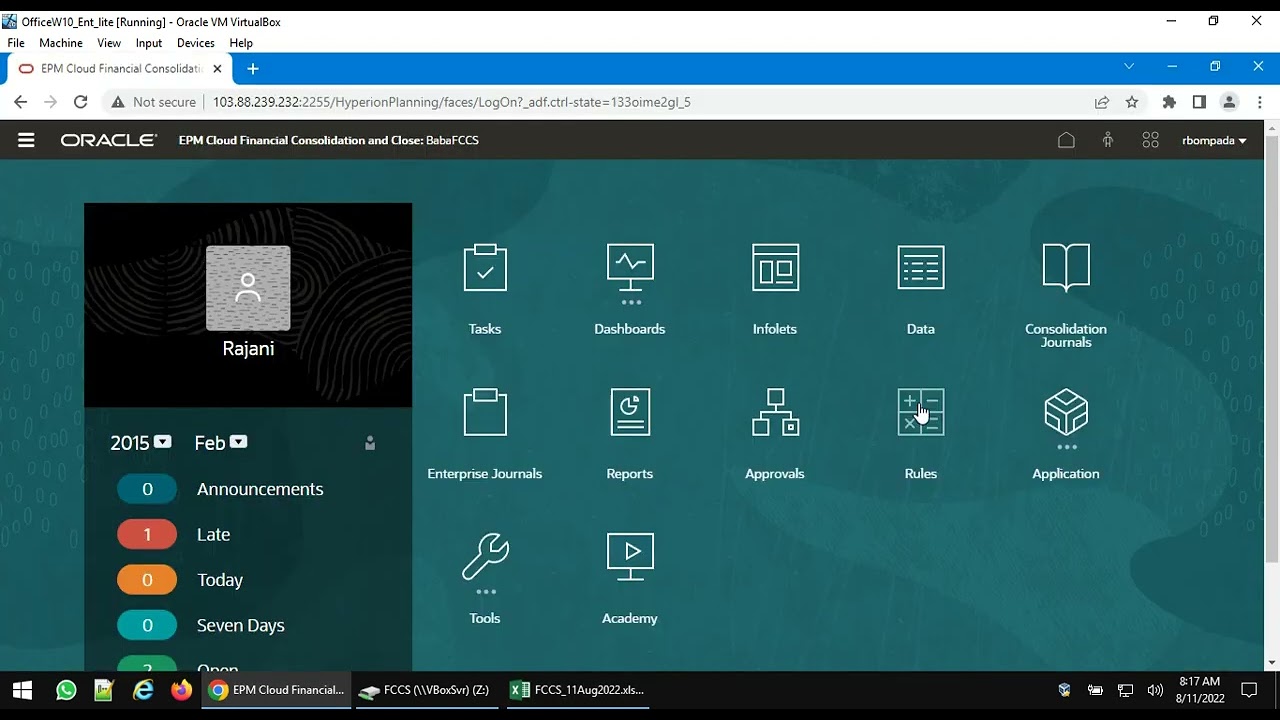
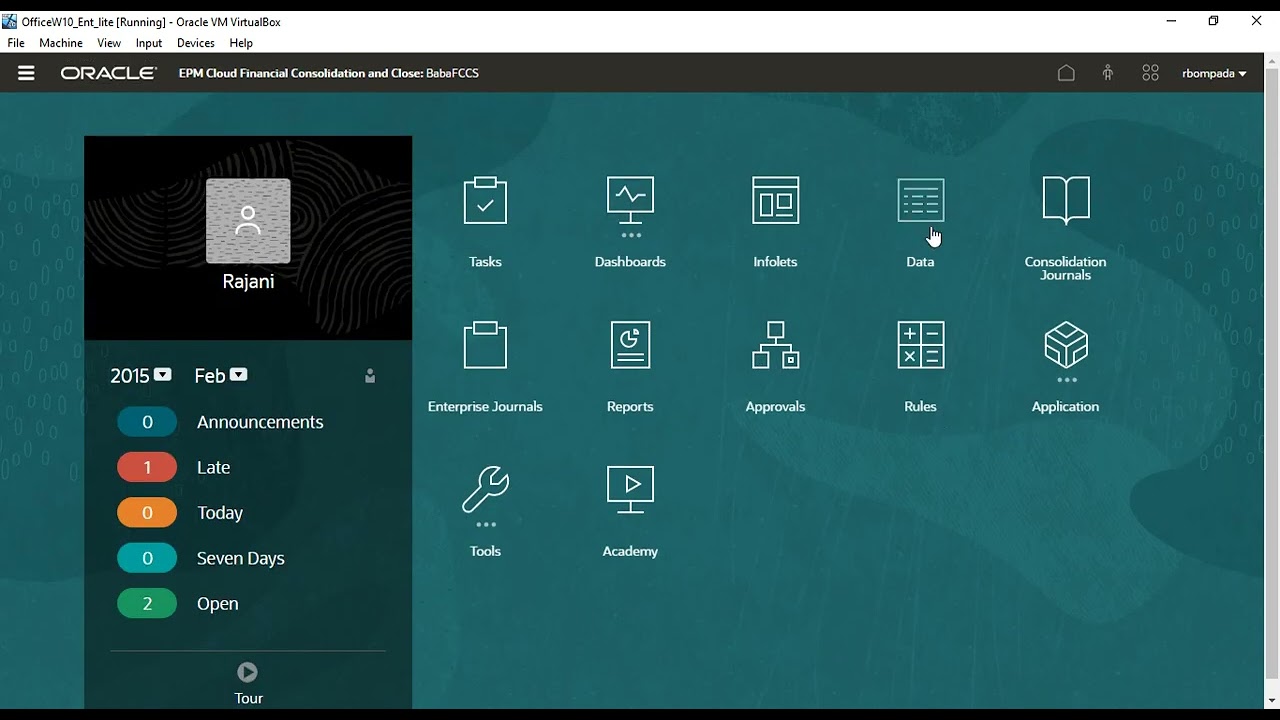
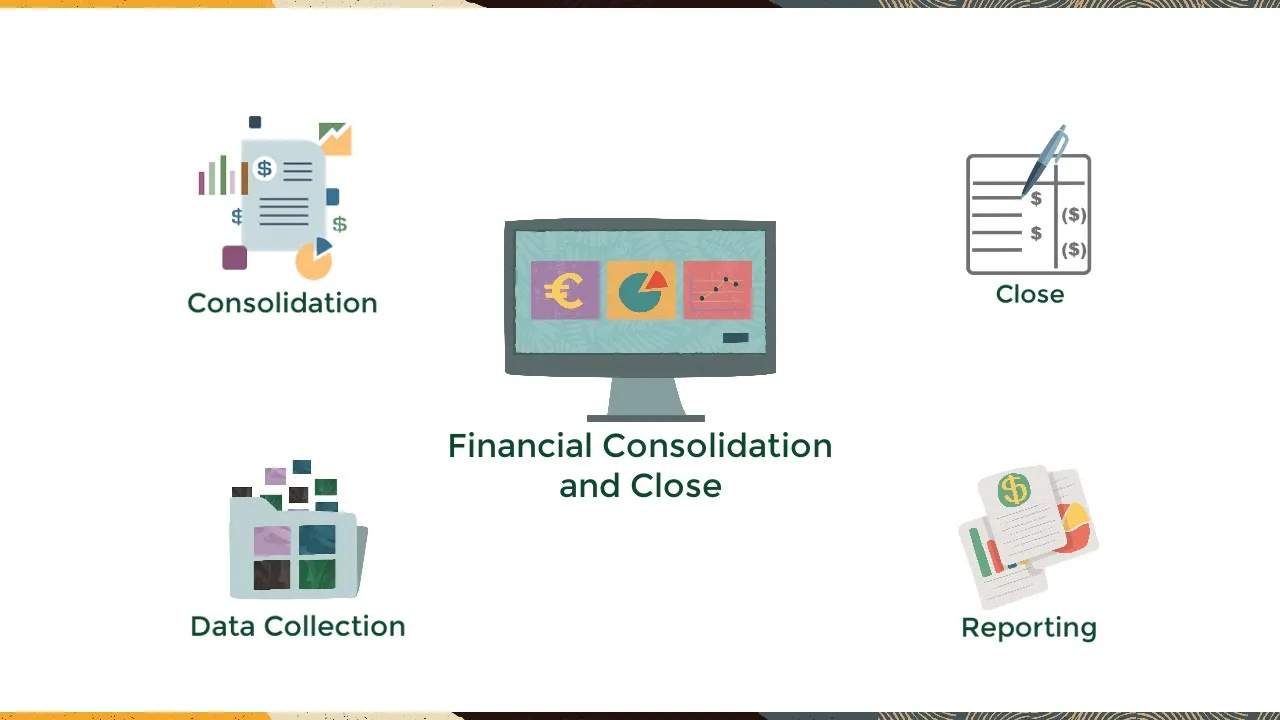
Oracle Financial Consolidation and Close is a connected solution for consolidation, close, data collection and reporting activities. From the home page you can: Use Tasks to see your assigned tasks and tasks that are closed, open, pending, late, due today and due in seven days. Use Dashboards to access all standard and custom developed dashboards.
Use Infolets to enable users to view and interact with high-level, essential information generated from different sources. Use Data to enter and review data through simple forms, composite forms, and ad hoc forms. Use Journals to create and manage journals.
Use Reports to access and run reports. Use Approvals to access actions such a promoting and approving entity submissions, as well as locking and unlocking entities. Use Rules to access system calculations and on-demand rules.
Use application to see your jobs and edit your calendars. Use Tools to set your preferences. Use Academy to access videos and documentation.
And Use Navigator - an administrative tool for forms, life cycle management, reporting, and work flow. As an administrator, you can see all the tasks that are open for that period. You can track who is loading data, creating journals, approving journals, viewing reports, and entering data via web form.
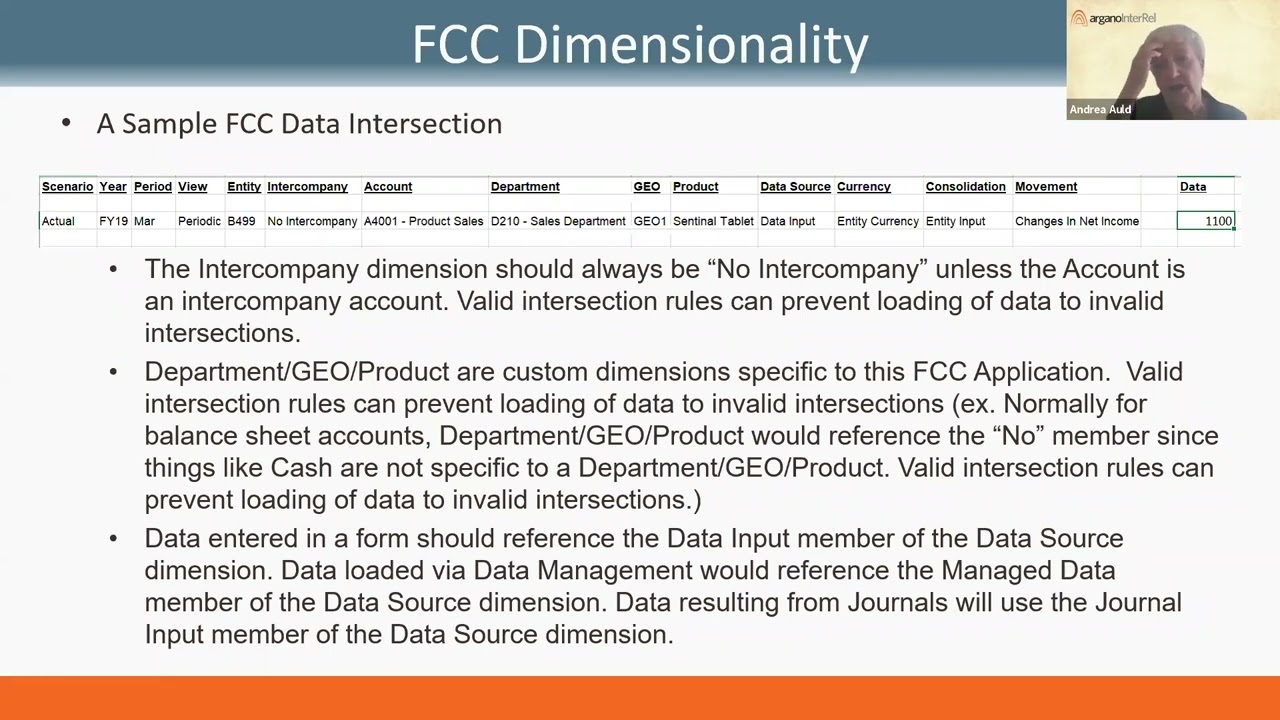
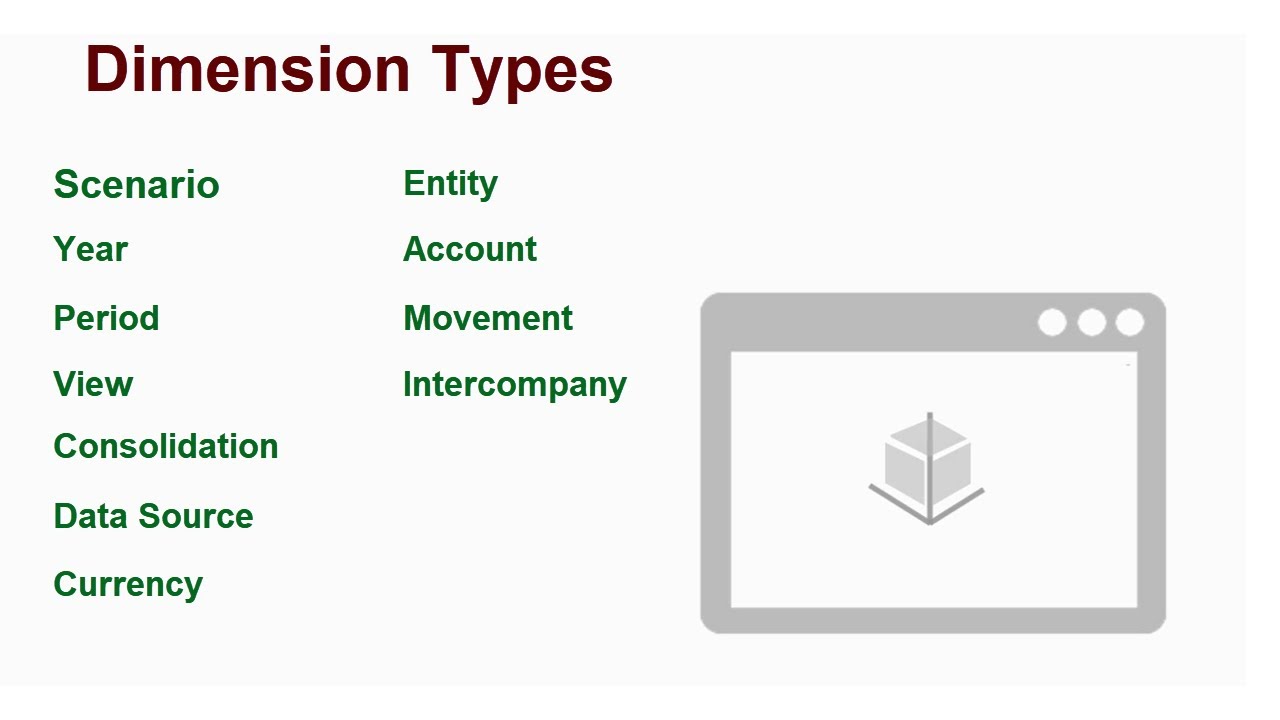
If you are a user, you can only see your own tasks. Data can be loaded via Data Exchange which allows for direct connections to all data sources, complex mappings and validations, and drill back to source. Within the application, there are 11 pre-built dimensions and 4 optional custom dimensions.
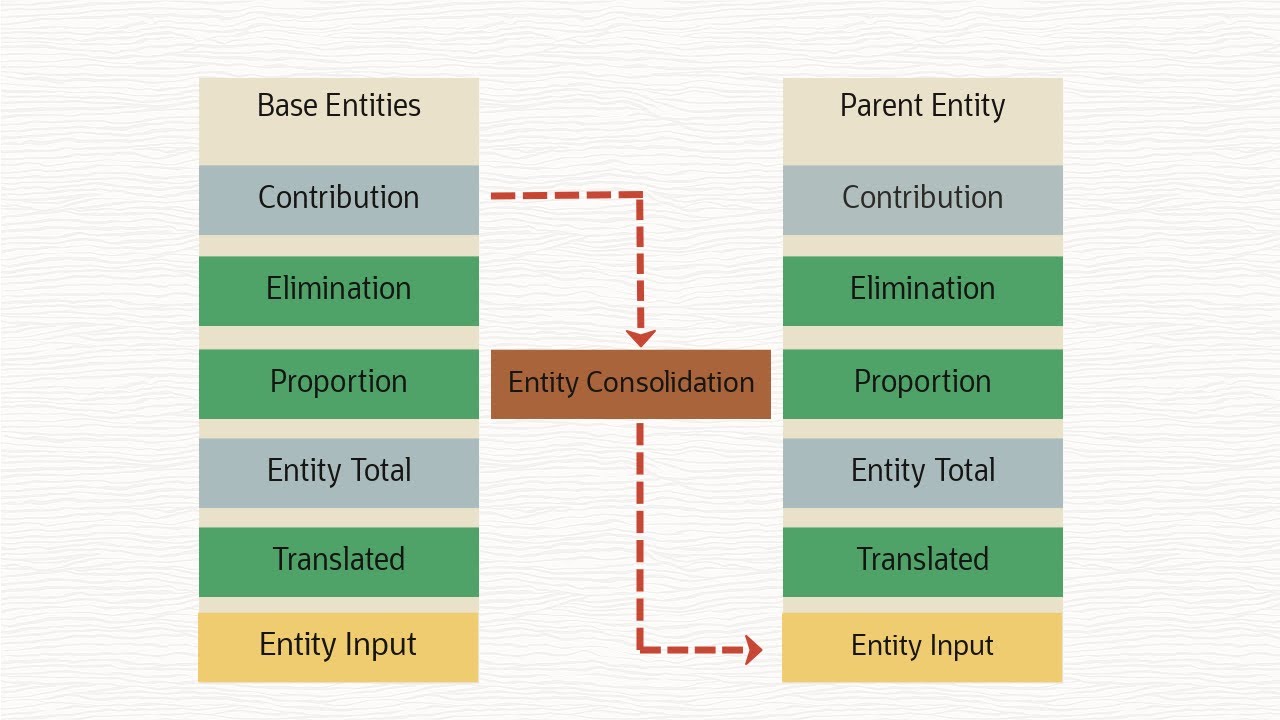
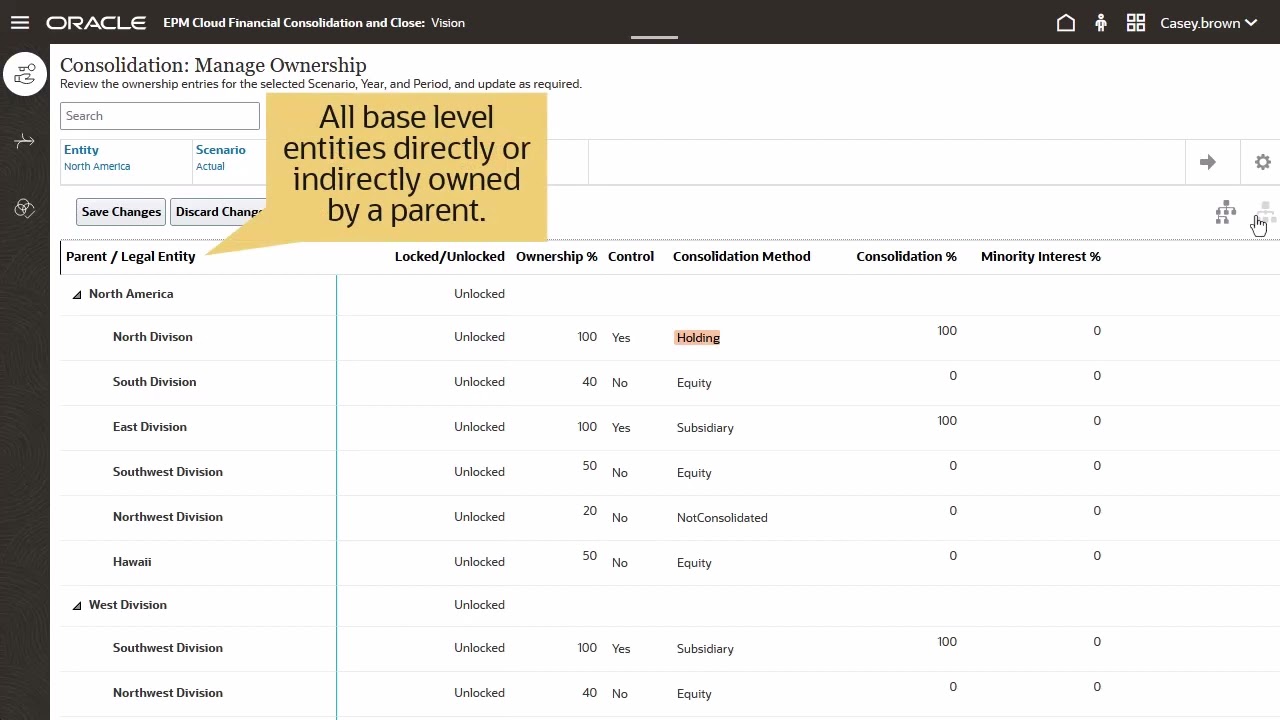
From the Application-Consolidation screen, you can access Manage Ownership to define all ownership percentages. The appropriate accounting rules to apply will be derived based on the input data. All activities, system and custom, for each step of the consolidation process are defined on the consolidation process screen.
Use the movement dimension to bridge the changes in balance sheet accounts. You will also have a complete cash flow statement without the need for any calculations. The cash flow report is generated using hierarchy properties and system calculations including opening balance and currency translation adjustments.
You can import or enter data using Supplemental data which allows you to extend your application to a more granular level of detail. For example, with your investments, you need to know your maturity dates, and payments. You can extend your application to get to that level of detail.
You can execute a consolidation and/or a translation to reporting currency using a seeded form called Data Status. You can consolidate from any period or range. Consolidations and translations can also be executed from any form or Smart View.
In Reports, you can have a FR report, Journals, Intercompany Report, Task Manager, Supplemental Data and Consolidation Reports. Once you run the report, you can see any out of balances between the two entities for the different sets of matching accounts. Journals can be created, approved and posted.
Go to dashboards to see Task Overview, Compliance Overview, and Financial Dashboards. For example, in Financials you can see a graphical depiction of the results for the company. This is the cash flow results over time, trend analysis by month, by quarter and by entity.
You can drill into the entities to see different levels of detail. You can view financial reports and you can use Smart View to view a form. In Data, you can select the specific currency to display.
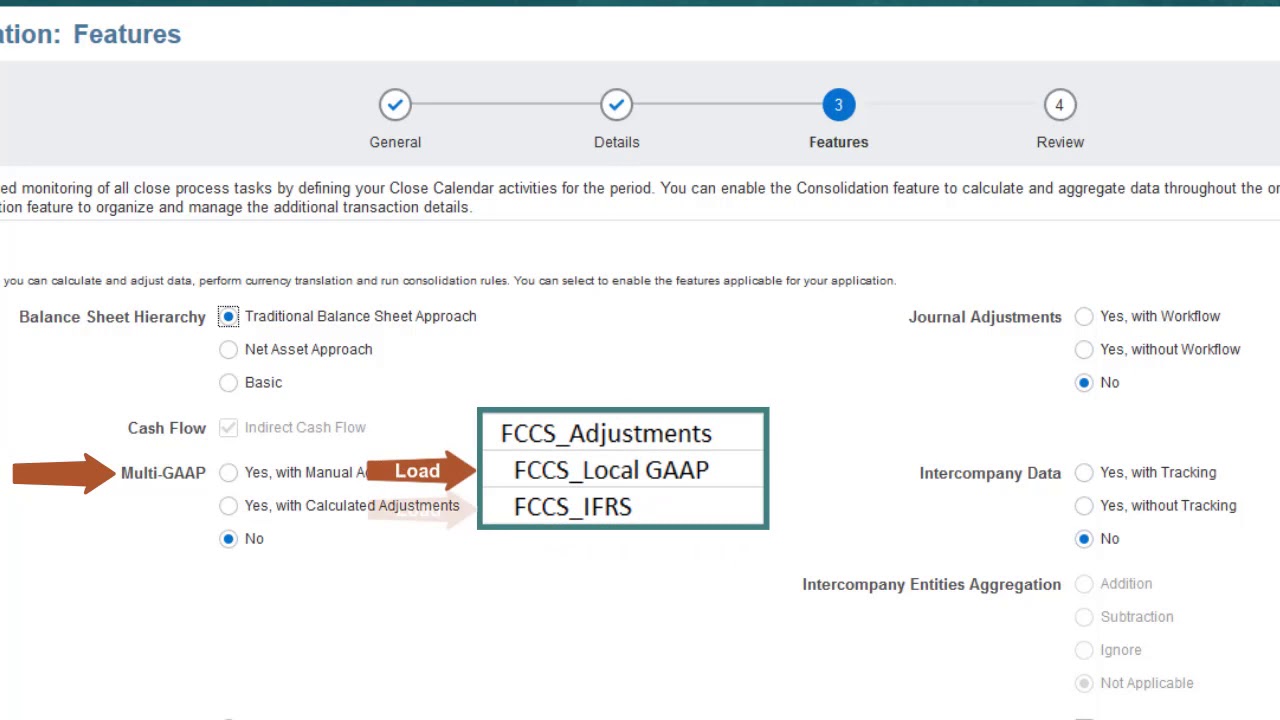
There is an application wizard which you can use to create the application. To learn more, visit docs. oracle.