foreign ERS my name is Jose Ignacio now since the launch of our help desk teams stealthywood has received a ton of support tickets now my teams have been working diligently to resolve them as quickly as possible but I want to check in with my customers even after their tickets have been closed now fortunately without his customer ratings feature I can do just that my customer ratings allow my customers to give direct feedback to my company just so that I could see how they felt about their experience was it good did we suck I want to
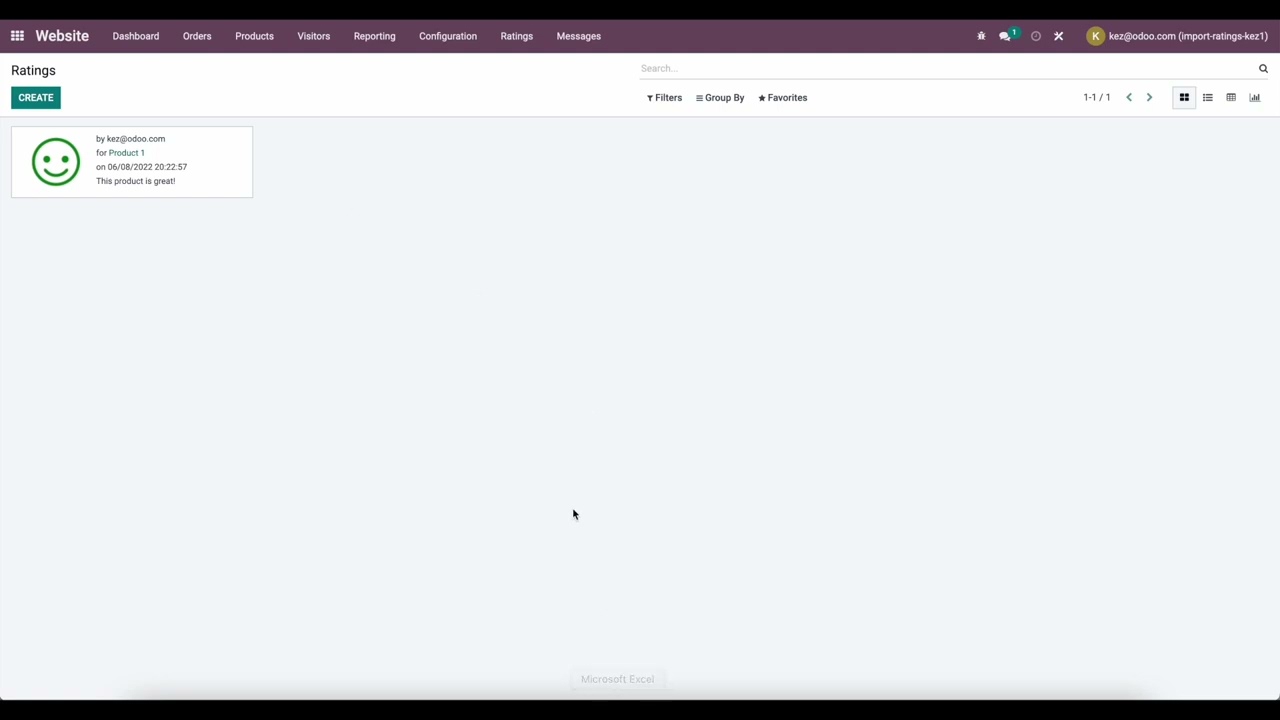
know now when a customer leaves a rating they can choose between a happy a neutral or a sad face but hopefully not they can also leave additional comments and feedback in the text box if they want to expand on their experience now ratings are a simple way to gauge how our customers feel about the support they received and using these ratings is a great way to evaluate our help this team's efficiency a lot of green smiling faces means we are on the right track too many red frowny faces well that means we probably have some
stuff to work work on so enough Chit Chat let's jump into our stealthy Wood Database to see how all of this works all right so the very first thing we want to do is I want to activate customer ratings in my help this team settings now to do that I have to locate the customer care team card which is right in front of us and we're back to those three dots that I keep talking about and where do we go from here well we go back into settings oh doers then we actually want to scroll
down a little bit over to the performance section make sure that customer ratings is checked off and when you do that you have two items that appear now the first item is an option to publish this team's ratings on our website if you choose to have that option odoo users with portal access will be able to see all the ratings for the previous month inside of their portal if you want to learn more about the customer portal including how to Grant access to customers I will link some documentation in the description below and in our
case we're going to leave that checked off because we want that now the second item is a link to set an email template on a stage this is how we can automatically send a message to our customers requesting a rating as soon as they take it has been solved so like all good things let's check that out oh doers alright so here we are on our stages page now here clicking the link takes us to all of the list of stages that we have inside of my help this team's pipelines along with you know which
helped this team is actually connected to each stage in this case some of them are only on customer care um let's select one of these the soft stage so here we are and that's basically since I want my customers to rate their experience after their issue has been solved so inside of here in the email template field we have an option to select as you guessed it I can select what type of email template I want to use now in our case ours is ticket rating request now this template comes pre-loaded with an odoo if
we want to look at or adjust its contents in any way we actually just got to click on this little arrow right there and we're going to do that let's go look at this template boom would you look at that it's simple it's efficient and beautiful now doing that reveals what the email will actually look like to customers and in our case it's just a simple one hello how did you feel about our services it allows people to pick between the emoticons I can edit the text freely I can even change a few things if
I wanted to I could add any attachments a picture of a doge anything that I want but it's beautiful so I will leave everything alone then once that I have everything in place with this template and I move I help this ticket to the solve stage as we just talked about odoo automatically emails this rating request to my customer and that's Ultra convenient oh doers doesn't get any faster than that and it should also be noted that if you have a live chat feature enabled for your help desk team Oda will automatically send a rating
request when a customer ends a chat so we got them everywhere we got them both after the ticket and if they're on live chat but let's take a look at what that looks like for a customer so here we are on the stealthy wood website now a customer could go to my website's help page as we just saw and they'll be greeted by the automatic pop-up over here with a live chat agent and they can begin immediately and in our case we'll let them know how we're feeling my life is falling apart coffee doesn't taste
the same nice little cryptic somber irrelevant message just to let them know we need help now once the customer is done chatting they can click on this little X up here to end the conversation and you'll notice something happened before the chat window closes however the screen changes to a rating request with the same emoticon options that we saw a moment ago in the email template now if the customer chooses a neutral face or the sad face a text box will appear just so that we can get a little explanation in our case he left
me on red beautiful perfect and once that they're done if they would like they can leave a copy to their email and we're gonna have this just for the sake of doing this and just like that we're done and boom after that we can send our email out and we are fully covered and that's just in case they want to have a copy of that and that's not too shabby right beautiful now at the end of the day customer ratings are crucial for improving any team's customer service skills and thanks to automatic email templates and
live chat rating requests I can make sure that every customer has an opportunity to be heard so stay tuned for a video on how to generate reports that'll help you analyze your customer ratings until then thank you for watching and I'd like to thank Johnny my help desk agent for always helping me out good night outdoers foreign





![What is Odoo with Full Information? - [Hindi] - Quick Support](https://img.youtube.com/vi/QMfWG_TRGnA/maxresdefault.jpg)