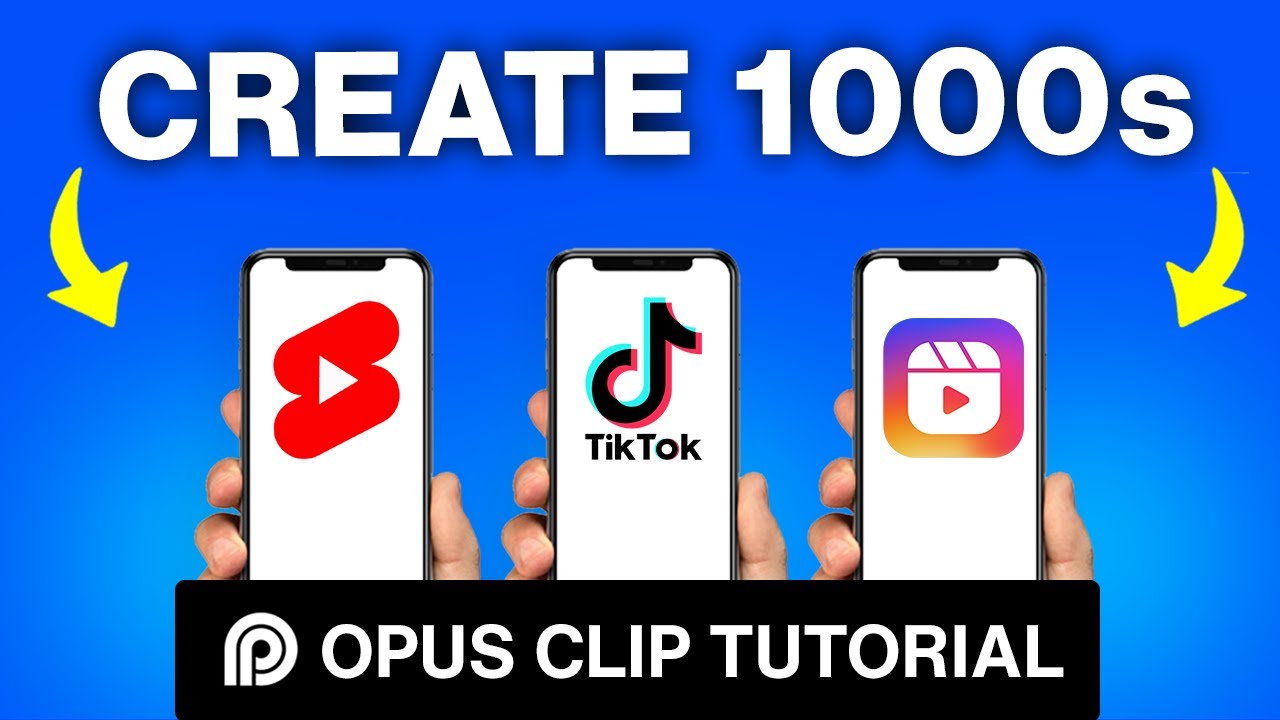
in this video I'm going to share a complete Opus clip AI review I'm going to cover everything you need to know about this AI video generator so that you can learn how to make videos in a fraction of the time now straight out I want to call this out that this is not a sponsored video in any way shape or form they don't even know that we're making this video I just think this is a really great tool and something that I've been geeking out on and something that we've been using to help generate portrait
videos from our longer YouTube videos too and also it's something I'm pretty pumped to share with you so let's take a look all right so we're on the Opus clib website now and straight away they say that this is a generative AI video tool that helps you repurpose long talking videos into short videos in one click scrolling down a little further they explain how it works so their AI here analyzes your video to identify the most compelling hooks it then extracts the relevant juicy highlights from different parts of your video and seamlessly rearranges them into
a cohesive viral short video it's a pretty big promise but it actually does an amazing job it also add analyzes the different videos that it creates and it gives you this virality score based on how it thinks this video will perform as a viral video it's also got active speaker detection so it's going to automatically detect faces and things inside your videos and make sure that things are framed correctly which is really what you're going to need to create an effective say portrait video from a longer widescreen video you want to make sure that you're
showing the right stuff but not only that it also captions your videos as well and adds the subtitles and the text but it also has the ability to add highlights to those twoo so that your keywords and things will stand out and now we'll even add in emojis and different graphics and things to make your video really stand out and to make it more engaging so there's a lot of functionality in here and even some cool stuff that they've got in the pipeline as well now I'm going to take you through the process of making
some videos here really really soon but you can see we can easily add the animated captions there's multiple speaker layout support we have the ability to trim and extend our clip so it's not just locked into the clips that they're providing for us we can actually make changes and tweak and adjust them too there's also things like filler word removal here as well to help tighten up your edits remove any ums and as's to help you create Punchy videos we also have the ability to customize up The Branding so we can build out templates and
things in here and there's even now multilanguage support too the feature that I'm really interested in testing out once it's released is this AI broll where it says it can automatically add relevant b-roll to supplement your video clips so this tool is a said is already amazing and something that we're using a lot but something like that is really going to take it to the next level as well so let's come back up the top here you can sign up for free the free plan is actually really amazing with what you get access to I've
already got an account so I'm going to choose sign in so then this is what you'll see down the bottom here you've got your previous videos that you've imported and at the top here is where we can start to make new videos now it does show the types of videos here that work really really well and the ones that it doesn't recommend but we have the ability here to upload an MP4 anov or a webm file so something that we've got locally on our computer we can upload here or we can also just copy and
paste a link in from places like YouTube Google Drive Vimeo Rumble and other sites as well it's just got to be a public video link it can't be a private video so I've just copied one of our YouTube video links here I'm going to paste it in we can then choose how much of this 10minute video in this case we want Opus Clips to analyze so if you don't need to process the first 5 minutes of your video then we can shorten that down here and because they run on a credit based system this will
actually be cheaper for you if you know that you're not going to have anything usable in that first part of the video we'll get to the pricing very soon too but it is ridiculously cheap the next one down here preferred clip length this is important if you're going to upload to places like YouTube shorts where there is a 60c limit so you want to specify that here there's no point making 60 to 90c videos if you can't upload them where you need to but what you can also do down here is add in some keywords
around the types of content that you'd like this AI to pull out from your video so if there's specific topics that you're covering that video that you want some clips generated around you can add some keywords in here to help with that now in my experience we've actually generated some amazing videos here without giving it any extra keywords or guidance here so I'm just going to leave this as it is then we come up the top here to get Clips in one click which is really the go button that's going to go ahead then and
process that video and you can see here we've got some details around what's happening estimated wait time is around 7 minutes it's currently processing and analyzing it's at 10% and it says here you can safely leave this page we'll send you an email notification when it's done all right so that's done now it did take around the estimated time around 7 minutes I'm going to click on our clip here and you can see how many Clips it's generated for us here so we have nine of them here each one of them has a title that
is generated it's got the virality score here we can see how long the clip is that it's gener erated and let's go back to the top and you can see as we go back through these that virality score is actually getting higher so generally what you'll find is that the ones at the top are the ones that it thinks are the better videos and again this is with no guidance at all from us we can also see the transcript here for which section of the video it's pulled out and we've got the ability to play
the video here to download to share it out and we can also edit it too so let's hit play on this one last month we made over $20,000 from affiliate marketing alone so in this video we're going to go behind this let pause it there so you can see we got the titles happening it's accurate it's highlighting the word that's been said or the keywords in here and it looks pretty good the scenes and I'm going to share with you a full breakdown on where that Revenue comes from and how we grew our affiliate income
to be so this section here is actually the start of our YouTube video so I'm going to scroll down a little bit further and let's find one that's in more of the content section instead of just the hook at the start of our video so this one here build trust in affiliate Market marketing promote products that actually help it gives us a summary here the video begins with an attention grabbing hook addressing the negative Trend in affiliate marketing it maintains coherence by discussing the importance of considering product quality and value prioritizing audience trust over short-term
gains even this is an awesome little summary here so let's hit play and see what it's generated there's so many people out there giving affiliate marketing a bad name because they're opting for the highest commissions I'm going to promote this service because of how much money I'm going to make but that's really shortlived so you got to think of affiliate marketing like you're going to give your recommendation to your closest friends and family members you don't want to recommend bad stuff you don't want to recommend stuff this stuff so this is awesome this is a
great nugget a great short clip that's been pulled from our longer form video so from here though we can hit edit if there's any changes that we want to make we can see the section of the video here that it's selected we can also see the keywords that it's pulling out that it's featuring for us we've got the Emojis and graphics and things in here here and we can make changes to this if we need to up here under Design This is where we can do things like change up the captions we can adjust the
positioning of them so maybe we'll move it to the middle we can also adjust a transition or an effect for these as well so I love how easy it is to customize this stuff up we can also add in a screen overlay so if there's a graphic that we want to bring up maybe Primal Video logo or something that we want to add in here we can easily do that in here too we've got control over the fonts the colors we've currently just let this here on auto layout but you can see there's different layouts
that we can pick depending on the types of videos that we're using originally or even the ones that we like to make and we can also trigger the Emojis on or off here too up the top here we've got access to our templates so we can save different presets and we can edit and build out our branding templates in here too so this way we can go through configure everything up to match our brand once and then we can just apply that preset to the remainder of our clips and down the bottom here we've also
got our timeline where we can can preview our edits here we can see the different clips and things that this has cut and selected for us we can also trim down or shorten our video from here as well now before you save out your video it is a good idea to obviously play through it make sure that everything's as you want it also look at the captions because if there is any typos or any mistakes or anything you want to fix we can do all of that before we save it out when you're done once
you've reviewed it all we can come up here to save and compile we can then see that it's building out this video here for us this happens really really quickly and once that's done we can hit download here and our file is downloaded there's so many people out there giving affiliate marketing a bad name because they're opting for the highest commissions I'm going to promote this service because of how much money I'm going to make but that's really short live some pretty amazing and fast there's also the ability in here to automatically post directly from
here to places like YouTube Tik Tok Instagram reals and Linkedin but for that you will need to be on their paid option so in terms of pricing then at the time of shooting Shing this video the free plan forever here it says will give you 60 Minutes of free upload minutes per month it'll give you up to 1080p quality for your Clips there's the auto reframing feature built in but these clips do have a watermark now up from that you can jump on their essential plan this is obviously going to remove the watermark it's also
going to give you faster processing so the ability to jump ahead in the queue this is where you'll also unlock a lot of that extra AI functionality that's in here too with the custom branding templates that auto post to the different platforms as well and pricing Wise It's a sliding scale based on how many videos or how many minutes you actually need to process per month so the monthly plan here starts at $19 us which gives you 200 upload minutes so even that in itself is a lot of time but you can see that as
we increase the amount of minutes here then the price for that goes up there is also an annual option for this as well so if you'd rather jump on an annual plan then you've got that sliding scale here too starting at $114 us for the year now it's also worth noting this little area down here that there is a Pro Plan coming later this year as well but again given how fast you're able to automatically find the good parts of your videos and have that edited for you with with captions and graphics and things and
soon to be b-roll as well I think this is an amazing service now the last thing I want to call out here is why we were able to generate nine Clips here from that one YouTube video what we usually find is that we're able to post or use about five of them in terms of the content being on point and it not being misleading for the viewers so while yes it's generating nine we normally find around five of them each time we do this so I just wanted to set that expectation here for you and
obviously that's how we came up with a title for this video too now that you know how to create amazing looking videos super fast using Opus Clips if you want to geek out on the AI stuff even more then check out the video that's linked on screen where I share our top AI video editing tools as always check out the links in the description box below as well we got a bunch of resources and tools down there to help you and I will see you in the next video



![Film YouTube Videos On Your Smartphone By Yourself [6 Easy Steps]](https://img.youtube.com/vi/QICqk4W047M/maxresdefault.jpg)