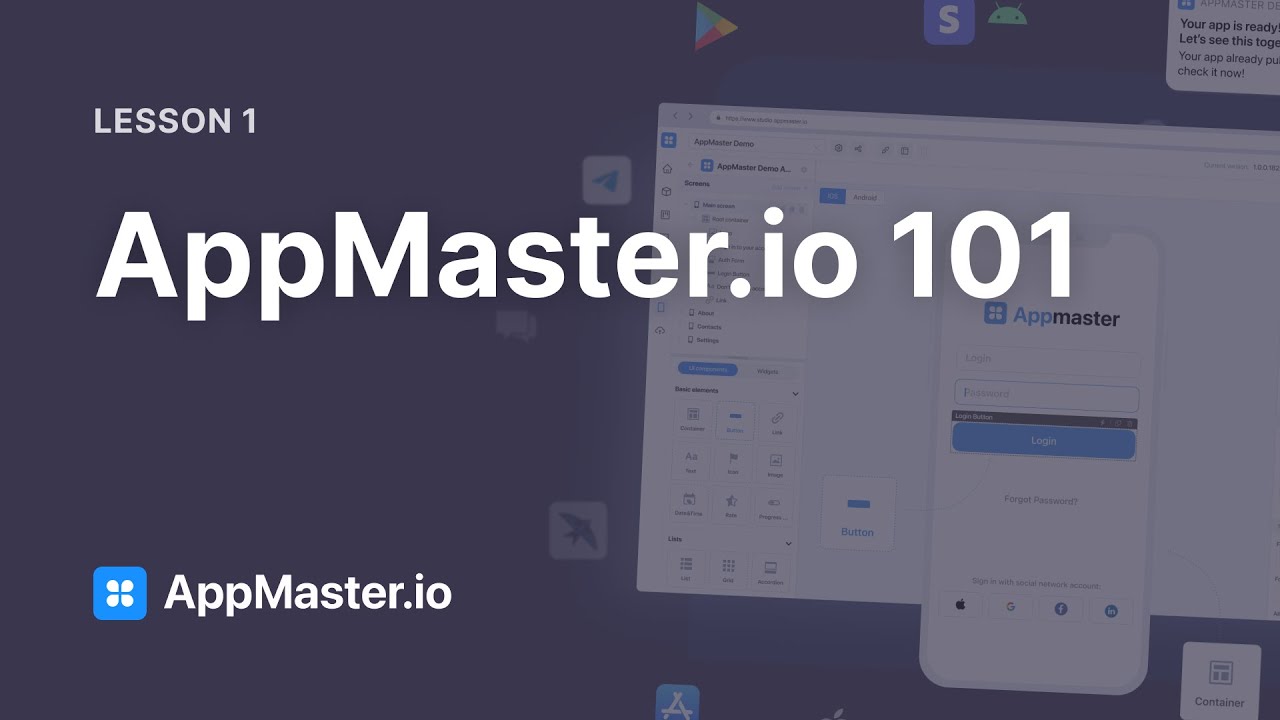
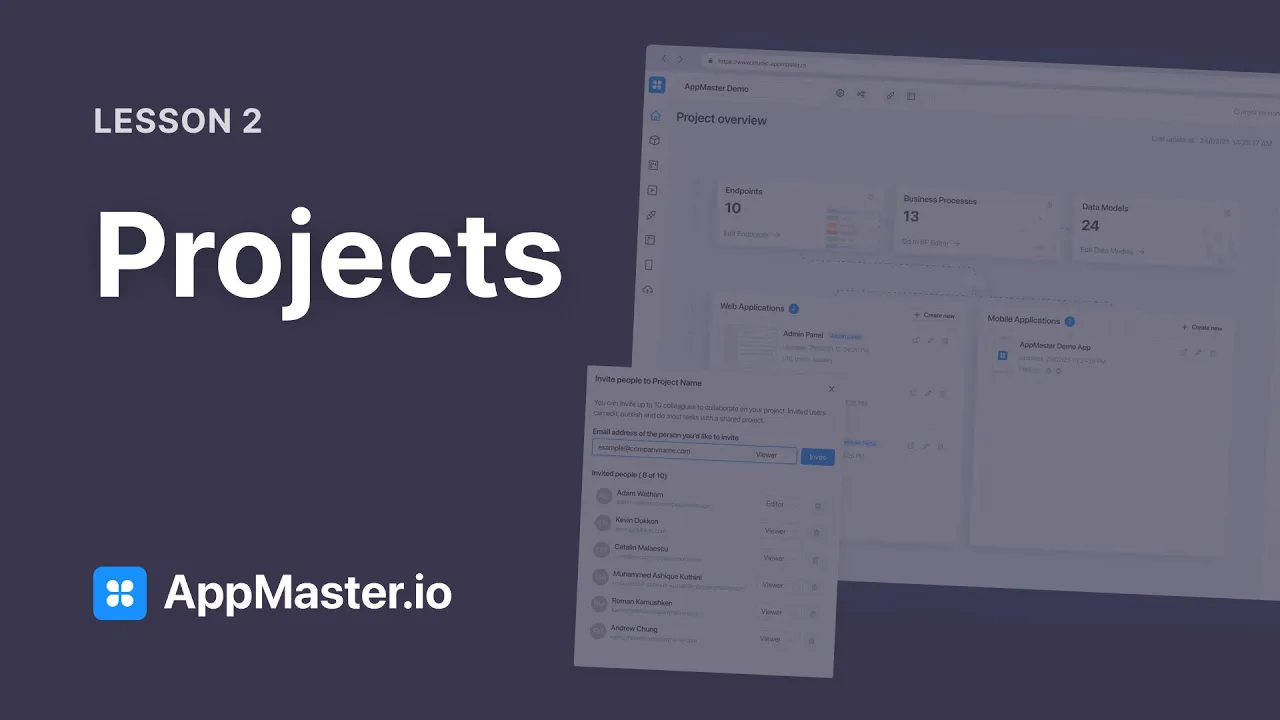
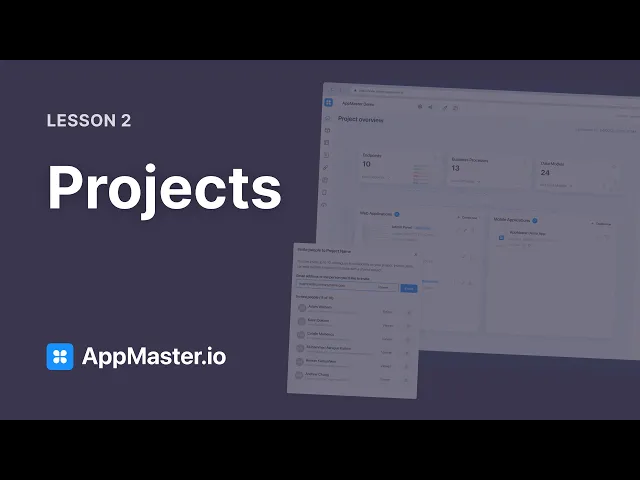
[Music] let's start our course by talking about how you can organize your applications within the app master platform each application that you create lives within the project each project can have its own settings its own collaborators and its own deployment plans the amount of projects that you are able to create and the conditions on which those projects exist such as the amount of computing power and storage that you have on our servers will depend on the specific account plan that you have chosen now let's see what we're gonna cover in this first lesson on projects
first of all we talk about the three layer architecture a useful framework to understand how modern applications work under the hood we'll then go talk about the platform ui and what you can expect from it then we'll cover modules and how you can extend the functionality of your app with just a few clicks lastly we're gonna cover the project settings and how you can change them let's get going let's first talk about the three layer architecture model each modern application has three principal layers the data layer where all the data of our application is stored
then we have the application layer the application layer processes and analyzes the data and communicates between the front end and the back end of our application lastly we have the presentation layer and this is the layer that the users actually see that could be a web page or for example a mobile application on the app master platform we can build all of these three layers and not leave the platform let's see how we can do it when you create a new application you'll be presented with the following screen here you can access the most important
components of the application in the upper bar you can select the project that you are currently working on this can be any of the projects that you have created or any of the projects that have been shared with you we can then access the project settings sharing api documentation and any of the web and mobile applications that you currently have deployed in the project overview we can see the backend and the front end of our application the data models is all the data structures that you have created here we'll store all our data the data
models represent the data layer of our architecture then we have business processes and this is the logic of your application that's how we process and analyze the incoming data finally we have endpoints and endpoints are essentially gateways to your application that's what third parties or our front end uses to communicate with our back the endpoints and the business processes together constitute the application layer of our architecture finally we have the front end any of the web applications and mobile applications ios and android that we have created this is a presentation layer of our architecture finally
on the right we have our deploy plans and this is all the deployment plans that you have created you can access their basic info over here turn them on and turn them off and finally access them through their server url in the next few lessons we'll cover all of these different aspects in more detail before we move on it is important to mention modules modules can be found on the sidebar these are pre-packaged components designed to use a specific service for example we already have to install one for authentication and another one for the map
if we now go to the marketplace we'll be able to find even more modules to add to our project some focus on messaging services others on storage others on email and more a lot more modules will be added here in the near future each model will add a different number of components to your project for example authentication adds data models business logic endpoints and even a middleware other modules such as for example telegram only business logic now to install a new module you just press this button install and there you have it that functionality is
already implemented in your project now to make any edits and to change the settings of the module you just click it and here you'll be able to find all the different settings the documentation for each one of these modules is available on our website let's also have a look at the different project settings that we can change they can be found over here first of all we have the project details such as the name description terms of service and privacy policy this last two will be displayed to users when they first sign up then we
have the project users you can invite up to 10 colleagues to collaborate with you on the project either as viewers or editors now please keep in mind that if one person wants to edit a resource that another person is editing at that same moment they'll have to wait until the second one finishes this is in order to make sure that no changes are overlapped the next option is how to generate front-end when you add new modules to your project or new data models our system automatically generates pages on the front end to view and edit
those data modules now you can choose here if you want for that action to stay as is to only generate front-end for modules or to note how to generate any pages at all you can set settings for the back office the web application and for the mobile apps separately finally you have transfer project ownership here you can change the owner of the project this setting can be very useful for example if you are working for a client and deliver any project to them [Music]







![Kubernetes Crash Course for Absolute Beginners [NEW]](https://img.youtube.com/vi/s_o8dwzRlu4/maxresdefault.jpg)