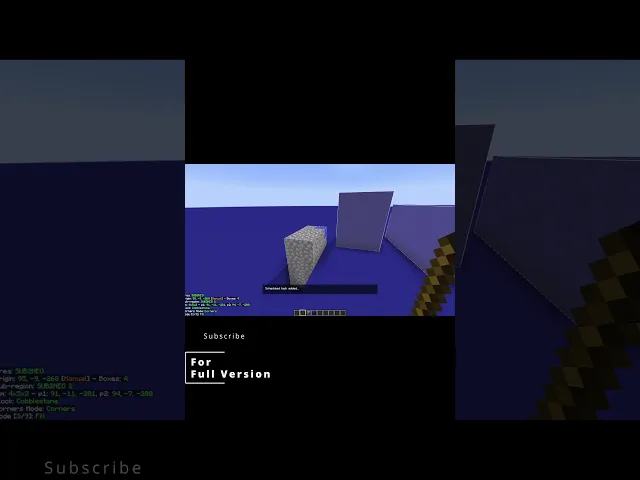
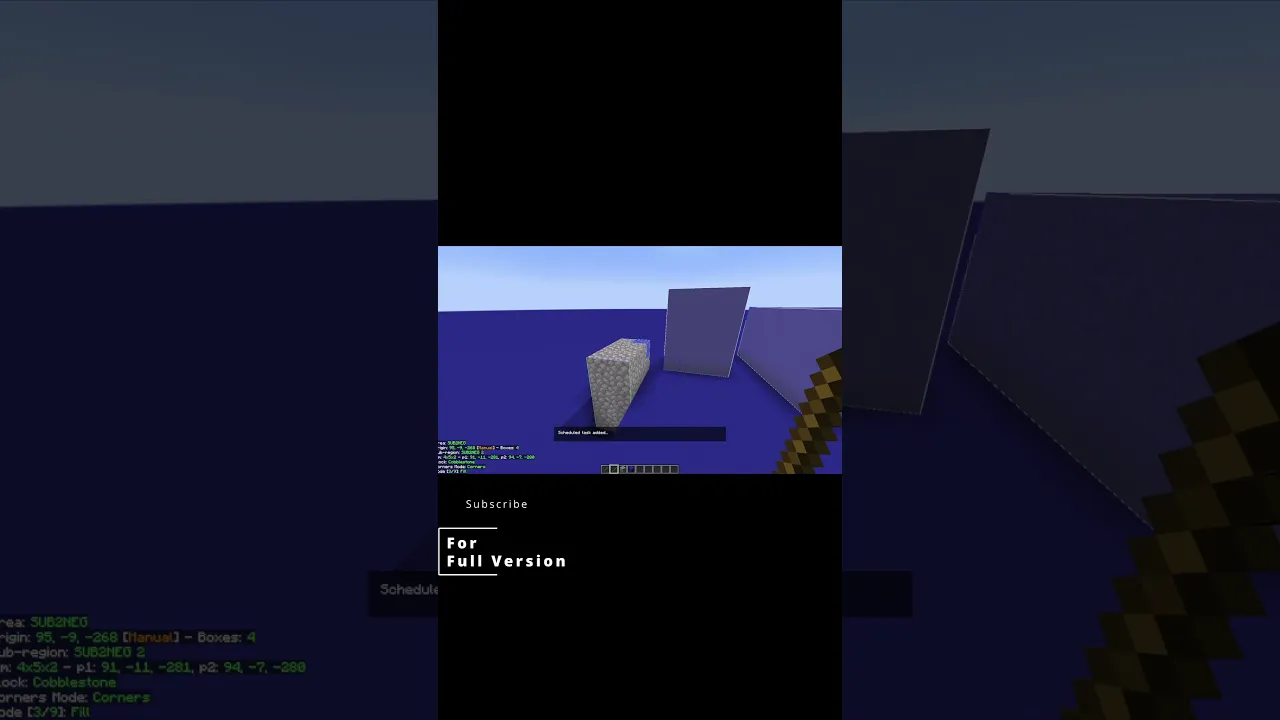
so for those of you who've been following along with this search series the this area looks familiar because this is the schematic we've been working with so i had a mishap with the build command because i didn't have a specific subregion selected so i made a new one just to show y'all how this works first you're going to hold alt and middle click with your tool on a block you want to fill an area with i have cobblestone selected then you press your execute operation key and it will fill the entire area and again if
you don't have a specific subregion selected but you do have a area selected like the this one right here it will fill all the subregions within it i discovered that be careful