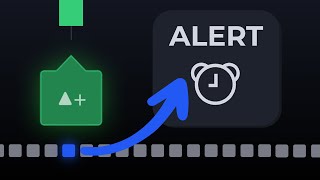
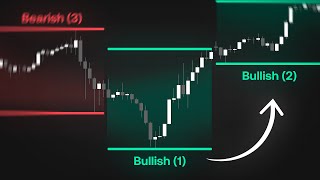
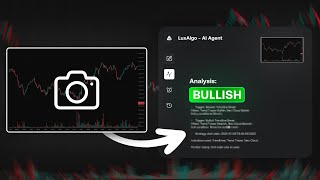
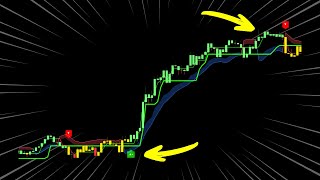
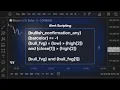
this feature lets you transform any strategy into a fully custom alert directly on trading view No Limits just pure creative control it's called alert scripting and it's by far the most powerful alert system ever developed on trading view we're putting that power right into the hands of every Trader we'll guide you through everything you need to know from placeholders and operators to syntax and real world script examples by the end you'll have the skills and knowledge to build the most powerful alerts and take part of or your entire strategy to the next level so what
exactly is alert scripting simply put it's a way to create fully custom alerts from the ground up unlike basic alerts which are predefined and trigger on simple signals alert scripting allows you to build alerts for just about anything you can imagine each alert script is made up of three key components placeholders operators and the syntax once you understand these you'll be able to create any alert you can imagine we'll start with placeholders there are over 100 placeholders available when combined across the price action Concepts the signals and overlays and the oscillator Matrix indicators and they
can be grouped into seven main categories the first which are the market data placeholders these placeholders include anything related to basic data on the chart such as a candle close open or volume next we have time related placeholders these allow you to carve out specific time periods to trigger your alerts such as the New York London or Asian session external placeholders allow you to use up to five external indicators as a part of your script for example the macd the Ballinger band or a moving average they all can be combined with the features of the
Lux algo indicators to create more complex alert systems next we have custom alert Creator placeholders these allow you to reference a setup that you might have created using our previous alert system next we have sequencing placeholders these will help when creating alerts using the steps feature or if you're invalidating a condition which now brings us to the toolkit specific placeholders these are placeholders that are exclusive to each of the three toolkits and provides you with direct access to all the features within each indicator and finally UDP or userdefined placeholders lets you create a brand new
placeholder based on a set of conditions you define and then you'll be able to reference those conditions in the future by just using that placeholder name you created earlier now this is a lot to take in but stay with us because we'll be showing you examples of using these placeholders shortly but before that to make use of these alerts you'll be using them alongside what are called operators these can be broken down into three categories there are comparison operators which as the name suggests can be used to compare two or more items for example to
check if two items are equal greater than or not equal to each other there are also cross operators that help identify the exact points where two values intersect The Logical operators will allow you to connect blocks or conditions together this will be done using the key phrases of and or or and finally we have the historical referencing operator which allows you to access past data to start using them go to the settings of the indicator scroll down to the alert scripting section and this is where we can start combining our placeholders and operators to create
alert scripts so let's break down the anatomy of a few alert scripts here this script is for the oscillator Matrix we're checking for a bullish Divergence occurring during bearish overflow but the hyperwave must also be below the 50 level and has started to Trend higher now to break down this script we have five placeholders and six operators three of those operators are logical operators two are comparison operators and one is an historical reference operator placeholders are always enclosed in curly brackets this is how the script knows they are placeholders and The Operators are being used
to collaborate those placeholders so we have a placeholder that is first looking for a bullish Divergence but the and operator ensure that this condition will not be true unless there is also an oversold bullish hyperwave once both of those conditions are met it then looks for a overflow reading that needs to be below 50% and the current hyperwave reading needs to be greater than the previous hyperwave value and if this hyperwave reading is true it means the hyperwave slope is upwards now this is an example where we use the and operator the and operator means
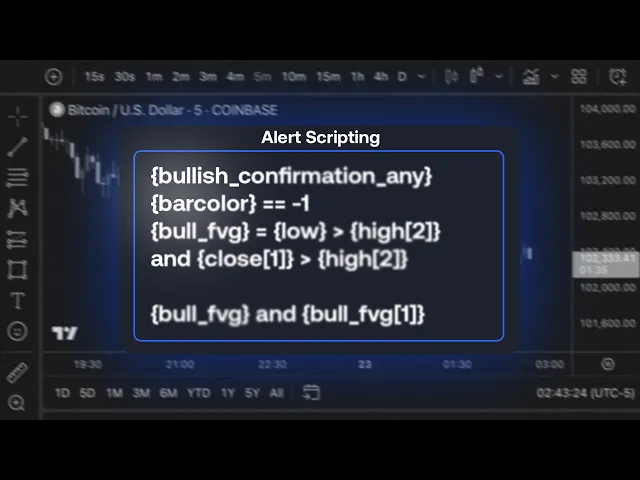
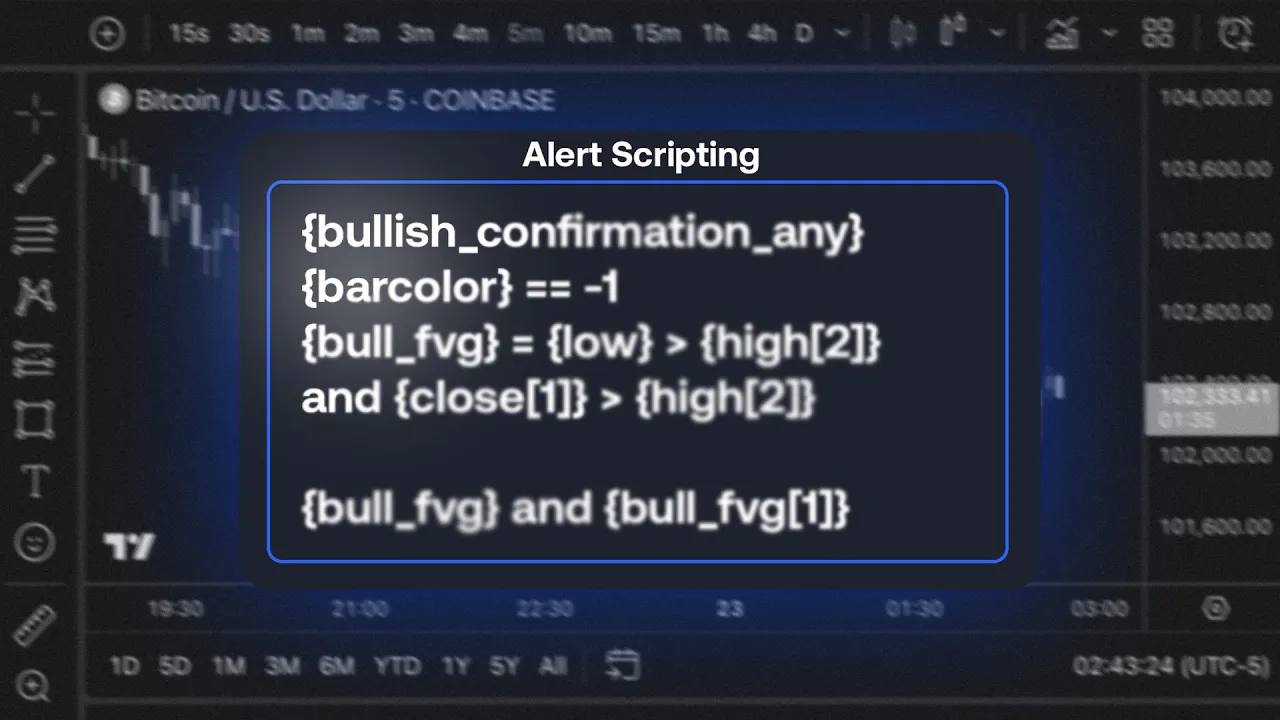
that all those conditions must be true at the same time in order for the alert to be triggered let's look at another example where we use the or operator in this example we're using the signals in overlays toolkit and we're looking for bullish confirmation signals within a specific time period we're still using an and operator but notice how we also have an or operator so now we have two main blocks of script which are looking for bullish or bearish confirmation signals during a specific time of the day and they are connected with an or operator
so either of these conditions needs to be true in order for an alert to be triggered now with this system you can of course create really complex alerts spanning multiple lines so what if I wanted to reference this exact set of conditions again without rewriting the entire thing well that's where UDP or userdefined placeholders comes into play this will allow us to easily reference this set of conditions at any point in the future without rewriting the entire script for example to access these conditions again e easily in the future all we need to do is
create a new original placeholder name we'll call it session execution and have it equal to the conditions we outlined now we can call session execution at any point in the future to be able to use those exact conditions again now udps as well as any placeholders for that matter can also be used in steps the steps feature allows conditions to be executed in very specific sequences before an alert is triggered and to achieve this we'll use LINE breaks in this example we're looking at the price action Concepts toolkit and in this sequence which uses steps
we're looking for the following conditions a 200 simple moving average crossing under the closing price then a bullish change of character followed by Price entering an order block with higher buying volume than selling volume then a bullish break of structure let's break down the alert script in the first line we Define our UDP which checks if the buying volume is greater than the selling volume within the order block and we Nam this placeholder volume Checker we will be using this later in in the script on the next line which represents the next step we check
if the external indicator has crossed under the closing price external one is the moving average which we have on our chart and have set using the drop- down menu next step we check for a bullish change of character and since there are two types of bullish change of characters we use the or operator to check both we then check if the price has entered an order block but we're also going to use our volume Checker UDP which we defined earlier and by using an and operator we ensure that both conditions are true so we're checking
if price has entered an order block and that buying volume is greater than selling volume once these conditions are met we move to the next step which is checking for a bullish break of structure but we can add further logic to this we can also incorporate an invalidation step using the invalidate feature we will have it restart the sequence from step one if at any point during these steps a bearish change of character forms or if the number of bars between steps is equal two or greater than 40 candles this will ensure that the sequence
happens exactly how we find it and also that the steps are not too far apart this is a great example of how you can use the alert scripting feature to create really complex alerts for your strategy now as much as we've covered today we're still only scratching the surface of what's possible with this new feature but we hope this video gave you valuable insights into how alert scripting works and how the scripts can be constructed we're excited to see how you'll use this feature let us know about your experience in the comments and be sure
to join our Discord Community to provide feedback and help shape future updates to this feature thank you for watching and until next time