a lot of times when we have a specific piece of communication that we need to do we run over and we open up PowerPoint and we just start to think linearly well you're like okay slide once like this I'm going to go grab six slides over here to from this deck to it we Frankenstein this thing together and we jump up and then we present and we think that that's effective communication and it's not in reality what you need to do is think about your audience just obsess about the audience and then think about stories
and ways that you can make a heart-to-heart connection with them think through what the one big idea is you want to convey and then you build all the content around that the most important thing to remember when you're building out your slides is contrast you need to prioritize for the audience the order in which they're to process your information so you've got to think about how their eye is going to flow across the information what's the most dominant thing so what's primary what's secondary what's tertiary information you can use colors to do that you can
use shapes to do that you need to simplify everything because if you think about the concept of contrast you can think about its opposite which would be camouflage right right now in slide decks everything looks the same there's not one dominant thing and there's not everything else secondary to that so if you think about camouflage and you look at every slide as if you're trying to minimize the amount of camouflage to your idea you can actually find that one key thing that you're trying to do and just amplify that by using a big contrasting color
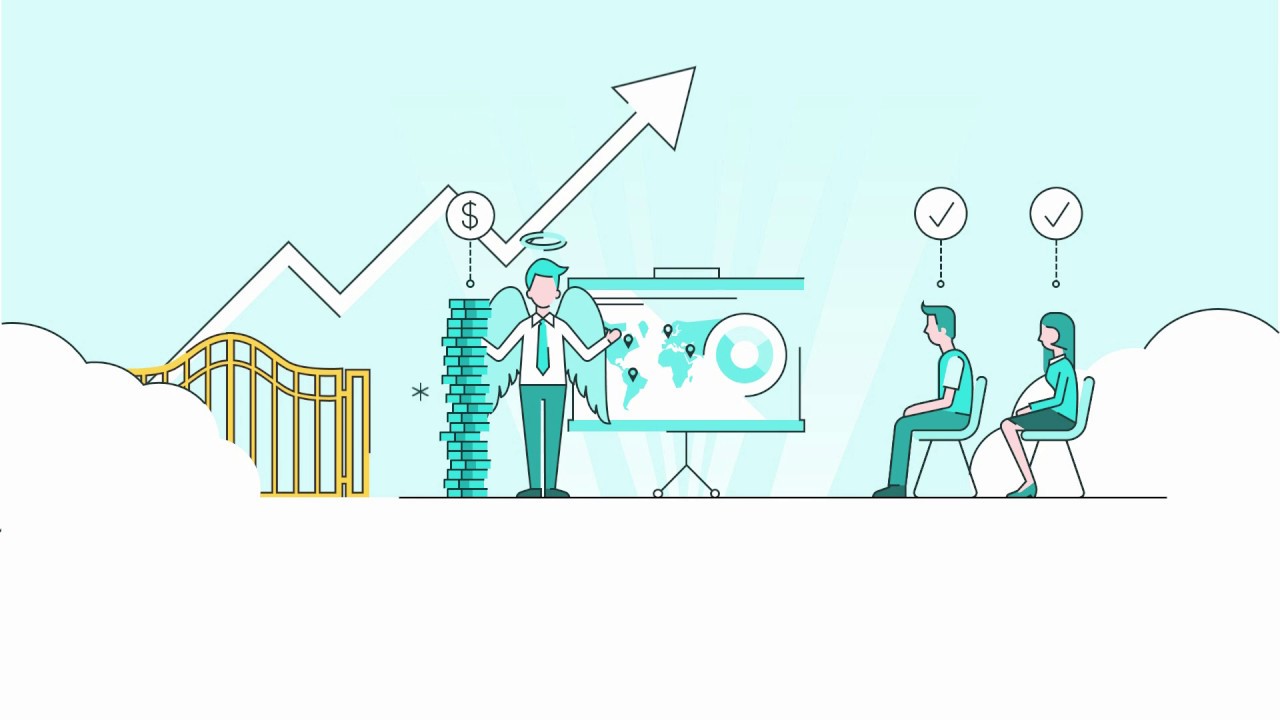
or making a really minimal color palette making that one thing pop out it's really important that it pop the one idea so every slide should have one big idea and you need to make sure visually that that one big idea is amplified and not lost in the mire of your speaker notes one of the things that's happened is we use PowerPoint two ways you could use it as a visual aid or a cinematic backdrop to support your idea when you're onstage presenting but the other thing that's happened is it's become our visual document tool instead
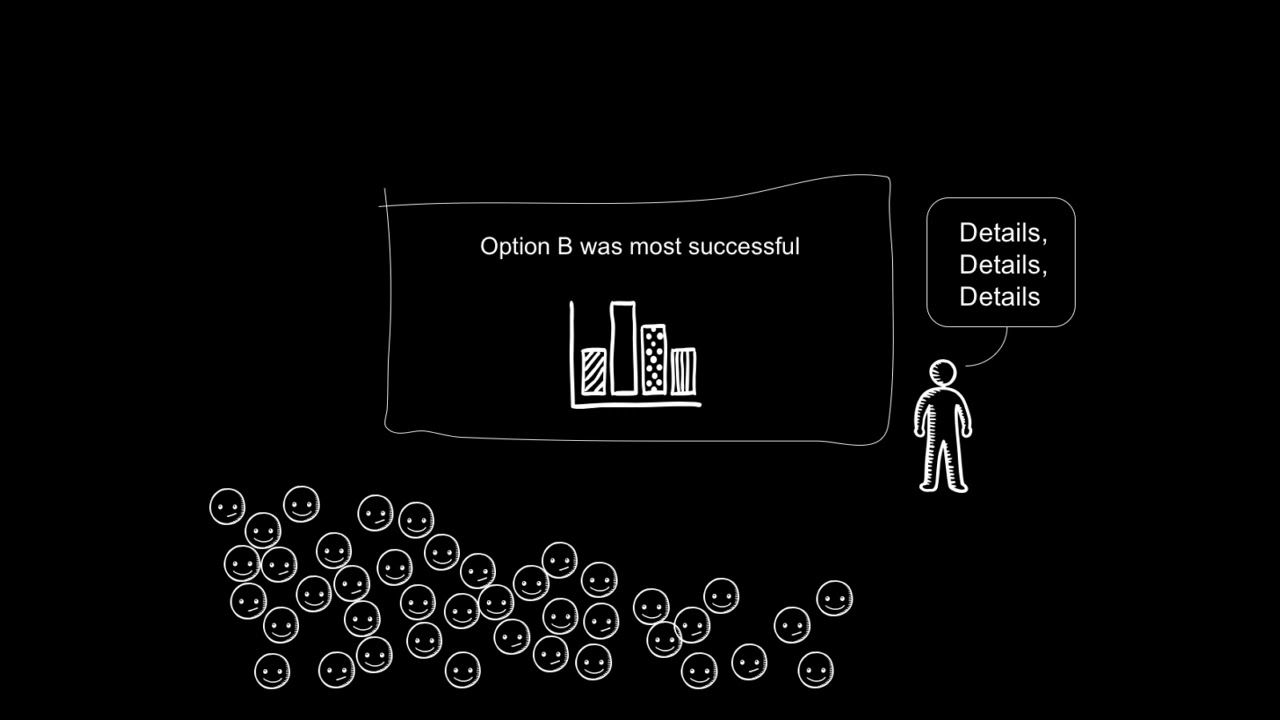
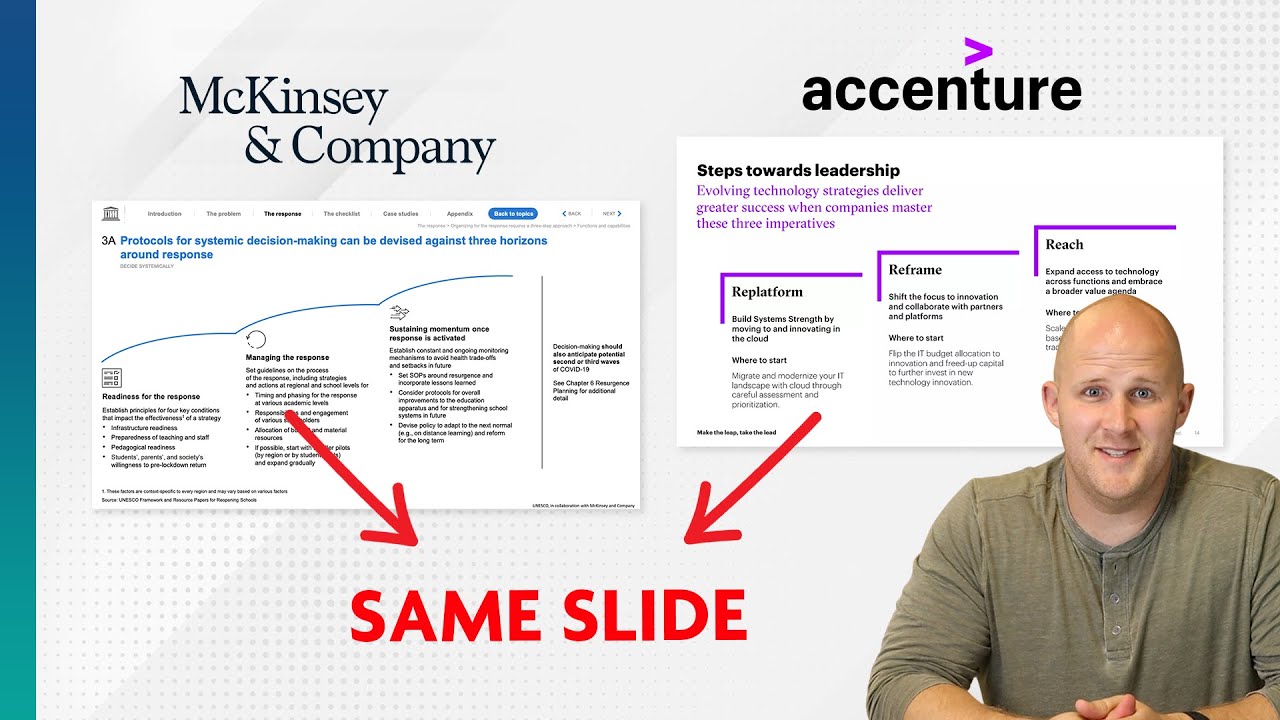
of people running out and getting these very expensive design programs we're designing our documents in corporations in PowerPoint but the flood and that's great you could use it for your cinematic you could use it for your documents but the problem is we're in this weird blurry in-between thing where it's kind of this mix between a document a teleprompter thing and it's got tons of text and then what happens is you show up to an audience you turn your back to the audience and you're hosting a read-along well the audience can read faster than you're spewing
out the bullets and they're thinking this guy's idiot I already know everything what he's saying because I already read ahead we don't want that to happen to you so you want to make sure you're either either using it as a visual aid or as a document if you're choosing to put a ton of words on it and you're choosing to use it as a document distribute it as a document talk about it as if it's a document but don't stand up and present your documents to an audience