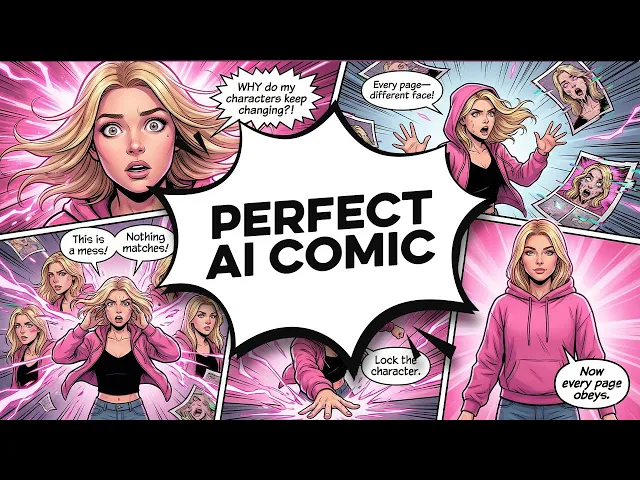
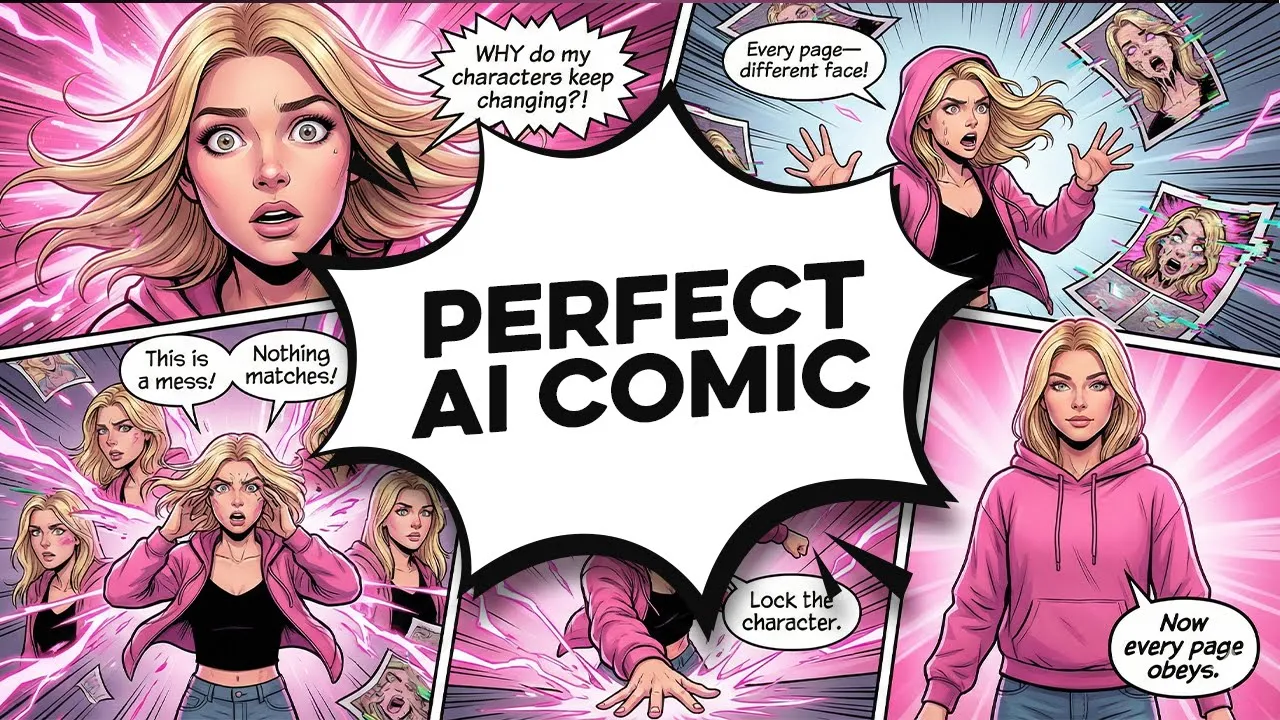
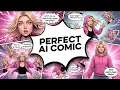
I've been testing AI comic creation tools for a few weeks, and honestly, most of them were absolutely terrible at keeping characters consistent. You'd generate one gorgeous image of your main character, then try to create the next scene, and suddenly they'd look like a completely different person. But then I discovered Open Art, and it completely changed everything.
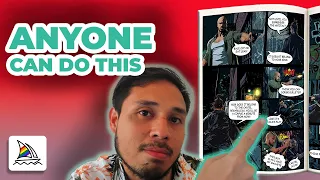
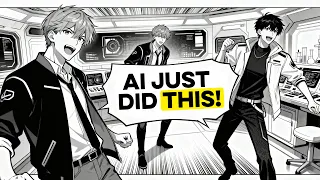
Look at this comic I created using their character consistency feature. same beautiful character, perfect consistency across every single panel, and I made this entire magical story in just a few hours. Most people are still struggling with characters that change between scenes, wasting hours trying to get the same face twice.
But with the exact process I'm going to show you today, you'll create professionallooking comics with characters that stay perfectly consistent throughout your story. The biggest issue with most AI comic projects is what I like to call the reference spiral. You make one good image, then keep changing the prompt to get similar ones.
Each version looks a little different, so you make more, trying to match them. Before you know it, you've got a folder full of almost identical images, but none of them are fully consistent. When you try to use them together, the AI gets confused about what your character is supposed to look like.
Open Art fixes this problem with its consistent character feature, which keeps everything looking the same. I'm going to walk you through the complete three-step process I use to create stunning AI comics with characters that actually look good and stay consistent. By the way, if you want to follow along, I'll leave links for Open Art and the other tools in the description below.
Before we dive into any image generation, we need a great story. And this is where we'll use ChatGpt to get our creative ideas. I'm heading over to ChatGpt and I'll ask it to create a magical adventure story.
My prompt is create a short comic story about a young witch named Luna who discovers her magical powers and meets a wise forest spirit named Sage. Include dialogue and scene descriptions for six to eight comic panels. And check out this story chat GPT came up with for us.
It's called Luna and the Whispering Woods, and it includes everything. A full story, scene descriptions, dialogue, lighting notes, and even camera angles for each panel. It's exactly what we need to start with.
The story follows Luna as she tries her first spell in a moonlit forest, accidentally wakes up the trees, meets Sage, the forest spirit, and learns to listen to magic instead of trying to control it. It's a great fit for our comic. Now comes the exciting part where we'll create our consistent characters in Open Art.
When you log into Open Art, you'll see the main dashboard. We want to click on storytelling on the lefth hand side, then select consistent character. Here's where Open Art really shines.
You have three different ways to create characters, but I'm going to start with a description because it gives us complete creative control without the need to add any images. Let me create Luna first. I'll give her a name and write a detailed description based on what chatgpt gave us.
A young girl about 12 years old with messy black hair and a patched cloak. Curious and brave expression, magical aura, beautiful and enchanting, whimsical fantasy style. I click create character and open art generates several gorgeous options.
This one is absolutely perfect. She looks magical and has that fairy tale vibe we need for our story. Now, I'll create Sage the same way with a description like an elegant forest spirit made of twisting roots and moss, glowing amber eyes, wise and gentle expression, ethereal and mystical appearance, nature magic emanating from him.
After a few minutes of processing, both characters are ready to go. Now I have two perfectly designed characters that will stay consistent throughout my entire comic. The great thing about Open Art's character system is that it makes a model that actually understands your character.
Other tools treat every image separately, but Open Art remembers what Luna and Sage look like and keeps them consistent in every scene. Now I'll select Luna from my character list and start creating our comic panels based on the chat GPT story. For our first panel, my prompt is Luna standing in a moonlit forest clearing, clutching an old dusty spellbook.
Fireflies drifting around her, curious and fearful expression. Cool blue twilight with silvery moon beam, medium shot from front with slight low angle comic book style. Look how gorgeous this came out.
Luna looks exactly like our reference character, but now she's in this beautiful atmospheric scene that matches ChatGpt's detailed description perfectly. For our second panel where the spell backfires, I'll prompt Luna with spell backfiring, swirl of glowing leaves lifting her cloak, hair frizzing with static, eyes wide in shock, tree with blinking eyes in background, bright blue and white magic sparks. Wide shot capturing chaotic swirl comic book style.
Perfect consistency again. Same beautiful face, same messy black hair, but she's in a completely different pose and scene. Let's do one more with both of our characters.
I'll generate with this prompt Luna stumbling backward, clutching spellbook. Sage emerging from shadows made of twisting roots and moss with glowing amber eyes. Soft green glow from Sage's chest.
This result is incredible. Both characters maintain their unique features while interacting naturally in the same beautiful scene. I'll continue this process for all six panels from our story.
Let me show you one of my favorite parts. I use the prompt Luna with her eyes closed, breathing deeply, leaves swirling around her in soft light, Sage watching proudly, golden green colors, and a wide comic book shot of them in the glowing forest. Look how consistent everything is.
Each panel has the same beautiful characters, but every scene shows a different part of the story. Their faces, hair, and overall design stay the same, while the background and emotions change completely. If you find that any of your images need higher resolution for your comic, Open Art has this incredible upscaling feature.
Just click on any generated image and select ultimate upscale. This enhances all the details and sharpness without losing the character consistency we have achieved. I use this especially for close-up panels where you really want those facial features to be clear.
Now that we have all our beautiful panels, it's time to create our comic layout in Canva. I'll create a new design in Canva and make it from the beginning so that we'll have complete control. First, I'll go to elements and look for frames.
I'll use basic rectangle frames for my comic panels. I can resize and position them however I want to create an interesting layout, which is super important for storytelling. That's why I like mixing up my panel sizes based on ChatGpt's camera notes.
I'll use bigger panels for those wide cinematic scenes and smaller ones for close-up moments. It makes the page feel more alive. You can even overlap panels a bit or try different shapes instead of sticking to the usual boring rectangles.
Now I'll drag each of our open art illustrations onto their matching frames. Canva automatically crops the image to fit, but I can double click to alter how each image fills the space. For the dialogue, I'll search for speech bubbles in the elements section.
Canva has tons of different styles, so I'll use classic rounded bubbles for Luna's whispered dialogue and more dramatic shapes for the magical sound effects. You can also use thought bubbles for internal moments, which adds another layer to your storytelling. Now, I'll add all the dialogue from our chat GPT story to each bubble.
In the first panel, for example, Luna whispers. Just a tiny spell. It can't go that wrong, right?
I'll continue adding all the dialogue while making sure the text matches the emotions we want to express in each panel. Here's a tip that really takes your comic stand out. Pay attention to your font choices and sound effects.
For Luna's dialogue, I'll use a clean, readable font that feels magical but not too intense. For Sage's more mystical character, I might choose something slightly more elegant. Sound effects can use bold, dramatic fonts that match the magical action.
For the title, I'll add Luna and the Whispering Woods at the top using a beautiful font that matches our fantasy theme. You can also add subtle background elements or borders to tie everything together visually and enhance that enchanted forest atmosphere. Look how amazing this looks.
We went from Chat GPT's detailed story outline to a complete comic with consistent, gorgeous characters and an interesting plot that flows perfectly from panel to panel. What used to take professional comic artists weeks of character development and reference sheets, we just accomplished in a single afternoon using these three steps. So now you know exactly how to create stunning AI comics with characters that actually stay consistent from panel to panel.
With Open Arts character consistency feature, you can create comics that look absolutely professional. If you want to start making your own magical comic adventures, click the link in the description and try Open Art today. I've been testing AI comic creation tools for a few weeks, and honestly, most of them were absolutely terrible at keeping characters consistent.
You'd generate one gorgeous image of your main character, then try to create the next scene, and suddenly they'd look like a completely different person. But then I discovered Open Art, and it completely changed everything. Look at this comic I created using their character consistency feature.
same beautiful character, perfect consistency across every single panel, and I made this entire magical story in just a few hours. Most people are still struggling with characters that change between scenes, wasting hours trying to get the same face twice. But with the exact process I'm going to show you today, you'll create professionallooking comics with characters that stay perfectly consistent throughout your story.
The biggest issue with most AI comic projects is what I like to call the reference spiral. You make one good image, then keep changing the prompt to get similar ones. Each version looks a little different, so you make more, trying to match them.
Before you know it, you've got a folder full of almost identical images, but none of them are fully consistent. When you try to use them together, the AI gets confused about what your character is supposed to look like. Open Art fixes this problem with its consistent character feature, which keeps everything looking the same.
I'm going to walk you through the complete three-step process I use to create stunning AI comics with characters that actually look good and stay consistent. By the way, if you want to follow along, I'll leave links for Open Art and the other tools in the description below. Before we dive into any image generation, we need a great story.
And this is where we'll use ChatGpt to get our creative ideas. I'm heading over to ChatGpt and I'll ask it to create a magical adventure story. My prompt is create a short comic story about a young witch named Luna who discovers her magical powers and meets a wise forest spirit named Sage.
Include dialogue and scene descriptions for six to eight comic panels. And check out this story chat GPT came up with for us. It's called Luna and the Whispering Woods, and it includes everything.
A full story, scene descriptions, dialogue, lighting notes, and even camera angles for each panel. It's exactly what we need to start with. The story follows Luna as she tries her first spell in a moonlit forest, accidentally wakes up the trees, meets Sage, the forest spirit, and learns to listen to magic instead of trying to control it.
It's a great fit for our comic. Now comes the exciting part where we'll create our consistent characters in Open Art. When you log into Open Art, you'll see the main dashboard.
We want to click on storytelling on the lefth hand side, then select consistent character. Here's where Open Art really shines. You have three different ways to create characters, but I'm going to start with a description because it gives us complete creative control without the need to add any images.
Let me create Luna first. I'll give her a name and write a detailed description based on what chatgpt gave us. A young girl about 12 years old with messy black hair and a patched cloak.
Curious and brave expression, magical aura, beautiful and enchanting, whimsical fantasy style. I click create character and open art generates several gorgeous options. This one is absolutely perfect.
She looks magical and has that fairy tale vibe we need for our story. Now, I'll create Sage the same way with a description like an elegant forest spirit made of twisting roots and moss, glowing amber eyes, wise and gentle expression, ethereal and mystical appearance, nature magic emanating from him. After a few minutes of processing, both characters are ready to go.
Now I have two perfectly designed characters that will stay consistent throughout my entire comic. The great thing about Open Art's character system is that it makes a model that actually understands your character. Other tools treat every image separately, but Open Art remembers what Luna and Sage look like and keeps them consistent in every scene.
Now I'll select Luna from my character list and start creating our comic panels based on the chat GPT story. For our first panel, my prompt is Luna standing in a moonlit forest clearing, clutching an old dusty spellbook. Fireflies drifting around her, curious and fearful expression.
Cool blue twilight with silvery moon beam, medium shot from front with slight low angle comic book style. Look how gorgeous this came out. Luna looks exactly like our reference character, but now she's in this beautiful atmospheric scene that matches ChatGpt's detailed description perfectly.
For our second panel where the spell backfires, I'll prompt Luna with spell backfiring, swirl of glowing leaves lifting her cloak, hair frizzing with static, eyes wide in shock, tree with blinking eyes in background, bright blue and white magic sparks. Wide shot capturing chaotic swirl comic book style. Perfect consistency again.
Same beautiful face, same messy black hair, but she's in a completely different pose and scene. Let's do one more with both of our characters. I'll generate with this prompt Luna stumbling backward, clutching spellbook.
Sage emerging from shadows made of twisting roots and moss with glowing amber eyes. Soft green glow from Sage's chest. This result is incredible.
Both characters maintain their unique features while interacting naturally in the same beautiful scene. I'll continue this process for all six panels from our story. Let me show you one of my favorite parts.
I use the prompt Luna with her eyes closed, breathing deeply, leaves swirling around her in soft light, Sage watching proudly, golden green colors, and a wide comic book shot of them in the glowing forest. Look how consistent everything is. Each panel has the same beautiful characters, but every scene shows a different part of the story.
Their faces, hair, and overall design stay the same, while the background and emotions change completely. If you find that any of your images need higher resolution for your comic, Open Art has this incredible upscaling feature. Just click on any generated image and select ultimate upscale.
This enhances all the details and sharpness without losing the character consistency we have achieved. I use this especially for close-up panels where you really want those facial features to be clear. Now that we have all our beautiful panels, it's time to create our comic layout in Canva.
I'll create a new design in Canva and make it from the beginning so that we'll have complete control. First, I'll go to elements and look for frames. I'll use basic rectangle frames for my comic panels.
I can resize and position them however I want to create an interesting layout, which is super important for storytelling. That's why I like mixing up my panel sizes based on ChatGpt's camera notes. I'll use bigger panels for those wide cinematic scenes and smaller ones for close-up moments.
It makes the page feel more alive. You can even overlap panels a bit or try different shapes instead of sticking to the usual boring rectangles. Now I'll drag each of our open art illustrations onto their matching frames.
Canva automatically crops the image to fit, but I can double click to alter how each image fills the space. For the dialogue, I'll search for speech bubbles in the elements section. Canva has tons of different styles, so I'll use classic rounded bubbles for Luna's whispered dialogue and more dramatic shapes for the magical sound effects.
You can also use thought bubbles for internal moments, which adds another layer to your storytelling. Now, I'll add all the dialogue from our chat GPT story to each bubble. In the first panel, for example, Luna whispers.
Just a tiny spell. It can't go that wrong, right? I'll continue adding all the dialogue while making sure the text matches the emotions we want to express in each panel.
Here's a tip that really takes your comic stand out. Pay attention to your font choices and sound effects. For Luna's dialogue, I'll use a clean, readable font that feels magical but not too intense.
For Sage's more mystical character, I might choose something slightly more elegant. Sound effects can use bold, dramatic fonts that match the magical action. For the title, I'll add Luna and the Whispering Woods at the top using a beautiful font that matches our fantasy theme.
You can also add subtle background elements or borders to tie everything together visually and enhance that enchanted forest atmosphere. Look how amazing this looks. We went from Chat GPT's detailed story outline to a complete comic with consistent, gorgeous characters and an interesting plot that flows perfectly from panel to panel.
What used to take professional comic artists weeks of character development and reference sheets, we just accomplished in a single afternoon using these three steps. So now you know exactly how to create stunning AI comics with characters that actually stay consistent from panel to panel. With Open Arts character consistency feature, you can create comics that look absolutely professional.
If you want to start making your own magical comic adventures, click the link in the description and try Open Art today.