[Music] hi there Heather again hi I'm Priyanka you've probably seen me on GCP live YouTube series I'm also a customer engineer here at Google as a seee I help companies understand their big data having access to big data adds no value unless there's a way to use it that's right big data requires a way to perform big queries which brings us to the topic of today's episode Google bigquery today's data is complex and handling it requires a massive investment in system architecture and hardware it doesn't end there though you need strategies for scalability then it
needs to be managed and maintained the result a system what quays can still take minutes to hours to run but what's more important developing the infrastructure or finding insights from your data well this is where Google bigquery comes in it's a fully managed massive scale low-cost enterprise data warehouse running on top of Google's proven compute storage and networking infrastructure so by replacing the typical hardware setup for a traditional data warehouse with the bigquery service there's no infrastructure to manage no database and administrator and you can focus on analyzing data to find meaningful insights using familiar
sequel bigquery can serve as a collective home for all analytical data in your organization bigquery is fantastic for running ad-hoc queries and aggregating queries across extremely large data sets and it's really fast it can scan terabytes in seconds and petabytes in minutes this makes interactive self-service exploration of massive datasets viable which means better analysis more creativity and you can drive more interesting insights from your data McQuaid does not replace every Enterprise data store though for instance it's not an online transaction processing system and it's not geared towards applying changes they happen since bigquery is a
self-contained cloud-based solution it's also not an on-premise solution query and storage resources are allocated dynamically based on your usage patterns got a really big query bigquery scales for you using the processing power of Google's infrastructure sharing and collaboration are easy you can control access to both the project and your data based on your business needs such as giving others the ability to view or query your data and because you can use standard sequel queries anyone can get involved replicating data across multiple geographies ensures a 99.9% SLA you're always going to be able to access your
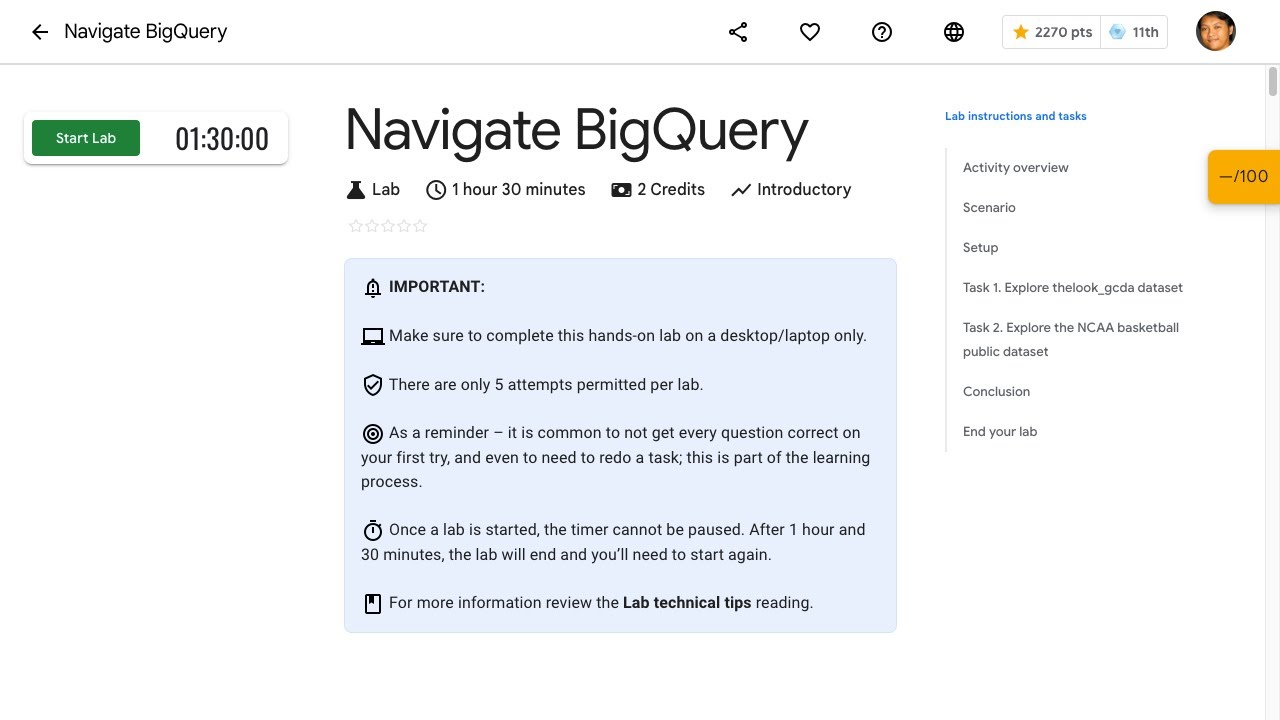
data and you won't lose your data bake query also encrypts all data at rest and in transit by default in terms of pricing bigquery separates the concepts of storage and compute this allows you to scale and pay for each independently you can either choose a pay-as-you-go model or a flat rate monthly price now the fun part quick laps you can check out the links to start the quick labs yourself here these laps Royd and introductory walkthrough of how to load and quai data using both bigquery web UI and the command-line tool keep in mind that
these labs will take about 30 minutes each to complete at this point in the lab we've loaded a custom data set into the new table we're going to preview the table and query the custom data set locate the table in bigquery open the table and click preview to view the data click compose query query the baby names data set in this demo the query displays the top five boy names for 2014 well that's all the time we have for today we hope you enjoyed this episode on bigquery that's right don't forget to keep listening our
on-air webinar series quick labs and our blogs all the links are below you can learn more about bigquery through our Google cloud on-demand courses on course thanks for watching and we'll see you soon in case you missed it be sure to check out last week's episode where we discuss Google cloud storage you get to walk through a quick collab on creating and managing storage buckets give it a shot