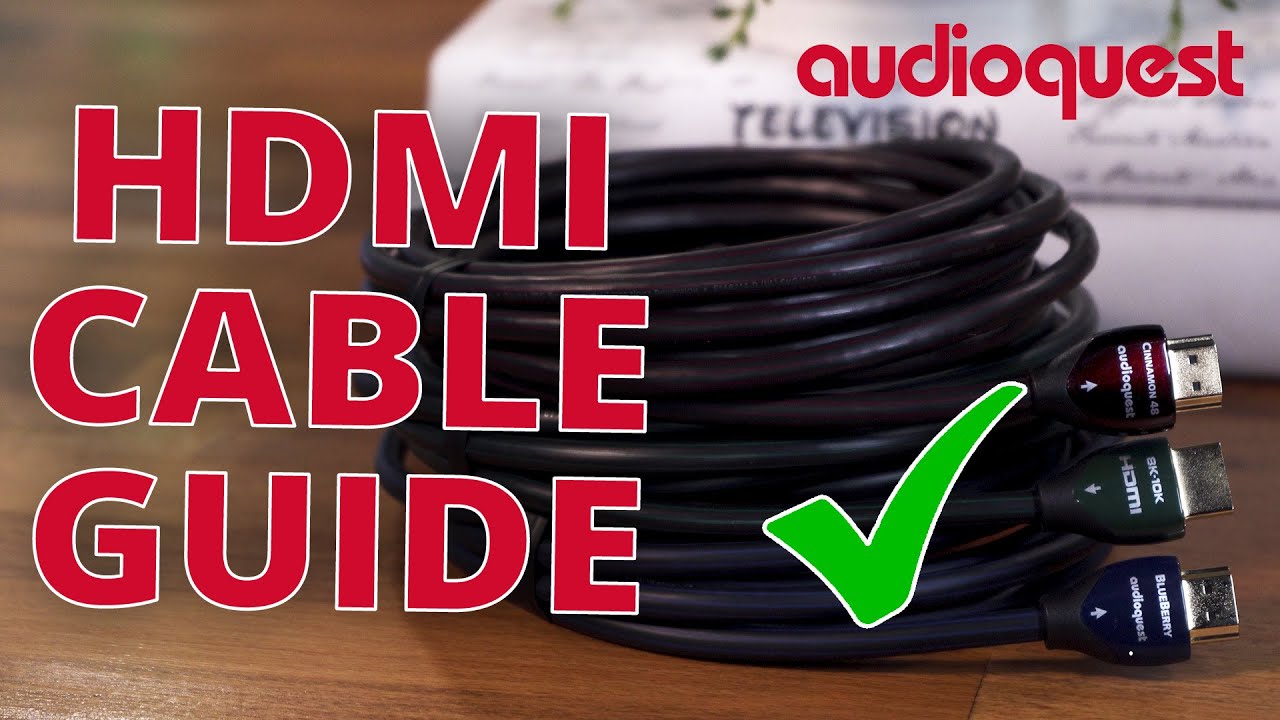
Not that long ago good advice for selecting an HDMI cable was pretty simple nowadays not so much Welcome back everyone I'm Caleb Denison and if I look like Homer Simpson right after he licks a toad right now well I got my eyes dilated today and honestly I can't see a thing I'm not high I swear okay you got me I totally am high on giving good HDMI cable advice that's not funny hey at least I tried I mean honestly talking about HDMI cables may not sound like a riveting conversation but I'm telling you you're going
to want to hear what I have to say here whether you're just about to set up a next-gen game console or building a big entertainment system if HDMI is involved then you need to know the game has changed and if you've already discovered that something is up because you've been having problems getting picture or sound on your new Gear Well then you have definitely landed in the right spot because I'm about to explain a little about why your new stuff might not be working but also how to avoid running into that problem in the first
place before I dig in if you're new to the channel welcome it's nice to have you hopefully I meet you in the comments section but to do that you gotta comment so let me know how you got here and if this video was helpful and while you're down there some clicks of support on the appropriate buttons would be very much appreciated and if you ring that Bell you'll know when we come out with a new video that's that business now let's get down to some HDMI business so in the recent past my advice for folks
who were looking for guidance on H HDMI cables was pretty simple your bread and butter HDMI cable it links up to about 15 feet were almost guaranteed to work okay and up to 25 feet you'd probably be safe but any longer than that you'd want to at least look at a lower gauge cable keeping in mind the lower the gauge number the thicker the copper in the cable basically the longer your HDMI cable needed to be the more it would need to resemble a fire hose as opposed to say a drinking straw or you could
step up to a different kind of cable but more on that in a second outside of that you wanted to do your best to make sure you had good build quality a solid connector on each end and then there were bonuses like high flexibility for easier cable management and maybe there's a color you like better than black so for a long time I was perfectly okay with most folks going with an Amazon basic style cable for most practical at-home consumer uses audio files and video files stop cringing you'll be fine because so long as the
cable wasn't complete garbage it would usually get the job done the ones and zeros would make it from point A to point B and you got picture and sound and hey if you wanted to spend insane bucks on a high-end cable hoping you'd get slightly better video and audio quality then knock yourself out well my friends things are different in the world of HDMI 2.1 or more specifically a world in which new HDMI cables are supposed to be able to handle 40 to 48 gigabits per second of bandwidth which by the way is way up
from the 18 gigabits per second standard we all had before well all bets are off well not all of them just enough to cause some problems today if you buy a cable that's supposed to handle up to 48 gigabits per second at lengths between two and three meters so roughly six to nine feet then the odds are that whatever brand of cable you buy will work they're pretty good pretty good odds any longer than that and actually any shorter than that too well you're now more likely to run into some trouble why well I'm going
to try and break it down for you but let me be clear I'm about to brutally oversimplify matters just to get you some baseline understanding if you want to dive deep into the rabbit hole then I'll have links down below to offer some deeper discussions on the topic but also if you don't care about the why and just want to know what to look for in an HDMI cable you can skip ahead for my best advice for now by clicking the what to look for Link in the description below this video so at the heart
of the why seems to be an intersection between the higher bandwidth or speed of information that we're trying to shove down this series of pipes in an HDMI cable the construction of the cable itself and a bunch of complicated math and physics bottom line there's a lot more going on inside that HDMI cable than you probably think most folks I talk to are of the opinion that we're talking about digital signals ones and zeros right and that since it's a digital process it should be super simple and that there's no real quality difference in the
output of one HDMI cable or another well to a point that's true the signal that is being delivered is digital but the manner in which it's delivered involves a bunch of pretty analog factors take a look at this diagram that I borrowed from a conversation on YouTube between Jeff boccaccio at DPL labs and Jason dustel at meridio link below as you can see here there's a 5 volt line a hot plug a display data Channel some video channels and then down at the bottom a clock I don't know about you but just that diagram shows
me there's more going on in an HDMI cable than I thought again tragically oversimplified here but that 5 volt Channel up top has to negotiate a very specific milliamperage between a source like an Xbox series X and a receiver like a TV or an AV receiver just to get the party started if this one little thing doesn't happen then nothing happens and while that trigger went off fairly successfully in the past it's now getting more and more difficult to do I'll get to why in a moment then on the other side of this diagram is
a clock now without getting into what the clock actually does it's like Air Traffic Control in a way if that clock can't do its job then forget it party's over you could be looking at failure which means no audio or video signal to your TV or AV receiver there are other factors like hdcp and edit and CEC that need to happen successfully all before audio and video can make it to where it needs to go so where am I going with all this well I mentioned that the higher speed or higher bandwidth was a factor
the more you're trying to jam down a pipe the more demand there is for that pipe's capacity and the bottom line here is that now that the demands have gone way up with 4K resolution at 60 FPS or more with HDR metadata and uncompressed Dolby Atmos audio look if the copper in the cable isn't Stout enough and isn't Stout enough in the right places for a given length of cable the failure is imminent in a way that it just wasn't before demands were lower in the past so there was more tolerance for error as demand
has risen that tolerance has gone way way down and now we're seeing more failures than we used to the longer your HDMI cable is the Better Built the cable needs to be or the more urgency there is to go get a different kind of cable that isn't just a bunch of thin copper inside so Caleb you may ask if I buy a cable that says HDMI 2.1 on it or 8K certified or 48 gigabits per second apps a freaking lutely guaranteed then that cable should work right it says certified right on the package well in
a perfect world yeah it should and for shorter runs it probably will but without commenting on the whole certification process all I can say is that we're hearing about a lot more failures than we used to that's the AV World we're living in and it's not just the cables but the source devices and receiving devices we use those are changing too it's an evolving situation and based on conversations I've had with some industry folks who are in the know it's kind of a mess and getting Messier okay so what do we look for when shopping
for HDMI cables that helps reduce the risk that something is going to go wrong and if it does go wrong then what do you do well first off buy from a reputable retailer so you can get a return or exchange for another product and keep your receipts second when you do get your cable or cables plug them in and stress test them before you do anything else game in 4k 120 whatever the highest demand audio and video thing you might do do it then before you carefully route cables around or move hundreds of pounds of
equipment back and forth and if it works great if it doesn't exchange it this should save you from learning the hard way that your cable doesn't work and you should be able to remedy the problem relatively quickly but in terms of picking an HDMI cable all I can do is try to point you in the right direction I mean there's kind of a lot of uncertainty right now and keep in mind the following advice is for folks who are dealing with 4K High frame rates HDR next-gen consoles that kind of advanced stuff or if you
just want to Future proof as much as possible if you're hooking up your PS3 or an old laptop you're going to be fine with most decent HDMI cables on the market today so first off you'll be safest if you don't buy a standard copper-based HDMI cable under one meter or six feet if you do there's a possibility that clock I mentioned earlier won't work and the cable could fail so even though it may be longer than you think you need your safest at starting at about one meter from there don't go with a standard copper
cable over two meters I'll get to other cable types in a moment but between one and two meters make sure that the cable is rated to handle 48 gigabits per second and buy a cable from a brand you trust I'm not here to specify Brands because I can't list all the ones I personally trust here and I'm not taking endorsement deals but if you've never heard of the brand before well it could be okay but are you okay taking a chance of returning the product if it doesn't work I'll also say don't buy the cheapest
cable and don't buy anything outrageously expensive the good stuff is somewhere in the middle I mean the really expensive cables are probably going to be totally reliable but they are also probably totally Overkill it's easy to Verge into snake oil territory but again the notion that anything other than the most basic inexpensive cable is snake oil that's just not true now if you're going to run an HDMI cable over 2 meters or 10 feet I think you should very seriously consider stepping up to an HDMI active optical cable or HDMI AOC you could get away
with longer runs before but now it's just kind of too risky HDMI AOC is a hybrid that uses fiber optics for some jobs and copper for others and it's a much safer bet for longer runs what I can say is that if an HDMI AOC cable doesn't work then there's one more option that we can look up to that would be HDMI cable power now there are two types of utilizing the HDMI cable power feature right now most devices don't have HDMI cable power built in so the HDMI cable power cables you would get come
with a little separate connector that will provide Power via like USB for example but in the future as more devices support HDMI cable power you'll be able to start using HDMI cable power cables without that little connector the power will just be baked into the HDMI cable connector itself if HDMI AOC doesn't work HDMI cable power should now this is all for just general consumer use if you're talking about in-wall use then you need to make sure that on top of all that other stuff I just talked about the cable is rated for in-wall use
that usually means it has a special jacket on the outside to prevent the spread of or in some cases the cause of fire okay I know that was a lot but I hope it was helpful and as things evolve you can be sure I'll be here to update you thanks as always for watching everyone what do you think about this deeper kind of content let me know down in the comments don't forget to like And subscribe and here's two other videos I think you might like