[Music] foreign ERS Jose Ignacio here as per usual stealthy one has a problem but it's always a good problem here now we want to give customers an even better level of service beyond the classic Model of selling so what does that require and how do we get there wellow doers it's after sales features that's how we get there and as the name suggests our services that can be done after a sale goes through things like refunds returns and repairs are some common examples of after sales features and though rare at stealthy wood we do get
an occasional return now here at stealthy wood a good number of the help desk tickets we get are from customers who need these after sales features thankfully help desk is integrated with the rest of the database and with some configuration we can actually easily perform these Services all from the ticket form now because I offer these after sales features I can better satisfy my customers needs so enough Chit Chat let's dive into ODU and learn how to configure after sales features on a help desk team all right now the very first thing we want to
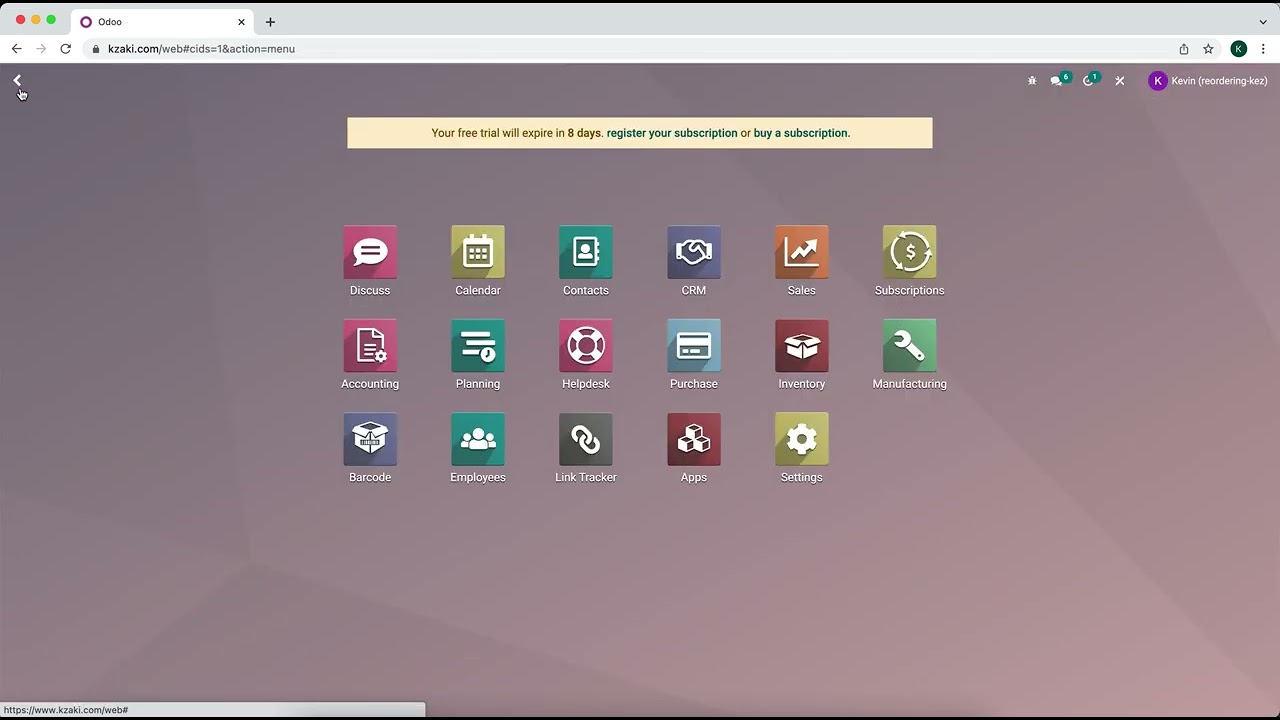
do is we actually want to start on the help desk module so we'll go in there and here we are in our overview now next we're going to want to navigate to the help desk team settings by clicking on the configuration menu that we have up here and selecting teams now from this list you actually want to select the specific team that you would like to enable this on now in our case we're going to select customer care team now we're going to scroll down to the bottom and there we see that odoo has actually
five unique after sales features first up we have refunds which will actually issue a credit note to the customer for either the full or partial amount of their order second we have coupons which will generate a coupon code that a customers can use to get a discount or free products for their next order and then following that we have returns which allows people to return faulty or damage Goods to us and this initiates a warehouse transfer within odoo and it also generates a return label so that way the customer doesn't really have to do much
now the fourth one that we have is repair which allows broken products to be sent in for repair and this also creates a repair order internally and lastly always my favorite we have field service which will open a new task in the odoo field service project so you can plan and track on-site interventions you can also create a new project board actually just by clicking in here but I actually want to leave this one as is just because we don't want to mess with that right now now I've already enabled all of these so we
can check out what these after sales features look like on the ticket form now since all these settings are specifically for my customer care team I actually want to navigate back up here to my customer care teams Pipeline and we actually don't have to do much we can just click on the smart button that we have right there and it takes us to the tickets I could have of course also accessed the pipeline from the help desk dashboard by clicking back then clicking on the customer card but look at that Jose Ignacio showing you shortcuts
again now once the we kind of figured out what we want to deal with we actually want to click on a ticket receipt for a customer and it was the one about lost package now because I enabled the after sales features I get some fun buttons for each feature along the top of the ticket form now that you'll notice we have a few other options all the buttons are pretty self-explanatory if I want to issue a refund I would click this refund button and if I want to do a repair and so forth the only
one that is slightly different is the button for field service feature which in this case is actually listed as create the task we're actually going to click that and you'll notice this will create a task in my field service project the field service project board helps me manage on-site interventions using tasks when I create the task I can then access at any time with the task smart button that we actually if I discard this and close this out with the task smart button that we have over here now even if I don't normally have user
access rights to the field service application which is usually you know pretty convenient this allows me to be able to see those tests now the same actually goes for the repair button if I create a repair order from the ticket I can always access it using the ticket smart buttons or from the link in the chatter even if I don't normally have access rights to the repair module this is super helpful for checking on the progress of the repair order or for leaving notes for the repair team ODU will log a note on the tickets
chatter when the repair order is created and once again when it is finished as well over here now the convenience of these buttons for after sales features can't be beat whether it's a refund coupon return or repair I can create these records with a click of the button like I talked to the customer or as if I was actually there with them and I'm telling you that's pretty useful so we're actually really quickly done this was a very fast overview so today we saw how easy it is to configure after sales features for help this
team I know my workflow will be so much faster and always more efficient thanks to the help desk integration as you saw I just click a few buttons and it's still integrated to the database so be sure to check out the other Otis tutorials for a deeper dive into all the things odoo and everything helped us related too so remember folks so do not oh don't all right Bro Doers go grab something to eat