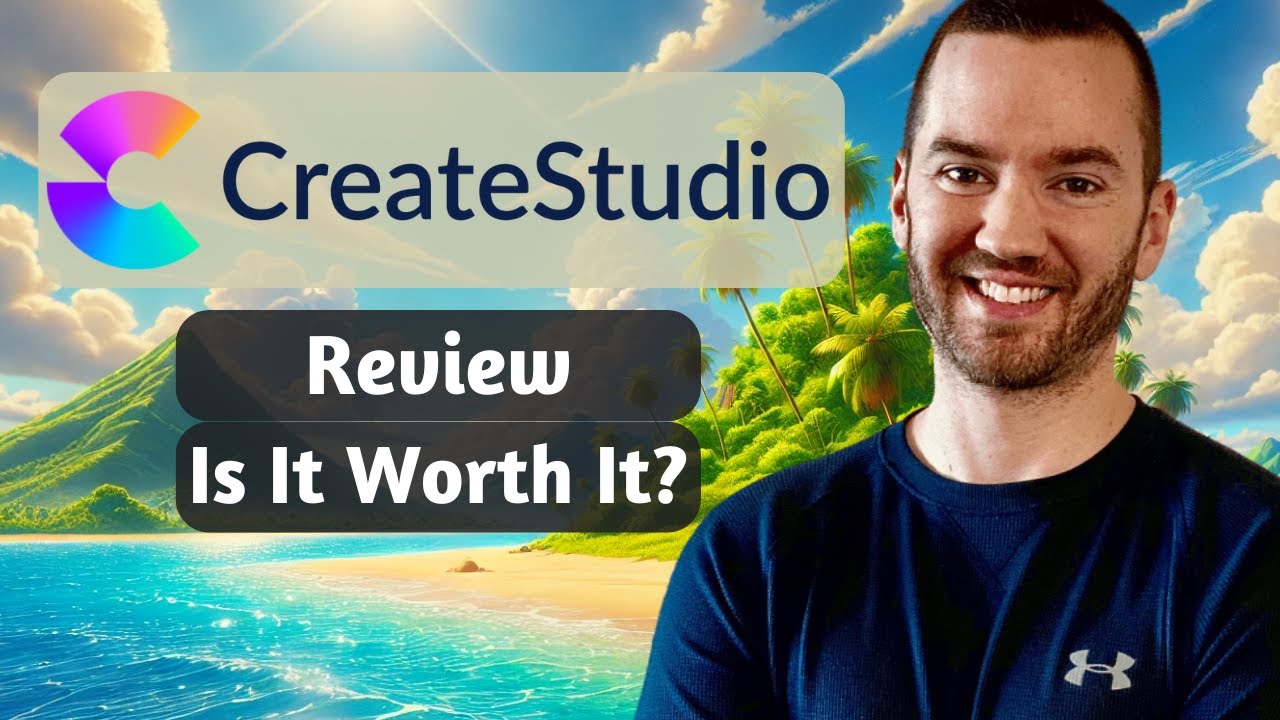
if you can click drag and drop with a mouse then you too can make professional videos without complex software with create Studio 3 you can make Pixar quality 3D character explainer videos without Contracting a 3D animation studio in fact with create Studio 3 you can make any type of professional video to drive engagement and boost sales even if you have zero editing skills I've been using Create studio for 4 years so I wanted to share with you my opinion on the software and my experience as a real user so that you can decide whether create
studio is right for you I'll also explain what it's for and show you its features this video has not been sponsored by create [Music] Studio hi I'm Jonathan rice if you're anything like me over the years you've tried countless animation and video tools but never found anything that combines all your needs in one package well I think it's safe to say that create Studio 3 is that all-in-one solution that I was looking for create Studio 3 is like the Swiss army knife of video and animation software today I'll share with you the pros and cons
of create Studio 3 we're now in a world where video content makes up for 80% of internet traffic and video has become a mus have for engagement it's no longer optional and people are much more likely to make a purchase after having watched a video but making high quality videos can be daunting because of the complex editing or freelancer piece involved so let's see if create Studio 3 can simplify the process of making better videos faster and if after seeing this video you decide to get created Studio 3 there's a link in the description below
which will take you to the special lifetime access offer on the official website so let's get into it create Studio 3 is a complete Drag and Drop video and animation software that empowers you to make all sorts of videos including promotional videos logo animations intros character explainers slideshows social media content and even doodle videos you can do it all and create Studio 3 works both on Windows and on Mac so create Studio 3 offers a lot of features so that you can do a lot of things all in the one package so let's run through
some of those main features and see what sets create Studio 3 apart overall create Studio 3 has been designed to be easy to use for anybody it has an intuitive interface where you can easily drag and drop elements import media add text and create stunning visual effects it has built-in flexible animation tools which means that you can apply preset pre-designed animations to your text and other elements within the canvas without having to design yourself from scratch and you can easily switch formats for different platforms I.E vertical horizontal the makers of create Studio 3 have made
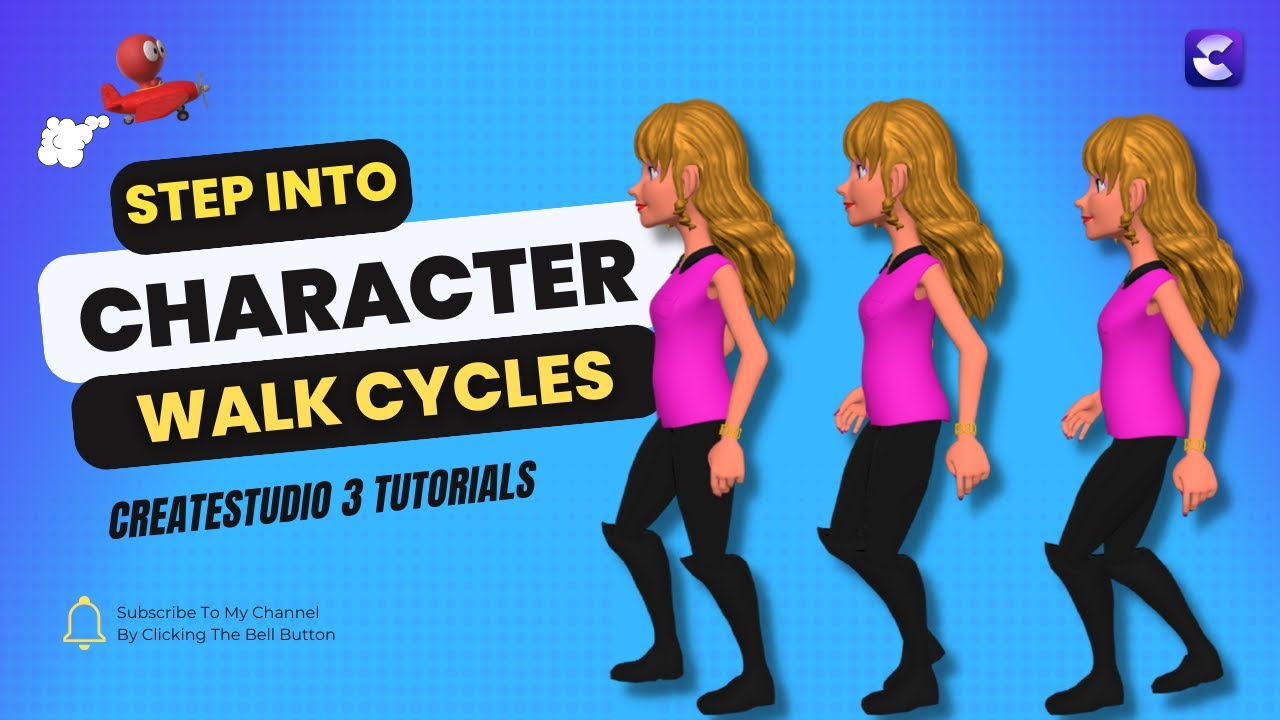
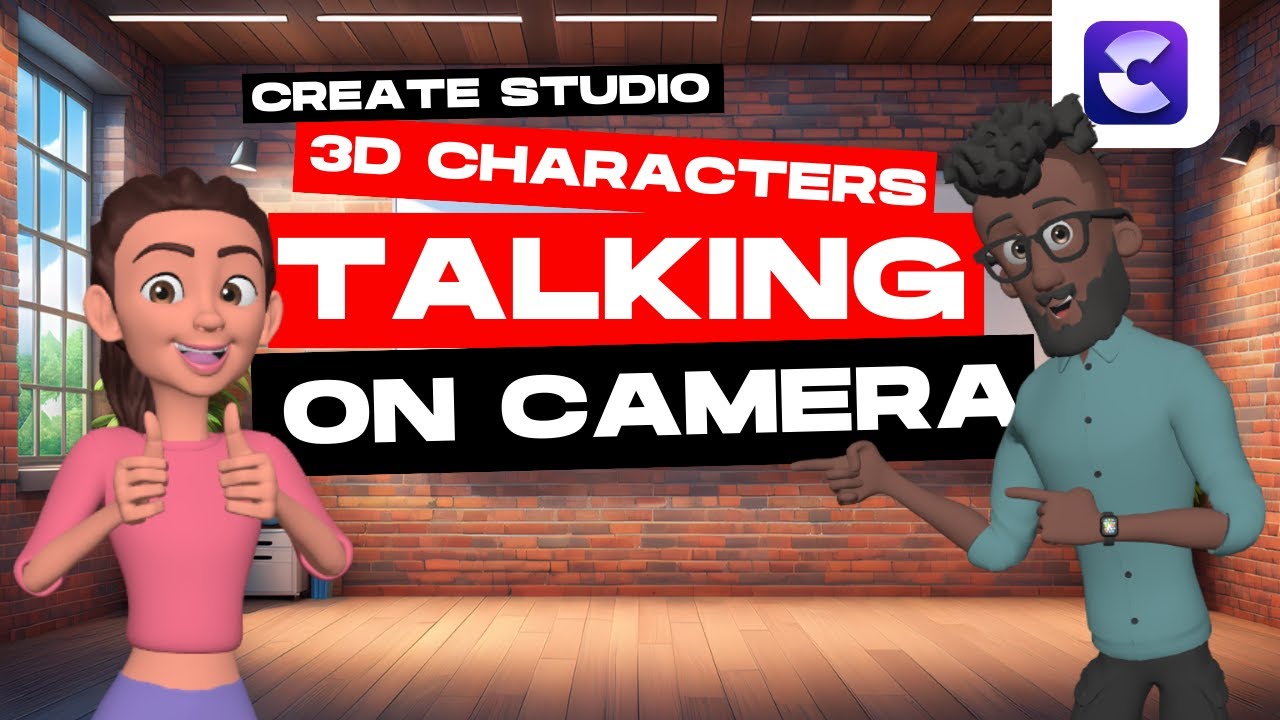
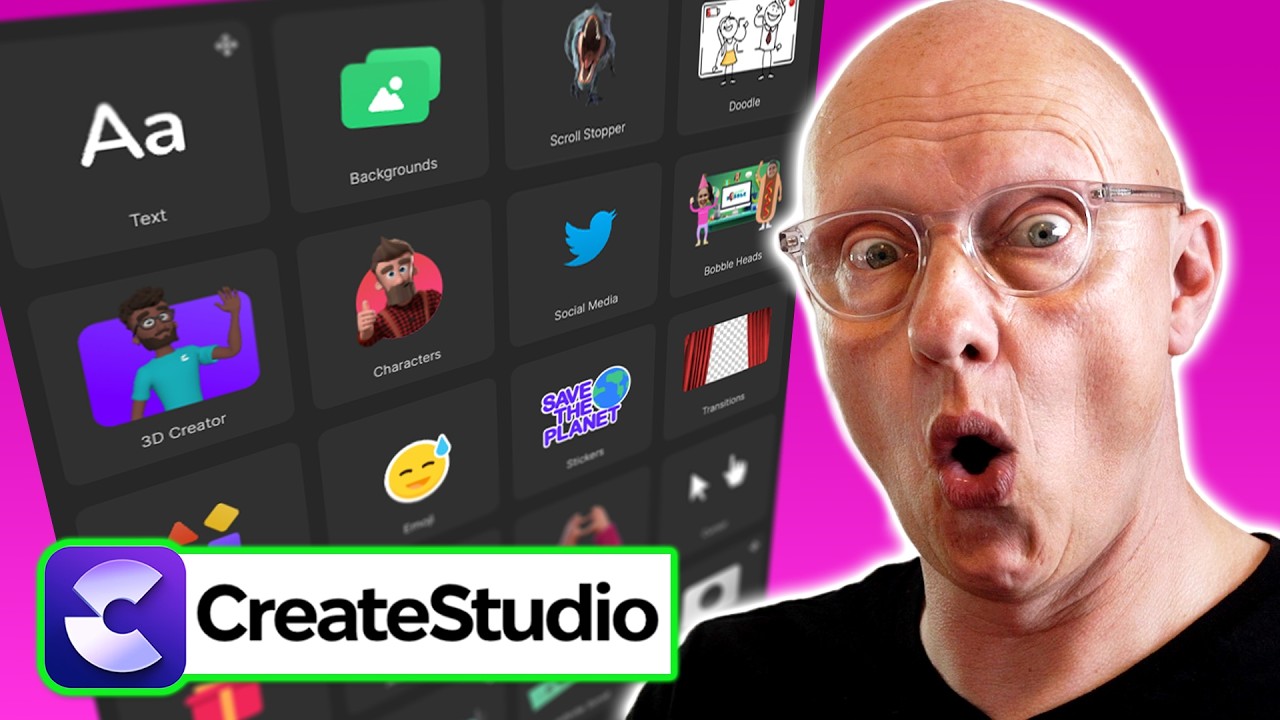
a huge effort to provide you with an enormous amount of pre-built templates which give you a springboard to start your projects off from when using Create Studio 3 you'll have access to a vast media library for use in any of your projects via the Integrations that create Studio has with pixels pixabay and gify giving you access to a huge collection of royaltyfree images and videos that you can use in your projects create Studio comes with animated characters both Pixar like 3D characters as well as 2D characters which you can use freely in your projects and
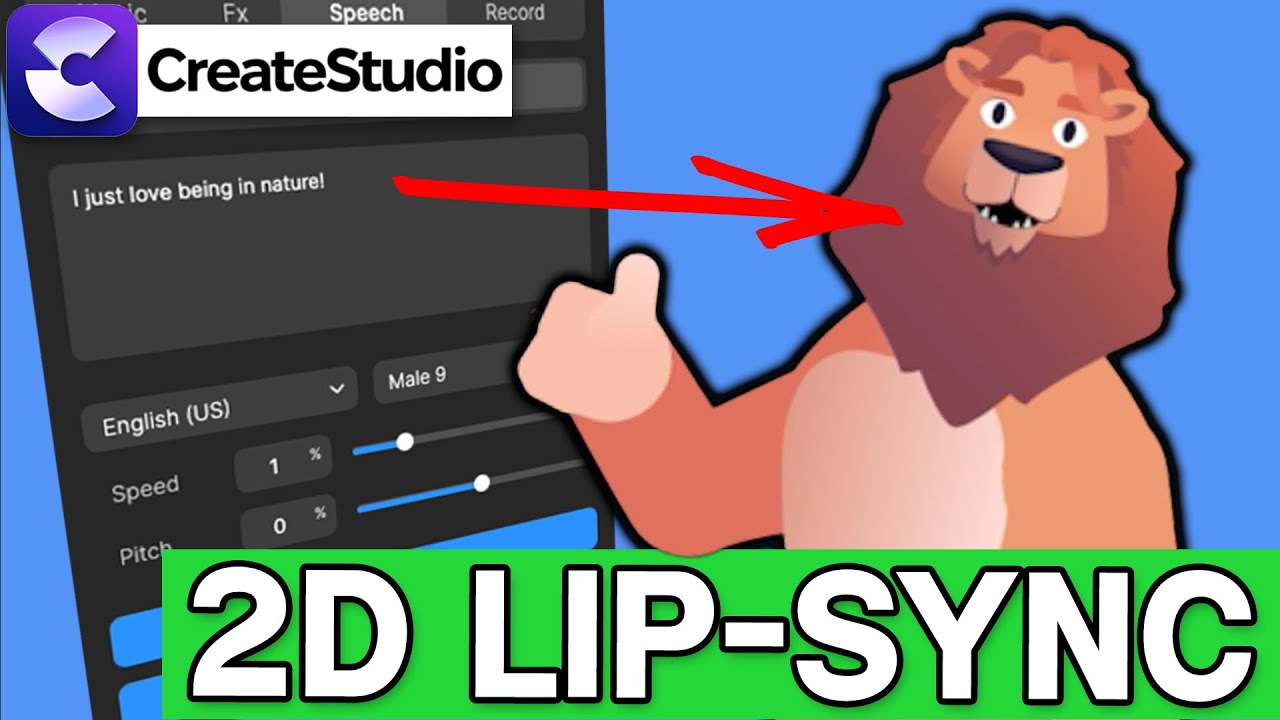
which come with a set of animations expressions and movements the software also incorporates AI voiceovers so you can generate human sounding speech just from writing text and also in multiple languages you'll also find some Advanced editing features in there such as green screen removal masking and smart components to enhance your workflow also AI background removal has just been added the create Studio team are constantly adding new features and recently they've added some really good ones such as a new type of 3D character which can be completely customized AI background removal for images which was a
highly requested feature and finally automatically generated captions based on the dialogue of the project project which are ever more important these days with more and more people previewing videos without sound and then when you have your project finished and ready to export the export options couldn't be simpler you can export in the format of your choice create Studio launched back in 2020 when it was called create Studio then it became create Studio Pro and now it's called create Studio 3 since its Beginnings in 2020 it's now grown to have 35,000 creators using it and the
team behind create Studio are constantly working in the background listening to user feedback to bring improvements and new features and tools so that you have everything you need to achieve whatever your goals are with your videos all in the one place good work team when create Studio first came out it didn't have everything I needed it missed some key features like inapp video editing and voice over recording however create Studio has constantly evolved and has addressed these issues so we're now at the point where create Studio 3 has got bigger better and where you can
do everything all in one place I now no longer need to jump between apps and tools keep it [Music] simple having such a vast library of royaltyfree images and videos at your fingertips within the project is a great timesaving feature not to mention the money you can save when you compare that to some paid platforms for images create Studio 3 is perhaps the only video and animation software that includes Pixar quality 3D characters as well as 2D characters if you want to do doodle Style videos well then create Studio 3 also has you covered there
you can use create Studio 3 to create promotion videos video sales letters or educational content all in Doodle style you can even use the doodle feature to have it draw out images text video or really any element you want the AI speech feature allows you to generate human sounding speech just from typing in the text this is AI generated speech get create Studio lifetime deal while it lasts and you can do that in multiple languages from all over the world as well as upload your own speech recordings to use as you wish in your project
use the pen tool to create complex shapes to be used as masks or to cut out faces to be used with bobblehead animations use the AI background removal feature to swap out the backgrounds on your images so you can place your subject in a completely different context and there's so much more it's actually quite difficult to find anything lacking with create Studio 3 especially with the recent additions of stuff like AI background removal autogenerated captions and AI generated speech all those three things would have been on my list not too long ago but I can
cross them all off the list now Crossing everything off my bucket list which leaves me with just a couple of things one thing I'd like to see is with the AI background removal feature the ability to adjust the output currently gets it right most of the time but now and again as with any AI background removal service there will be times where you lose some of the image that you wanted to preserve and it would be nice to have a feature to go directly into the output and manually adjust it with brushes or pen tools
and stuff like that that doesn't currently exist so it's take it or leave it the output is uneditable so that's something I would like to see but it's not a biggie either and then really the only other thing that comes to mind at the moment is on the timeline I would like it to be easier to zoom in and zoom out you can quite easily zoom in and out by clicking and dragging the timeline but I'm used to on other video editors just having um shortcuts or a plus or minus button to go in and
come out nice and quick and I like that the really there's not much to say in this section so I would say create Studio 3 is ideal for business owners YouTubers Educators influencers anyone who wants to make engaging videos content quickly and easily those guys make awesome videos Al let's say if you want to make videos but you don't want to appear in the videos create Studio 3 is a great solution because of all the characters that come included 2D as well as 3D which allow you to tell your story without you being on the
camera in today's competitive online space if your video doesn't stand out then it's no longer enough about 300 videos are uploaded to YouTube every single minute and users attention span is very short no attention span so if you're someone who wants to make videos in half the time make attention grabbing content that Wows your viewers and keeps them engaged Until the End wow wow wow with minimal effort piece of cake then create Studio 3 is right for you no absolutely not there's no limit on the number of videos you can make there is no limit
you can have as many projects and videos as you like it doesn't matter what plan you're on the number of videos is unlimited yes absolutely you can monetize the videos you make with create Studio 3 you have a commercial use license and you can even use them in clients projects so this avoids you having to Outsource and pay Hefty freelancer fees not to mention the time and hassle you save by making the videos on your own not having to deal with anybody else the the create Studio 3 software itself there's a thriving community of creators
growing by the day ready to support and inspire you you will get full access to this community which is on an exclusive Facebook group when you sign up and in addition create Studio 3 provides a really comprehensive tutorial Library as well as responsive customer support all of which means if you're new to editing and software you don't have to to worry about getting stuck someone will be there for you got you back we got you back so is create Studio 3 worth it as a user I say yes definitely its combination of powerful features user
friendliness and Community Support make it an invaluable tool for anyone who wants to make high quality videos and because you don't have to be an experienced editor to use it it allows beginners to get expert results create Studio 3 is outstanding with all of its different features rolled into one with the types of video that you can make its potential applications are almost endless you can use it for so many things with its library of templates its assets its characters its Dragon drop editor it's Creator community and support and something else that's really valuable about
create Studio 3 for a lot of people is that no previous Tech or design skills are necessary little job requiring no training or no experience it's been designed for anybody to be able to use it quickly and easily and with the current special lifetime offer there's never been a better time to try it using Create Studio 3 to make your videos and animations instead of Contracting Freelancers can represent thousands of dollars of saving not to mention a crazy amount of hours as well just with the savings from your first video you'll have your investment paid
back so with create Studio 3 you'll have no more expensive freelancer fees and no more boring videos as a very satisfied user myself I honestly encourage you to go for it it's got a full 30-day 100% money back guarantee so give it a shot you have nothing to lose I invite you to join the create Studio Creator community today start creating amazing videos today with create Studio 3 click the link in the description below and get started now now check out my other video in which I reveal all the assets that are available in create
Studio that's all characters backgrounds elements templates Graphics animations everything you should see that video on the screen now I also invite you to check out my create Studio playlist where you'll find tutorials tips and explanations all around create Studio 3 thanks for watching and hopefully see you again soon

![I Replaced ALL my ADOBE APPS with these [free or cheaper] Alternatives!](https://img.youtube.com/vi/5EfqHg49kMk/maxresdefault.jpg)