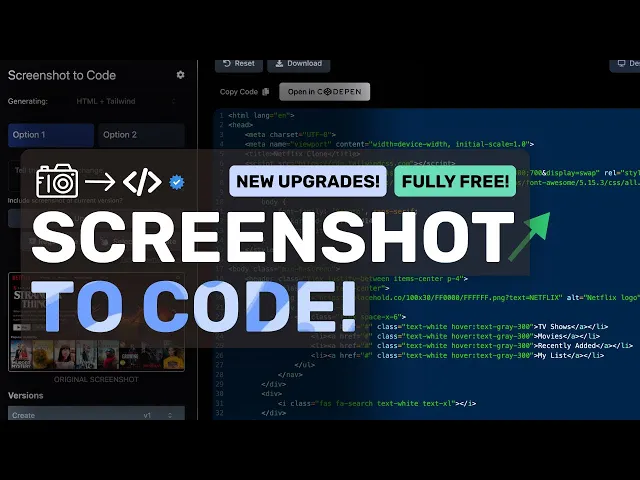
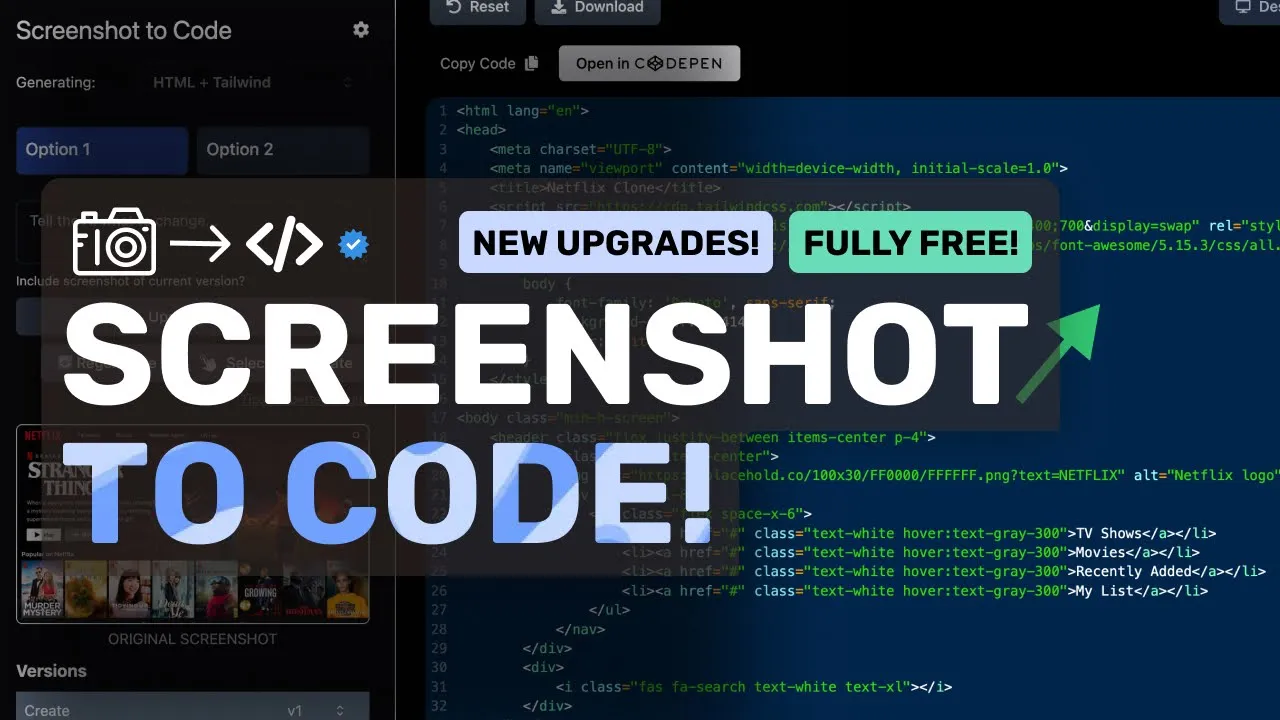
[Music] hi welcome to another video so about 6 months ago I covered screenshot to code it was a relatively new project at the time and it was quite cool to use I also told you guys how to set it up with AMA and everything but recently I saw that screenshot to code is trending on GitHub again so I thought it would be pretty cool to check it out once more see the new upgrades it has and how well it performs or if it stays useful I haven't used it in a while so it will be
cool to see how far it has come and how well it performs but before we do that let me tell you about today's sponsor ninj chat ninja chat is an allinone AI platform that gives you access to more than 10 models like Claude 3.5 Sonet GPT 40 Gemini and even image generation models like flux and video generation models like cling and much more all in one place for a price that's even cheaper than one chat GPT membership starting at only $11 not just that they have a bunch of AI tools that can help you use
these models in intricate ways they have also recently added an artifacts feature to their PL platform that now allows you to generate code preview it and share it with others using preview links which is great it can even run python code and create charts you can check them out through the link in the description and make sure to use my coupon code king2 to get an additional 25% off these already great deals first of all what is it well it's a simple tool to convert screenshots mockups and figma Designs into clean functional code using AI
it can generate code in HTML react view bootstrap ionic or even SVG it supports Claude 3.5 Sonet GPT 40 and replicate or do E3 for image generation I believe it can be used to generate images to be added to the output so that should be cool as well it can also be used with AMA with some tinkering so I'll also tell you how to configure that with AMA as well as the free gp40 via GitHub models API not just that I even figured out a way to use it with any open AI compatible API like
Gro or Mistral so you should be able to use it for free as well apart from this you can also take a screenshot of a website or mockup and convert that to any stack as well so let's get started and set it up now first of all there are two ways to install this you can either install it simply or you can also install it via Docker installing it via Docker is much easier because in local mode you would have to set up the backend server and then the front-end server which is a hassle so
to set it up with Docker you can just clone the repo on your computer once you've cloned it just create a new environment file and enter either the open AI API key or anthropic API key but as I said you can also use it with the free GitHub models API and olama so first of all to use it with the free GitHub models API you can just go to GitHub models and get the API key as well as the base URL from there now once you have that just go back to GitHub models and enter
the base URL in a new variable called open AI base URL and then also enter the API key from there once done you can start using it but many people would also like to use it with or gemini or even ghf so to use it with the more official and reliable way is to just change the base URL to and then you'll need to make an alias for the model you want to use inma so you can run this command from their GitHub and just change the Llama Vision with any model you want to use
that has Vision capabilities anyway once you do that you can just select any model in it and it will be routed to the Alama model so that's good but you can also make this little better to use so you can also use it with light llm and probably use any model supported by light llm or any open AI compatible API so all you need to do is install Light llm proxy export the API key of the provider you want to use the most reliable one is mra's free API I'll configure that here you can just
export the mistr API key and then start the light llm proxy server and then enter that in the environment variable and enter anything in the API key once done you can start using it also if you're wondering why you can't use any open AI compatible API it's because the model names seem to be hardcoded and it isn't easy to change the model name but things like light llm work because the model name can be anything in the request and it will proxy it to the model you started the server with so that's why you need
to use it you can also probably use light llm with AMA and you don't need to do all that stuff but I haven't tried that but let's run it and check it out as well so once you've started that you can just go to the Local Host and port and you'll see this now it's pretty simple and easy to understand here you can just drag and drop the screenshot or you can also select the screenshot as a file here as well apart from this you can also select which stack you want to use like HTML
Tailwind CSS react Tailwind bootstrap SVG or any other apart from this you also have the settings here here you can configure the same stuff as in the environment file so this should be much easier for setting up a llama Or GitHub models API you can just enter the base URL here and then the API key from GitHub models if you want the option to just enter the URL and have it automatically screenshot the URL you can also use their proprietary API which seems to be free for 100 screenshots apparently so if you want you can
use it as well apart from that you have the theme settings and stuff you also have the doll E3 that can apparently generate images that will be used as assets to be shown inside the output it creates so this is pretty cool for sure let's now test it with something as well so this is the notion homepage that I'm going to give it here I'll use it to create an HTML page so let's send it and see the code is getting generated here you can see it being streamed over here let's wait a bit because
this will take a little time okay it's now done so this looks pretty good although it thought that the bottom area is also inside the page which is not true it's supposed to be an image but I'd say that it is extremely cool looking I mean you can't make something like this in literal minutes so this is obviously cool and the whole interface is super easy to navigate through and stuff so that's great you also have the mobile view and the code here which you can open up in codepen if you want and you can
also download it as well apart from this you can also ask it for updates or you can also select a block and ask it to just update that so let's select this text here and ask it to make it a little funky okay so it seems that it's doing that now and you can again see the code being streamed okay so for some reason it broke here and just printed some text so this feature doesn't work that well it seems so keep that in mind now let's try to generate some react code as well so
I'm giving it this Netflix screenshot this looks simple but it's pretty complex like these icons in the carousel so let's see okay it's now doing that the code is being streamed over here let's wait a bit and it's now done so this looks pretty good and this is great for sure although the mobile version is a little bad let's ask it to fix this in the followup okay it's now doing that let's wait a bit okay it's now done the mobile version looks good now but it still has some issues but that's fine so that's
how you can use screenshot to code the last time I covered it it didn't have many options which it has now like the selection thing and stuff like that so it's good to see this now it's a great tool for sure to like just give it a mockup or wireframe convert it to something usable and start start working on things instantly plus you can use it for free with the methods that I've told you overall it's pretty cool anyway let me know your thoughts in the comments if you liked this video consider donating to my
Channel Through the super thanks option below or you can also consider becoming a member by clicking the join button also give this video a thumbs up and subscribe to my channel I'll see you in the next video till then bye [Music]