[Music] here we [Music] go big companies like Coca-Cola and McDonald's are examples of companies that have genius marketing teams they never failed to follow Trends to attract more users to their business or products and recently they both released AI generated ads and it got them the spotlight not only from consumers because of their unique style but also from Tech media an additional free marketing campaign right yes we need to learn from them while everyone is trying to create random AI gener ated videos for nothing these companies are taking advantage of this trend for their business
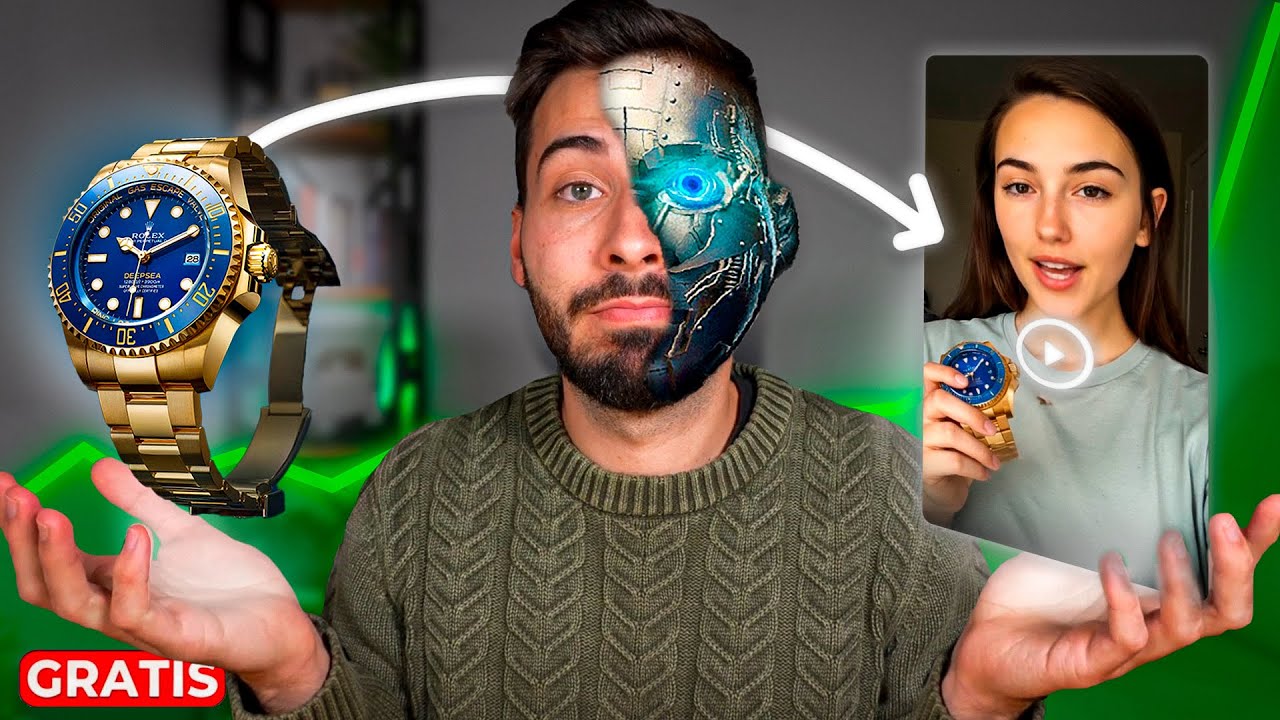
and you should do this too for your business service or product or if you don't have anything to promote yet you can still learn and take advantage of your AI ad making skills to create a prototype and offer it to millions of businesses out there so make sure you watch the entire video to see how anyone can do this easily in no time no videography skills no editing skills just one AI tool so let's get started part one m material and tools to create a product ad using AI all you need is a product video
or even just a product image because you can easily turn any image into a cool AI video with an AI imageo video tool after that we'll need some tools to handle AI video creation script generation music generation sound effect generation and of course a video editor whoop sounds complex doesn't it that's why I'll recommend and use a single AI tool for this video thanks to aiv video.com with this single AI tool you won't need any other tools to handle those complex tasks everything is in one simple interface if you're new to this tool pause this
video go to my channel and watch this tutorial where I demonstrate all the basics click the link or use my promo code Arena to get 20% off for an entire year you can also give it a try for free part two animate product image before creating the video let's first convert our product image into a video using aiv video.com imageo video feature from the home screen select explore from scratch in the editor option first select the img2 vid menu from the list click the browse to upload your product image you can choose an AI model
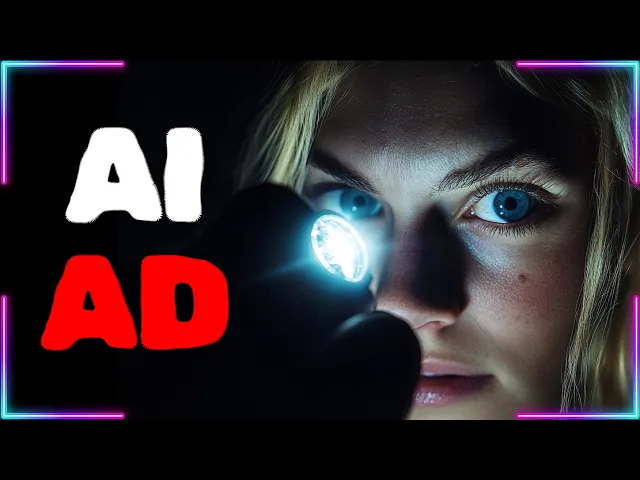
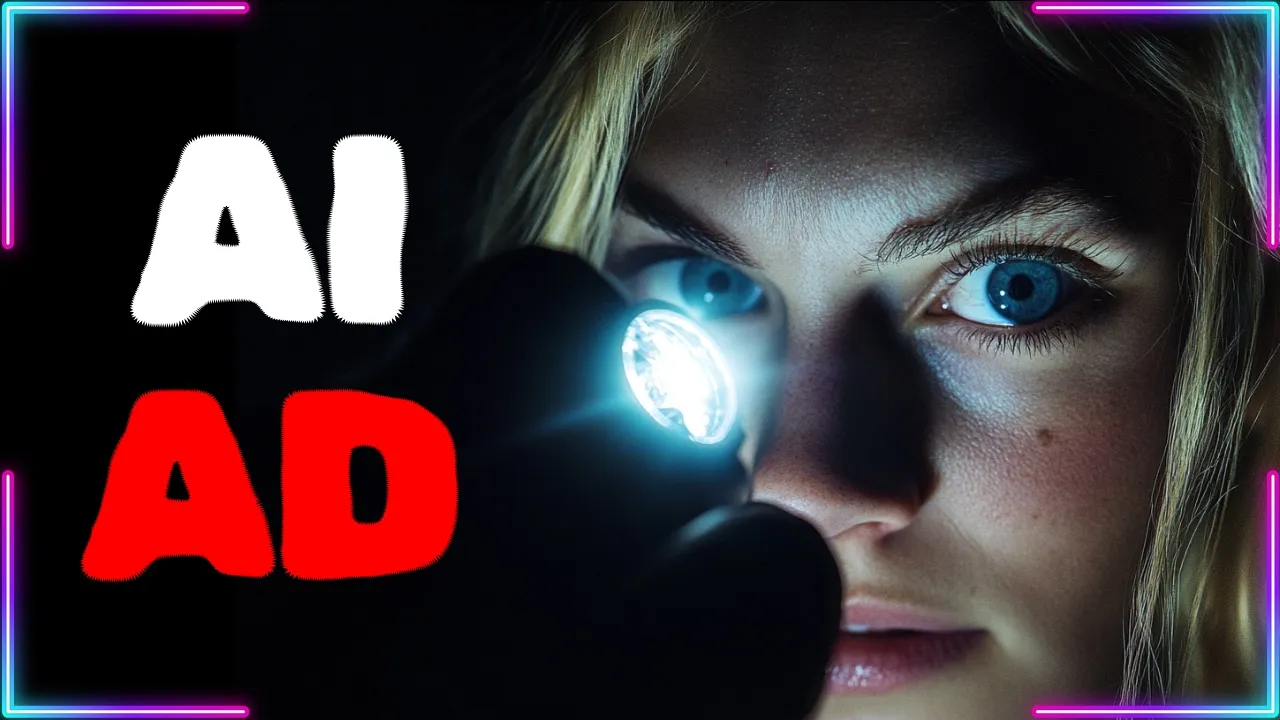
like cling Luma or Minimax next set the video orientation duration and number of generations now write your prompt in the prompt box describe how you want the AI to animate your product click the generate button to start creating your AI video repeat until you get the best one part three add scenes now it's time to create a story for our ad in this example I'll create a horror story for my flashlight product create your ad scenes using the image to video or text to video feature keep adding scenes until you form a complete story rearrange
the scene positions and insert the product video from part two part four audio now let's add voiceover music and sound effects to our ad to add a voiceover click the voiceover button select a voice actor and enter your script in the prompt box click generate to create your AI voiceover drag all voiceovers into the timeline Editor to add sound effects go to the sound effects menu describe the type of sound effect you want then click generate to add music go to the music menu and click upload audio to upload your external music you can also
add captions if needed go to the captions menu and activate display captions to turn them on make any final adjustments if everything is set click the download button to start rendering and download your final video and here are some AI generated ad examples I created using aiv video.com oh [Music] light your way with the power of xlight Pro [Music] Wonder perfume where every move leaves a [Music] trace stylish confident trendy elevate your style aiv video.com is an incredibly powerful yet friendly tool that makes creating professional quality ad videos effortless with its intuitive interface and flexible
features even firsttime users can achieve impressive results in minutes ready to take your ad video creation to the next level click the link or use my promo code Arena to get 20% off for an entire year you can also give it a try for free thank you for watching this AI video generator tutorial if you have any questions feel free to ask in the comments section don't forget to check out my channel for more AI video content see you there