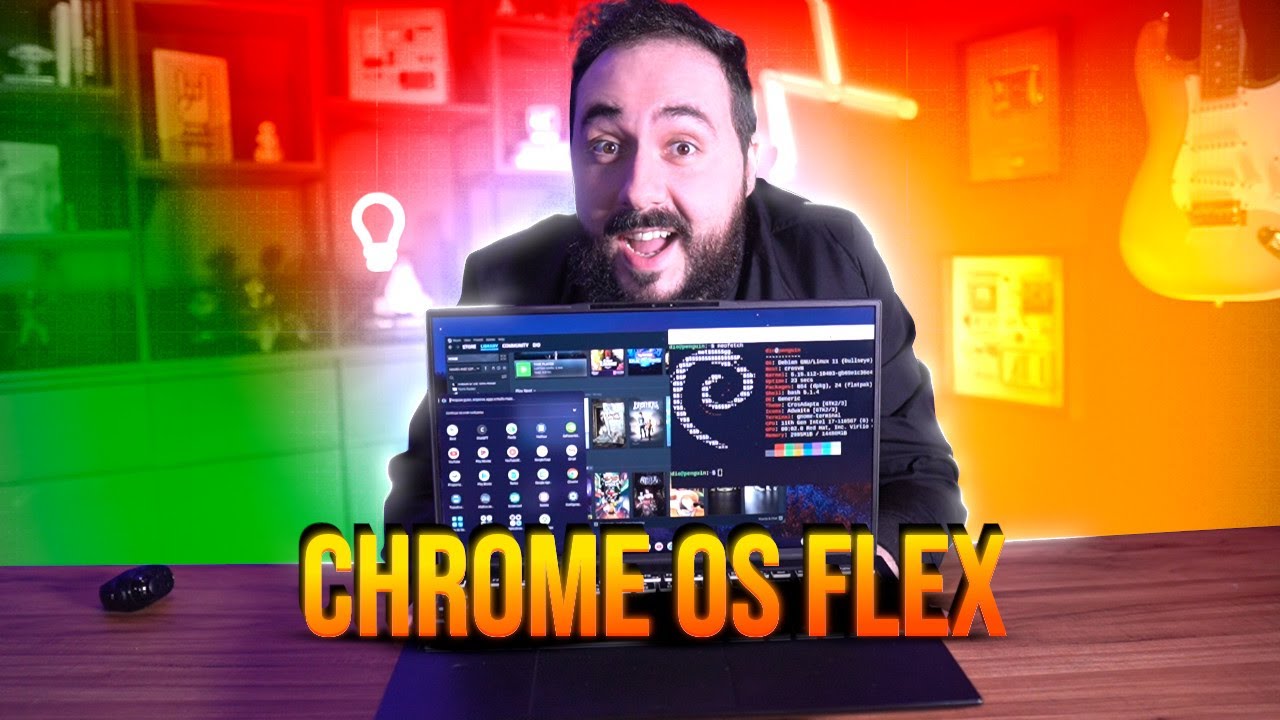
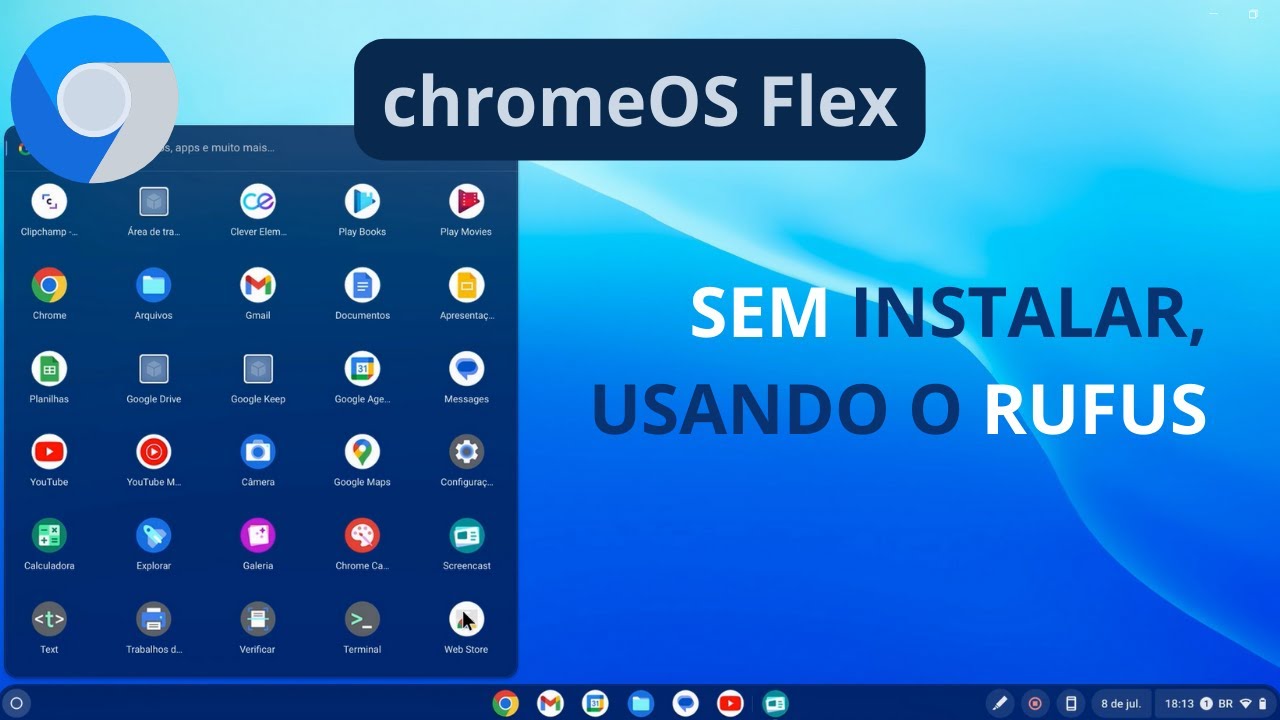
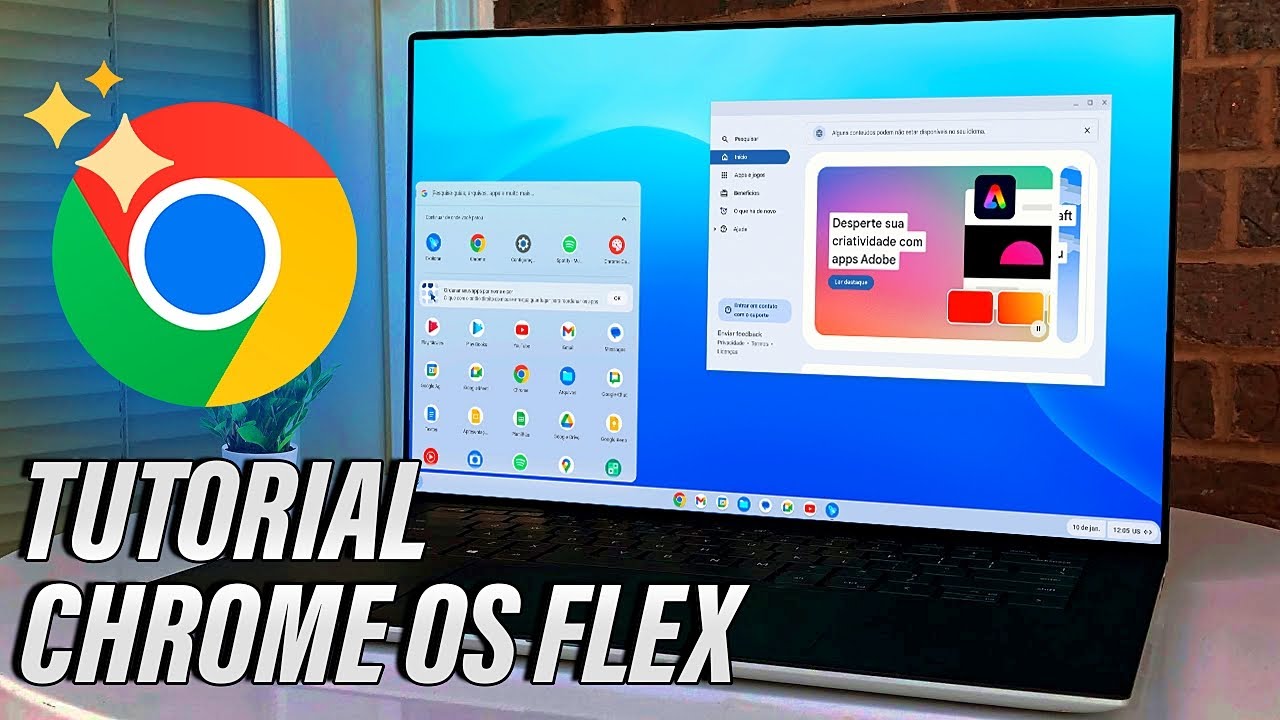
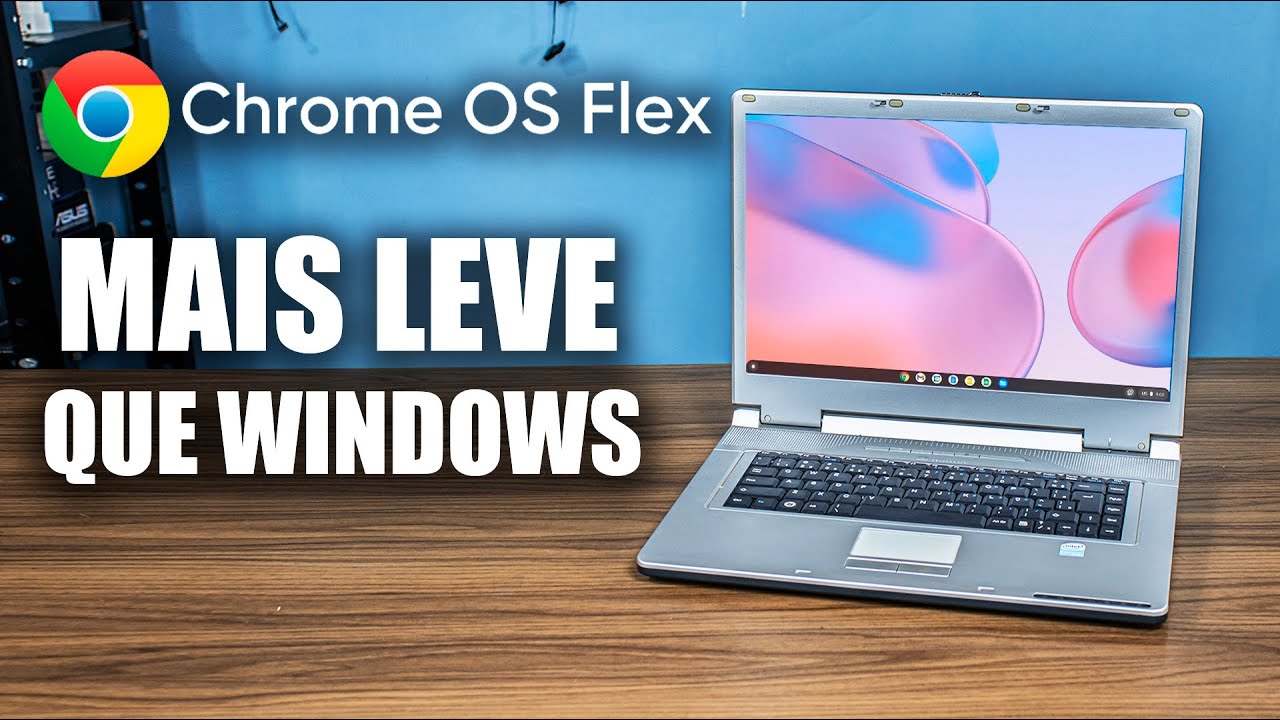
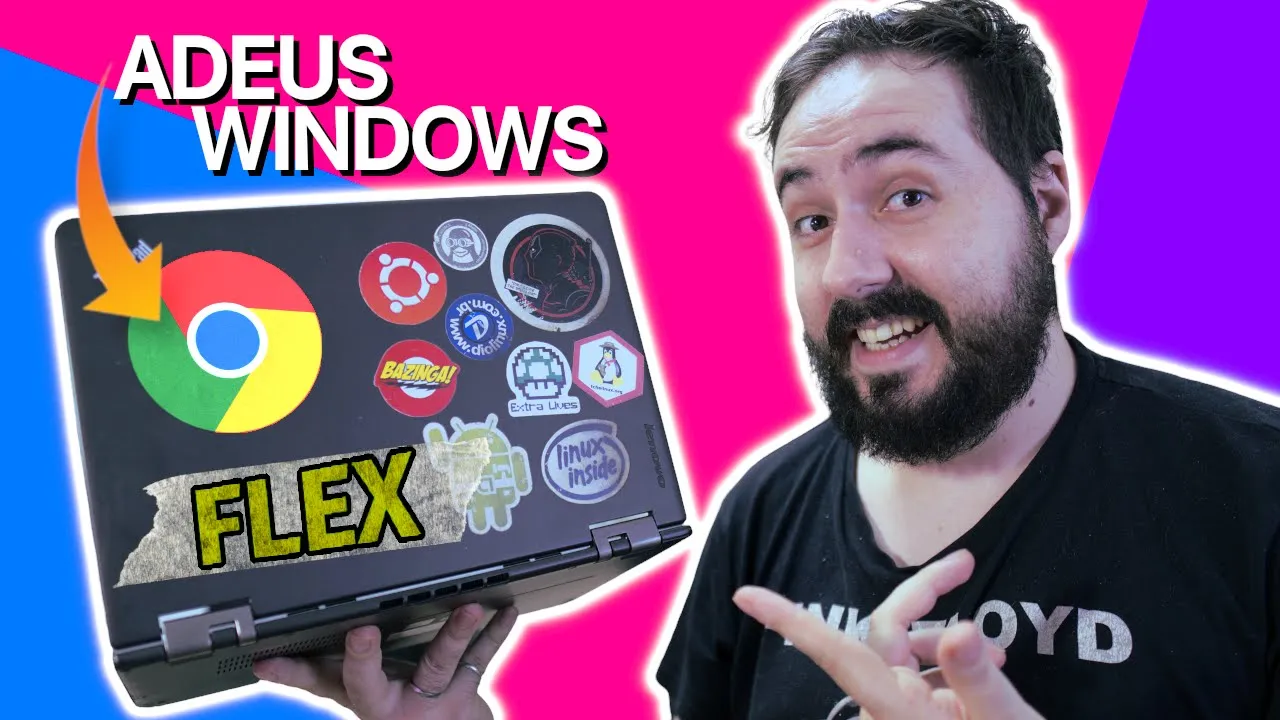
ladies and gentlemen, the moment we've been prophesying for a few years has finally arrived , Google has decided to bring Chrome os to common computers to be installed by anyone for free This is a brand new Chrome ass flex as they are calling it and today you will understand how to install it it and what are the features that work and what still don't work as it is still reading an Alpha phase of development and why this attitude of Google is very important for the market as well as knowing what our sponsor is today important
and I think you will enjoy the opportunities that the people from the tribe have to offer in today's video they made a really cool infographic in partnership with the people from sono to bring you the main trends in the Technology market in 2022 Here in Brazil is a 100% free infographic to help you prepare for the opportunities that should hit the market this year so you can understand from Which the number of vacancies to which sectors are the highest do the link that I will leave here in the description regarding Chrome os Flex everything is
very recent despite Google having bought neverwhere for some time now perhaps the most prominent company there to implement the Chromel s or better to say Chrome 1 os the completely opener version if Google's temporary version for the general public chromel s flex does not arrive without a surprise I must say still in 2018 We were already talking about Cláudio read the system that is never used do that is now called chromos Flex since Google bought the company the system is in full development as I mentioned before so many things can and even should or should
or I would say change but I'll tell you more about it in a little while while to install on your computer You will need an extension for Google Chrome called Chromebook Recovery Utility That is, you need another system running the Google Chrome to be able to create this bootable pen drive and this pen drive needs to be at least 16 in size for you to have a comfortable use this extension only works on Windows on Mac OS on chromels so unfortunately you can't do it on Linux because there isn't one yet system image for us
to download and install using some other tool like a fan or an enter which is undoubtedly one of the points that Google should improve there in the distribution of chromels Flex the operation is relatively simple you open this extension plug yours pen drive there on your computer and in the chromebook model you will look for chromel S Flex in the list and in the product for now there will only be the developer and unstable version that we need to select just go ahead and select your pen drive this process takes a while seen on a
computer relatively Well I think here it took about 15 or 20 minutes So make a coffee there and wait for the completion why not it will be instantaneous unfortunately with your bootable pen drive ready put it on your computer on the computer you want to install the program if you enter the boot menu select the drive you created with this operating system very similar to any installation of Linux or Windows even the installation is very simple the intuitive it doesn't have much space in fact it doesn't have many options either but you can change the
language and there is no way to partition or dual boot at the moment chromel s flats will Erase all data from the biggest disk connected to this computer if that's the case So it's good to make a backup before continuing the process takes a few minutes I just think it was no more than 5 or 7 minutes I know it takes longer to create the pen drive than to install the system but after finishing you can restart the computer and remove the pen drive from the machine and then you will setup the computer like any
other chromebook actually connecting there in the i nternet logging in with your Google account or accessing via guest while you do this chromel s will already synchronize your browser preferences if you already use another chromebook as is my case here it can synchronize data between the two computers even wallpaper that you use and you who follow the channel with a certain frequency already know but we have some videos about chromebook chromel S around here and what is most interesting in this situation is that this laptop is where I installed chromel s flats is a Core
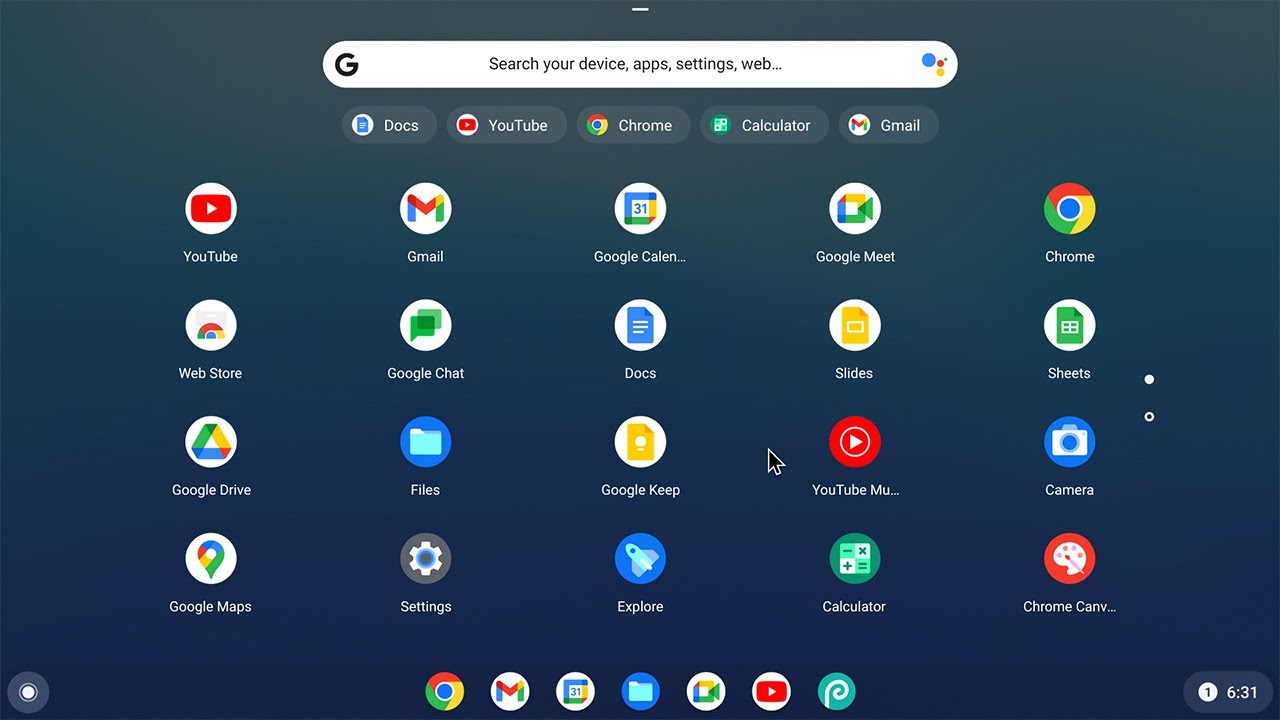
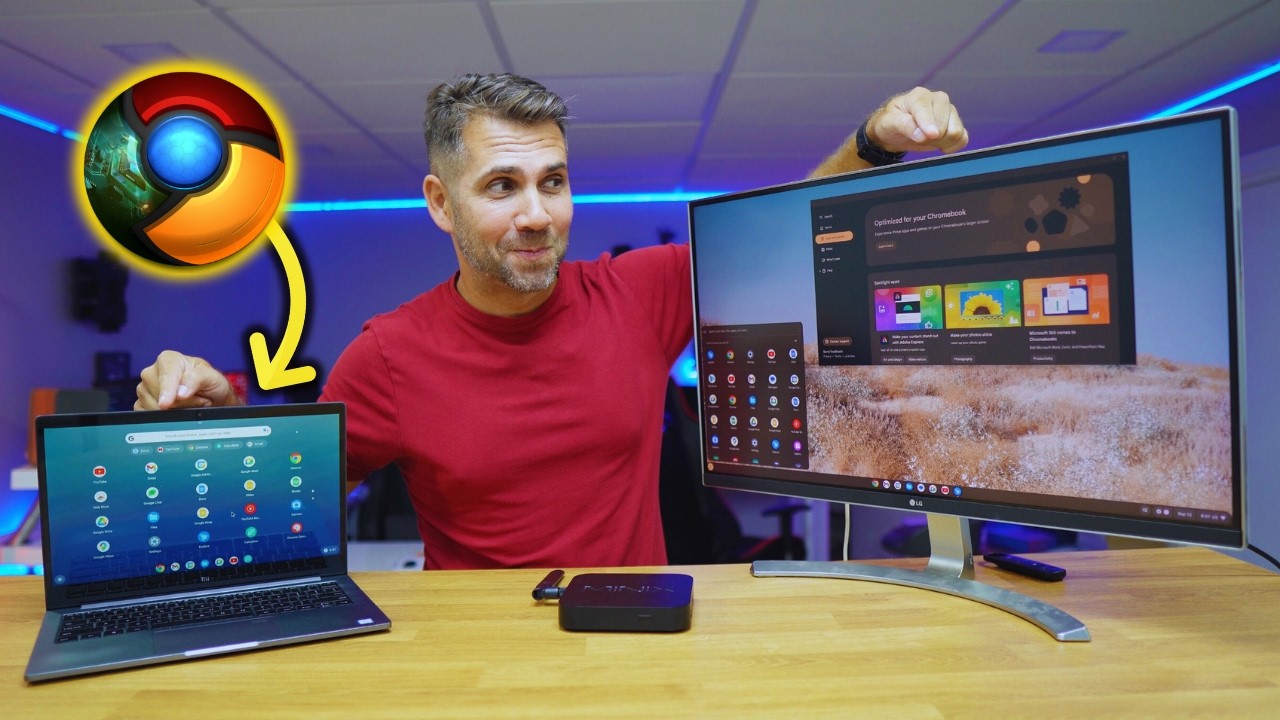
i5 with 4 GB of Ram and a 240 GB SSD and a chromebook with these configurations here in Brazil it costs a kidney, practically that if you find any legitimate chromebook model that I have, which is this one, it has much weaker hardware than that. thanks to the optimization of chromel S It just looks like it flies even though it's a brain to see more about it check out the review video we have about it here on the channel Chrome S Flex and it looks exactly like With normal chromels it is fast it is efficient
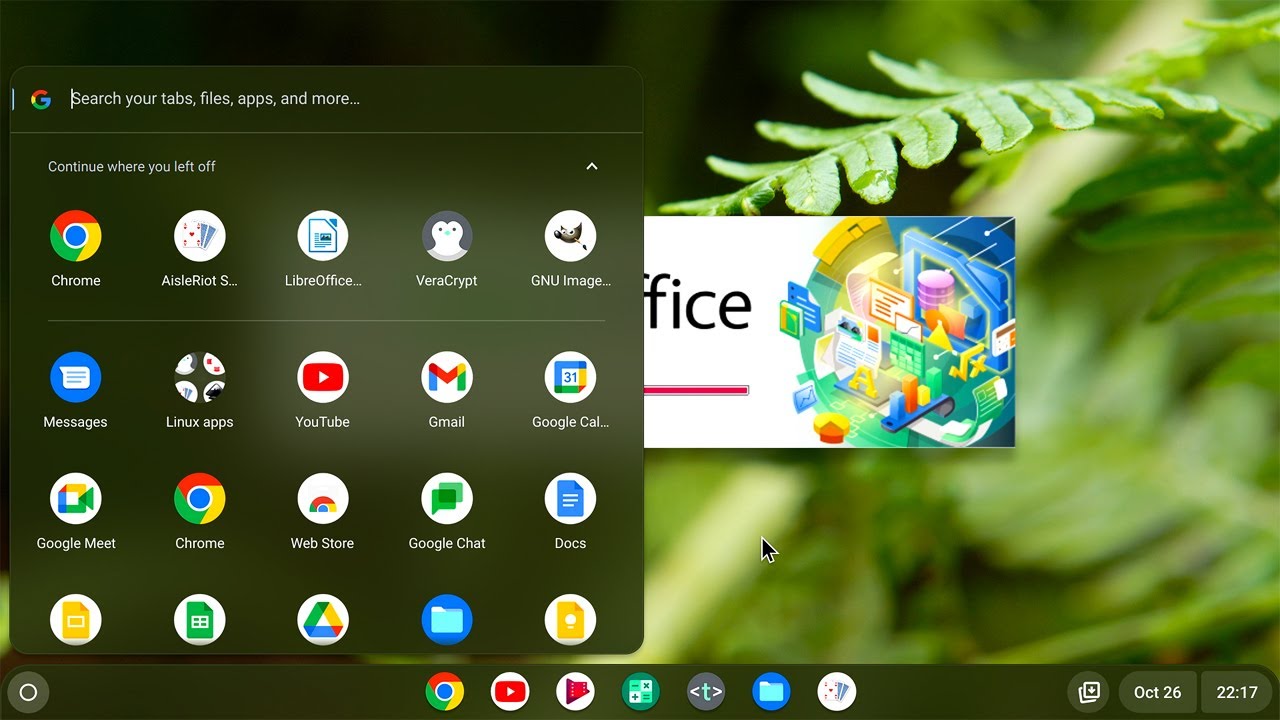
but because it is still in the version it must contain some bugs and it contains some limitations you know some that are inherent to chroma S Flex itself and some referring to chromel SMS itself this version does not support Google Play Store as a chromebook here, at least for now, which for me is one of the main attractions, including using Chrome S here on my original chromebook, the Linux applications are also not working normally at the moment but that may be because it is still an Alpha and it seems that it's kind of buggy because
the option exists there so the fix question Google has a big list of laptops and Harder officially supported and it's worth doing a test to see if everything works but things we know there are simply no programs like NVidia driver while Chrome Wesley's Linux Kernel can easily handle openor drivers if Intel and AMD can be a problem if you have one of these plas . cas but on my Lenovo Yoga 12 it's that even the touch screen it has is working perfectly and that's one thing including that this cheap chromebook of mine here doesn't have
support it 's not touch So it's already better than this one another limitation of Chrome S Flex at the moment is that the support is the Parallels that that excellent virtualization software that I showed here in the channel running on the MacBook Air does not exist despite being the beginning of this project that is bringing Chrome s to Theoretically any computer something that promises a lot these details that can keep ear dopings away while chromebooks are much more like macbooks, even I would say a package closed there and a product with hardware and software tied
together chromel s Flex allows us to use the optimizations of antol Linux base in Chrome s on any computer including those old laptops giving new life to them using an official and updated product with a certain level of security of course an eventual Google Play support would be excellent and would certainly help to enhance the success of chromel SF Flex parallel support would be welcome too to be able to virtualize a Windows etc but another segment that Google has advanced is Steam looking for S that seems to be coming then in its first editions in
partnership with valve with Paralympic games specifically what helps the growth of this scenario that is being put into practice by valve itself with the Steam deck and different from many discs and in what we show here on the channel the Chrome S it has this face of the product there from start to finish , in addition to having a Google name behind it, which for regular consumers is recognized by the Android and YouTube of a multitude of other products. So this can definitely be the advancement of chronols and by table of the Linux in the
desktop world today Chrome plus Flex is much stricter than Windows than a wrecking I would say it's stricter than Mac West it is also more restricted than the Chrome S itself that comes installed on the chromebook in terms of functionality if we go to see it, but it is still more than enough for many people out there who only access the Internet to follow the evolution of Chrome S Flex and Chrome S normal as well as all other operating systems Just stay tuned here on the channel Even I want to recommend you a cool video
that we made I can Look at a while ago when Chrome S Flex was still not a thing we did here on the channel a video about Chrome post installing Chrome the real ones with Google Play and everything else including this same laptop Lenovo Yoga is a very hacker process I would say but it's worth checking out just click on the video on the side