these days every business freelancer and content creator needs professional Graphics whether it's for marketing social media or personal events but let's be real hiring designers is expensive and learning complicated design software ain't nobody got time for that now imagine if you could create stunning posters invitations or even personalized greeting cards just by typing a single sentence sounds too good to be true right well that's exactly what molly. a does this AI powered tool makes designing super fast easy and affordable perfect for small business owners Freelancers and marketers who want professional visuals without the hassle today
I'll walk you through how it works how insanely easy it is and why it's a total game Cher for anyone who wants stunning designs in seconds so without further Ado let's dive in open your browser and search for mpix AI click on the first result and you will be directed to the website the link will also be available in the description in the top right corner you will find the sign-in button click on on it and continue with Google to sign in once logged in you will see the number of credits available in your account
a free account provides 20 credits which is enough to test the platform here you will find all their products listed which we will explore one by one with this tool you can create a lot of things that a designer would charge a hefty amount for designers can also benefit significantly from this tool AI is not replacing designers instead it serves as a magical assistant that can save them up to 90% of their time you can create posters LinkedIn posts invitations postcards images logos custom birthday cards and much more the possibilities are endless below you can
explore design ideas and templates for different needs if you lack design inspiration you can take ideas from here there are ready-made templates available for posters cards ads and more let's get started by creating a poster upon opening it you will see multiple templates if you want to use a temp tempate hover over it and click on remix you can also click on this edit button and enter your prompt however we will delete this template and add our own prompt instead since today is February 13th and Valentine's Day is tomorrow I have added a related prompt
now let's generate the design our Valentine's Day posters are ready these are so well-designed that a professional designer would charge a high fee for such work thanks to mpix for making this process so easy the entire poster is editable you can make any changes you want with clicking the edit button opens a new tab with an interface similar to canva here you can modify text visuals and images according to your needs let's change the Valentine's Day celebration font clicking the fonts button will display many options on the left panel select the one you like the
effects panel offers various options to enhance your design further additional tools include a similar image generator upscaler Magic Eraser magic editor and expand tool the text tab allows you to add any text while the my media tab lets you upload images from your PC The Element Section provides stickers and Graphics to incorporate into your design below that you will find stock images background options layers and resizing tools once your design is ready click the download button in the top right corner to save it imagine how happy your loved ones would be if you created custom
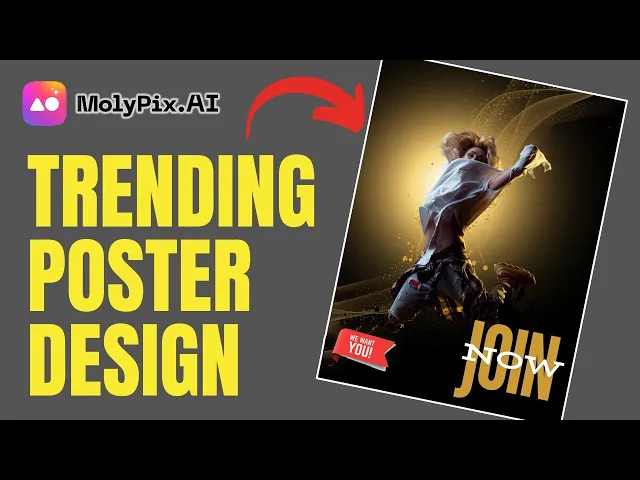
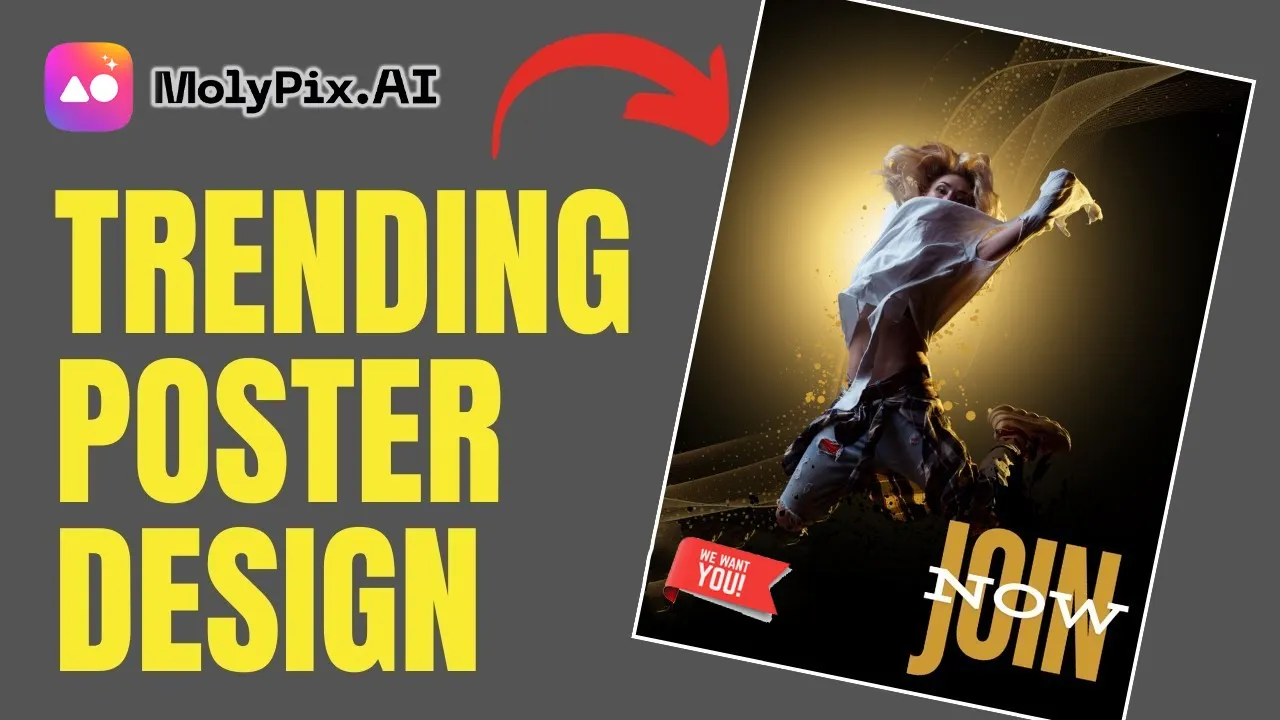
cards for them like this now let's create a motivational poster motivational poster are highly popular and if you design them well you can sell them for a good profit let's edit this poster now first I'll change the fonts and adjust their position I'll also delete the text at the bottom okay now it's looking better as I mentioned earlier there are AI edit tools that can further enhance your designs let's use the magic edit tool for some editing first select your image to enable these tools now click on Magic edit and a small window will appear
this is basically a generative fill tool use the brush to select the area where you want to make changes you can also adjust the brush size from here so I'll select this small area in the prompt box type whatever you want to add for example if I want to add a bicycle here I'll type bicycle then click on generate after waiting for a few moments you can see that a bicycle has now appeared in the image click apply and the bicycle will become a part of the image now let's download it I'll open the image
and you can see that a great motivational poster is ready let's close this and move on to the next tool which is the image generator here you will see various examples for inspiration or you can use them as templates let's generate an image I will type pyronite select the abstract style and choose a 9x6 size you can use the magic prompt to enhance your input but I'll proceed without it and generate the image our images are ready the results are impressive if you create wallpapers and sell them on platforms like Instagram you can make good
money even for personal use this is an excellent image generator as you saw it generated such a cool and highquality image just by typing a single word now imagine what kind of amazing results you can get if you provide it with a detailed prompt so let's move on to the next tool here you can create LinkedIn posts and ads yes the kind of AD you can think of can be created here just by giving a simple prompt so I have entered this prompt here first we will create a post and then we will also make
an ad now look at how engaging these posts are if you want to create posts like this you'd have to pay a graphic designer a lot of money how much better is it to get your work done with this tool and create such highquality posts without wasting time everything is editable now let's create an ad we paste The Prompt here and select the single ad image option then click on generate again I will say that this tool can create such highquality ads in such a short time you can click on edit to make further changes
though it's usually unnecessary because it generates exactly what you specify in the prompt now let me show you its coolest feature birthday cards if you have a girlfriend or boyfriend imagine giving them a greeting card with their custom image on their birthday they will be so impressed all you need to do is upload their image here type their name and select their birth date if you want to add a greeting message you can type it here but I will leave it blank there are many styles available you can choose whichever you like I'll select this
princess style one and click generate okay our Custom Image greeting card is ready if you send her a greeting card with her image on it your girlfriend will genuinely be happy haah you can click edit to adjust it to your liking let's replace celebrate you with happy birthday and set its position once finalized we can download it now moving on to the next tool which is the logo creator I'll open it and click on edit to enter a simple prompt create a logo for a luxury watch brand the name of the brand is Chrono Elite
from here you can choose the style of your logo but for now I'll leave it on auto and click generate boom some really cool logos have been generated imagine if you had a brand and its logo looked this professional now I'll close this and try a different prompt again you can see how impressive these logos are if you are a graphic designer your clients would pay you a lot for Logos like these from here you can also create professional invitation cards ideal cards AI photo cards and many other designs using the available tools molly. a
is a powerful AI design tool that not only generates stunning Graphics but also lets you edit them with ease this unique feature sets it apart from most tools in the market if you want fast and professional designs this tool is a must try finally let's talk about pricing a free account gives you 20 credits allowing you to create 20 designs their starter plan costs $4.99 per month and gives you 200 credits which is quite reasonable and affordable for everyone if you need more you can upgrade to the pro package which provides 800 credits if this
video was helpful give it a like for more useful tutorials like this subscribe to the channel see you in the next video