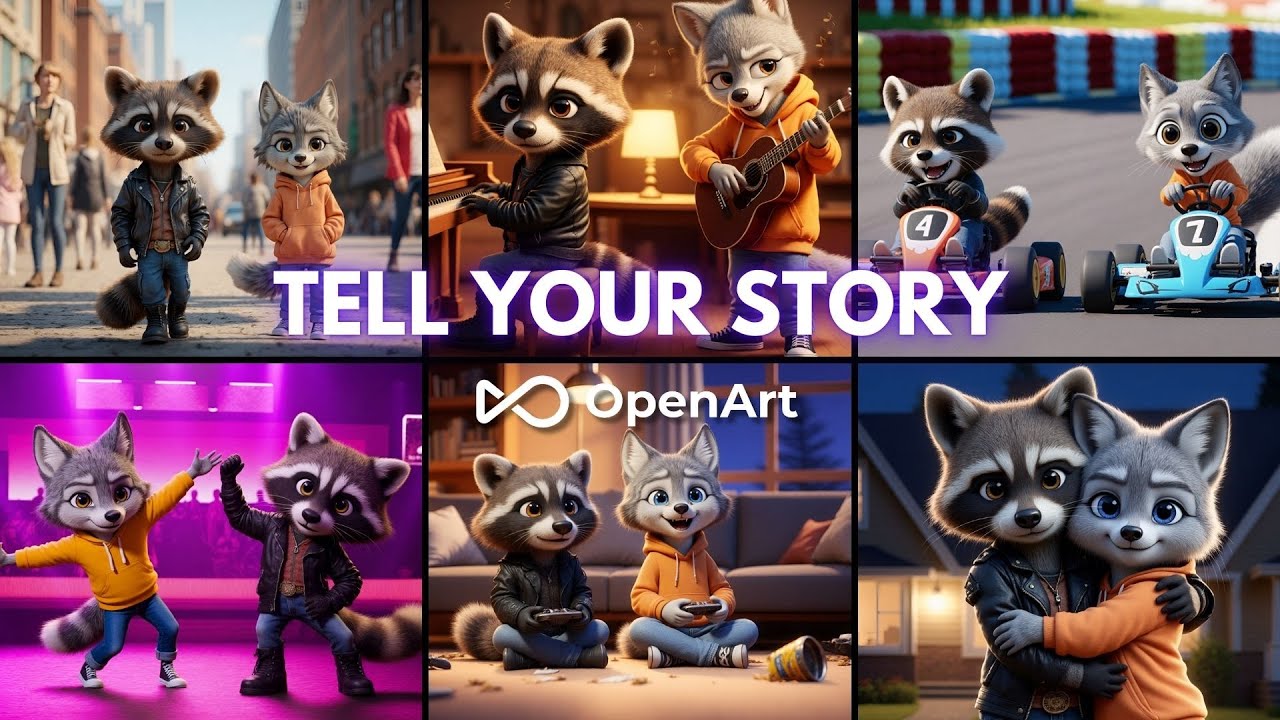
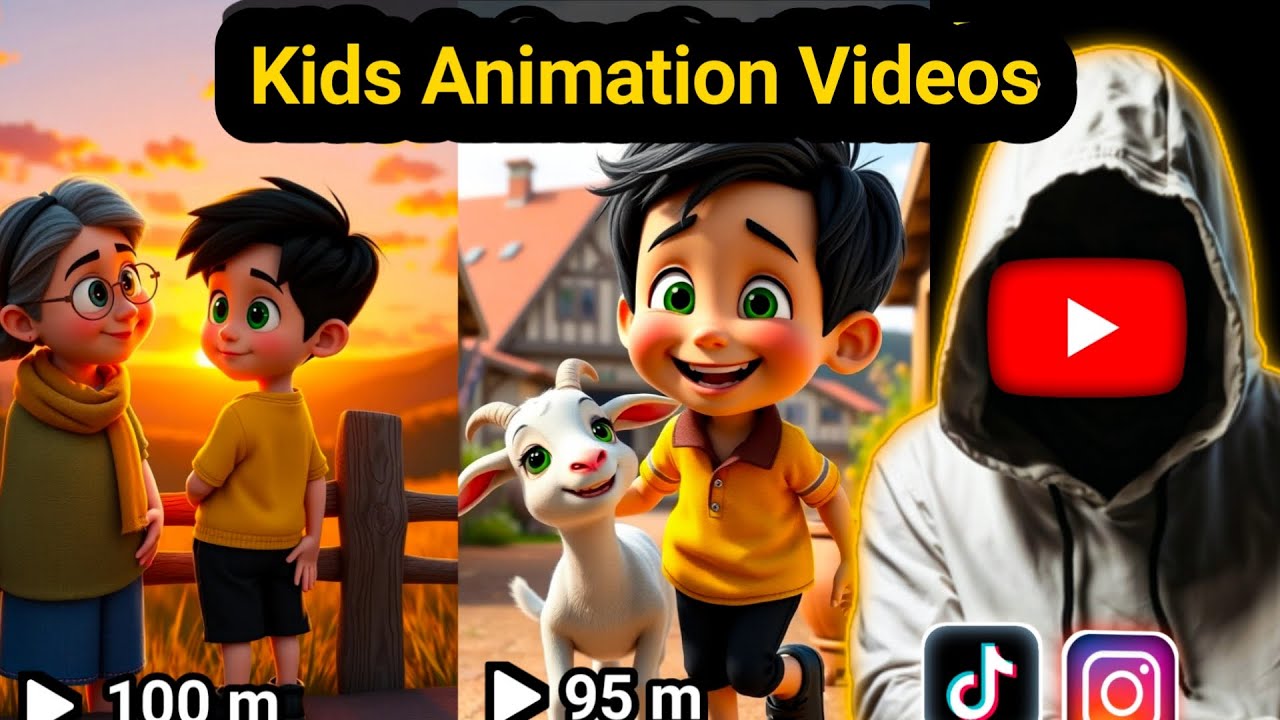
[Music] [Applause] [Music] [Applause] [Music] all right guys take a look at this YouTube channel right here they've built almost 2.59 million subscribers and all they do is post captivating AI Story videos just just like the ones I'm about to show you and here's the crazy part if you check out their videos you'll notice they're racking up insane views on almost every single upload that's not even the best part a quick peek at their social blade stats reveals it clearly they're pulling in a very healthy income every single month from these videos it's wild right now
play any of their videos and you'll see what's really going on they're using simple AI generated images to videos adding just a bit of movement and layering AI voiceovers on top that's it but wait is YouTube actually monetizing these types of videos let me clear that up right now yes they are YouTube is absolutely monetizing them as long as you're putting effort in making sure your videos provide value and not spamming lowquality content you'll be fine plenty of creators are doing this successfully here's the catch though to create videos like these manually here's what you'd
usually have to do first sit down and write a good story then find or generate images for each scene after that record or generate voiceovers then you need to sync everything in a video editor only after all of that you publish sounds like a lot of hassle right timec consuming tedious and especially if you're just starting out it can feel like way too much but what if I told you there's a way to skip all those manual steps and do the entire thing start to finish with just one problem that's exactly what today's video is
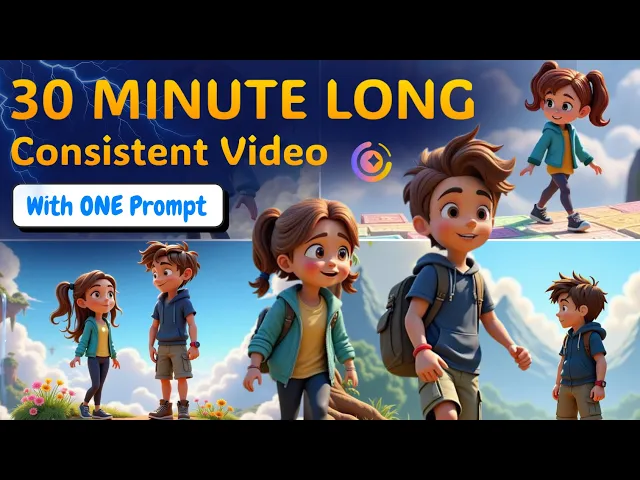
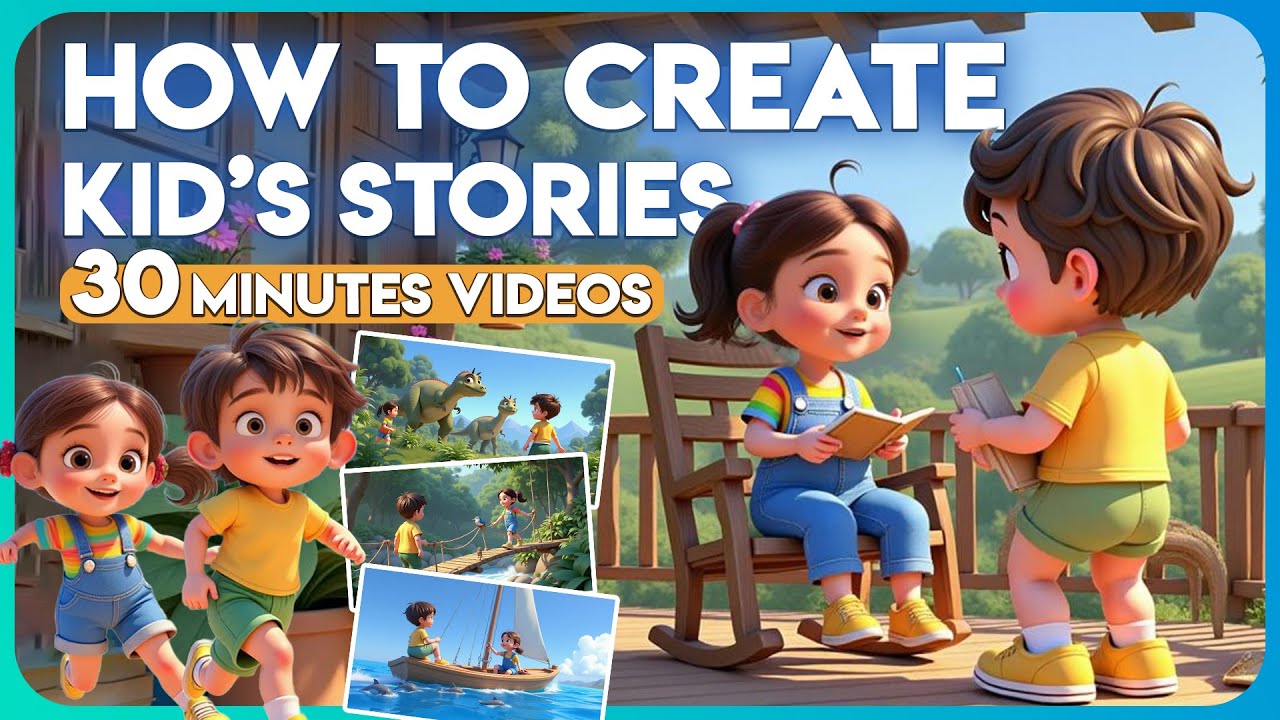
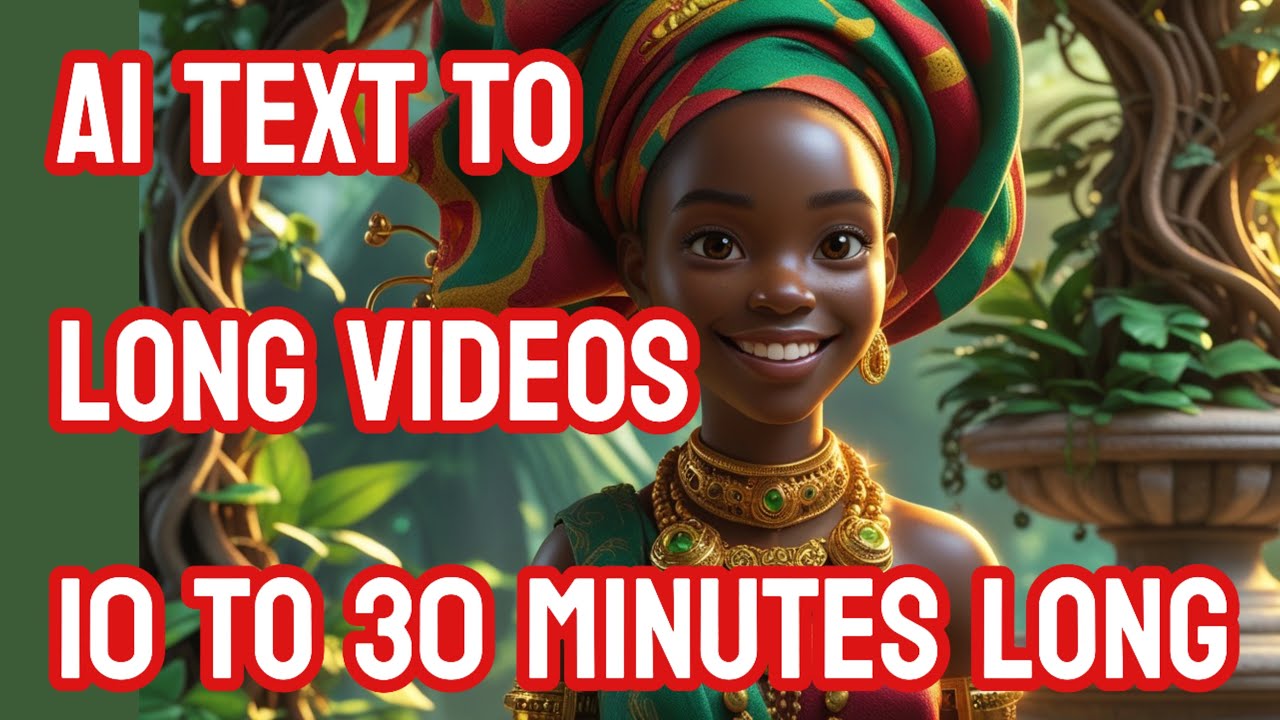
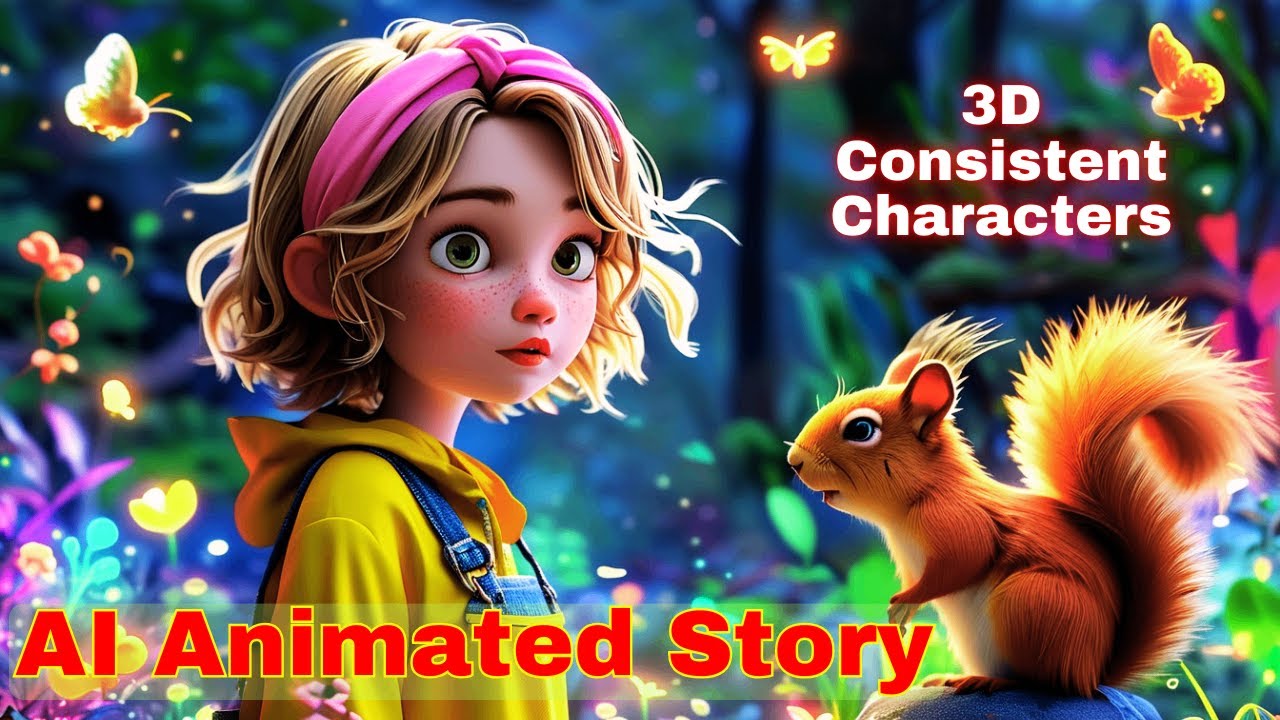
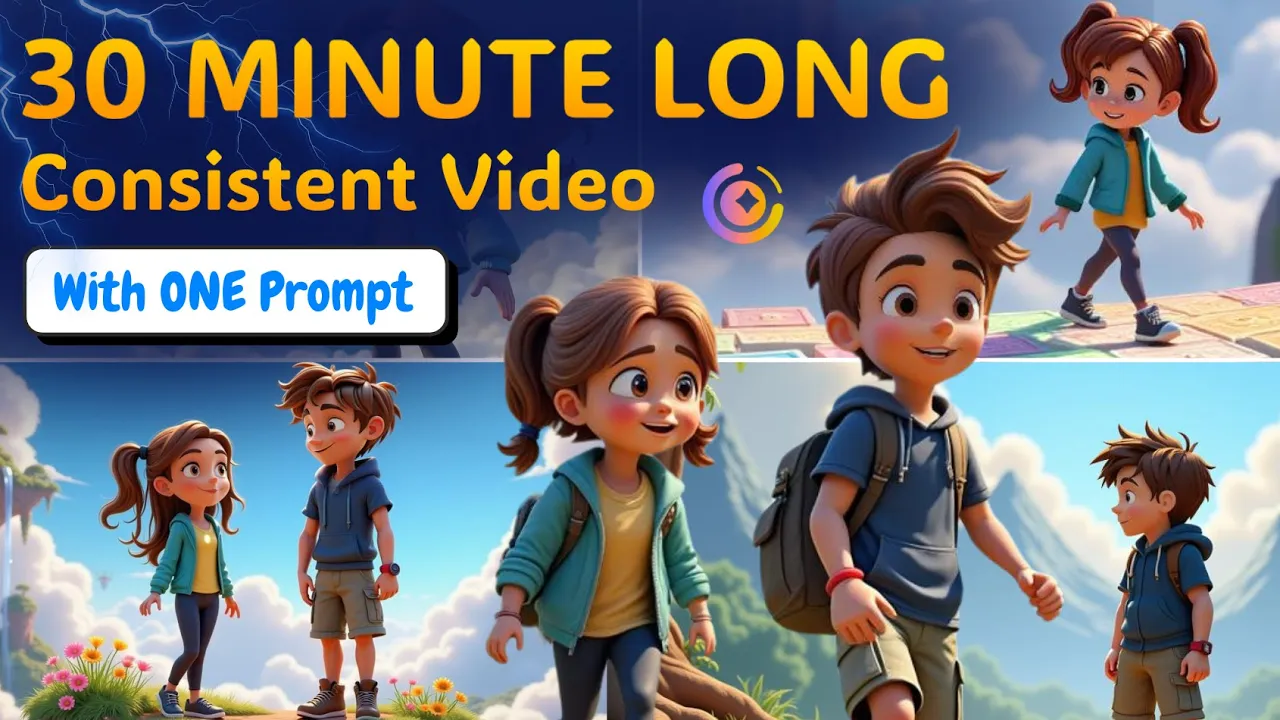
all about let me introduce you to Magic light AI this tool completely changes the game instead of juggling between different tools and wasting hours you simply type in your story idea and Magic light handles everything else for you writing the story generating consistent images adding voiceovers breaking it into scenes and stitching it all together into a complete ready to publish video and here's the kicker unlike most tools that limit you to short videos magic light allows you to create videos up to 30 minutes long oh and one more thing worried about characters looking different in
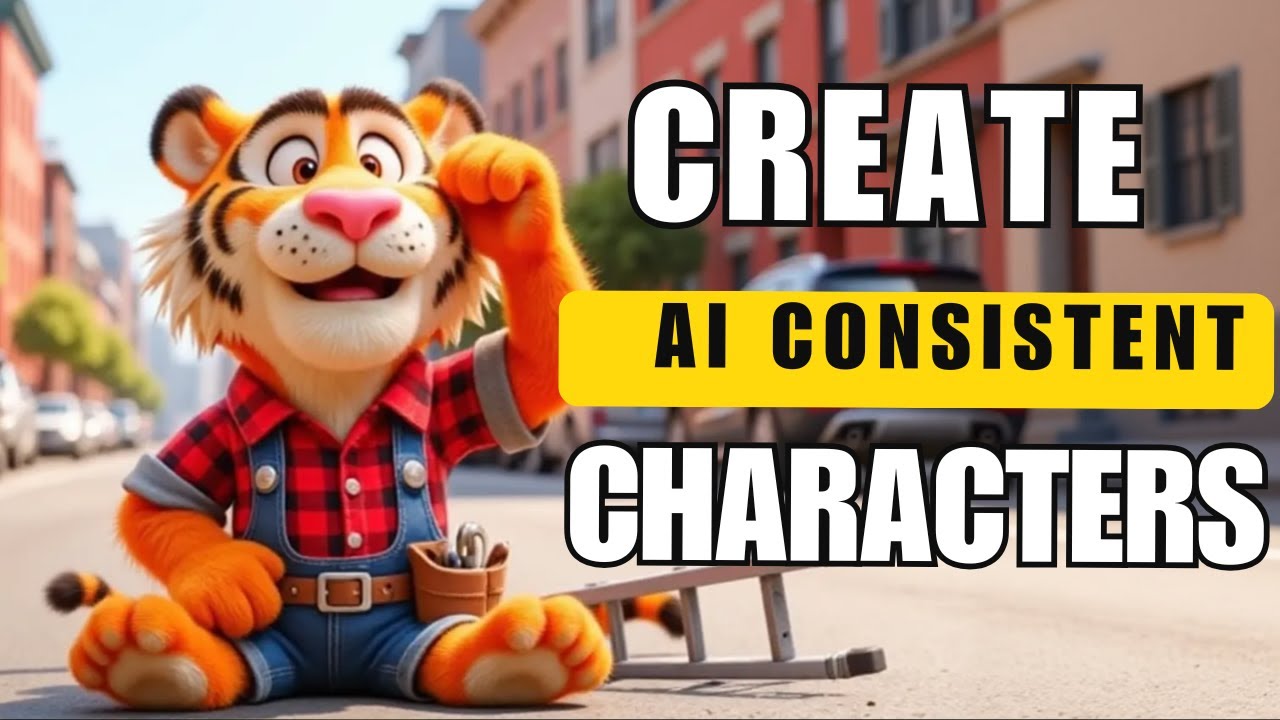
every scene Magic Lights got you covered it has built-in support for consistent characters so your entire video feels clean professional and cohesive so if you're serious about creating these types of videos and want to skip all the usual headaches make sure you stick around because I'm going to walk you through exactly how to use it step by step all right let's dive straight into how you can start creating your own AI videos using magicl first things first you'll find the link to magicl AI down in the description below this video use that link to grab
your extra 300 free credits right away plus lock in a 20% discount on any future payments go ahead click that link and it'll bring you right to their homepage here you'll experience everything this software promises from creating videos up to 30 minutes long to ensuring character consistency across scenes now just scroll down a bit and you'll see a button that says start for free click on that super simple now it'll ask you to sign up you can either continue with your Google account or use your email whatever's easier for you once you're signed in you'll
land on the magic light dashboard and let me tell you the dashboard is very straightforward at the top you'll notice two big options staring right at you one says create AI video and the other one says create AI character we'll get into both in a second if you scroll down a little bit on the dashboard you'll actually see a whole section showing AI videos that other creators have made using this tool I highly recommend taking a few minutes to check those out it's a great way to get ideas and see the kind of quality videos
you can make with zero hassle also on the left hand side you'll notice a section labeled projects that's where all your own video Creations will be saved so you can easily find edit or download them anytime now let's Jump Right In and start creating our first AI video go ahead and click on the create AI video button at the top once you do that you'll see a few different options pop up on your screen don't worry I'll walk you through exactly what to do next step by step right in the center there's one called smart
script click on that this is where the magic happens now all you need to do is paste this simple idea into the prompt box and right below that you'll see the video duration options just choose how how long you want your video to be the best part it supports creating videos up to a full 30 minutes long no complicated scripting no fancy writing needed what's cool is Magic life is integrated with deep seek r one which means you can literally type just a oneliner prompt and it'll generate a complete story video for you with solid
quality if you want to learn a bit more about deep seek there's a little icon you can click on the page where you can check out the separate tutorial I've made on deep seek links in the description as well but if you want something more specific like a complete story idea here's the easiest trick you can simply open Chad GPT paste the ready-made prompt I've provided for you in the comments or description and boom Chad GPT will give you a full structured story idea in seconds once you have that copy it and paste the entire
story idea right into the magic light prompt box that's all now let's move on to the settings part once your prompt is in you'll see see a few options pop up below first you'll select the aspect ratio you can choose landscape if you're making videos for YouTube or portrait if you're planning for shorts Tik Tok or Instagram reels then right below you've got language options magic light supports multiple languages so if you're targeting a specific country or audience you can select the one you need next up choosing the style this is one of my favorite
Parts you'll see a bunch of cool style options you can go for 3D card T realistic GTA style comic anime and a few more for this demo let's go with 3D animation it works great looks clean and people love it once you've selected your style click and Magic light will instantly start processing what it does is it breaks your story down into multiple shots each shot is one visual scene or image now this is the most important part of the process because if you have a good script then 50% of the job is already done
but here's the thing if you're not 100% happy with how the story looks or sounds you're not stuck you can go right back to Chad GPT paste that second pinned prompt from the comments again tweak or regenerate a fresh story and come back or if you've got your own story already you can use the use my content option paste your entire story directly hit next and the AI will automatically split it up into individual shots for you each shot equals one image and the cool part is you can edit the text delete unnecessary shots merge
a couple together all super easily right here before moving forward all right once your story is broken into shots click next and you'll land on the cast page this is where magic light automatically detects all the characters mentioned in your script super handy right here you can see a list of characters you can choose to add new ones delete any unnecessary characters or just let the tool handle it by clicking the auto choose option but if you want to fine-tune things a bit you can also manually edit each character click edit character and a new
screen will appear here you can choose your character's name voice over gender and Age based on your selections AI will give you pre-made characters related to your choices now if you're not really vibing with the default characters no problem just hit create character and let's build your own custom character from scratch so let's walk through creating a custom character real quick first give your character a name then select their gender choose their category and set their age right after that you'll need to match the character Style with whatever style you picked for the video earlier
now for the character's look and personality you can use a prompt and the best part you don't even need to come up with it yourself to do that go back to chat GPT and paste this exact prompt just copy the pinned prompt I've provided for you in the comments or description paste it here and you're good to go want to get extra fancy you also have the option to upload a specific face image or even their clothing style but that's totally optional once everything's set just click generate your custom character will be created in seconds
and saved under my character so you can reuse them anytime in future videos no need to recreate every time then click confirm this option is basically a game changer because the AI I will use these casts to generate different images for each scene that's how you keep your characters consistent across videos super important for building a strong brand and you know how hard it is to create consistent characters but with magic light you can do it easily do this for all your characters and once you're finalized hit next it can take a little bit of
time so be patient and once it's done you will see something like this all your images for each scene are ready now this is where you can edit each scene according to your taste you can adjust the voiceover speed though I recommend keeping it at the default setting because it usually flows well under voice settings you'll see a list of narrator voices you can preview each Voice by clicking audition so you can choose whichever voice feels best for your video style now if you scroll here you will be able to see all the scene images
generated and if you select a particular scene you will be able to see the narration text from here you can preview the voice over and also if you want you can change the voice character from this section you can edit the characters if you want I won't make any changes now and here you can see the prompt used to generate the image you will notice in the prompt that it has used this phrase which is basically making the AI understand that you want to generate a scene with this particular character this is why it is
able to generate consistent characters in different scenes isn't this awesome now if you are not satisfied with any of the scene images then you you can simply click on the regenerate button and it will create a new scene image for you if you go through different scenes you will see that the main characters and each scene are the same which is just great now you need to go through each scene and make sure they are all according to your liking once you are done you can just click on generate video and the AI will add
some movement to each image and create the video for you but if you want to take this to the next level then you can turn the images into videos to do that select a scene and click click on this animate button here you will see four options lip sync makes your character speak built-in animate pro magic light also supports impressive Dynamic effects like Runway and huo AI for Extraordinary animation click any of them and after that you can give it a custom prompt if you want or you can leave it up to the AI and
it will create the animation based on your scene I will select this one and click on okay then click AI enhance and that's it in just a few minutes your image will turn into proper animation and here is the result as you can see it looks really nice trust me these kinds of small details will make your videoos stand out from others and it will also help you increase your watch time next I will just go through each scene and turn them into videos once you're done editing your scenes and animating everything it's time to
finalize your video just hit next and now you'll land on the finishing touches screen here you can customize your cover settings decide whether you want want to add subtitles and pick your background music now quick tip by default the Music Volume might be a bit loud and overpower the story narration so I recommend lowering the background music volume to make sure your story and voice over stay crystal clear or if you prefer a clean video with no background music at all simply select none once everything looks good go ahead and click generate magic light will
start rendering your video when it's done you'll have the option to download your final video you can choose to download the full video file or if you need the individual images used in each scene you can download them separately too total flexibility and boom you've got a highquality monetizable AI video ready to upload Sky Island floats high above Island sinking Crown loss find the crown Island sinks chasing Sprites and swirling Mist they w won the keepa away game Ellis hops on a wobbly Bridge Coral shouts guidance they chase Sprites crowns a loft Ellis grins time
for a Sky Ride he spots a wild Sky glider Coral Soares grabs Crown Island blooms Spirits Rejoice flying scarves gifted they laugh soaring home bravery saved the the day now before we wrap up let's quickly recap the real benefits you're getting with magic life forget about all those manual steps no more struggling to find stories no more hunting for images no voiceover recording stress everything is automated you go from a simple story prompt to a fully animated video all in one place plus the variety of styles is insane whether you want 3D animation realistic visuals
comic style anime or even futuristic cyberpunk looks it's all built in and the best part you don't have to spend a fortune to get started when you sign up using the link I've dropped in the description you'll instantly get 300 free trial credits to play around with see the magic for yourself if you're ready to scale things up there's a plus plan starting at just $8 but for the serious creators out there who want to go all in the Pro Plan gives you 20,000 credits no watermarks unlimited Advanced features a full commercial license any ability
to generate up to 30 minute videos with zero limitations and here's the kicker that same link will also unlock a 20% discount on the Pro Plan so you're saving money right out of the gate while getting all the premium features so if you've been sitting on the sidelines waiting to start this is your sign the first step is always the hardest but once you take it the momentum is yours you're here because you want to win and I'm here to make sure you've got all the tools to do it