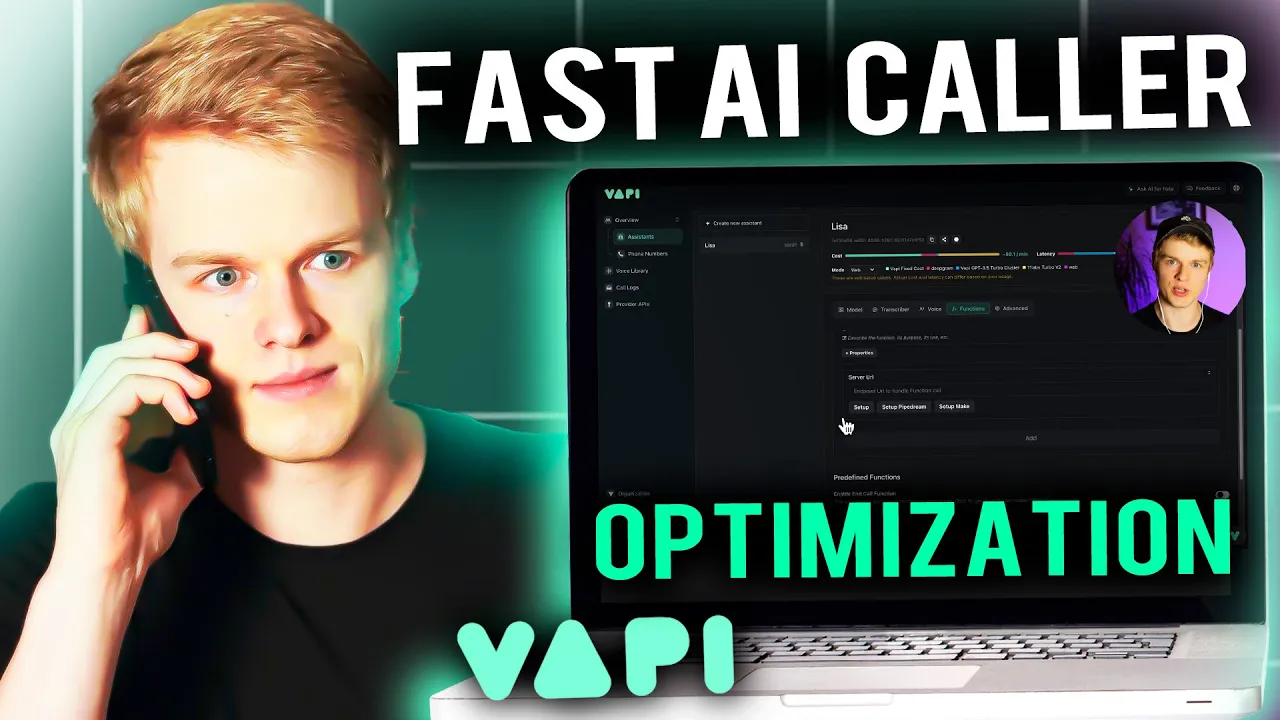
in one of my previous videos my editor cut the AI example of the voice caller that I built and you went crazy inside of my socials telling me I should not cut the agents to actually see how slow they are or that it doesn't work as fast as it usually should be and whatever else and well it was just happening because I didn't tell him to not cut it that was basically the main reason now since it seems like you value performance more than anything else I decided to make a deep dive on how we
can actually squeeze the most out of AI voice calling performance obviously every AI voice platform is different but since you guys love vapy as much as I do I decided to make a video exactly about how you can optimize vappy in combination with the performance and the speed and the delay so now we are going over performance optimizations that you can do directly inside of Vy but also externally based on the majority of the optimizations I'm going to show you now I will also show you at the end an example of how that sounds after
we have optimized the whole assistant now let's dive right into it to get started we obviously need the most important thing in the first place a dynamic assistant so to create one we are just heading back into the wppi dashboard and click on create new assistant I'm just going to choose a customer support as an example going to do the same thing I always do name Eva Lisa create the assistant and now I'm just quickly adjusting the name right within here and we are ready to go the first optimizations we do is located inside the
assistant under the advanced tag right here the response delay which is nothing else than the assistant that Waits until the user stops and from stops talking and from the user from the moment the user user stops talking it waits a certain amount of seconds until the AI responds back and this is set here to 0.1 seconds but obviously you can just simply set this to zero to make it a little bit shorter and now to the second feature which I have already adjusted cuz the first one was the response delay the second one is the
llm request delay that you can also adjust because that is basically the amount of time that is waited after punctuation of the sentence that you say until the request is sent to the llm so obviously you can also set that to zero just to shorten it as much as you can the next optimization you can do is by choosing the right llm in the first place alongside with their best and most performing model to do that you simply head over to the model inside of your assistant and right within here you can choose from a
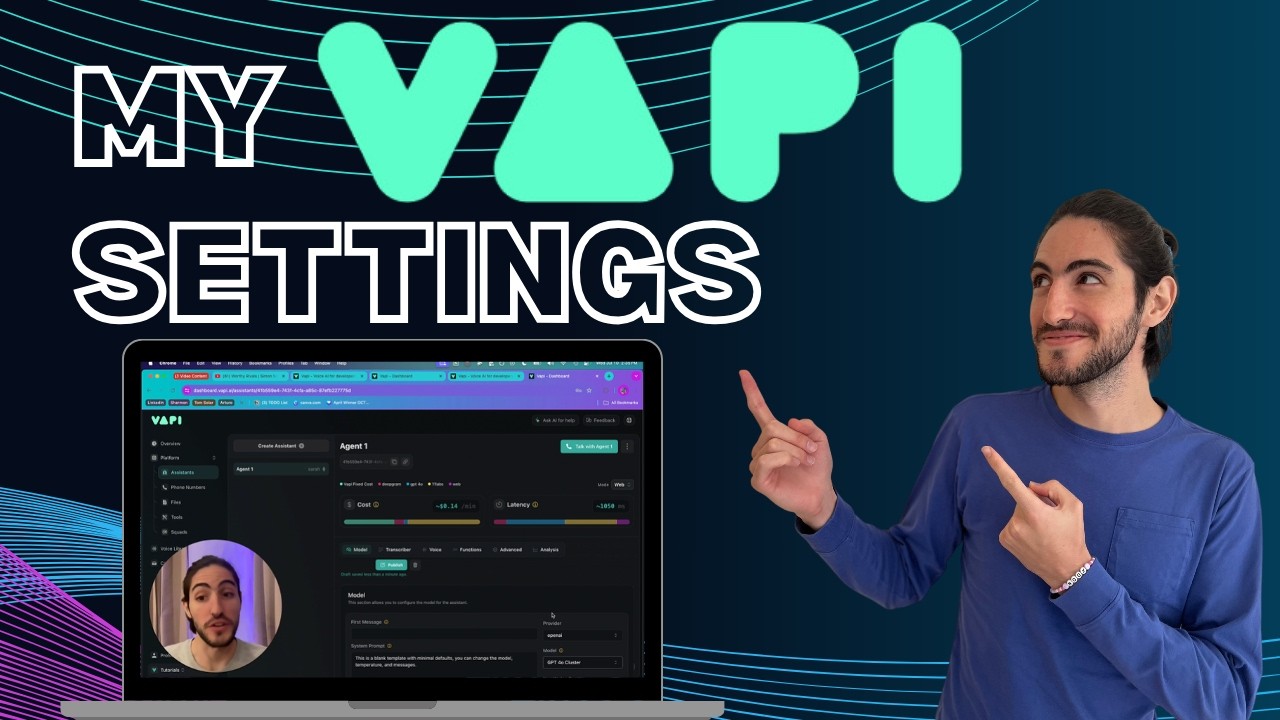
couple of providers the ones that I usually always suggest is obviously open AI or Croc is also decently fast I usually stick with open Ai and with GPT 3.5 it is a as it is a lot faster than their GPT 4 model and you can also obviously check the latency right up here where VY basically gives you an estimation of how long it takes to get a response so as you can see here now we at 950 if I would change the model to gp4 it would go to 1,500 as the time it takes for
gp4 to generate the next token takes a lot longer than for the GPD 3.5 turbo and to be honest in most of the requests inside of a phone call it doesn't make much of a difference so you can simply stick with 3.5 another optimization might be also very obvious one which is not use any functions if you don't have to so if you are building an outbound call calling agent you probably don't need any custom functions if you don't want them to book any meetings or you would like to get them any other information during
the call so in that case I just recommend not using any functions as they obviously always delay the amount of time that it takes for the AI to answer back however V is already working on a nice feature to even shorten that amount of time by allowing you to set a predefined message for a function in the moment that function is called if you have worked with Bland before Bland already does that out of the box but VPP is just implementing that right now and we will probably see it in the next couple of days
if it's not already out while once the video is out so by just simply avoiding using functions you will definitely shorten the amount of time the AI takes to answer another potential optimization that you can take care of is using a the right transcriber and in that case I would always keep it at Deep grum and Nova to you can obviously choose different Nova models all of them are optimized for a specific use case so whatever suits you the best they obviously they most likely don't make much of a difference if it comes to the
delay but I would definitely stick with deepgram because talk scriber takes a lot longer as you can see as well right within here you can also obviously save a lot of time by choosing the right voice and the right voice provider right within the voice tab obviously they often use 11 laps by default which is nothing that I can suggest cuz 11 laps even though it has good voices and it has a great quality if you can sacrifice a little bit of the voice quality and you can you full on want to go on speed
I suggest you to use something like Ryme AI or Azure as it has the shortest response rates and you can see there as well inside of the latency up here if I choose rhyme AI you can see 650 and with Azure it is also 650 even though I believe that Azure is a little bit better just for the fact it offers multilingual languages and voices which is just super great and they just work right out of the box without you building anything else for it and once you have chosen a voice you can even optimize
the voice to answer properly by just choosing the right one in the first place and adjusting the speed as well obviously the faster the AI answers the sooner the user can give their answer as well now the next optimization is more dedicated to transient-based assistance and if you have not heard of transient based assistance definitely check out my previous videos I've explained that in depth already how that works how the VY infrastructure works in the first place but transient based assistants just as a very short explanation are basically assistants that are dynamically created on demand
whenever you send a call and whenever you have an incoming call and the reason I mentioned that inside of this video as well is because in case you are using transion based assistants you can optimize a lot between VY requesting that assistant from your logic provider and logic provider again can be any kind of no code /lo code solution your very own server where you host this Dynamic transient based assistant or anything else that you basically use inside of your infrastructure and the way you can optimize that is by obviously either using a server that
is already in a Zone where vapi can just simply fetch it without waiting for a long delay so let's say for example V host their stuff in the US but you are sitting in China and you would like to request your dynamic or your transing base assistant from China it takes a lot longer for VY to fetch that assistant and send it back that makes a massive difference and can also just cause a little bit of more delays especially if you work with custom functions as well obviously the same thing counts for both retrieving assistance
for the function calling and as well at the very end for getting your transcript even though that is not directly related to the performance of the user having the conversation with the AI color and now lastly I got something for you that you may not expect especially if you're just new in the AI game and that my friends it's called prompting by simplifying The Prompt and structuring it in the right way you can actually tremendously increase the performance of your responses imagine it like a calculation that is happening inside of the llm so whenever a
new token is figured out there is a couple of calculations happening and these calculations take a certain amount of time so once those calculations are made the next calculations are made for the next token and this is the way you get the response back that is then basically sent via streaming to the user in a very very simple explanation and by just streamlining The Prompt and making the prompt as simple as possible where you just have common words no mistakes you it makes sense for you as well to read it and for the AI to
understand it you will have the amount of time shortened between each of those calculations which again just streams the information to the user that is calling with your AI assistant quicker which again just gives you better responses better response times and and it helps your transcribers and your voice to just answer better faster in the right way so I always suggest to streamline and structure your prompt properly maybe even use stuff like markdown writing the ver correctly writing with the right indentation maybe using list items Etc helps you a lot to just increase the performance
of The Prompt and of the tokens that are actually calculated I also suggest to not overblow your prompt with too much information so if you're building an assistant that is trained on certain parts of information try to keep it as simple and as clean as possible maybe even AI before to just summarize that information of whatever you would like to add as extra context and then pasting that inside of the prompt and lastly I recommend using proper punctuation inside of your prompts a little comma that is too much or missing might delay the way the
AI voice responds back to your user so let's say you have something like hello Lisa and you write hello comma Lisa depending on the voice that you choose this can make a big difference where you have a gap of maybe even a second or maybe even 2 seconds between those words just because of the punctuation so by just fixing your grammar fixing the punctuation you can increase the speed as well and one last note at the end this is especially important if you work with Dynamic data where you have a lot of information that is
just appended or maybe adjusted or manipulated directly in the in the prompt when creating the phone call so especially there you need to be careful of where the points are and what those points too because they can definitely delay the answer of the voice on the phone so with that we are already at the end of the video and I hope you got a lot of value out of that and you can understand better on how you can optimize the performance for your voice AI assistance and if you would like to see me covering anything
else about voice AI vappy or anything else you have in mind simply drop me a comment down below under the video I'm very happy to help you out and until next time see you take care