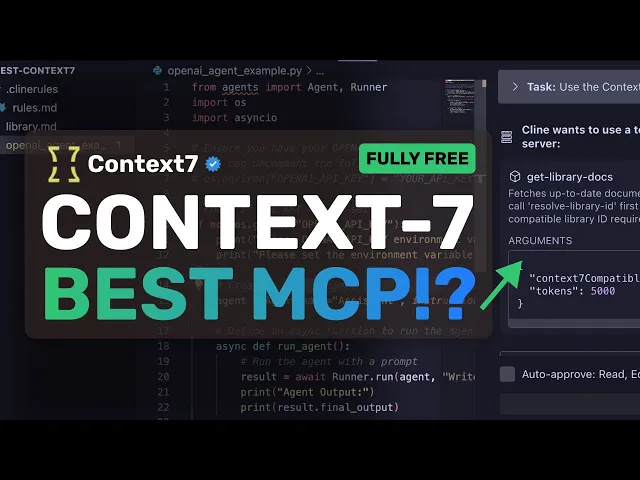
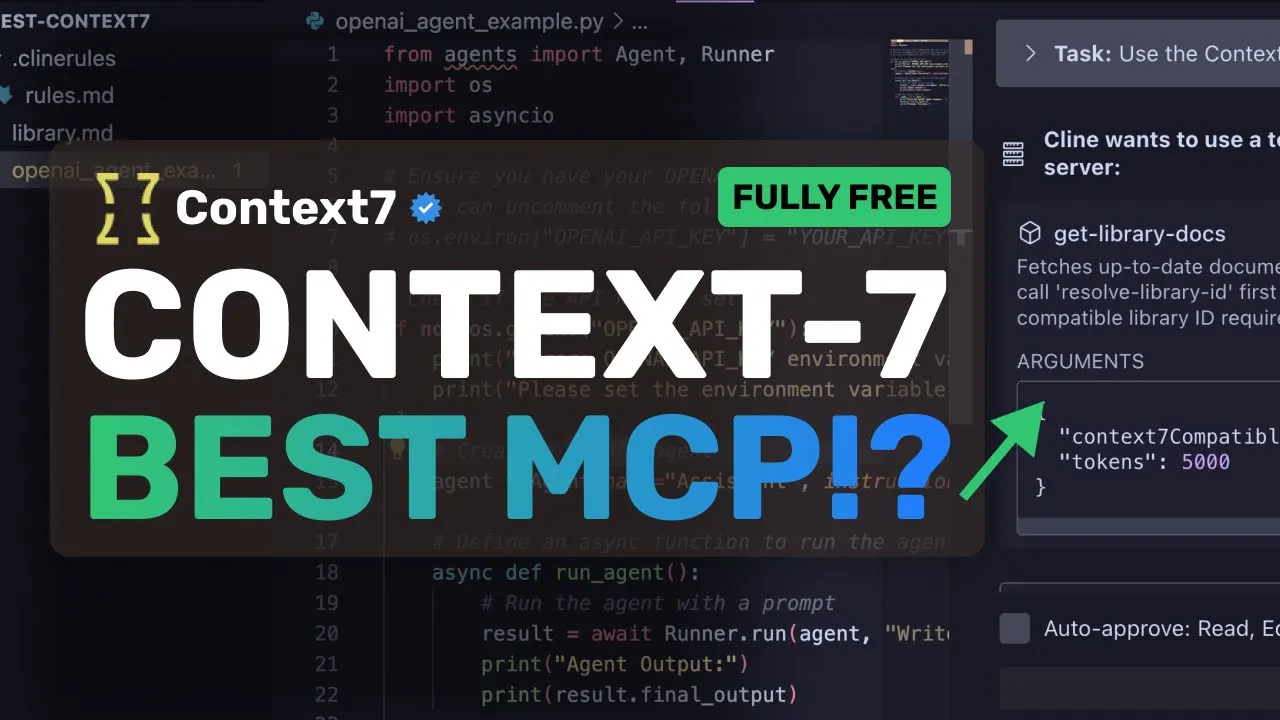
[Music] [Applause] hi welcome to another video so I recently saw a new MCP server which is actually kind of amazing and I thought I'd talk about it this is called Context 7 it's made by Upstach which is a great vector and Reus DB platform but it's not related to any of that it is actually designed to make your AI coder that supports MCP server a bit more reliable and amazing at some tasks so one of the errors or issues that you most of the time see with these AI coders is that they often have outdated
knowledge hence they make your code outdated for example Claude 3.5 sonnet doesn't know about Nex.js15 JS15 and even if it does the CDN references and stuff are sometimes extremely bad that throws off many people trying to understand what is going wrong and even if you ask AI to fix those kinds of errors it still isn't able to do that because it doesn't know the CDN reference or the way to code in a newer structure and things like that now this is what context 7 aims to fix basically on the very surface level they have taken
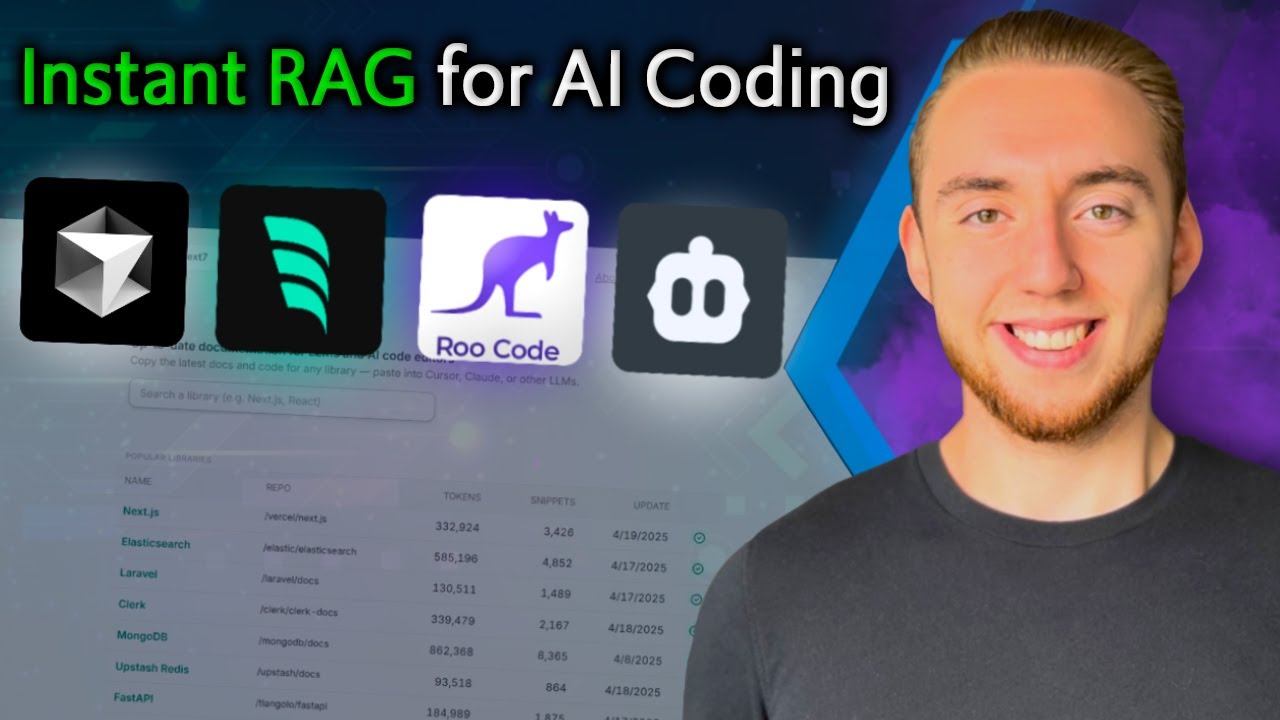
documentation and categorized it in a structured way so this is their site for a more graphical look into it and you can also copy and paste stuff manually if you don't wish to use the MCP server it currently has indexed documentation for about 3570 libraries now you can see the libraries and the number of tokens that the documentation of each one takes up if I click this then you can see that here I can set a token limit for how big of a context I want as well as the search query and it will basically
do a rag search kind of thing based on the queries you give it it will try to get the related context and give you that the MCP server also mainly does the same things if I search for middleware then I get this response and if I make the MAX token lower then the stuff also becomes smaller which is good basically it mainly does the task of giving out documentation for people who are followers of my channel you'd know that I generally have my own code assist agent to which I can give a query and it
can use the perplexity API and generate documentation for my AI coder to reference this basically does that but one downside is that it can't summarize the bits into smaller chunks it only does vector search and token limiting it can't take the whole thing in context summarize it and then spit back just what I want so that may be a limitation also generally what happens is the CDN path is not written in the documents so it can still hallucinate with that stuff based on the little testing that I have done so I'd recommend them to add
CDN paths for many apps that aren't dependent on package management which actually many people use AI coders for these days now let me show you how you can set this up in something like Klein and use this MCP server accordingly but before we do that let me tell you about today's sponsor Photogenius AI photogenius AI is an all-in-one AI powered art generator that allows you to type anything and get stunning visuals instantly it gives you all kinds of image generation video generation and even 3D model generation models in one place whether it be Flux Stable
Diffusion Google's image gen or V2 video gen model or even Cling or any image or video generator model that you can think of you can just type in your prompt for a video or image and get it generated in literal seconds you can also generate 3D model generations with it in literal seconds as well not just that it also gives you the option to do advanced AI image editing as well with their cool AI tools like an AI avatar generator background removal logo generator emoji generator YouTube thumbnail generator or even add an app icon generator
and the best part is that it starts at only $10 and you can get an additional 25% off these already great deals by using my coupon code king25 so make sure that you check out photogenius.ai AI through the link in the description and generate some cool stuff with it now back to the video so just copy this chunk from their GitHub page and then open up VS Code now head over to whatever you want to use like Klein or Rode for Klein just go to the MCP server tab and then select the installed option now
scroll down and select the configure MCP server option this will open up the MCP config file and now just paste in the chunk you copied here and you are ready to go in a bit it will get started and you'll see the MCP server here root code also has the same way to do it although you can set the project and global level MCP there if you wish to use that anyway now if we look here it has two tools there's the resolve library ID and the get library docs so the library docs is the
main tool that returns the context of what you want but it requires the library ID which should be exactly the one it needs to look up that library ID it uses the resolve library ID tool that takes in a basic search term and then searches the library ID for that and then searches the context accordingly now what I do is in the rules file I have it set up to always look for only 2k tokens max if it's a smaller topic or use up to 10k when needed i keep it vague as vagueness allows it
to use whatever it wants but another thing that I ask it to do is to maintain a file of library IDs and what this does is it doesn't waste my time finding library IDs that have already been searched for it can just reference from that file if it already exists which saves some API costs for sure now let's try it so there's this Open AI Agents SDK that was launched last month and none of them obviously have the context of it so I'm going to ask it to make me a simple agent with that and
use context 7 try to say it because it doesn't use that all the time if you don't mention it anyway now you can see that it goes ahead and then invokes the context seven resolve tool first to get the library name and then it goes to gather the context of the library by using the main tool it uses the parameters correctly and then it gains the context and it's done it also updated the markdown file to keep the new library ID which is good and this works well this code is correct and follows the standards
so this is pretty amazing it isn't fully updated like the Amazon Nova SDK is not here which is something that I was testing around with but I think it will grow and new SDKs will take a bit to be supported it is not fully reliable to always have the newest ones like it didn't have the Nova SDK one and it also doesn't have Darts docs and stuff like that but for mainstream stuff like Nex.js or 3JS and things like that it will work wonders for you you can use this in conjunction with something like serarch
MCP which is what I use and it should work quite well it's wellmade and is pretty fast because it's by Upstach so there's that i found it cool and thought to share my thoughts about it as well and it is really great to have in the 200 MCP tools that you already have overall it's pretty cool anyway share your thoughts below and subscribe to the channel you can also donate via Superthanks option or join the channel as well and get some perks i'll see you in the next video bye [Music]