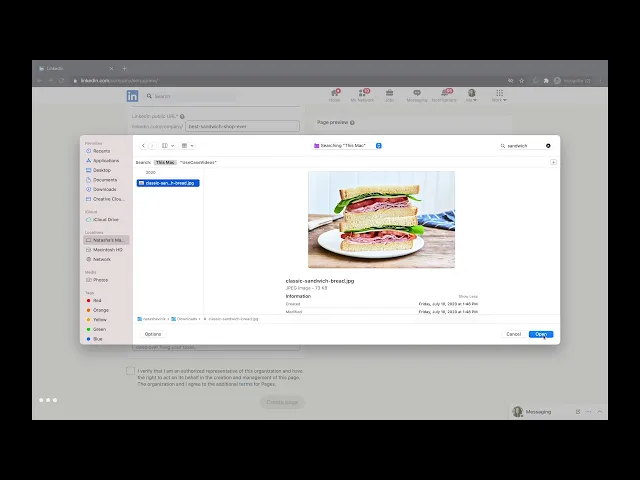
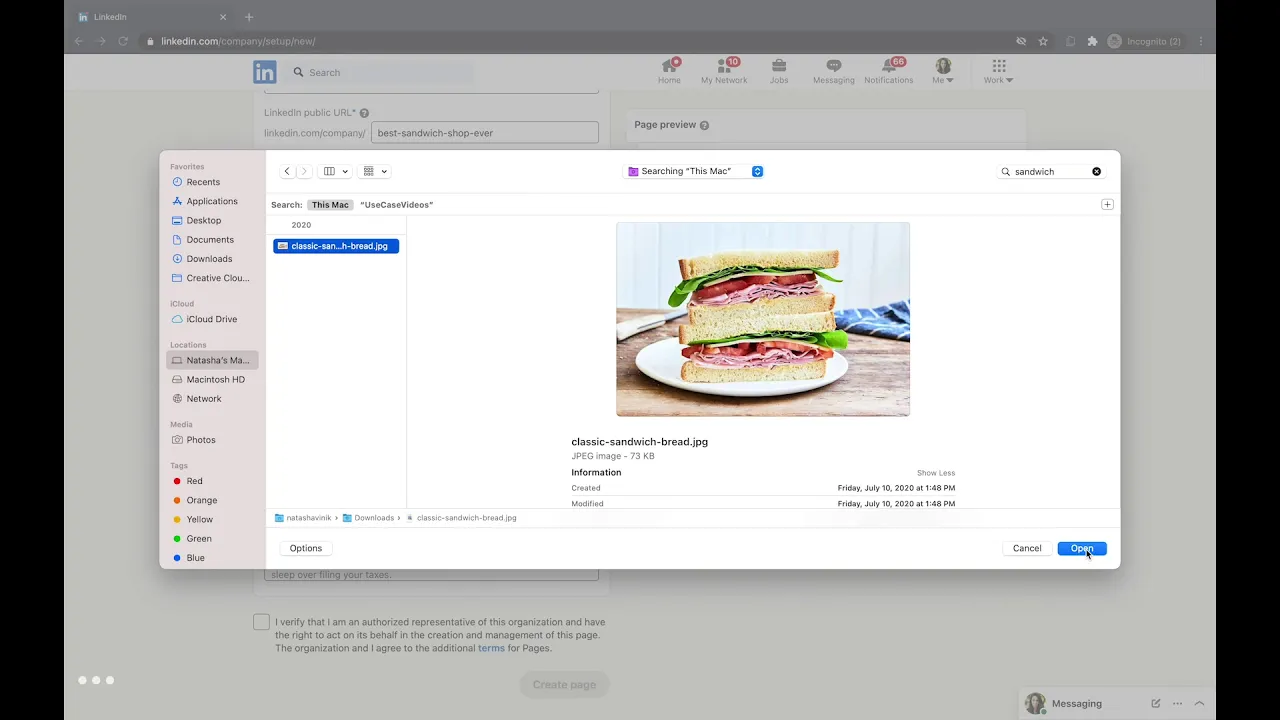
so to create your company linkedin page you should log into your linkedin on the top right there's a button called work from there on the very bottom there's create a company page click that and here you can see what kind of business you are i'm going to say we're a small business and you put in your business name you can make up what your linkedin public url will be so people can reach it faster you can put in your website name select your industry mine's going to be food because we're a sandwich shop over here
size of your company the type of company you have and you can upload like a little photo or logo something that represents your business well and a little tagline about your business hit value verify and i think from now you can create the page here you have your page and right now you can view it as a member as an admin and as an admin you have the option over here to add a cover image maybe a photo of your space or a bigger photo of the products that you have i'm going to do a
picture of a deli here you also have the option to add a description to your page and then you can fill out more info a lot of this is already filled out you might put in a phone number you're found if you're interested in doing that or a specialty of some sort you hit save and these are all things that will be displayed on your page you can add a location if you want to um and then back at your member page oh i think our cover image didn't work so i'm just gonna re-upload that
real quick and this time i'll hit save on the upright so hopefully it maintains and then you can view it as a member as someone else would looking at your linkedin page and here it is and you can do your first post you can share your page on linkedin or copy a link and there you have it you have your first linkedin page for your business