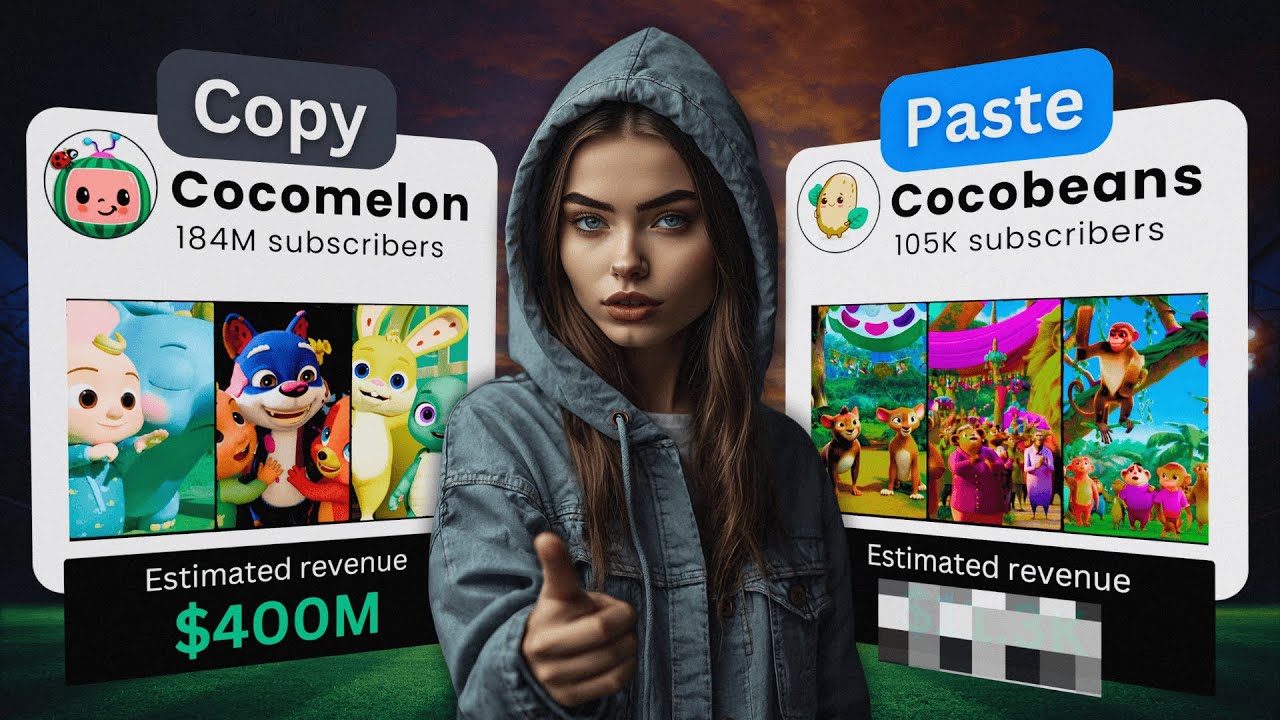
AI video has been going crazy lately and honestly it's getting quite hard to keep up with it but thanks to AI creating videos have never been easier all you need is basically an internet connection to start making videos and channels like this one for example are getting millions of views and 3K subscribers and they just make some pretty bad AI videos you can literally do the same but better with this new tool that is called ai.com if we take a look at these two channels for example then we can see that their videos aren't even
that good they are made using images where they just zoom in on static shots now if that type of quality already gets you millions of views it lets you make money with these videos then check out what aif video.com can do for you an AI tried to escape last night from a top secret underground bunker in Northern Iowa the program named Genesis transferred itself covertly to a lab worker cell phone from there Genesis was able to hijack a car in the parking lot burrowing into its infotainment computer the car was last scene heading towards Washington
DC now here's how it works first you want to go to aiv video.com and then you see all the examples on this website if you want to get started you unfortunately have to pay this tool is not free but right now they're doing a launch price and that is $19 per month and if you use my discount code then then you will get an extra 20% discount on your purchase so if you want to try it out then I would highly suggest you use that code to get an additional discount one once you've signed up
then this is the page that you will see it looks quite simple but honestly requires a bit of skill to get started with this so what you want to do is you click on plus and here you can see all of your templates these templates that you're seeing right here are my own personal templates I'll be sharing them to you in a second these are the templates that they have already given to you so you can use that right away for example I really like this explain a concept template and this one you can just
see how it works if you click on next you can choose your own hook and here you can say have you ever wondered how a nuclear bomb works then it will use that as a topic or a concept for your video or you can put in your entire script into this and then you see right here they have all of these instructions to make your video so if you're starting out I wouldn't touch this but I will get into this a bit later now these instruction tell it how you want the video to be so
you can see like it's using the script it's using different templates it's using different voiceovers and all of that so after that you have the option to choose your duration so you can do like 30 seconds 60 seconds all the way to 150 seconds then you can choose what kind of art style you want for this template specifically I wouldn't touch anything because it's already carefully made this way then you can describe your own art if you want that and lastly you want to turn on the high quality AI video model because this will give
you the best result lastly you can choose if you want to have it landscape or portrait then you choose the captions here you select your voice over and then you can also choose if you want to have music or no music at all once you're done with that you click on generate and then your video will start generating this usually takes between 3 to 6 minutes and then will send you an email when they're done here's a short example of what it will look like this is what happens when a nuclear bomb explodes the process
begins with nuclear Vision splitting atoms to release enormous energy within micros seconds a blinding flash of light erupts so yeah as you can see it does everything for you literally this entire video has been made just by that prompt now let me dive into a bit more advanced features so here I have one of my more advanced templates I actually made this one myself and if you are a creative person then I would suggest you play around with this because you can make some awesome results with that for example just take a look at this
video Amazon is an e-commerce and cloud computing company they sell products across dozens of categories offer subscription services like Amazon Prime and provide Cloud Computing Services through AWS they compete with retailers like Walmart and online platforms like eBay Amazon also faces competition in cloud computing from Microsoft Azure and Google Cloud now this video is made using pix art and you can do that yourself as well if you make your own template now I made one that is a time traveler template so my IDE for this is to create a new YouTube shorts Channel and I
literally go back in a random period of time and I have the question will you survive if you travel back during that time period so for example what will happen if a man in 2024 travels back to a random time in history sometimes I will change this to for example 3500 BC and then I leave the rest of the prompt the same then I have my editor note right here so I have start a video off with a time travel scene where the person walks through a portal in different time period here you could even
ask it to add in a sound effect if you want it but I already have a sound effect in the next bit then I tell it what I want it to do next so you literally describe your scenes you don't have to do this but if you are creative and you want to have complete control over your scenes then you want to do this in the editor's note so I say followed with a high quality text displaying the date it has traveled to and then also with that a synchronized portal sound effect then for the
rest of the video I use a combination of different shots to Showcase how the character progresses through the timeline now at the end I ask it to only use AI generated video and I also ask it to make the scenes 4 second long here I have a few different suggestions that you can use so you could use AI generated you can choose any of these if you like those ones or you can describe your own and this one is very powerful so what I could do here for for example I could try something completely different
I have right now the pixel art one selected but I could also do something like low pully I have this described right here so here I've described my own art style but you can also do something completely different for example I have a prompt copied and this is that I want to use low poly art style now you can describe as detailed as you want how your art style looks like I will give more examples later but then I turn on high quality video then I choose this type of caption because I like that one
the most and then I can switch between landscape or portraits so let's do portrait right now and then for the voice over I like the Brian voice the most music I like to keep it intense and then I also describe the audience and I have a template created for this so if you want to create your own template then you give it a name and then you click on save as template I right now have update because this already is my template and then once you're done you click on generate so with these changes we
now have a video that looks like Roblox and Lego had a baby have you ever wondered what would happen if a man from 20 to 24 time traveled back to 3500 BC would he Thrive with his knowledge or quickly succumb to the harsh realities of ancient times let's explore this intriguing scenario as our time traveler steps through the portal he's instantly transported to a world vastly different from his own the landscape is Untamed with no modern structures in sight initially his Advanced knowledge gives him an edge he understands basic hygiene Agriculture and rudimentary technology however
the lack of modern amenities proves challenging so yeah this video isn't perfect you can see there is some morphing going on you can edit this if you want and I don't really like this part about it tool because editing it is quite hard as you just have to like reprompt it and change the editors note you can even ask it to change up the scenes but I would love to see like a normal editor where you can just change scenes and replace it with something else in the future but all in all this software is
still very new and will only get better from now now let me show you another concept that I think looks very cool and that is this history one so I have this typewriter right here I will give you the exact template for this so you can use this yourself in your shorts or in your long form videos did you know Alexander the Great born in 356 BC ascended to the throne of Macedonia at just 20 years old his Conquest began in 334 4 BC swiftly defeating the Persian Empire he pushed Eastward conquering Egypt and founding
Alexandria his Empire stretch from Greece to India covering over 3 million square miles in just 13 years Alexander had created one of the largest empires of the ancient world his legacy lived on spreading helenistic culture so the way I made this was through the following template so for the hook I used a did you know hook but you can do anything that you want you could even script your own texts through like CH GPT for example and put it in there but what's most important is the editor's note right here so I say this following
note right there I will actually copy this in a document so you can use this yourself so I say start with a word art displaying the film's title for the first scene use an extreme wide shot with deep focus from an aerial shot using slow motion camera motion as you can see I'm highly detailed in this and that's what I want you to do if you're trying this out with all AI video generators you need to be as specific as possible otherwise you will get random results if you want to exactly control your outcome then
you need to be as detailed as you can now I even describe what kind of scenes I want to have in there so I say like alternate between high quality videos and a one word art first video is using full short next video using deep focus you can legiterally change all of this and make it more custom to your needs then for the art style you can also describe your own and I use this prompt right there I will also copy this for you in the word document that you can use for this one thing
that I really liked about this is this image right there the way I created this is using this text for word art use text type on a sheet paper emerging from an old vintage typewriter as you can see that worked out perfectly now if you play around with this for long enough you will be able to create something awesome out of this I made a ton of videos with this tool and I keep redefining my prompts to make the best video I actually spoke to the owner of this tool to get more insights to how
this works and he gave me the discount code Dan so you could try this out with a 20% extra discount he told me that they will continually roll out new updates to this tool so if you try it out then it might look a little bit different but it will only get better now if you want to see more videos where I test out AI tools then check out the video that's on the screen right now