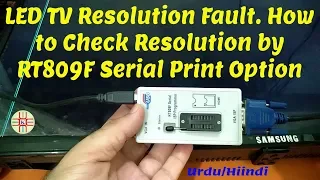
hi friends welcome to my youtube channel smart led lcd tv review tv main board removing its flash ic and upgrade its firmware by rt809f programmer friends this is the programmer i am using today rt809x and friends here is the board which has a problem i have powered it it's stand my light is on look at this one and i press power nothing happens it's saying or its software is cropped now i will upgrade the firmware in rd809f and then tell you what the result that is i will remove the ic from this board by heat
gun its flash ic is eight pin and this is the nice size look at this this one they've been nice i will remove this and then program it and show you the what happened next friends if you are new to my channel kindly subscribe my channel like my video and share it and watch my video for the best result now i will remove the ic and then put it in the flash ic holder on the programmer and then start the video guys i have removed the ic and i am taking this adapter it's a 8
pin adapter and now i will place the ic friends i see this ics 8 pins and number one pin has marked a dot [Music] and you can see the dot on the right down near my pointer of tweezer it is its first pin it will be inserted in the adapter like this press press these seeds it will press down and then place the ic here lashes it's inserted and next step is take the adapter look at this it shows that dot should be on the left side here i have dot on the left side i
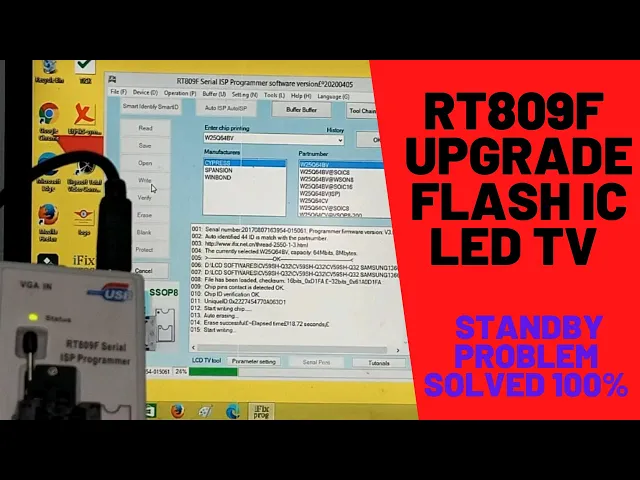
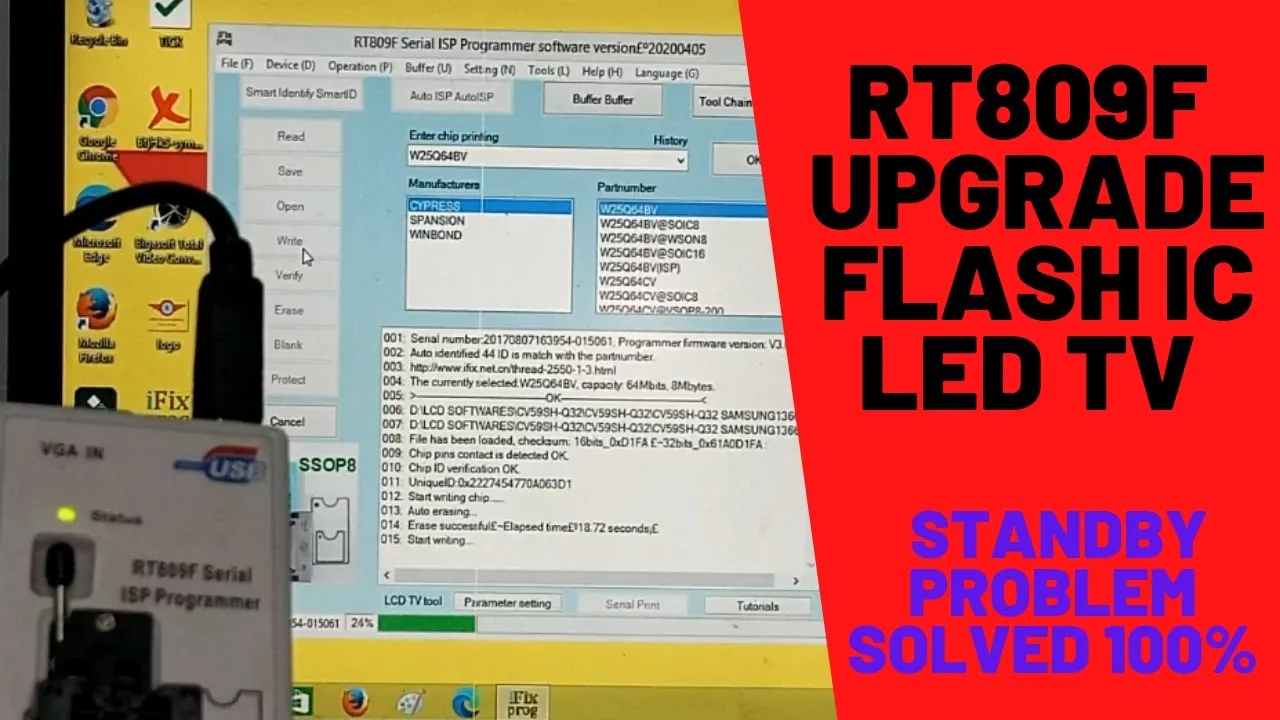
will put in here and engage this lever now friends i will start the interface on the pc i am zooming my video and i will open the 809f interface when any board or led becomes unserviceable through firmware this is the method to upgrade it and there are two options here you can see auto isp and smart identify smarted all right auto isp used for programming in circuit from here you can insert vga cable and second side into the board vga slot and you can upgrade inserter programming but this is i am showing you today is
uh for taking the flash ico and programming it now friends i have to smart identify smart id click this i can click this and it shows that your this flash ic number and its capacity and if if it displays open method then your flash ic has been detected now go to the open and click here and select your file you are loading click here now friend it has loaded now right click here friends as you can see the progress is raising auto erasing and look at this one also it is blinking light now friends it
is start writing firmware on the lashes and this is the method for all flash ics used in the all leds android universal board but in case of android board it is not used and red board has another level of firmware upgrading it is upgraded through rt809h so friends look at on number 16 it says write successful or number 17 it says auto verify number 18 verification successful and on number 21 it says okay friends our software has been updated now i will take this ic out of the programmer pull this pin up and take this
out and again through tweezer i will put it put back like this one it is now programmed and ready to be used in the board i will install it in the board and show you the result friends i have installed the new ic now i will show you the of that and here is the board sorry look at this flaps the standby light is blinking now i will release this standard and there you can see that the green light is lit so this is the result friends our software is uploaded in the flash ic and
our board becomes a receiver friends this is the method of software software programming in any board any universal board which have eight pin flash ic so i hope you have liked it and friends kindly if you like my video subscribe my channel and share it friends till next video goodbye you