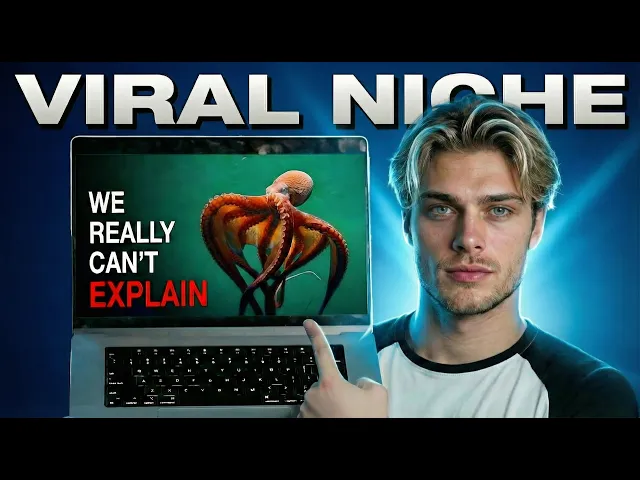
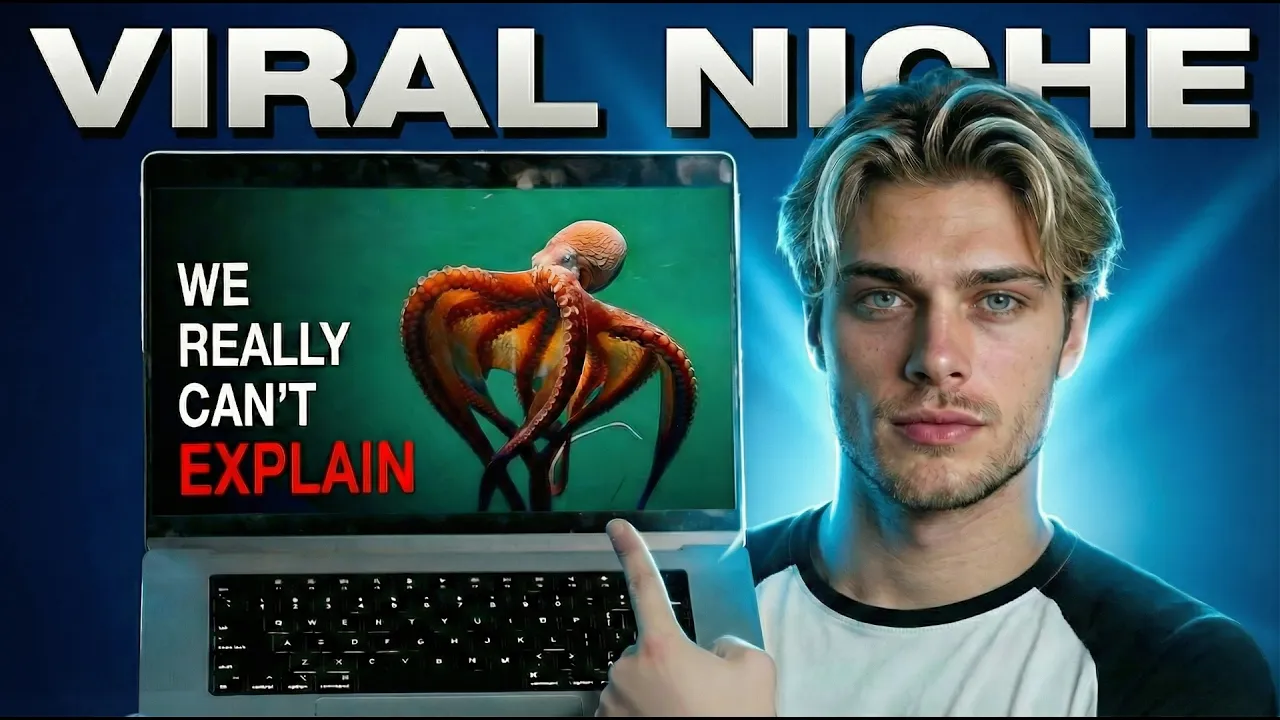
Take a look at this channel, Mr [music] Science. He's posting Nat Geo Wildstyle documentaries about different animals, pulling in millions of views on each upload. 10 videos uploaded, 140,000 subscribers, estimated $8,000 to $22,000 per month.
[music] Here's what most people miss when testing this. The hardest part isn't the AI generation. It's knowing which pieces to reverse engineer and [music] which pieces to build from scratch.
In this video, we're walking through the exact process of creating a NAT geo style [music] channel from prompts and workflows to editing and packaging. By the end, you'll see why most people over complicate this and how the structure actually holds together. The system that we will be getting into created this in the coal forests of the Carboniferous 300 million years ago, dragon flies moved through the canopy with wingspans wider than a hawks.
Millipedes longer than your arm crawled beneath tree ferns the size of buildings. And in the shallow swamps, predatory insects hunted with bodies too large to [music] exist in the world we know today. These were not evolutionary experiments.
They were the natural expression of conditions Earth no longer permits. The insects of the Carboniferous weren't built differently than modern ones in any fundamental way. Their exoskeletons worked the same.
Their compound eyes functioned on the same principle. Dead wood piled into thick coal seams. Carbon was locked away.
Oxygen soared. Eventually, fungi evolved to digest lignon. The balance shifted.
Oxygen levels began [music] to fall. And as they did, the giants disappeared. The very first step is video ideiation.
But before we jump into prompting, there's something that stabilizes everything. Context. Free prompting inside chat.
GPT gives inconsistent output. So, one by one, we'll build out our prompts. And [music] the first one will be the video ideation prompt that converts competitor video ideas into our own.
But there's a step most people skip and it breaks the entire foundation. We need to give chat GPT context on the situation first. So, type [music] this out.
I am creating a video inside the animal/science niche. Here is more information about my niche and the type of videos I will be creating and people I will be attracting. Then, head over to Mr Science's channel and copy his channel description.
This gives chat GPT as much context [music] as possible on the type of content we want to build and gives the conversation a basis to begin building from. That context layer stabilizes everything that comes after. Now we can finally begin producing our video.
First step, ideiation. The process, build the ideation prompt first. [music] Describe the structure we want and the output format.
Then once we have our ideation prompt, insert it back into chat GPT. Now that you have your actual prompt, head back over to Mr Science. Grab his top performing videos and insert [music] them alongside the video ideation prompt that you have created.
And also insert how many video topics you want in [music] the output. With that, you'll have a list of video topics and titles emulating the proven structure. For example, if you look at all of his titles, [music] you can see the nothing about format and the why format repeated across every [music] one of his videos.
That pattern recognition removes guessing. That's exactly what we are replicating. Now that we have our video idea, we need a script.
And again, instead of saying, "Write me a 15-minute documentary script about video title and getting weak AVD and a terrible hook," we are going to build an actual scripting prompt. The [music] process at first takes a bit longer, but the next following videos will become quick since everything is recorded and organized. So, let's head back to our competitor, open up his top performing videos, grab the transcripts from his best performing scripts because we will be breaking them down.
We're going to emulate his structure and every succeeding factor and element inside of [music] his scripts. Why? Because it's succeeding.
Most of us are not expert copywriters. So why reinvent the wheel when we can keep things simple? Paste everything into chat GPT.
And just like the ideation prompt, [music] explain exactly what you want inside the prompt and what type of output you're expecting. [music] If you're wondering where the prompt notion is, only the creator OS members have access to it. Every prompt constructed inside [music] this video is shared with them.
So if you want to skip the prompt building and make everything plugandplay and simple on your end, [music] check out the first link in the description. Now that we have our scripting prompt, we won't be using chat GPT to produce the script. Chat GPT works better for logical and [music] prompt building aspects of the workflow rather than generating scripts or visuals.
There are better softwares for those specific positions. So, we'll be using Claude for scripting. Head over to Claude, insert the scripting [music] prompt, and also insert the video information and then insert how long you want the video to be.
The elements and structure we grabbed from our competitor's video scripts are now embedded into our own, which means we have a proven working script. To look back, we have our video topic and also our video script finished plus the prompts that generated them. So the next step, visuals, we need to create both a script to image prompt and then after an imagetovideo [music] prompt.
Let's start with script to image. The process, head back to our competitor and just watch and analyze their video and visuals. Keep a mental notepad.
Take mental notes of the mood you feel, what you see, everything in between. The better the description [music] we have, the better the output. Also, take a screenshot of one of their scenes since we'll use [music] it to really solidify our description.
Then head back to chat GPT. The formula is the same. State what you want to create.
For instance, we're creating a script to [music] image prompt. So, it's something like, I want to create a script to image prompt optimized for Higsfield [music] nano banana feature. Inside the prompt structure, I want X, Y, and [music] Z.
And stylistically in the prompt, I want to have that planet Earth feel. Then add a screenshot [music] of one of the competitor's scenes and add any other information or descriptions that you want. Now that we have our script to [music] image prompting, let's generate our image prompts.
Grab the script from Claude and paste it in alongside [music] the script to image prompt. To generate the images, we'll use Higsfield Nano Banana feature. The reason we're using this specific software, [music] it has so many generation models to choose from that are by far the best to getting that documentary feel.
Head over to the top left where it says image and select [music] Nano Banana Pro as the generator model. Then make sure to alter the aspect ratio to 16 to9. [music] For quality settings, they have 1K, 2K, and 4K.
2K and 4K is unnecessary. [music] There isn't much difference between 1K and 4K honestly, so just go with 1K [music] quality. The process is straightforward.
One by one, insert each scene image prompt and generate them. Now, here comes the fun part, animating these images. [music] Just as we've done for the other three processes, we'll do it for this one as well.
Creating a prompt workflow. [music] We need to put together a prompt that turns our already generated image prompts into video prompts so that [music] we can animate these images with Higsfield new video generation model, Clling 3. 0.
[music] Inside chat GPT, describe exactly what you're expecting the prompt to do and the output of the video prompts. [music] For example, inside our own prompting, there's a logical aspect that automatically incorporates specific animalistic movements [music] depending on what animal is in that specific scene. Once you've generated the imagetovideo animation prompt, input all the image scenes and then [music] generate the video prompts.
Then head back to Higsfield, click the very first scene image, and select [music] animate. Then change the generation model from cling 2. 6 to cling 3.
0. Insert the prompting and generate the scene. Do the exact same for the next scene.
Insert [music] the second image. Make sure the model is on 3. 0.
Insert the prompting [music] and generate. This is where consistency starts compounding. Same process, different scene.
Now, once all the scenes are generated, we need to [music] produce our voice over. You can use whichever software you prefer, but we're going to use 11 Labs. As for the voice, we'll be using Josh, teacher for kids.
It has a very similar tone to Mr [music] Science's voiceover character. Make sure the model is on 11v3 since it's the most emotionally delivered. Insert the script, [music] format it, and generate the voice over.
Now, we just need to edit everything up. This is fairly simple as there isn't much editing we need to do. It's pretty straightforward.
Insert the voice over first. Then, make [music] sure there are minimal amounts of dead space inside the voice over. If there are big gaps of [music] dead space, just cut it out.
Then align the scenes along with the voice over and add key frames to the scenes that lack movement [music] as you see me doing. As for transitions, we'll just use fade in and fade outs since that's what our [music] competitor is using. And then to finish it up, add any other visual effects you believe are necessary and would flow well with the video style.
What I did is I added some [music] infographics and added this black screen with text. Same thing for background music and sound effects. [music] Head over to YouTube audio library and decide what type of music you want inside the video and what will sound well.
I'm going with three different music options. As you can see now, once [music] you finalized the video and you're ready to export, give everything one last playthrough. Make sure it checks all [music] the boxes from the visuals to the sounds.
If everything looks and sounds good, hit export. Now, [music] to really finish off this video, we need to lock in our packaging. We already have our video title.
We just need to produce our video thumbnail. And for this, we don't need to [music] build out a prompt. We can actually fremprompt this.
Before we head to chat GPT, head back to [music] our competitor one last time and look through their videos. Select the packaging style that you [music] think is the most similar vibe to your video concept and save it. Then head back to chat GPT and use [music] the image to JSON GPT to break down the image into JSON data.
Then head back to Chat GPT. [music] Insert the thumbnail alongside the JSON and your personal video information [music] and prompt chat GPT to generate a thumbnail prompt. Take that thumbnail prompt and head back to Higsfield.
Use the Nano Banana Pro model. Insert [music] the prompting and generate. After running this process a few times, you'll notice something.
The hard part isn't producing the videos. [music] It's keeping the structure documented so you're not rebuilding prompts, workflows, and decisions every time you test [music] a new idea. What you just watched is one workflow for one niche.
Inside Creator OS, we document these [music] structures across multiple niches, ideiation prompts, scripting frameworks, visual systems, packaging logic, so you're not starting from zero every upload. That's why members are getting [music] results in niches most people would never even consider, because the system matters [music] more than the niche. If you want this to be plugandplay across whatever format you choose instead of rebuild [music] and guess every time, that's what Creator OS is built for.
Click the first link [music] in the description or pinned comment. Thanks for watching. I'll see you in the next one.