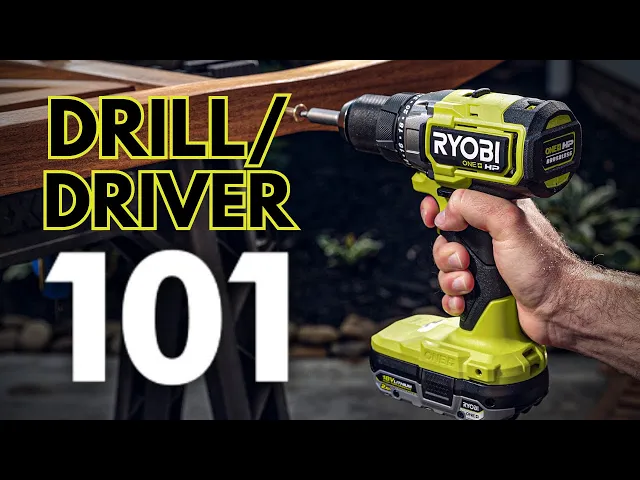
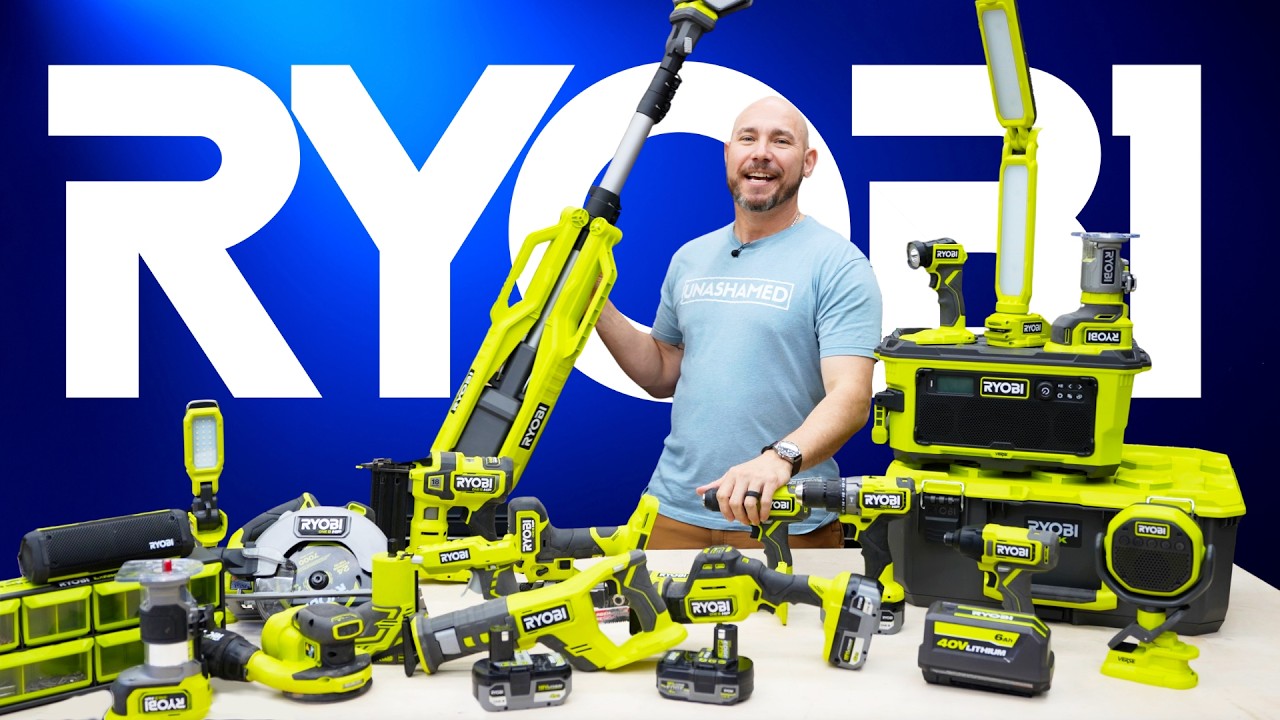
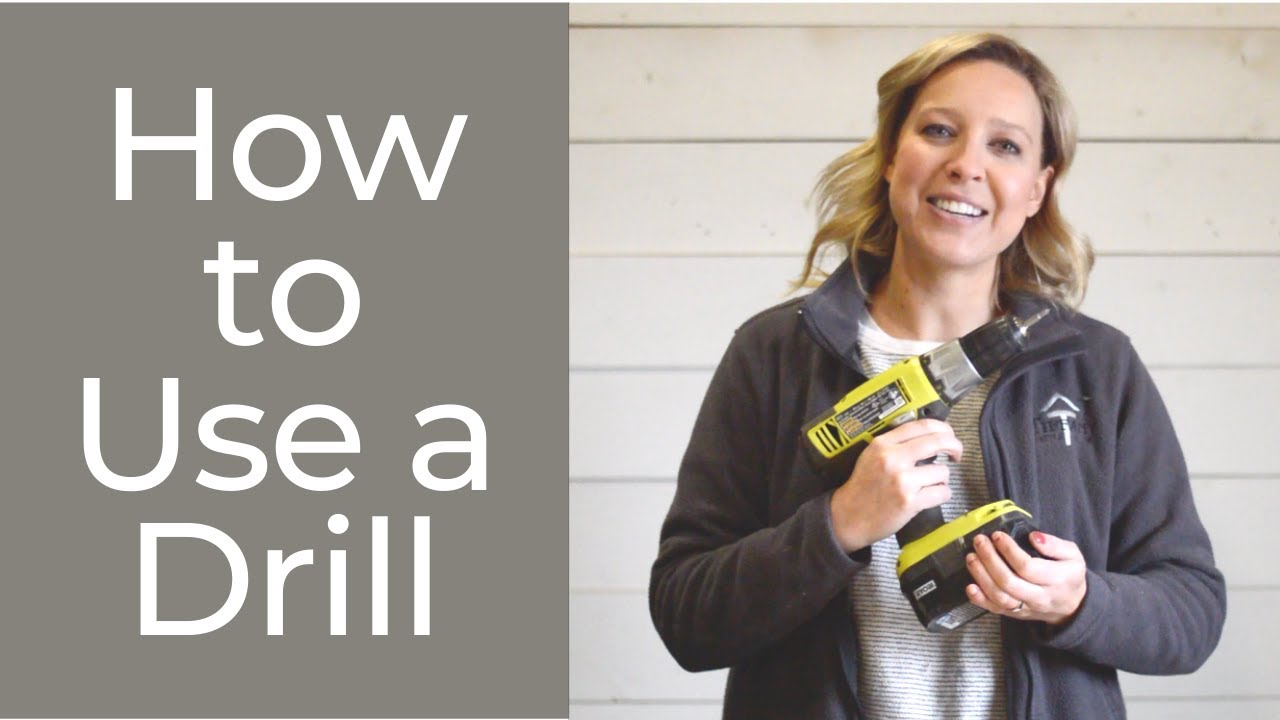
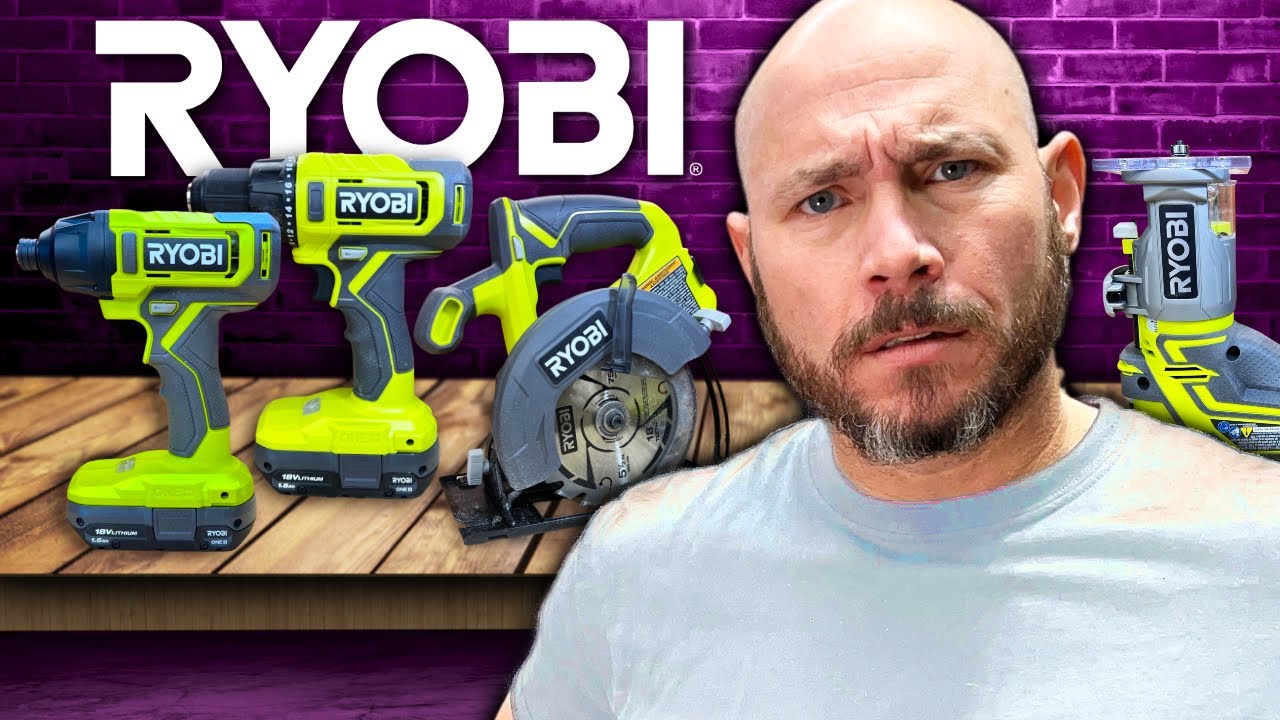
hi I'm Shannon here to bring you the new Ryobi tools 101 Series where we'll be taking a look at some of the most common tools such as your nailer circular saw drill driver and more in this episode we'll be taking a look at perhaps the most essential and popular tool in any collection the cordless drill driver we'll answer some of the basic questions like how to use the onboard features which drill bits to use and more common applications welcome to Ryobi tools 101. [Music] before we get started be sure to subscribe and hit that notification
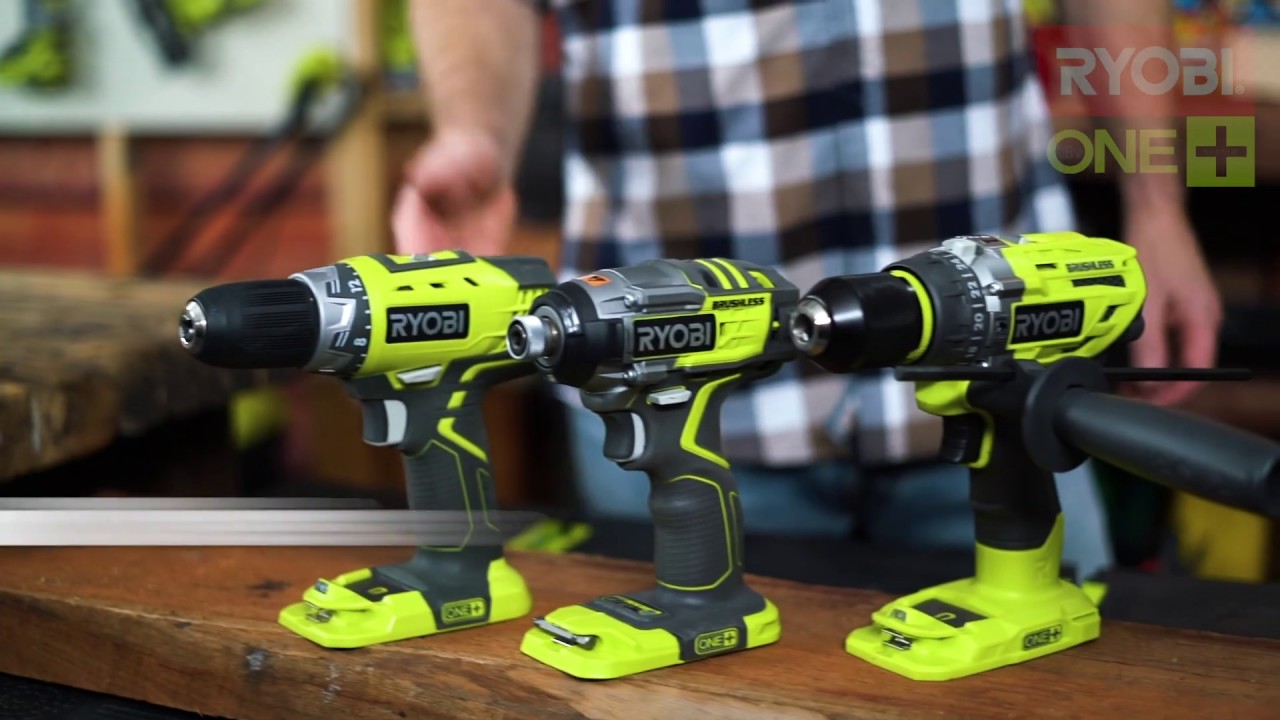
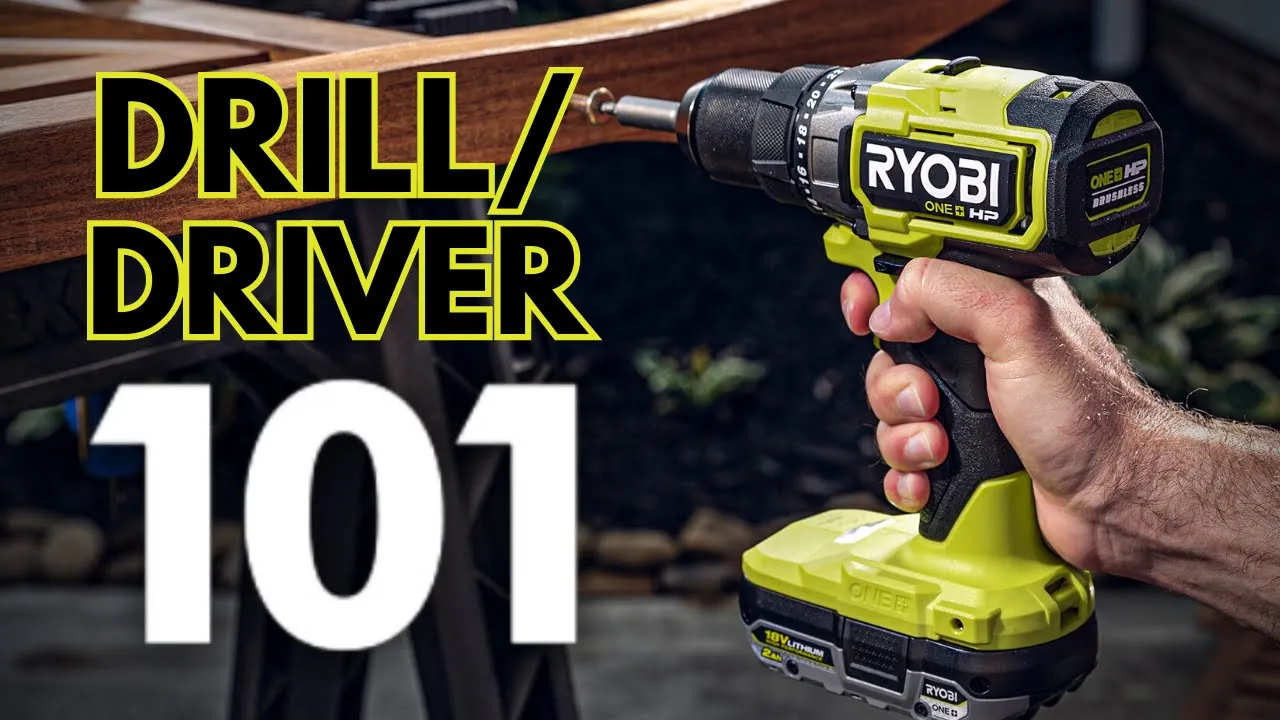
Bell so you're the first to see videos on new tool tips product announcements DIY tips and so much more let's start off with the cordless drill driver everybody needs a drill and we're going to be taking a look at the 18 volt one plus cordless drill driver whether you're a homeowner looking to fix up your home or a professional taking it to the next level you're going to find that this is the most essential and versatile tool in your collection ensure your two main functions are going to be drilling holes or driving screws the versatility
of this tool allows you to work with so many different materials such as wood tile glass metal and more it's so important to have a tool that can tackle any job that comes your way these tools are 100 compatible meaning that any 18 volt one plus battery will work in any of your 18 volt OnePlus tools always remember to remove your battery before making any adjustments and be sure to have your safety glasses on before driving any screws or drilling any holes now as you can see we have several onboard features in your drill driver
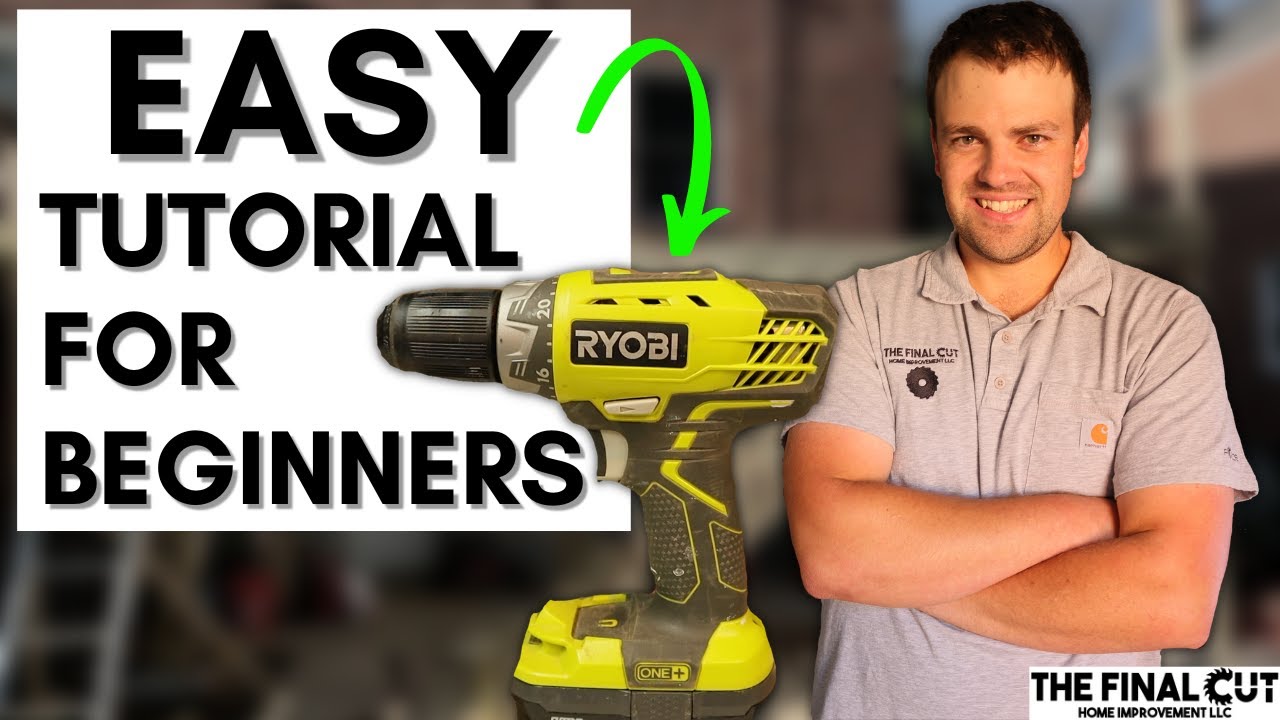
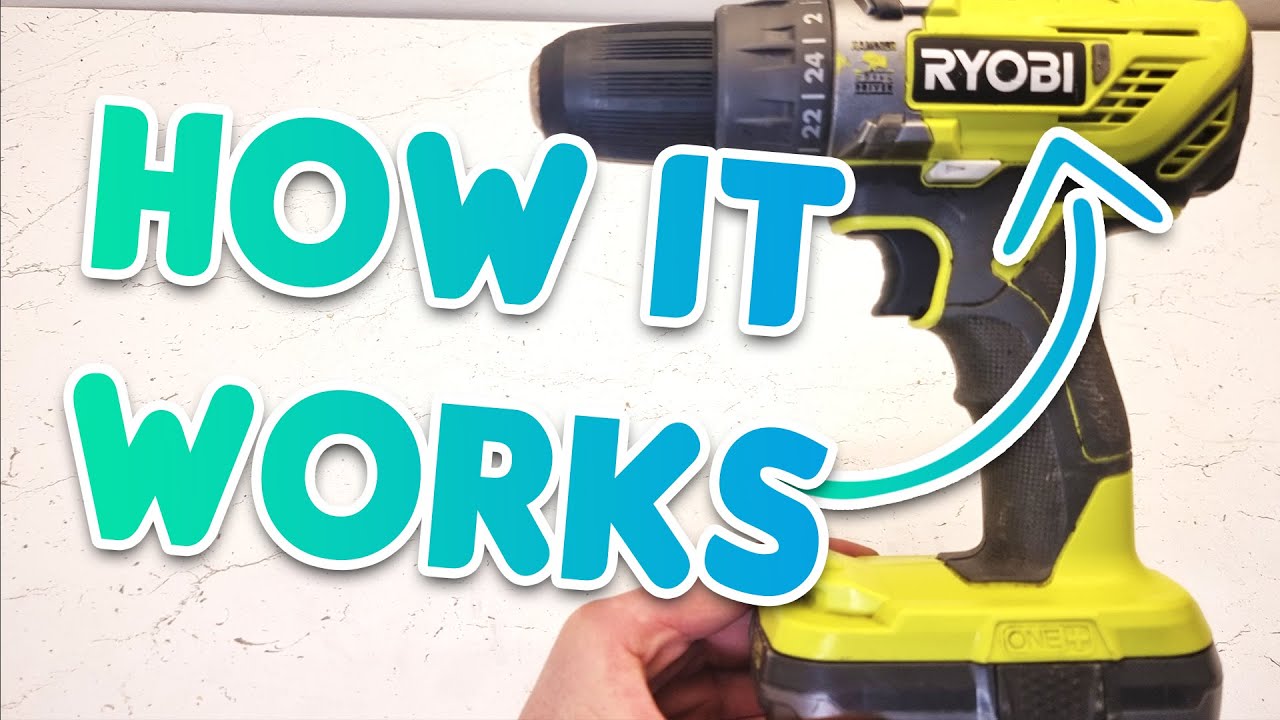
and it's important that you understand how each one of those work starting atop you have your two-speed gearbox with settings one and two setting one is going to be your maximum power higher torque setting two is going to be your faster speed here we have the drill chuck the Chuck essentially works as Jaws to hold your drill in place rotate it clockwise to loosen it up stick your drill bit in and rotate it counterclockwise to tighten it back up now here you have the clutch the clutch is what you're going to adjust to tell your
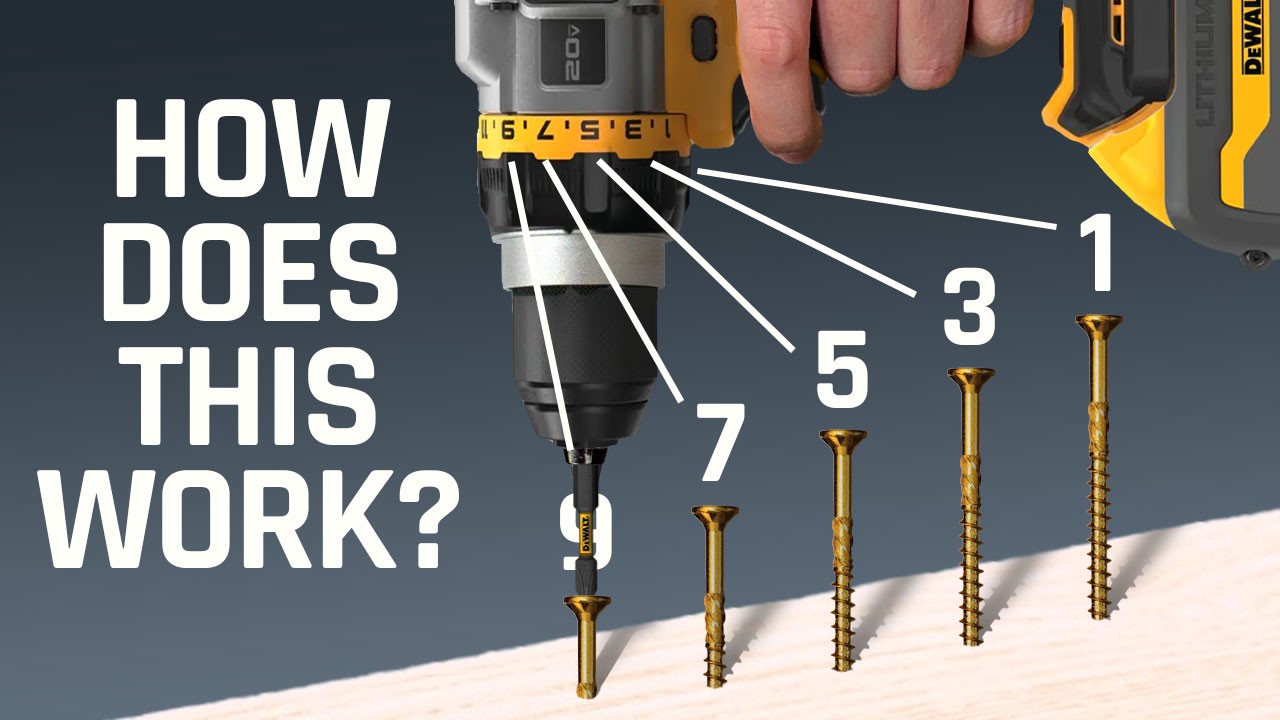
drill how much power it needs depending on the material you're driving into the clutch will engage and stop the drill as soon as it receives a certain amount of pressure that's going to keep you from sinking your screw too deep or damaging your material your clutch has 24 positions you're going to want that higher number if you're working with a more dense hard material if you're working with a softer material like sheetrock go down to those lower numbers and you're going to make adjustments as you go along the way if you're only drilling holes on
the top of your drill in the clutch you'll see a drilling icon switch it there so that your clutch knows to take the day off because it doesn't need to engage it's just going to continue spinning until your hole is fully drilled what you'll love about the drill is it's a variable speed trigger meaning that you can control how fast it's going or slow it's going kind of like when you're driving a car and you have a gas pedal you also have a switch in the front to go ahead and put it into reverse or
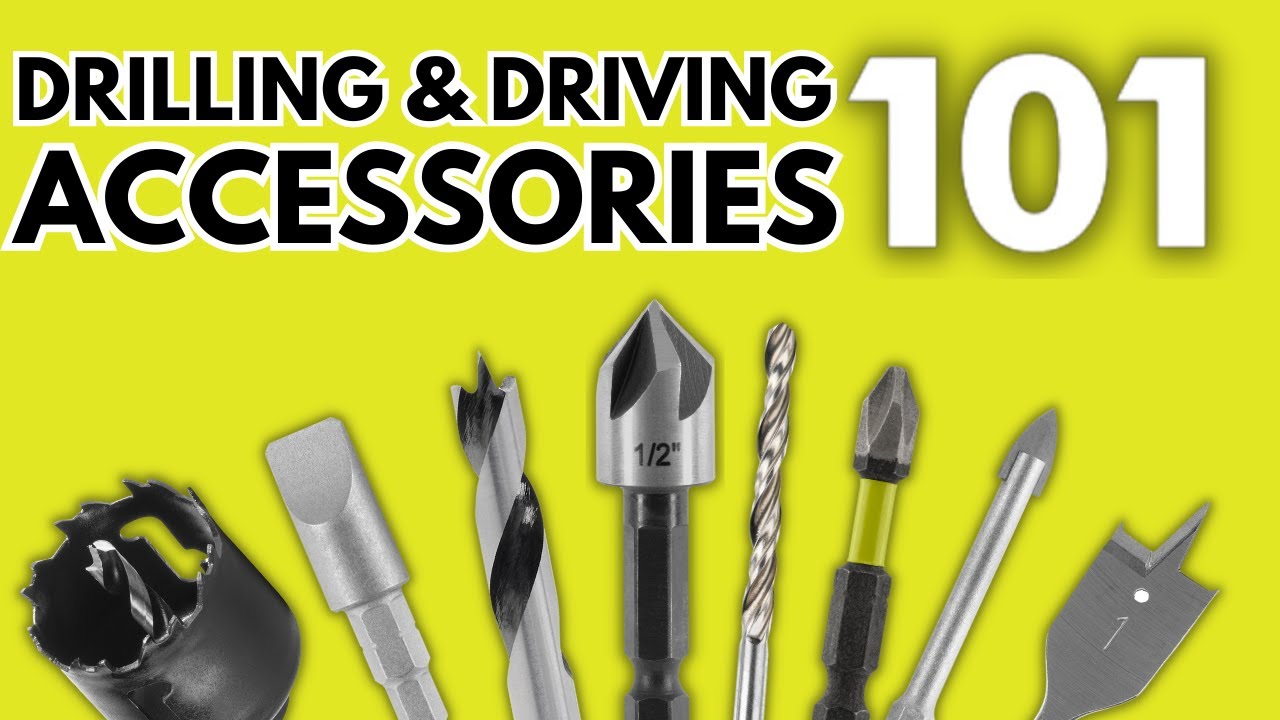
forward and you also want to get into the habit of leaving it in that locked position and removing your battery when it's not in use you'll also love the feature of the LED work light it allows you to see in those low light situations that you're working in [Music] the last step before putting your drill into action is choosing the right accessory for it bits come in all different sizes and shapes depending on the material you're working with so be sure to pick the right one for your job now before installing your bit you're going
to want to put your drill in the locked position and remove the battery go ahead and turn it clockwise to loosen those jaws up put your drill bit in and turn it counterclockwise to tighten it back up you're gonna find that the drill is going to become handy in most of your projects so be sure to read your safety manual for warnings and instructions good luck and get out there and do it hey Ryobi Nation thanks for joining us for this episode of tools 101. if you like what you heard be sure to subscribe and
join us for more videos and comment below so we know what you want to see next