we can use an if statement to control that a particular block of code only executes when the condition evaluates to true but what if we want to do something else only when the condition evaluates to false well we can add another if statement and try and construct a condition that's the exact opposite of the original condition that's a bit annoying and sometimes the opposite condition isn't obvious or it's super long to save us the trouble python instead lets us use an else Branch we can stick an else Branch onto the end of any if statement
and any instructions indented inside the else Branch only execute if the corresponding if statement's condition evaluates to false that makes the if branch and the else Branch mutually exclusive based on the answer to the condition the computer decides which of the two paths to take the python Syntax for an else branch is just the keyword else followed by a colon again we use indentation to tell the computer which lines of code are inside the else Branch an else Branch must always follow an if Branch otherwise what are we taking the opposite of let's Trace that
execution path if the condition evaluates to true as normal the computer goes on to execute any instructions indented inside that if Branch when it's done execution jumps to the next line of code that's indented outside of the conditional if the condition evaluates to false the computer skips the rest of the if branch and jumps to the El Branch then it executes any lines of code that are indented inside the else Branch when it's done it just continues execution with the next line of code indented out outside of the conditional note that this execution path with
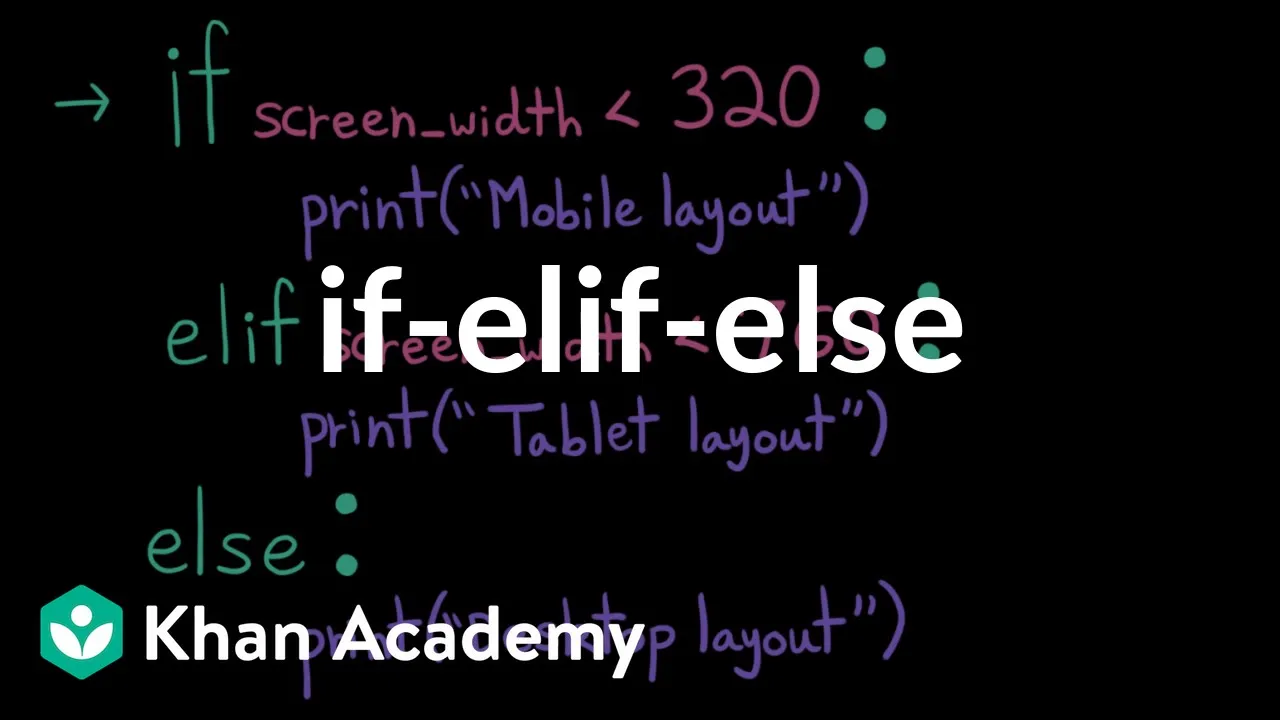
an else branch is different from this where we just have that instruction indented outside of the if statement here if the condition evaluates to true we print mobile layout then we jump outside of the conditional and print desktop layout if the condition evaluates to false we skip the if Branch jump outside of the conditional and print desktop layout because the instruction is not indented it's independent of the conditional it always executes however if we indent this instruction in inside an else Branch instead we only print desktop layout if the condition evaluates to false if the
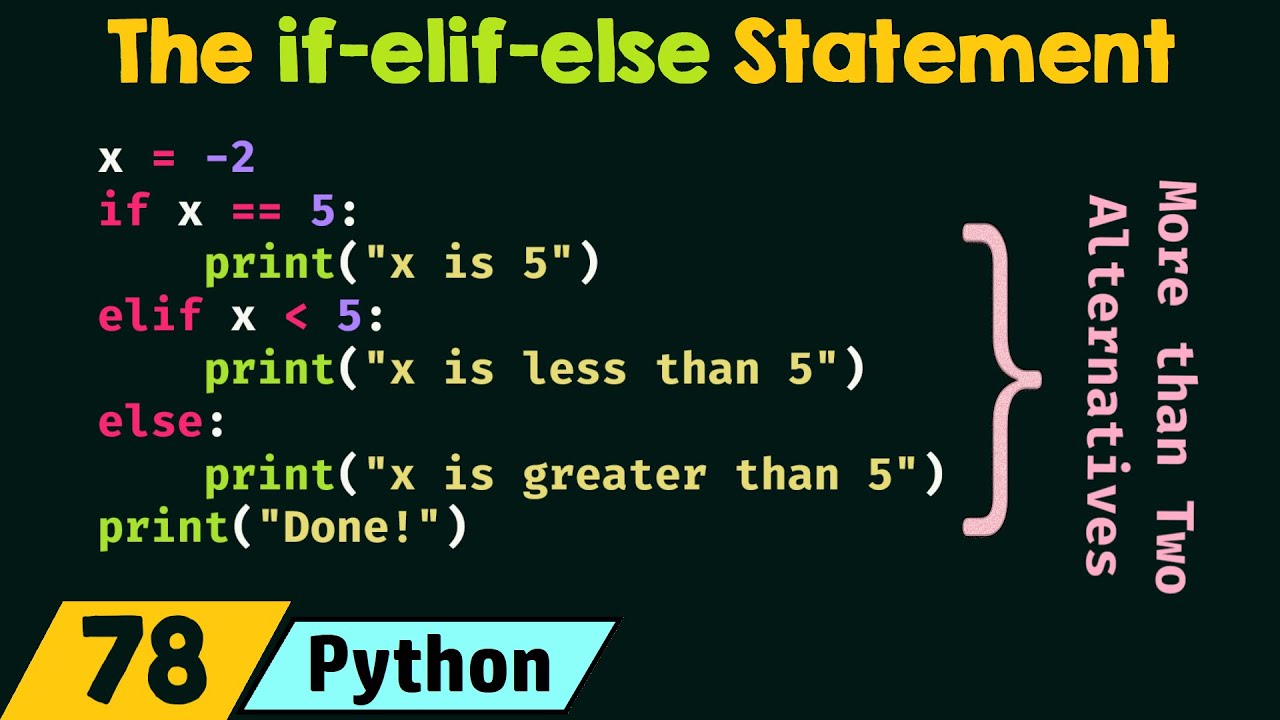
condition evaluates to true we print mobile layout and skip the else Branch what if we have more than two cases like a mobile tablet and a desktop layout we could try to construct three mutually exclusive conditions or we can take advantage of a shortcut and use the L if Branch the L if or else if Branch allows us to chain multiple conditions together starting with the if branch the computer evaluates each condition in order until it finds one that evaluates to true then it chooses that Branch to execute note that order matters here because the
computer will stop checking other branches as soon as it finds one that evaluates to true if instead I put this condition first the if Branch would capture any screen widths that are smaller than 760 that means that if I have a Mobile screen that say 300 pixels it will get captured by this first case and print tablet layout the computer only ever chooses one branch it doesn't print mobile layout even though that condition would have evaluated to true we can attach as many LF branches as we want to any if branch and then we can
optionally add an else Branch at the end so we can see what the computer's doing let's Trace each possible execution path if the first condition evaluates to true then the computer chooses that branch and it executes any instructions indented inside of it then it jumps to the next line of code outside of the conditional if the first condition evaluates to false then the computer comp goes on to check the next condition if the second condition evaluates to true then the computer chooses this branch and executes any instructions indented inside of it then it jumps to
the next line of code outside of the conditional if the computer checks the first condition finds that it evaluates to false then checks the second condition also finds that it evaluates to false then it moves on to the else Branch else branches don't have a condition so if the computer reaches it it just runs so we execute the instructions indented inside the El branch and then we jump to the next line of code outside of the conditional so if you have multiple related conditions in your program it's generally better to use a chained conditional with
L if and else branches instead of several independent single Branch conditionals chain conditionals make programs easier to read because it makes the relationship between conditions obvious it reduces bugs because we as the programmer don't have to worry about making sure all our conditions are mutually exclusive and cover all possible cases and it saves the computer some work with independent conditions the computer doesn't know they're related so it'll evaluate every single one even if it's impossible for multiple of them to be true with chain conditionals we give the computer the hint that these are all mutually
exclusive so it knows it can stop evaluating as soon as it finds a branch that evaluates to true