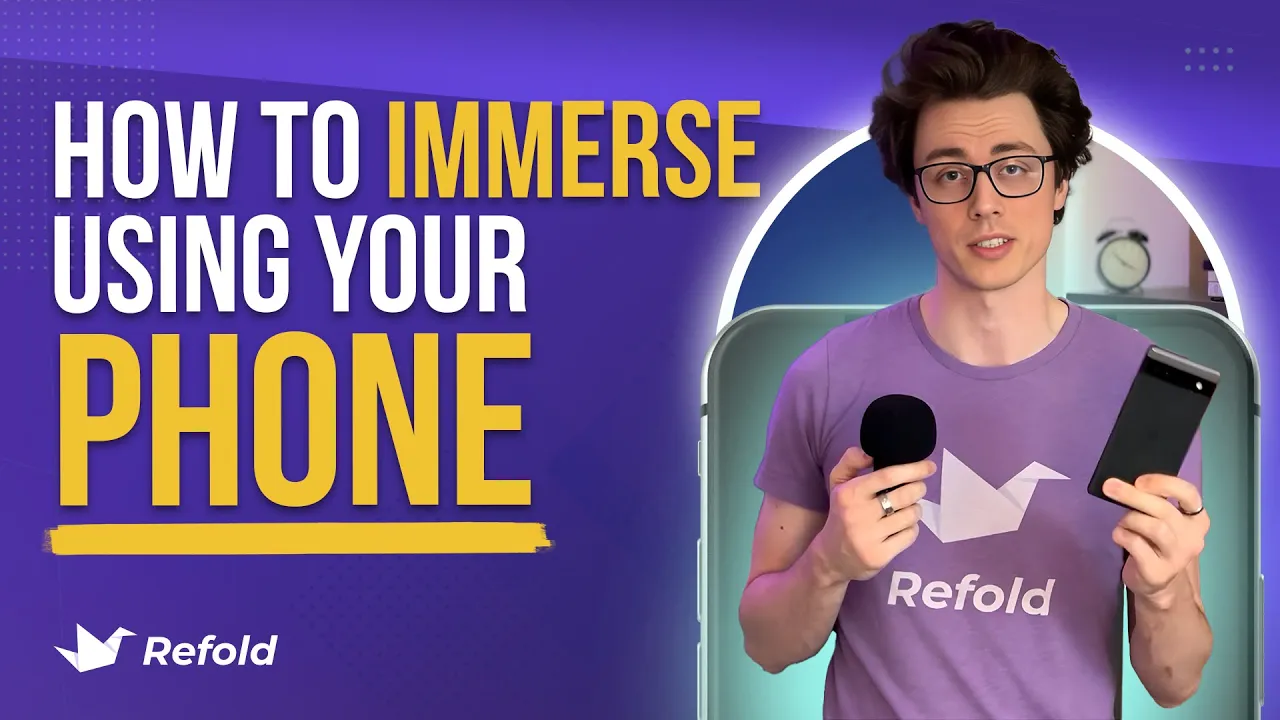
It's not crazy to say that nearly everyone owns a smartphone. There are an estimated 7 billion devices in the world, and over half the world's population already own one of these bad boys. And that trend is only going up.
Not only in developed rich countries, but all over the world. A lot of people's first or only computer is their smartphone. And this is great for making things more accessible and opening the world to the powers of the internet, but there are some inherent downsides to using a phone.
They're pretty small, they're not that powerful of devices, and they function mostly using apps which have lots of limitations. And this is especially true with language learning. And it's the primary reason we kind of assume and highly recommend that people use a desktop or a laptop computer, instead of trying to do all of their language learning on their phone.
There's just a lot of things that you run into and problems that you're going to have. Computers are just more powerful, more flexible, and have bigger screens. However, they're not accessible to everybody in the world.
However, that's not to say that it's impossible to learn the language on your phone. You absolutely can. It's just a little bit more annoying and might take a little bit more time that you might not want to necessarily spend.
But today, I'm going to walk you through all the basics of mobile immersion so that you can just get started using your phone, tablet, or whatever you have. This video is going to cover both iOS and Android, so Apple and everything else. And so, if I don't mention one of those specifically, assume that it will work on any device.
You don't need to use every single app and tool that I lay out in this video. Everybody's learning process is going to be a little bit different, so it's impossible for me to make a perfect one-size-fits-all kind of video. I'm going to lay out what I think are the basics and all of the different categories, and then you can pick and choose from there to build your own adventure.
I do recommend that you try out stuff just to see if it works for you, but if not, don't worry about it and move on. I've also already made a video on a lot of these tools that I'm going to mention. So be sure to check the description if you ever see a pop-up on screen or if I mention that there's already a tutorial out there.
Without further ado, let's get into it and start looking at mobile immersion basics. My recommendation for step zero is to make a specific space or folder to put all of your language learning apps. It's easy to forget the names of some of these things, and so having a place just to go and click on the apps can make your life a lot easier.
One of the downsides of using your phone to learn something is how easy it is to get sucked into something else. You have basically everything on your phone in some way, and it's all too easy to accidentally open TikTok and suddenly waste two hours scrolling that you meant to spend on Spanish. So please turn on Do Not Disturb.
The first kind of tool you're going to want is for priming. Priming is what we call learning about the language or vocabulary, grammar, stuff like that. And there are about a billion different apps that you can use, Duolingo, Memrise, Busuu.
Basically every time I open the app store, there's another recommendation. I'm going to be using Memrise in this video, but you can choose whatever you want. If you already use one, just keep going with that.
You're going to spend maybe 5% of your time in this app, so it doesn't really matter that much as long as it teaches you new words and interesting phrases. I do recommend though that if an app is trying to overcharge you for what it's offering, just switch to another one. This space is so competitive that the free tiers are really quite good on a lot of the apps.
However, for priming to be effective, you have to spend a lot of time with the language, which is what the rest of this video is going to be about. Setting up your immersion environment. We're going to get you going with YouTube, audiobooks, books, podcasts, a whole bunch of stuff.
But let's start with that first one, YouTube. It's kind of the most valuable language learning resource that exists and probably ever will exist. It's just so big.
However, to sift through all that, you should have a target language YouTube account. There's a video that I made that walks you through setting up a new account. However, it's done for the desktop.
You can do it on a phone, but you have to go into a browser and then request the desktop site instead of doing it in the YouTube app, which is annoying, but you only have to do it once and then you just log in. Not a specific setup tip, but I definitely recommend keeping your target language account logged in first so that if you ever have the desire to open YouTube, you have a subtle reminder to watch something in your target language instead of in your native language. But you can always change back if that's what you really want to do that day.
We're going to go a little bit more in depth on YouTube in a second. So let's move on to reading. The easiest reader app that I've come across is the Kindle app.
It works on every device and you can send your own files to it using send to Kindle. And it's got a bunch of useful built in features that are just nice to have. Plus, if you already have a Kindle, it syncs with that so you don't have to worry about your file syncing or all that nonsense.
Yes, you do have to make an account with our Amazon overlords, but you probably already have one so 🤷♀️ For listening to your own audio books, there's a couple of different apps that I use. Book Player on iOS and Audio Smart Book Player, or something like that, on Android. They just play audio books, so there's nothing really that fancy about them.
So find one that works for you if you don't like my suggestions. If you don't already have your own audio books or books to read or listen to, then these aren't going to serve you that well. But before you go look at buying things, I definitely recommend that you check out your local library.
At least in the US and Canada and I think other English speaking countries, a lot of local libraries are connected to an app called Libby where you can download books and audio books completely for free as if you're in the library. It's a great service and they sometimes have good options for foreign language books, so check there first before you go looking for stuff to buy. However, if you are looking to buy things, you can look on Amazon or Kobo.
com. Or for audio books, there's tons of stuff on Audible, or Storytel is supposed to be really, really good and have a ton of options in a bunch of different languages. It is a subscription service, so you pay once a month to listen to as many books as you want, but that's kind of nice for language learning.
You can jump between things to see if they're at your level. Before we finish talking about reading and audio books, I also want to mention LingQ. It's another paid service.
The free tier is really just a test tier to see if you like it. And it's great for reading books in a more interactive fashion. You can click on all the words, check definitions, add them to your list, and see what other people have done.
It's also got a bunch of starter content for tons of languages. And so if you don't want to mess around looking for books to buy, that's a good option. Now let's jump over to podcasts.
If you already listen to podcasts, you should probably just use the same app that you're used to. However, if you want my suggestion for an app that has some extra features that are nice for language learners, check out Pocket Casts. It's really handy, slick, and you can change a bunch of features to fit your learning style a bit better.
It's also really handy as just a regular audio player if you have something that you want to listen to, but don't really know what to use to listen to it with. But I already made a tutorial for it, so check the link below if you want to see more on that. Okay, those are all of my easy, simple install suggestions.
But now I want to talk about interactive immersion. Interactive immersion is when you spend a bit more time with the language and you look things up, you pause, you rewatch, you go through things, to really help your brain process the language. This is the hardest thing to do on a phone or tablet or whatever, so be warned.
If you want to just pay for simplicity, LingoPie is actually a really nice option that a lot of people love. It has tons of shows and YouTube videos that you can watch line at a time and look up words very easily. However, there are some workarounds if you want to use this with YouTube, by installing a special browser.
We need a special browser because we want to use Language Reactor, which is a very useful extension for desktop computers that allows you to watch things one line at a time, look words up very easily, and generally interact with video content. However, it's not available for phones in the "traditional sense. " But these browsers: Orion for iOS and Kiwi browser (I think it's called for Android, you'll see on screen somewhere), they allow you to install extensions as if you're on a browser and then you can watch YouTube like that.
I will warn you that for iPhones specifically, this is very janky, you'll see in the B roll, maybe right now, because it has to force itself to go to full screen, which is something that I couldn't figure out how to disable. It does work on an iPad though, if you have that. Once you download the browser, you have to turn on the extensions thing, then install the Language Reactor and extension.
Then we go to YouTube, request the desktop site or force it to go to a desktop site, and then voila, we can easily and naturally just use a phone the way we want to. Eh, sort of, it's not really that easy, but you'll get used to it if you want to. We've heard lots of reports from people that actually do this method, that it's way better on a tablet, so if you're on a phone only, you might want to stick to things that are a bit more streamlined.
And the other way to do interactive immersion is something that we call chorusing. It's a heck of a lot easier to do on a phone and can even be a really good option for when you're out and about, even if you do most of your immersion on a desktop. The app we use is called Music Speedchanger, and it's meant to play around with music files, but it's actually great for doing language immersion with.
All you do is you bring in an audio clip, and then you can set sections to loop so you can hear them over and over again to practice your listening. You can slow things down, speed things up, and you can also repeat with the speaker to practice your intonation, rhythm, and pronunciation. I made a whole dedicated video on chorusing that you can watch if you want to see the process a bit more in depth.
So that's everything that I have on the basics of mobile immersion. I know that I covered a lot of different apps and things, but that's not even one percent of all the apps out there. Try to avoid getting too overwhelmed and focus on building your process up one thing at a time.
I hope that you found this video helpful and not too boring, and hopefully it inspires you to start actually learning a language, even if you only have your phone, rather than just watching the 20th "how to learn a language" video in one sitting. And be sure to let me know what your favorite language learning tool is down in the comments below this video. Oh, and like it while you're down there.
I'd really appreciate it. Thank you so much for watching. Have a great rest of your day, and happy immersing.