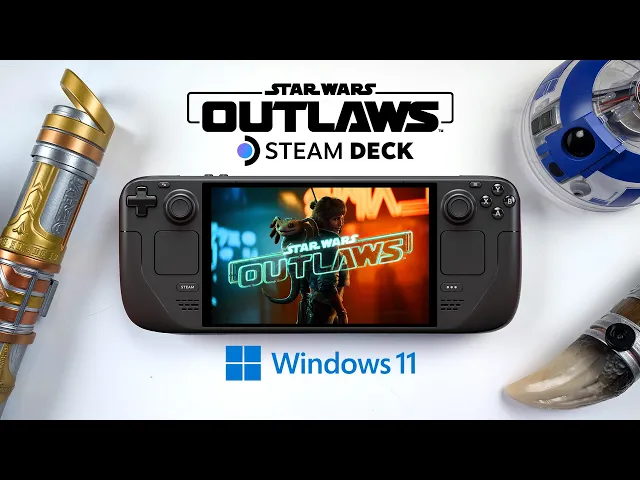
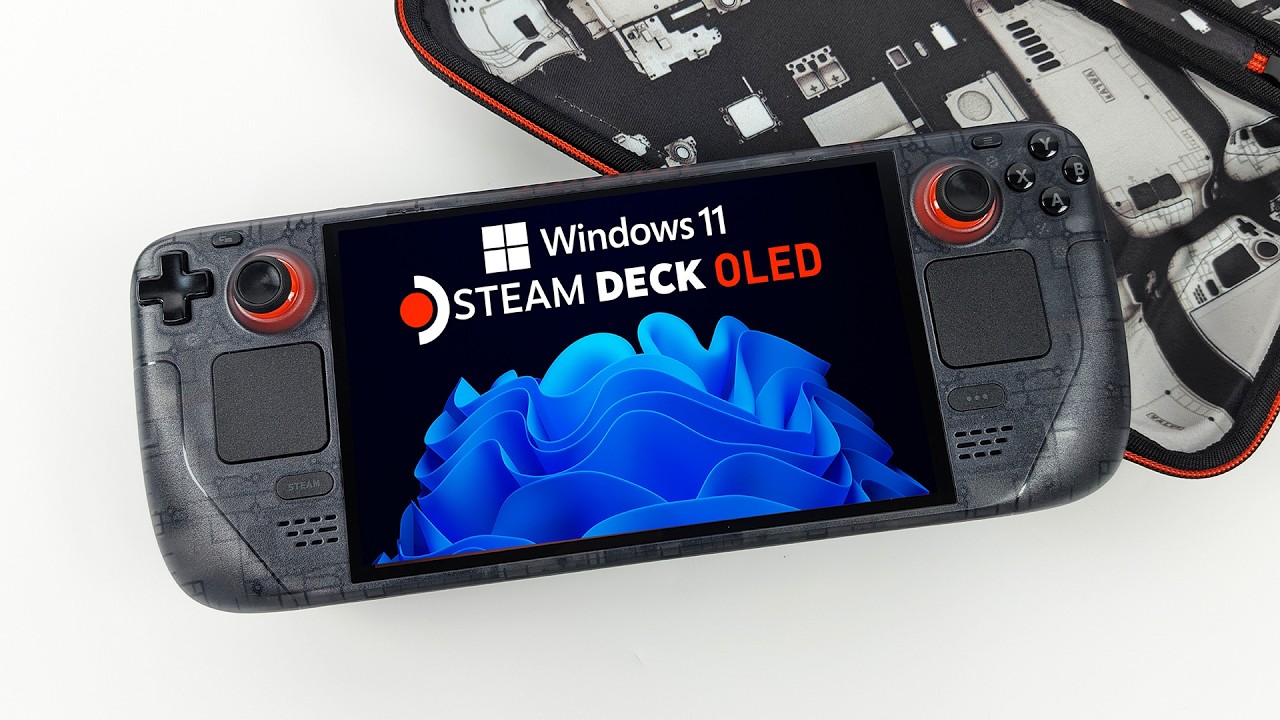
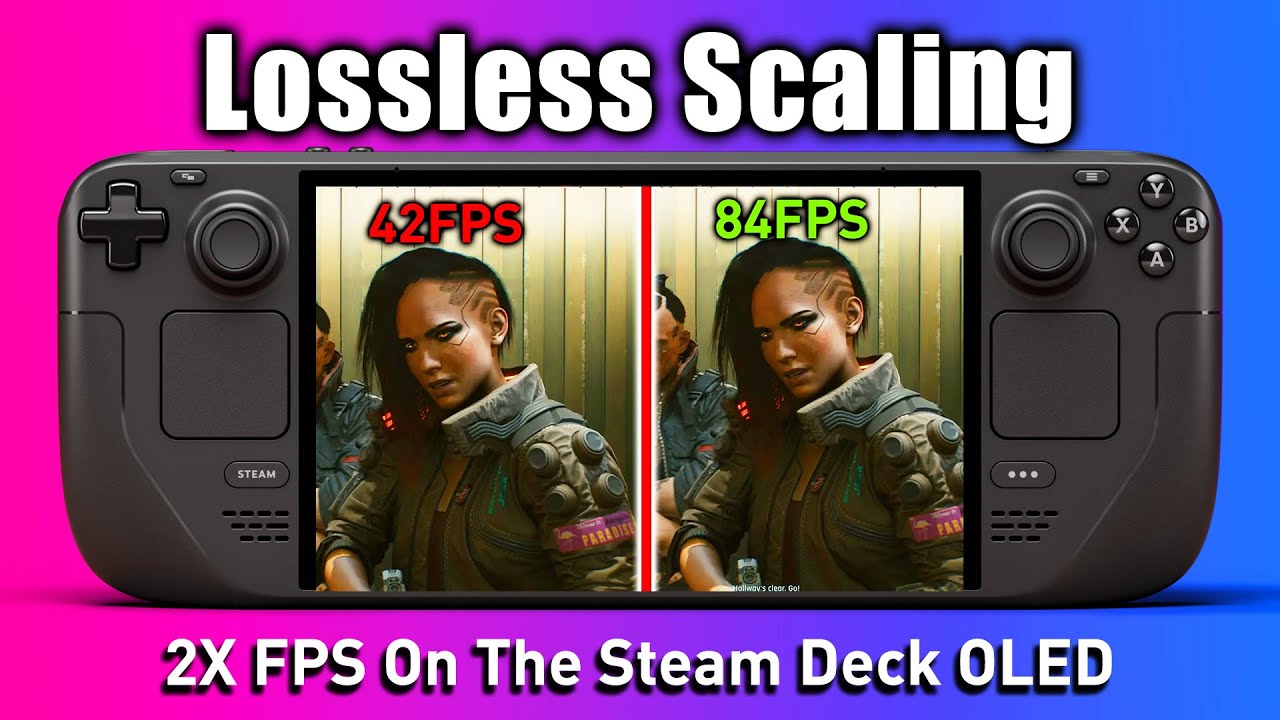
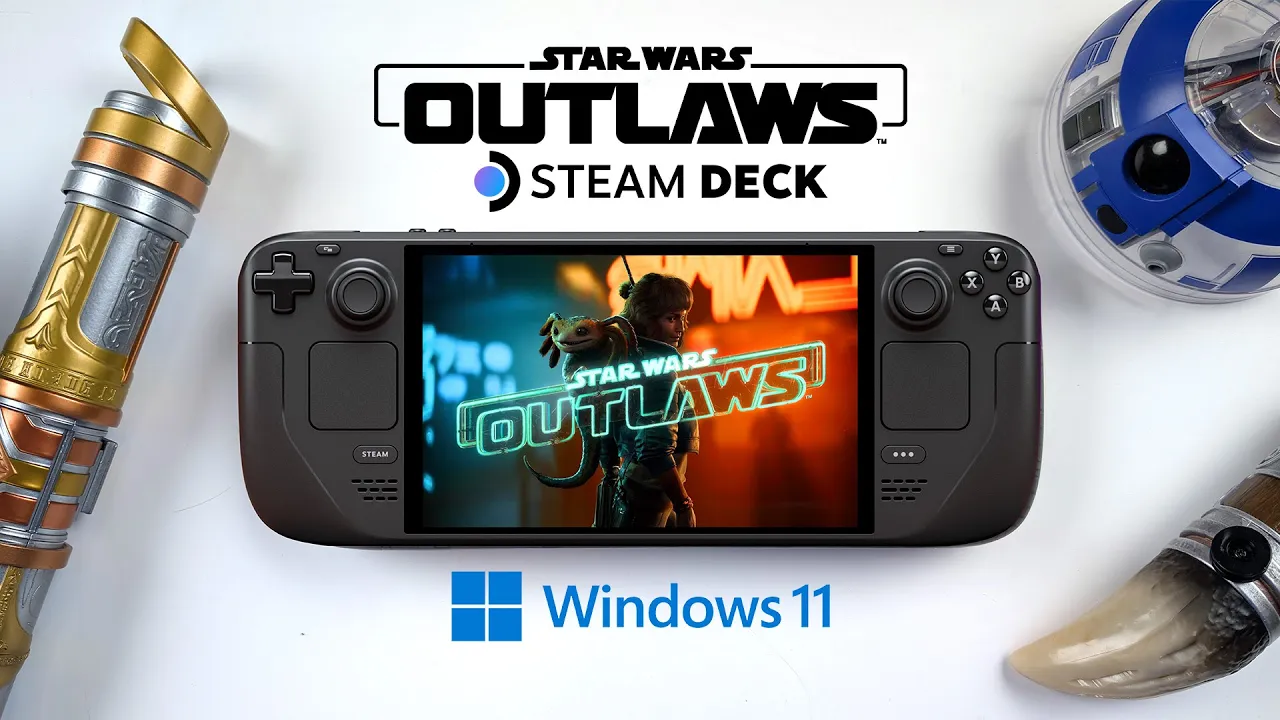
hey what's going on everybody it's ETA Prime back here again today we're going to be taking a look at Star Wars Outlaws running on the steam deck olad now this isn't running in Steam OS I do have to say that before we get started this is actually running in Windows it's the only way I could get it up and running and recently valve released some new windows drivers for the steam deck olad I already had it installed on an SSD so I figured I'd go ahead and see how it runs on this device and when
it comes to the overall graphics settings with Star Wars Outlaws we do have amd's frame generation it also supports FSR 3.1 right out of the box and obviously when it comes to the steam deex Apu it's not the most powerful on the market and even in Windows we can only run this up to 15 watts so basically what I've got going on here 800p lowest of the low settings amds frame generation enabled and FSR set to ultra performance so yeah we're at the lowest of the low on this at 800p with some frame gen we're
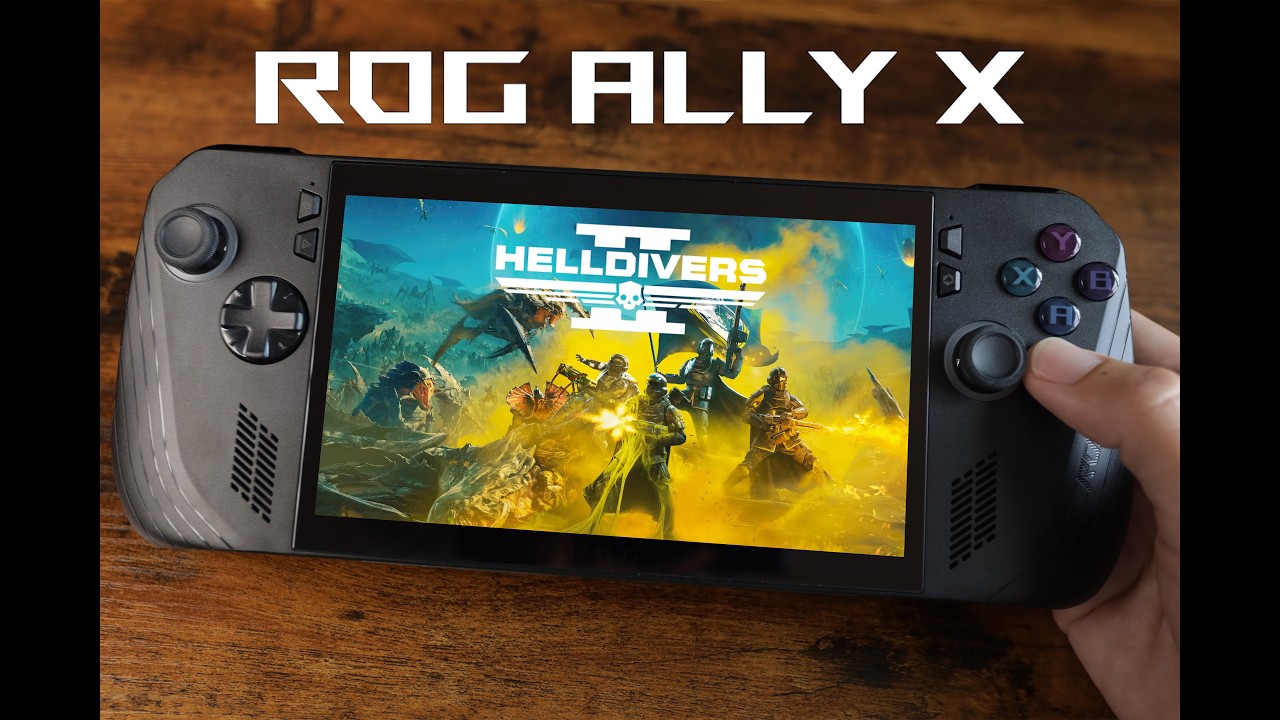
going to see what this thing can do and as for FSR we do have two modes we can fix this sit in at Ultra performance or we can use a bias I find that it does perform a little better in bias mode on the steam deck right now at the time of making this video early release on this game has been out for about 15 minutes basically I've started the game up gone through the first cut scene I do plan on making more videos showing this running on different devices like the Rog allyx and we'll
come back with the steam deck as soon as we get some updates dates for the game itself but until then let's see how it runs on the steam deck OLED so I've got my frame counter up in the top left hand corner again lowest of the low at 800p and uh yeah we're definitely getting some stutters going on here in just a bit I'm going to swap over to my game capture so we can get a better look at everything and we can lock the frame rate inside of the game I'm actually really curious to
see if we can run this at 30 FPS continuously so I've been really excited about the release of Outlaws I'm a uge Star Wars fan just like a lot of other people out there and uh overall I think you know all the trailers and everything that I've seen so far does look like it's going to be a really fun game especially if you're a fan of Star Wars what is it the way it's looking right now it is a bit all over the place but uh with frame gen enabled low settings here 800p it does
look like we can get right into the mid-40s here now I'm not exactly sure how this is going to Fair once there's a lot of particles on screen maybe in battle but in this citycape right here which you know usually seems to take a lot of CPU and GPU lots of NPCs around it's actually doing a lot better than I thought it would of course it would have been nice if I booted this up on the steam deck and was able to run it at a constant 60fps without some stuttering going on but you know
this is Day One release it's actually the 3-day Early Access so I'm sure some more optimizations will be coming down the road there is one setting that I wanted to change here and that has to do with FSR so the upscaler mode we're going to go to fixed so it's continuously going to be in Ultra performance mode and to me it seems to perform worse like this now it could just be kind of the placebo effect but I think the bias mode is going to be the way to go on this game I read up
on a lot of lore for the game before it released uh I mean the hype was definitely real for this especially for people who love the Star Wars games and the last couple of games that released I enjoyed playing I know there were people out there that loved them I know there were people that hated them it's going to be the same thing with every game that releases but you know if you enjoy playing it go ahead and play it I mean have fun with it and I don't think we had any kind of preach
shaders when I started this game up I think I was just able to go right into the game unless it was doing it in the background I don't want to ruin the story for anybody so I'm going to skip through this now unfortunately with windows installed on the steam deck we can only reach one resolution I can't go down any further than this and then use something to upscale it unless I'm using an external Monitor and I'm going to swap over in just a second but I'm going to take uh the FSR mode back to
bias instead of a fixed and again I really do feel like it works better in bias mode on the steam deck right now it's just like the resolution without a third party app at least we can't change the refresh rate of the screen it's at 90 htz because we are on the OLED steam dag so it looks to me like we're getting an average of around 41 FPS with Star Wars Outlaws on the steam Deck with windows installed again up and down from there but yeah I mean we've got a lower powerered Apu here only
up to 15 watts and I've been messing around with lossless scaling recently so if you want to see a video like that with lossless scaling enabled in Star Wars Outlaws on the steam Deck with Windows let me know in the comments below but since we've already got amd's frame gen built in I'm not sure how much of jump in performance we would see if we could lower the resolution on the built-in screen and then upscale to 800p we could definitely get a nice little bump in the FPS but I'll definitely need to test that out
and I want to get further in the game before I do that now there's one last thing before we move over to the game capture from our settings we can change the aspect ratio right now I've got it filling the screen but we can enable the 21.9 widescreen aspect ratio and I don't think it's going to help out with performance on this Apu yeah it kind of gave us a wider field of view I was thinking you know if it kind of scaled it down cut the edges off it might help a bit but not
really I've just swapped over to my game capture to give you a look at something uh on the steam deck here with windows installed we do have the option of locking the frame rate down to 30 with the frame rate locked like that we can't use amd's frame generation I've dropped the resolution down to 720p and I'm still using FSR at Ultra performance I've tried both modes there with FSR 3 unfortunately we just can't get a steady 30 out of this on the steam deck running Windows right now so hopefully this does come over to
steam but the way it sits right now the only way I could get this game running was in Windows on the steam deck and uh performance definitely isn't Stellar so I've just gone back to the original settings everything at low FSR 3 Ultra performance and I've also got amd's frame generation enabled so I will have more videos with this game up and running on different devices like the Rog allyx definitely stay tuned to the channel need to play through a little further and it is fun making videos like this you know showing off brand new
games running but it doesn't give me a chance to kind of explore the game but that's something I will be doing with this one and you can see we're kind of indoors right now we've got the walls blocking off from the long field of view frame rate is up but not by that much and even indoors we can't hit 60 on the steam D I'll have that Rog Alx video up soon and if there's any kind of settings or any hardware you want to see this running on just let me know in the comments below
but that's going to wrap it up for this one I figured I'd go ahead and show this running on the steam dag again hopefully this does come over to steam and we can run it in Steam OS but until then you could play it like this if you wanted to if you've got any questions let me know down below and like always thanks for watching we're close the identic card is in the boss's office