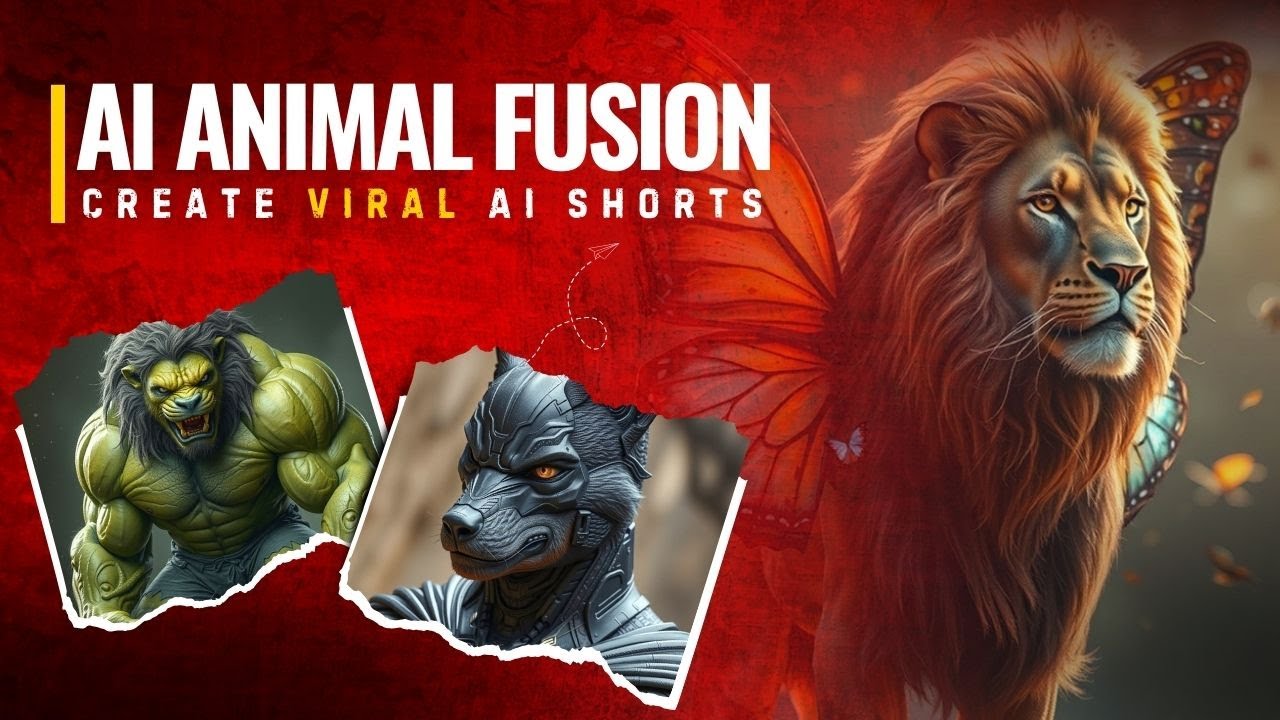
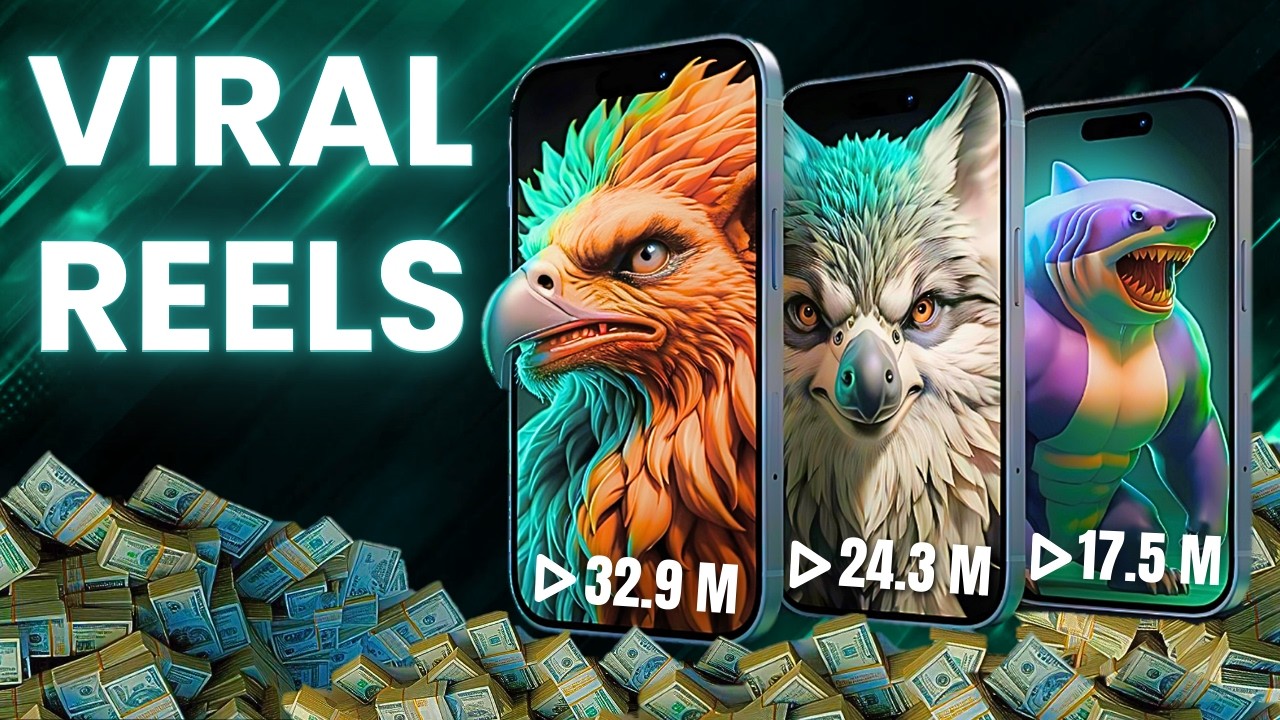
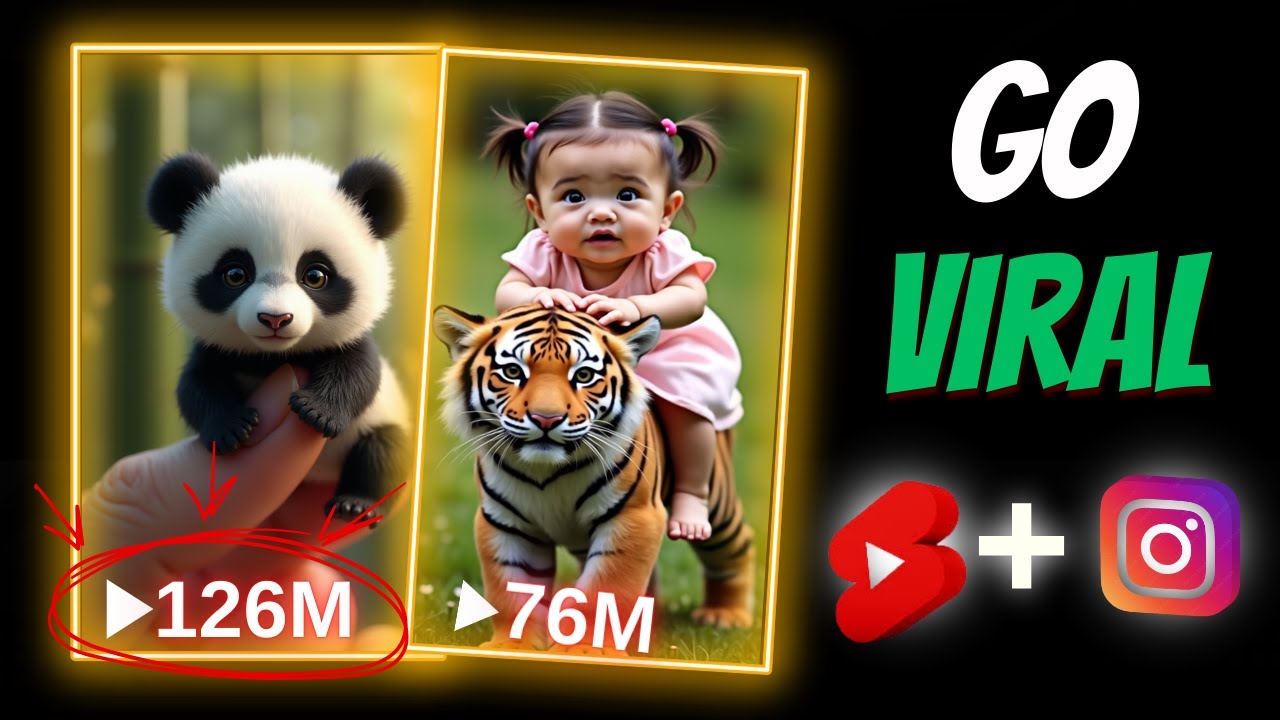
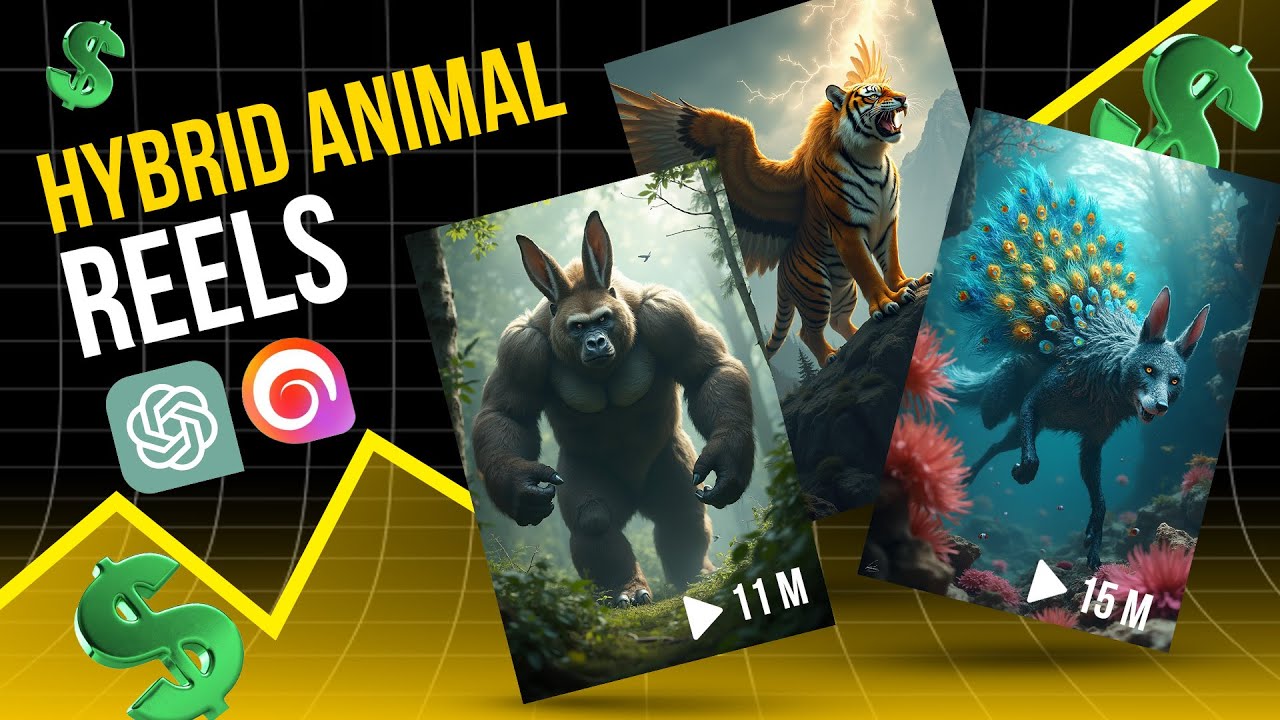
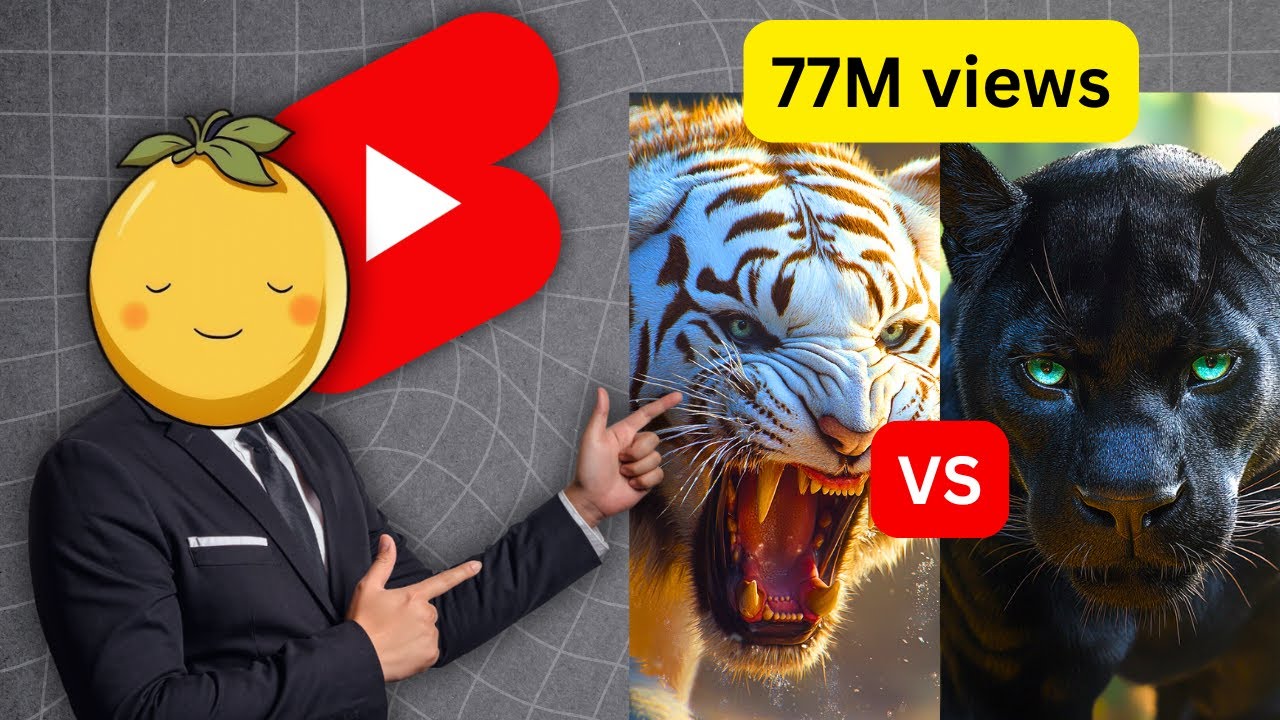
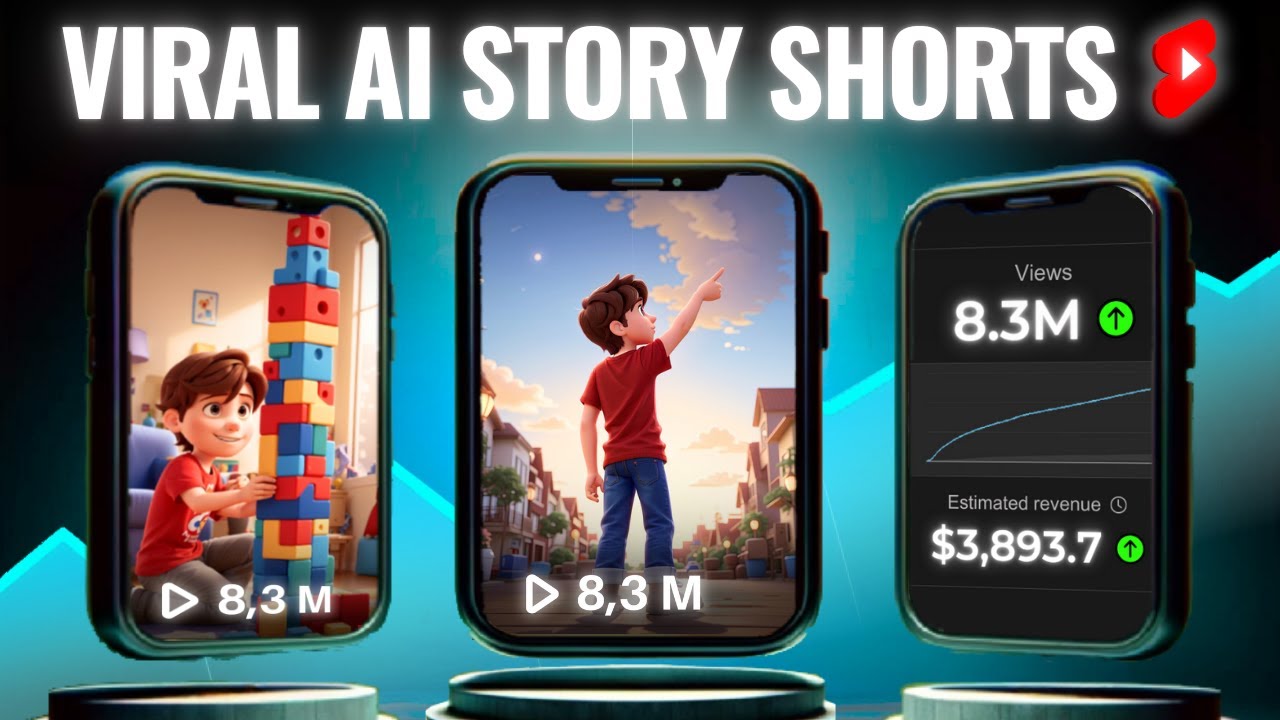
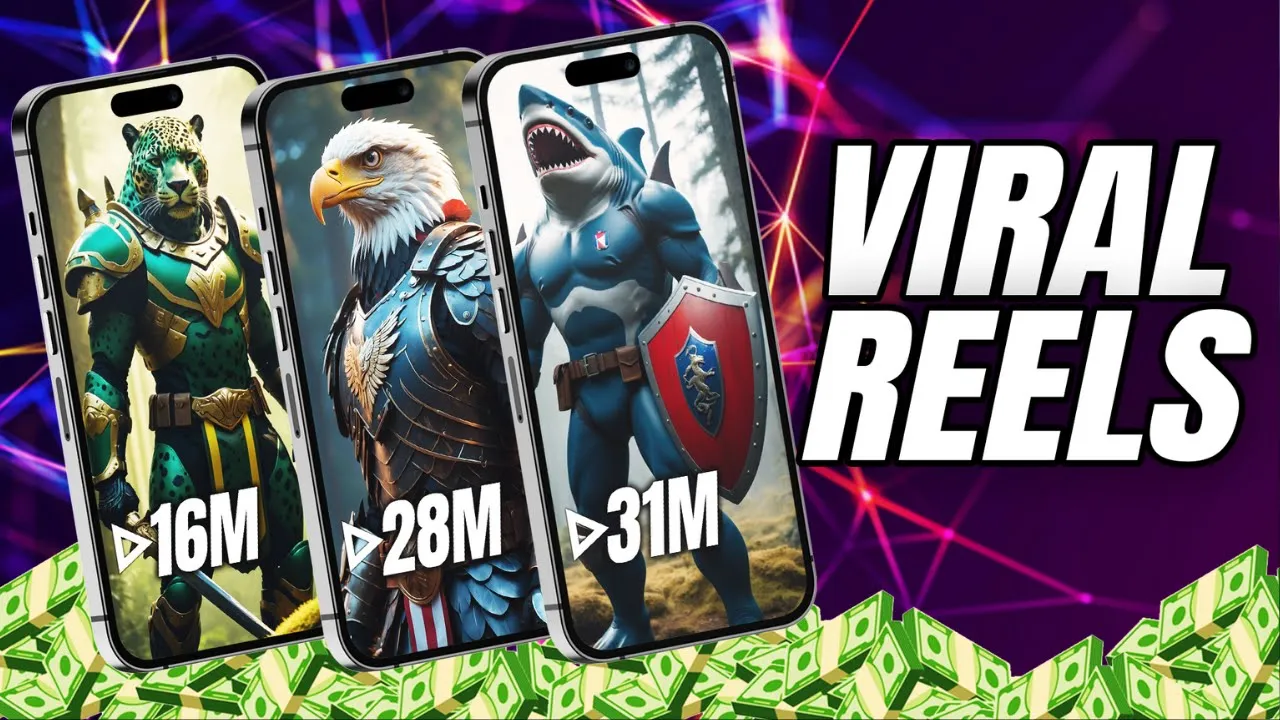
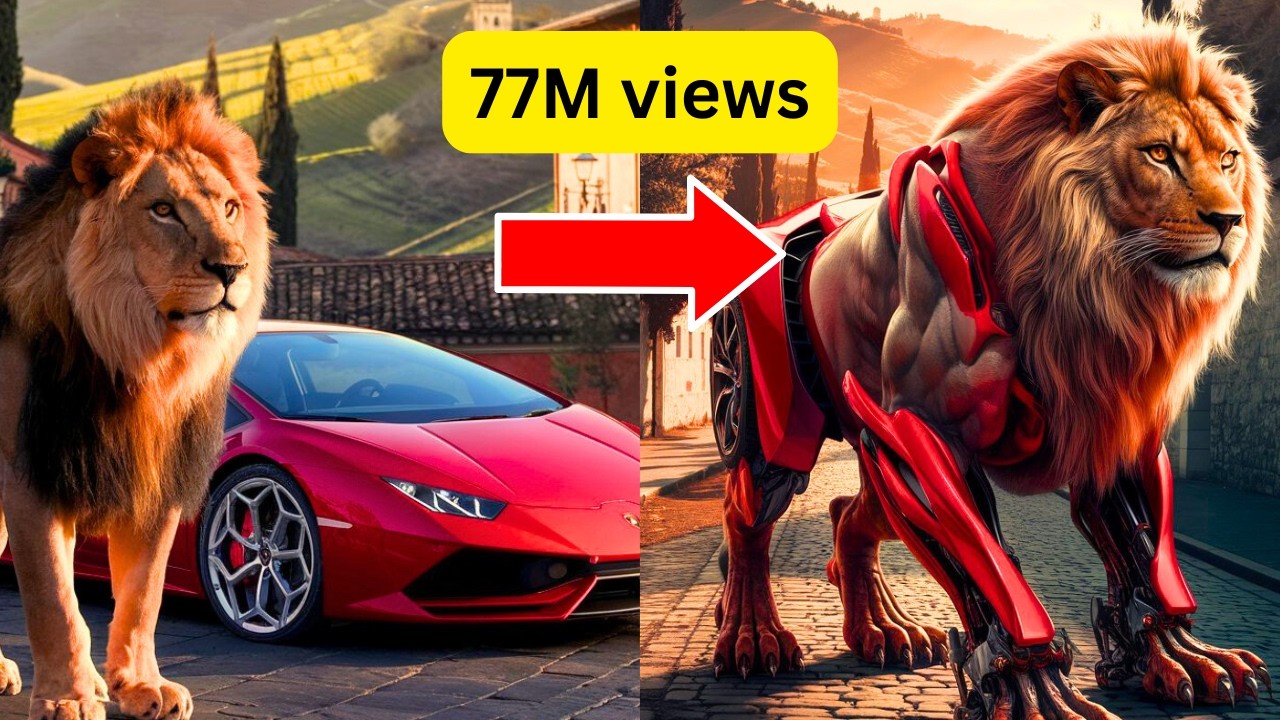
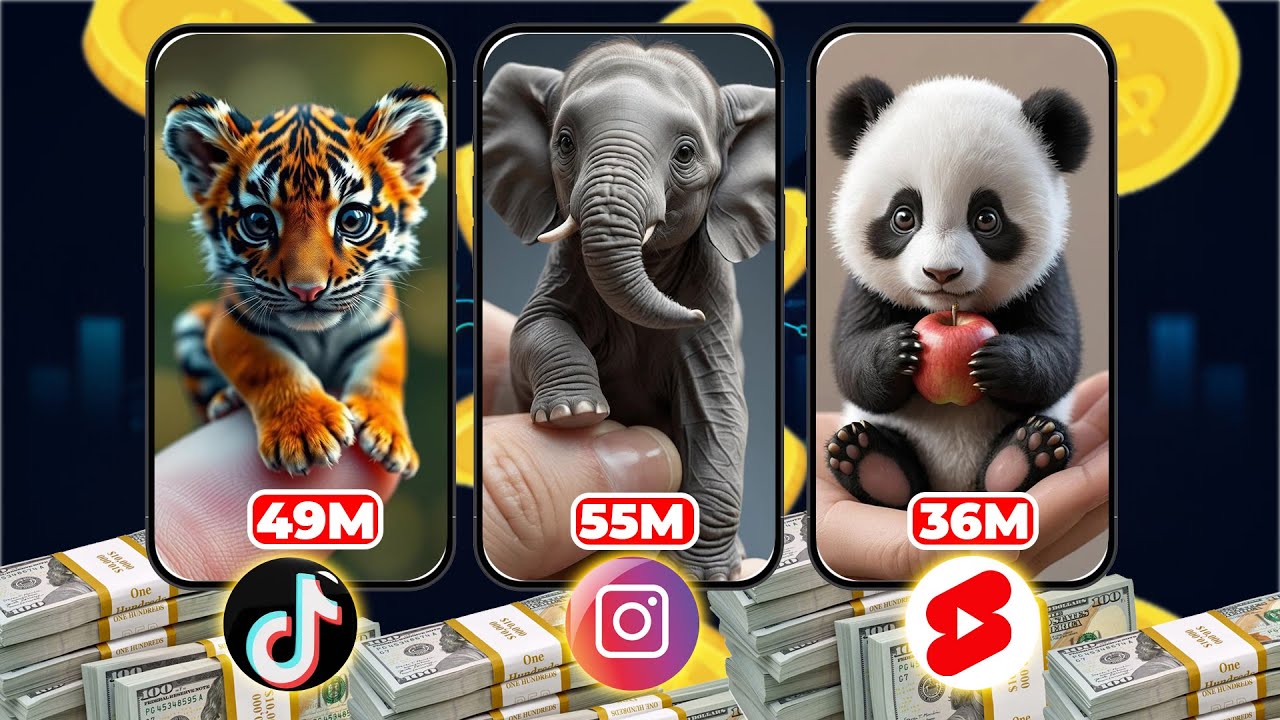
this faceless channel is raking in millions of views and earns roughly $2,000 per video with quick easy toake YouTube shorts Instagram reels and Tik Tok videos their videos rack up millions of views here is one of their videos [Music] [Music] in this video I'm going to show you exactly how they do it all for free and in less than 10 minutes using AI by the end you'll be ready to start your own faceless Channel tap into the same tools they use to Skyrocket their views the focus is on transforming simple ideas into stunning visuals animals
turning into powerful warriors Nations reimagined as mythical creatures or even pop culture inspired themes like countries as superheroes all made possible through AI let's get started by setting up our first tool chat GPT first head over to chat GPT in the description I've provided a special prompt that we'll use to create our content this prompt will give us exactly what we need to make this project simple and fast here's how it works once you enter the prompt chat GPT will quickly organize everything into a clear table with topics countries and prompts to generate images it's
straightforward covering everything from the type of animals to how they'll look as Warrior characters from different countries I've also added the general at prompts in the description for you to download and follow along once chat GPT organizes the information you'll see exactly how easy it is to create content that gets noticed let's dive in next we move on to the PowerHouse of visuals Zan AI this new tool is perfect for creating cinematic images and videos it's packed with features you can create consistent characters convert 2D to 3D generate architectural sketches even swap outfits and images
and create 3D animations you can generate image to image text to image image to video even swap face and many more things you can do with this powerful AI I've added a link to design AI in the description so once you log in you'll see a dashboard just like this scroll down and select flux 1.0 once you've done that give your project a name something cool next we'll set up the perfect aspect ratio for your video for platforms like YouTube shorts Instagram reels and Tik Tok we're going with 9116 then hit apply now we're ready
for the fun part take one of the prompts generated by chat GPT and paste it into the prompt box hit generate and watch as flux brings your hybrid animal to life in just a few seconds check out the the hybrid Eagle representing the USA as a fierce Warrior it looks epic right let's download the image by clicking download then to make it even better we'll upscale the image once it's upscaled hit the upscale button and voila your image is ready to go you can see the incredible results for yourself next head back to chat GPT
copy The Prompt for the next country and paste it in keep generating images for all the countries you want want to switch things up just ask chat GPT for a new topic and you'll get fresh prompts to work with like mystical creatures or anything you can dream of after you've got your stunning images download the best ones and get ready for the next step now let's bring these still images to life if you're loving this so far don't forget to hit like subscribe and and turn on notifications so you never miss out on future money-making
tips now let's turn those Stills into a video head over to DZ yes we're using the same tool go back to the dashboard scroll down and select image to video click to upload your image either add a prompt or leave it blank then hit generate in about 5 to 10 minutes your image will be magically transformed into a moving video let's check it out out it's looking awesome but wait we're not done yet to make it YouTube or Tik Tok ready we need to merge all your videos and flags into one to make the video
longer for that we'll use cap cut open the app add all the content you downloaded and start editing your Masterpiece let's grab the flags of each country from pixabay these flags are royalty free so you don't need to worry about any copyright issues download each flag and now we're all set to merge everything together in cap cut first open cap cut and import all the videos we generated set the aspect ratio to 9 to 16 to fit Tik Tok YouTube shorts or Instagram reels then let's make our video flow seamlessly by adding transitions between Clips
go to Transitions and select flood light this one works great for these visuals simply drag it between each clip for a smooth transition transition now it's time to add an effect head over to effects and drag the shake effect onto the timeline placing it right at the end of each video where the transition finishes this little Shake adds energy and makes the video pop next let's add some text to label each country go to text drag the default text onto the timeline and customize it choose a font change the color and add an outline to
make it stand out for animations select spring for the in animation and Fade Out for the out copy and paste this text above each clip then update each label with the correct country name now it's time to add those flags we downloaded drag each one onto the timeline resize them and place them next to the text labels to make the flags Dynamic go to animations and add a shake and Fade Out animation to each one this gives a cool Lively look to each segment finally let's add some music to bring everything together you can either
pick a track from cap Cut's library or download royalty-free music from pixa Bay to make it even more exciting add a sound effect or two just have fun with it and get creative with everything in place your video is ready hit download and let's check out our Masterpiece together [Music] [Music] [Music] oh

![It took 2 hours to make $220,000 with this AI video [TikTok Shop Affiliate]](https://img.youtube.com/vi/VOxTHGyQzbA/maxresdefault.jpg)