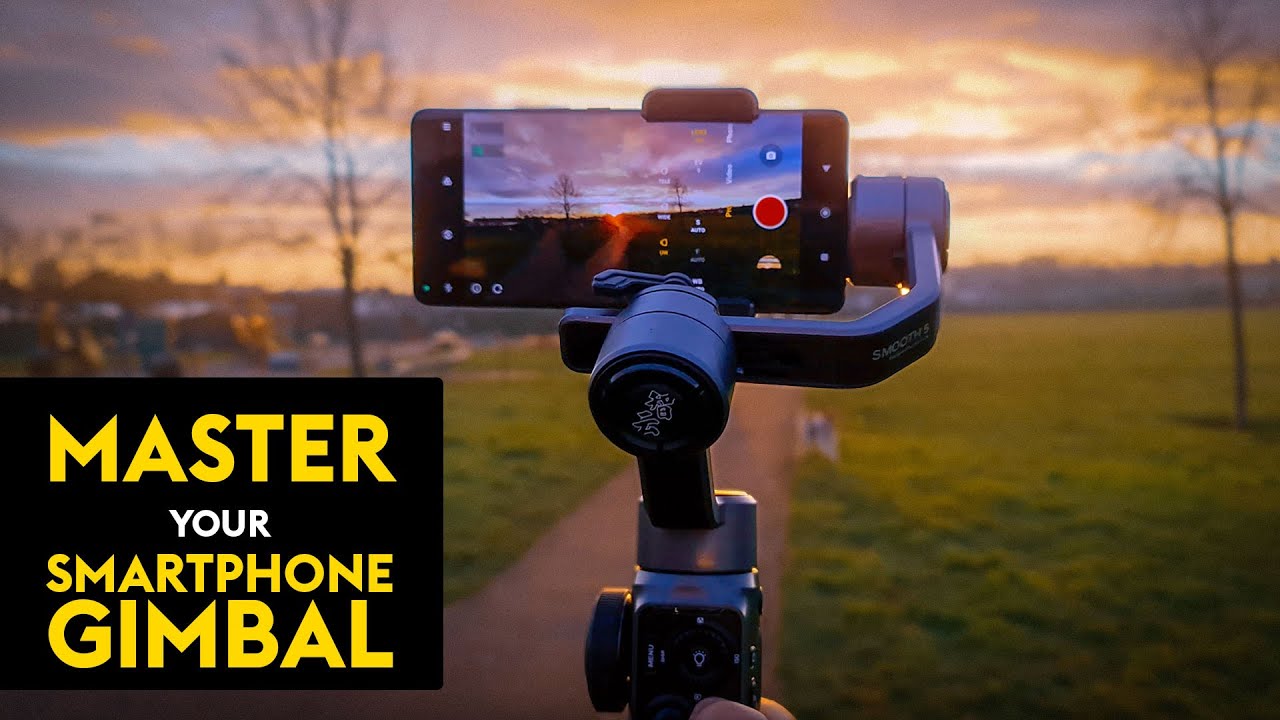
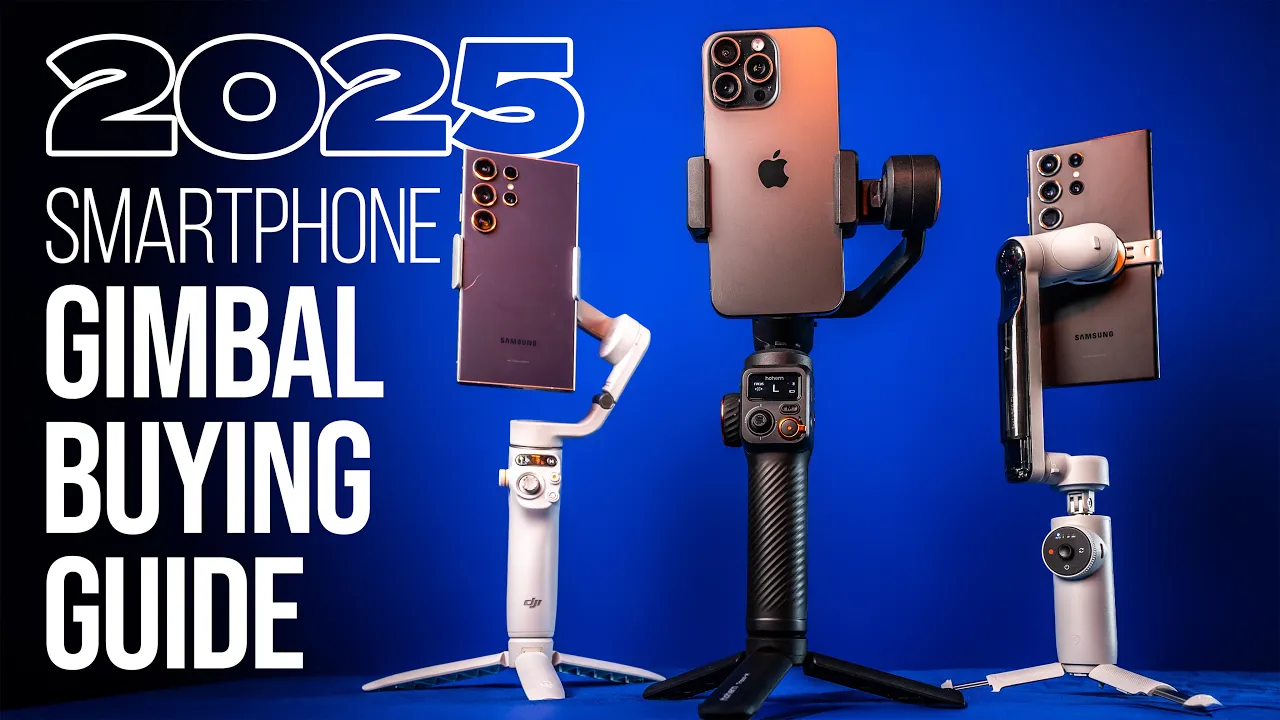
if you're an aspiring content creator who wants to shoot better videos than your smartphone it's time to ditch the camera Shake go for a smartphone gimbal well it is absolutely possible to capture Smooth video on your smartphone handheld a gimbal will allow you to capture the kind of high-end camera moves you see in movies commercials music videos and more but what gimbal is right for you you've got to be careful because there are literally hundreds of options out there some have really great marketing teams that are great at selling bad products in this video I'll
walk you through the features that you absolutely need to be aware of prior to making a gimbal purchase also offer my top smartphone gimbal recommendations if you stick around to the end my name is Anthony Gallow I run content creator.com where we teach you how to shoot edit and monetize professional videos let's dive in holding your smartphone steady for a snapshot is easy but it's harder when shooting video content especially when your goal is to capture anything more than tripod shots with no movement whatsoever yes newer smartphones have built-in image stabilization which is great for
filming those quick shots here and there but if you want to produce professional quality video with your smartphone a gimbal is the way to go what you're seeing right now is a comparison with us filming handheld showing how the camera does Shake no matter how smooth you try to walk now if you add a gimbal to the equation it's going to smooth out those shots like crazy even when you're moving much faster like running this is the run test with a gimbal going to see if Luke can keep up with me all right now we
got to do the same thing handheld to see how that looks three two one go there's no way that that is going to look no way that's going to look good gimbals have been around for a really long time I'm not going to get into the science here all you really need to know is the key term counterbalance when the gimbal senses a movement in one particular direction all of the motors in the gyroscope inside work to counter that movement which keeps your footage Ultra steady for example if you tilt the handle downward the gimbal
tilts the smartphone up at the same exact time to keep it perfectly level weirdly enough chickens seem to have the same technology built into their necks for between $1 and $200 you can get a smartphone gimbal that will not only smooth out your shots but take your film making potential to the next level now the type of gimbal you choose is going to come down to a mixture between portability size and smart features so there are two types of gimbals primarily there are two a and three axis gimbals now two axis gimbals are kind of
a joke but I do want to run you through what the three axes are so right here we have three different movements we're going to stabilize the first is pan so this is rotating the camera from the right to the left you can see that even when I rotate the gimble is holding that perfectly steady the second axis is tilt so even though I'm tilting the gimbal back and forth in a different direction again it stabilized then the last one is roll so even if I move the camera back and forth like this you can
see it's perfectly steady so those are the three axes and why you definitely don't want to settle for two and opt for three so those are the different axes but gimbals actually give you different modes to control the different axes so typically they all have lock which just literally locks the phone pointing in One Direction then we can switch to POV this follows literally every movement you make but very smooth total freedom after that we're going to have pan follow so B basically when you Pan the gimbal will follow you but you don't have tilt
so that is still locked and then the next mode basically unlocks tilt as well it's called pan tilt follow so we can pan and we can tilt and you can see the camera basically follows us when buying a gimbal the number one thing that you need to ask yourself is whether you prefer portability or power certain gimbals like this insta flat 360 can pack down to the point where you can literally fit them in your pocket but they're not going to be great for holding tons of heavy accessories other options like the Hem M6 have
much more powerful Motors so they can carry the weight but they're much larger and they're going to be harder to carry around with you the next thing you need to consider when purchasing a smartphone gimbal is whether or not your gimbal needs balancing and whether or not that's something that you're actually going to be willing to do so you can see here on the hoem it's completely off to one side with the phone already set up this gimbal does require balancing we have this latch here uh that when you undo it it allows you to
adjust the arms and the goal is to get it to the point where when you let it go it's not falling off to one side you can lock it in and from there your gimbal is ready to go now this om6 on the other hand doesn't require balancing at all you can see there's no adjustments you just take the magnetic clip throw that on your phone attach that to the gimbal so no balancing required you literally just snap it on turn the gimbal on and it's ready to film the next thing you want to consider
is the compatibility between the companion app of the Gimbal and the smartphone itself now I want to be really clear here all smartphone gimbals are going to basically work where you can put your phone in hit record on your phone and the gimbal is going to do a great job of stabilizing the shots where the companion app comes into play is allowing you to actually control your phone's functions like starting and stopping recording from the actual gimbal itself and a lot of times the companion app also has smart features built into it and I'm going
to cover all of my favorite smart features later on in the video as a blanket statement I can pretty much guarantee that all gimbals are going to have companion apps that work really well with Apple phones with Android phones you kind of have a mixed bag because there are literally so many different types of Androids it's hard for app developers to stay consistent across all phones to make things even more confusing some Androids like the very popular Samsung Galaxy series The developers make the apps for the Samsung but Samsung doesn't give developers full access to
the actual camera so with something like the DJI om6 you can use the D DJI mimo app but it's going to limit you to 4K at 30 frames per second you can't film at 24 frames per second 6020 or 240 which the Samsung is capable of doing they're just gone though I know people are going to call me an i sheep and it's just not the case I love Samsung phones these app developers tend to just favor Apple for integration all right now we touched on this earlier but payload capacity is one of the most
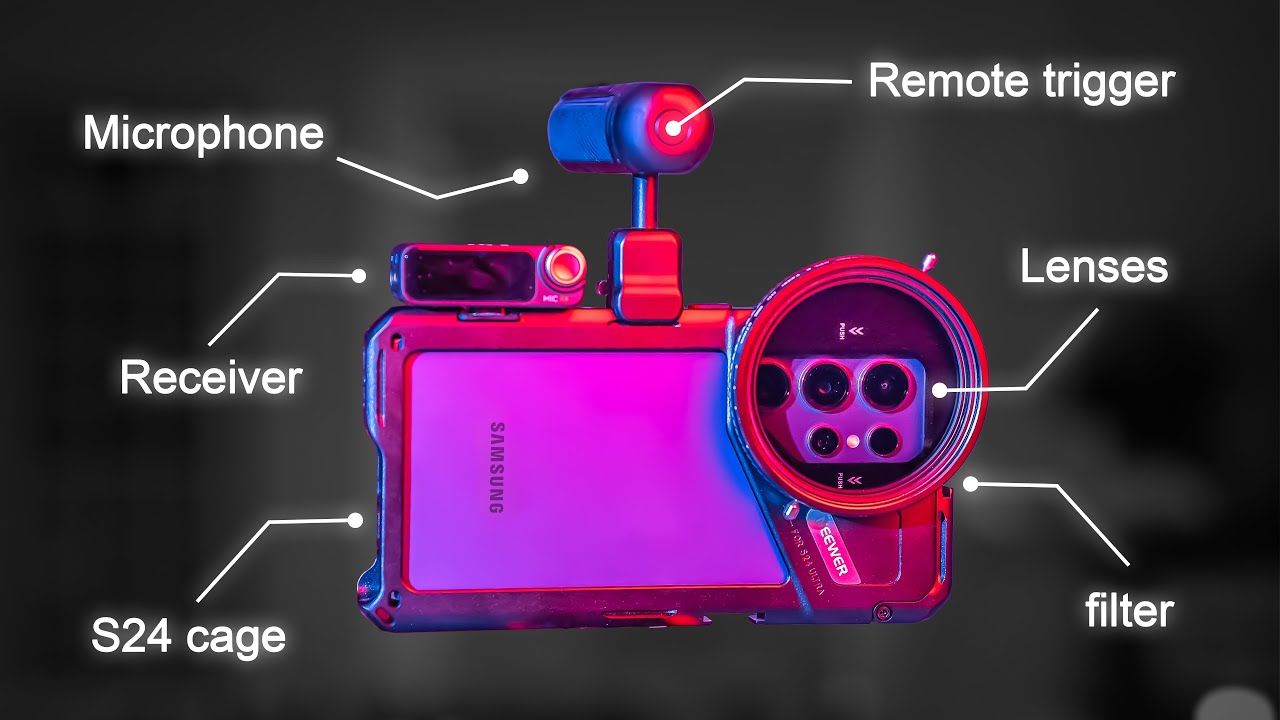
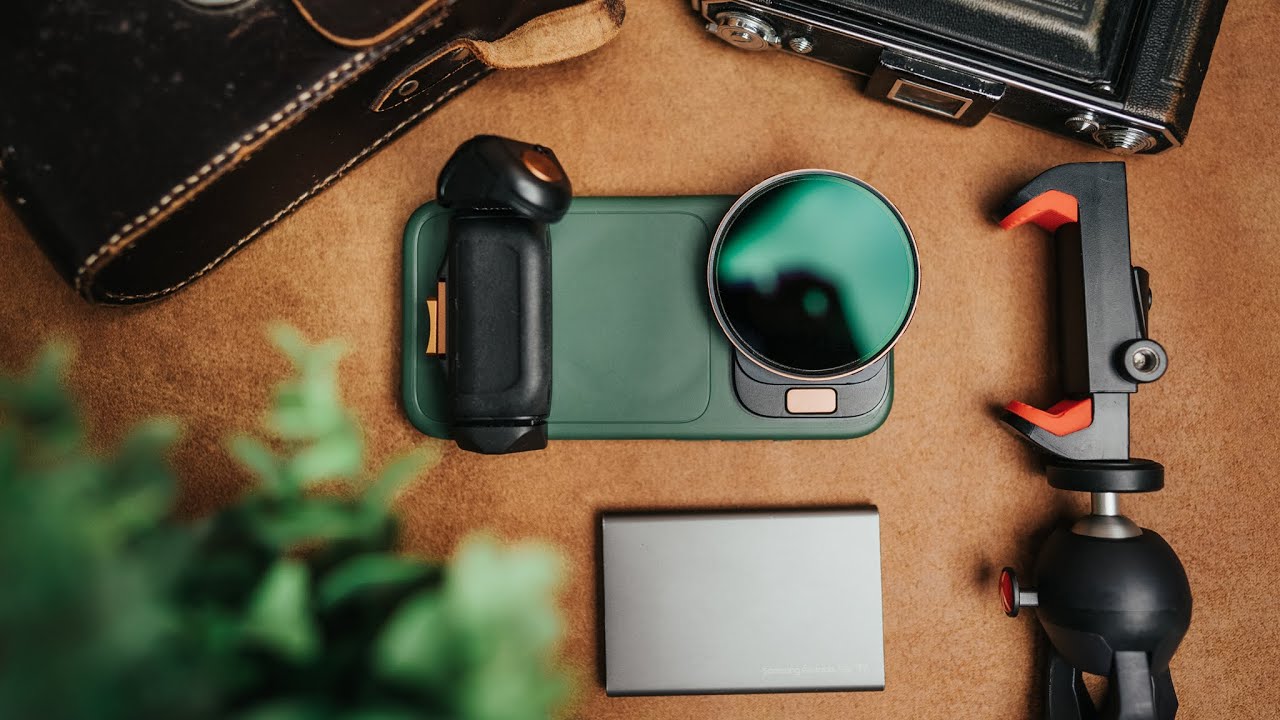
important factors that you need to consider before purchasing ask yourself do you plan on using a variety of smartphone camera accessories we have an entire video on this channel dedicated to my favorite smartphone accessories for both iPhone and Android phones which I'll make sure that's Linked In the description but here's a quick summary of the most important accessories that I recommend and just remember each accessory you add will add weight to your gimbal setup so the number one accessory I use on my smartphone is without a doubt thirdparty lenses like this one from shift cam
by placing these over the primary 1X camera we get significantly higher quality videos compared to switching to the built-in Ultra wide in telephoto options and I've got all my favorite lenses Linked In the gear guide which you can find in the description below after that we have to consider filters if you watch any of the content on this channel or if you're a student in our 14-day filmmaker courses you know I love filters ND filters help you get better looking content in harsh lighting scenarios and creative filters like the cinebloom for moment can give this
really unique hazy look to our videos up next we have microphones if you plan to film yourself or others speaking on camera you should definitely invest in a professional microphone if you're already considering a gimbal you'll likely want on a wireless microphone and the two that I recommend are the hollyland lar M2 on the budget friendly side and the DJI wireless mic 2 on the more professional side both have transmitters that you can clip on your subject and then a receiver that plugs directly into your smartphone now most of the gambles that I've tested these
with do find handling both the weight and the awkward position that comes with having a mic plugged in but it's definitely something you want to keep an eye on last but not least if you're filming on something like the iPhone 15 Pro which can record directly to an external SSD that's another thing you might want to consider because it's definitely a good amount of weight being added now as exciting as all of these accessories are I really want to stress you don't necessarily need any of them I've seen tons of people buy the accessories and
get the larger and more expensive gimbals only to leave all the accessories in their closet if that's going to be you it definitely makes more sense to go with the ultra portable in lightweight gimbal options that we're going to talk about at the end of the video now another thing you want to consider is the ability to use the gimbal on a tripod or if it has an extension pull now pretty much all gimbals are going to have quarter thread screws at the bottom you can plug PL a tripod into that and you can you
know extend it out but some gimbals like the instaflow 360 actually have extensions that give you you know significantly more range whereas something like the hoem a little bit bigger doesn't have that extension built in I personally use extensions all the time for filming low angle content where I don't need to like actually bend over and break my back the extension basically allows you to get shots that you would otherwise need a monopod extension for another way the extension pole comes in handy is with filming Vlog style content because you can actually to get the
camera far enough away to keep yourself in frame versus like a traditional gimbal without the extension it's hard to get that same quality of a shot okay if you want to put some Sizzle in your film making a lot of gimbals have additional features that I'm going to lump into this one category and call them smart features most of these are going to require you to use the companion app which brings us back to that compatibility issue but stay tuned because we'll talk about some other gimbals that don't actually need the app to use any
of the smart features regardless here some of my favorite smart features that you're going to want to look for up first we have advanced tracking this is when your phone can lock focus on a person or object and then follow them around wherever they move in the scene this has tons of applications you can use the auto track to keep yourself centered in the frame while you're vlogging you can use it to make sure your subject stays in frame As you move around them this way you can focus on not tripping over something while your
gimbal does all of the tracking and then finally the way that I use it most adding some movement to your content even if you're a solo Creator who doesn't have anyone around to film them after that we have motion time-lapses most people are probably familiar with normal time- lapses motion time-lapses take this up to another level by moving the camera while the time-lapse is being recorded on smartphone gimbals you can set two or even multiple waypoints and have the gimbal record a motion time-lapse throughout the entire movement taking this up another level we also have
hyperlapses this is where we continue to move while holding the gimbal the gimbal applies an insane level of both physical and software-based stabilization to give us an ultra smooth smooth and unique hyperlapse video up next we have the barrel roll or spinshot in a barrel roll the camera rotates while maintaining a fixed position in space this creates a rolling motion effect similar to if the camera were rolling in a barrel there are a ton of applications for this type of shot once you start looking for it you'll see it in tons of different movies music
videos travel films and more our next smart feature is another unique shot that's been made famous by Hollywood movies the dolly Zoom a dolly Zoom also known as the vertigo effect or the Hitchcock Zoom involves simultaneous ly moving the camera in One Direction while zooming in the opposite direction this creates a really unique look where the background becomes distorted while the subject stays the same exact size this effect is often used to show a character suddenly making a discovery or having a huge Revelation then finally we have gesture control this feature is a must for
solo content creators who want to present on camera you can start recording simply by gesturing to the camera such as raising your hand or making the P sign no more running back and forth to your camera to tap record now speaking of solo creators before we talk about our specific gimbal recommendations I want to tell you about the best investment that you can make in your content creation career and that is the 14-day filmmaker course by contentcreator tocom at the time of recording this video over 130,000 people have enrolled it's helped them Master the process
of shooting and editing cinematic content on their smartphone or professional camera because when you enroll you get a smartphone in Pro Camera course the regular curriculum is 14 days of fast-paced and easy to follow trainings that walk through the C camera settings the composition Secrets how to light content like a pro capture clean audio more training on editing than you could ever imagine and too many bonuses to list in this video you also get tons of free sound effects color grading Luts and other editing templates and I personally host a weekly live Q&A call where
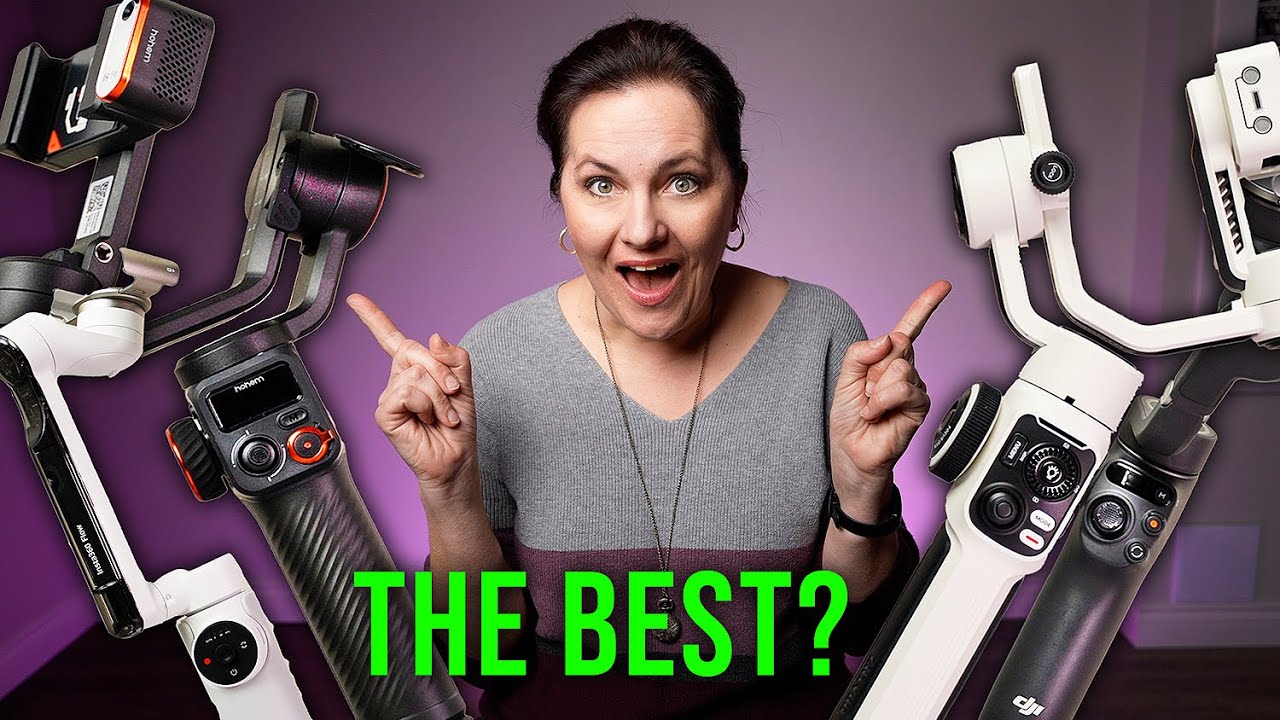
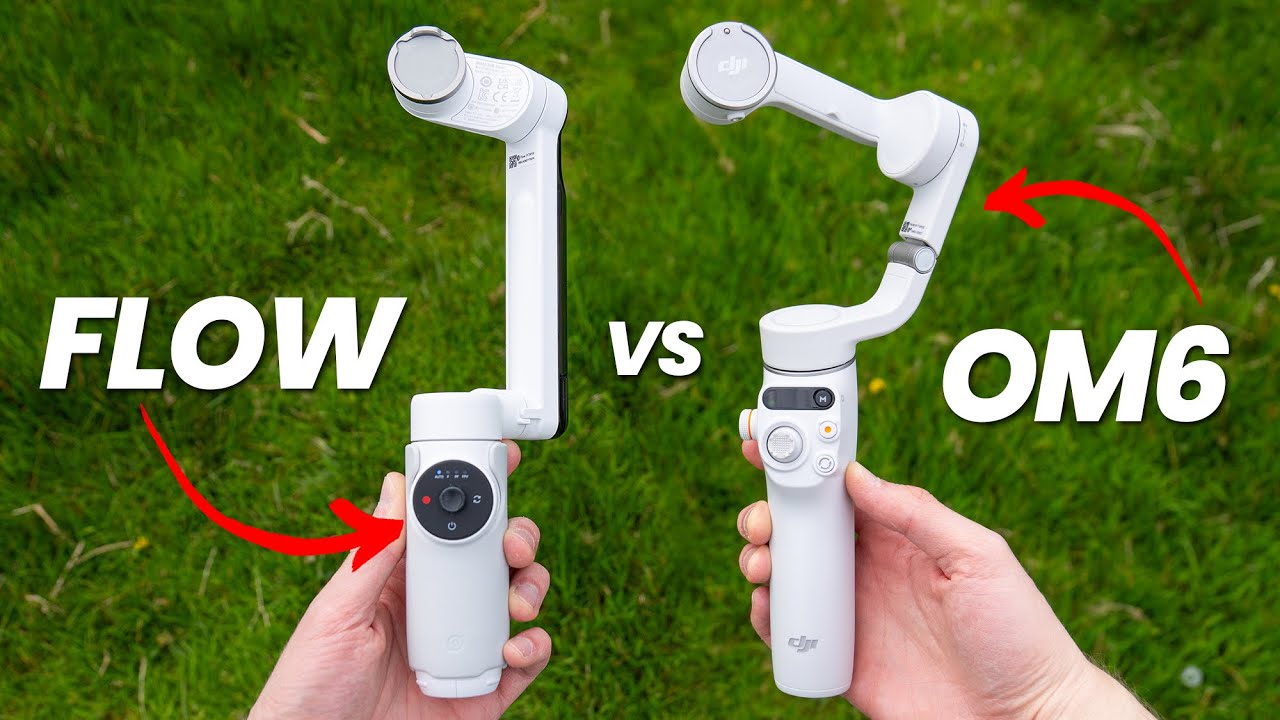
I can answer your questions in real time so if that sounds incredible click the link in the description below it's only $48 for Lifetime access and I'll see you inside the course so when it comes to compiling all this information and making a decision for the grab Ando Creator who values portability and ease of use we recommend either the DJI osmo mobile 6 or the insta 360 flow these are both priced at $149 these both have great three AIS stabilization motion time-lapse features a magnetic clip for quick and easy startup they both have built-in extension
rods and a great app filled with basically all of the smart features that we mentioned earlier in this video plus a ton more and on top of that both apps have sections in the app where you can actually edit your videos and just release them right from the app these two gimbal are almost identical to one another but as far as the differences are concerned here are my thoughts the instaflow is definitely a smaller and more portable package especially considering it has a tripod literally built into the grip compared to the DJI that has a
separate tripod attachment that you need to screw into the bottom the instaflow also has twice the battery length as the om6 now with that being said I do feel the insta flow's tripod is pretty flimsy also with the smaller form factor I will say the grip on the instaflow is pretty dang small and I much prefer the grip on the DJI om6 it makes using the joystick and the other controls just much more natural on top of that despite being smaller gimbals that typically can't handle heavier accessories the DJI om6 does have a screw thread
on the roll axis which allows you to add these little counter weights to offset the added weight if you were using a heavier accessory like a lens that being said I will add that neither of these smaller gimbals were really made to be powerhouses when it comes to mounting additional accessories this actually brings us to the next category of gimbal which I'm going to refer to as the prosumer smartphone gimbal these are the gimbals for people who absolutely see themselves using filters lenses microphones and maybe even mounting an external SSD while they film now without
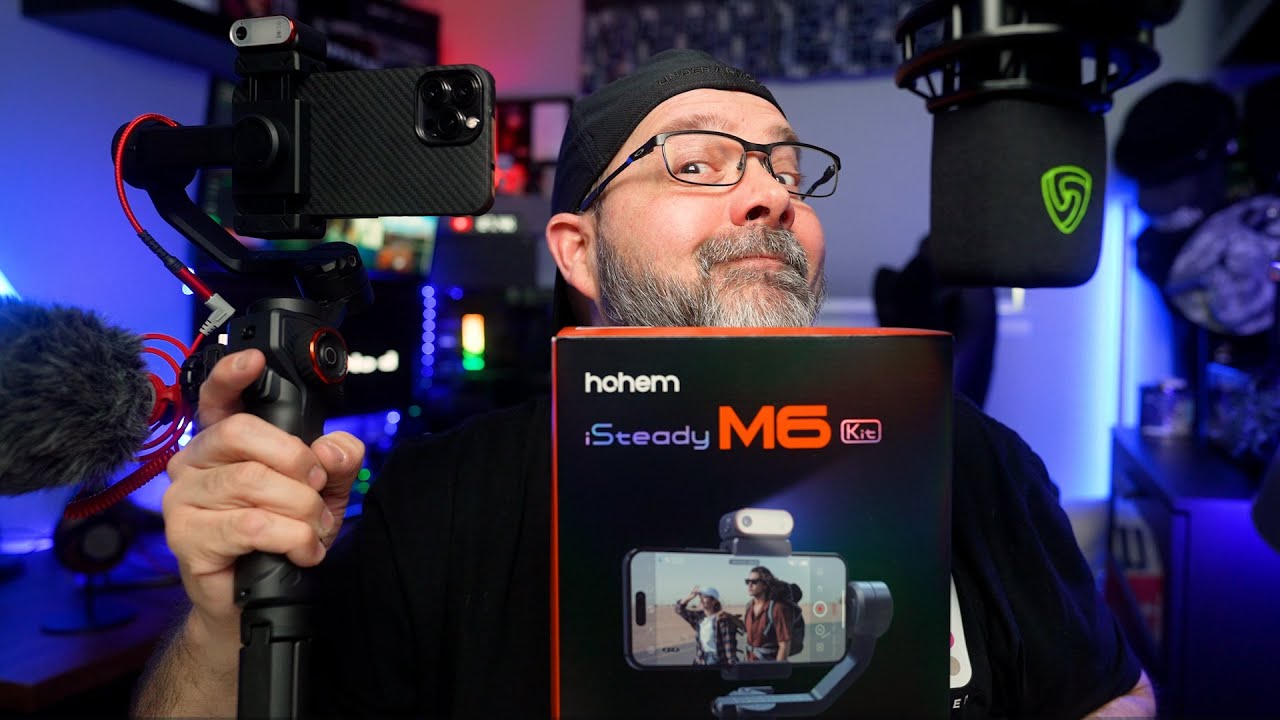
a doubt I have to go with the Hem M6 as my recommendation in this category this is a beast of a smartphone Gible that can hold basically all of the accessories that I like to use on a day-to-day basis and also with those stronger Motors this gimbal just seems to be a little bit more stable than all the other ones now with all that being said there are always trade-offs and with the Hem M6 it doesn't fold down and it also lacks that built-in extension arm which is a really useful feature back to the positive
though unlike most other gimbals that require the app interface for smart modes like Auto tracking and motion time lapses the m6 can do these things without needing any app at all if you opt for the $210 package you'll get the Gimbal and this AI tracking SL fill light accessory that magnetically attaches to the top of the gimbal all you need to do is a brief hand gesture toward towards the gamall with the tracker attached and it will lock onto you and do a very very good job of keeping you in frame now on top of
that we've also got physical buttons for motion lapses that lock in Waypoint a and then Waypoint B telling the gimbal to slowly travel between the two points for a smooth motion time-lapse shot without needing any companion app whatsoever the m6 also has a control wheel that will rotate the camera manually as well as control Focus depth of field and color temperature of the light attachment so when it comes to smart gimbals these are my top three recommendations if you feel that you're in that Pro suumer category this is great because your decision is easy you
just want to get the Hem M6 it really does feel like the standout in that category however if you're in the portable quick and super easy to use category the decision does get kind of tough I truly don't think you can go wrong picking either the instaflow or the DJI personally for the last year I've been using the om6 as my more portable option but lately I've been using the instaflow a lot and I got to say where one gimbal lacks the shines there's really not one Perfect haveit all gimbal what's even more important than
all of this is actually picking up your phone and creating great content versus just consuming so we'll call it here for today hit that subscribe button if you found this valuable check out fortun day filmmaker if you haven't already and I'll see you in the next one

![Best Gimbal For Smartphones 2024 [don't buy one before watching this video]](https://img.youtube.com/vi/89c8LzmIZ7g/maxresdefault.jpg)
![Is this the BEST Smartphone Gimbal in 2024? [DJI Osmo Mobile 6 Review]](https://img.youtube.com/vi/keXaFySqkqE/maxresdefault.jpg)