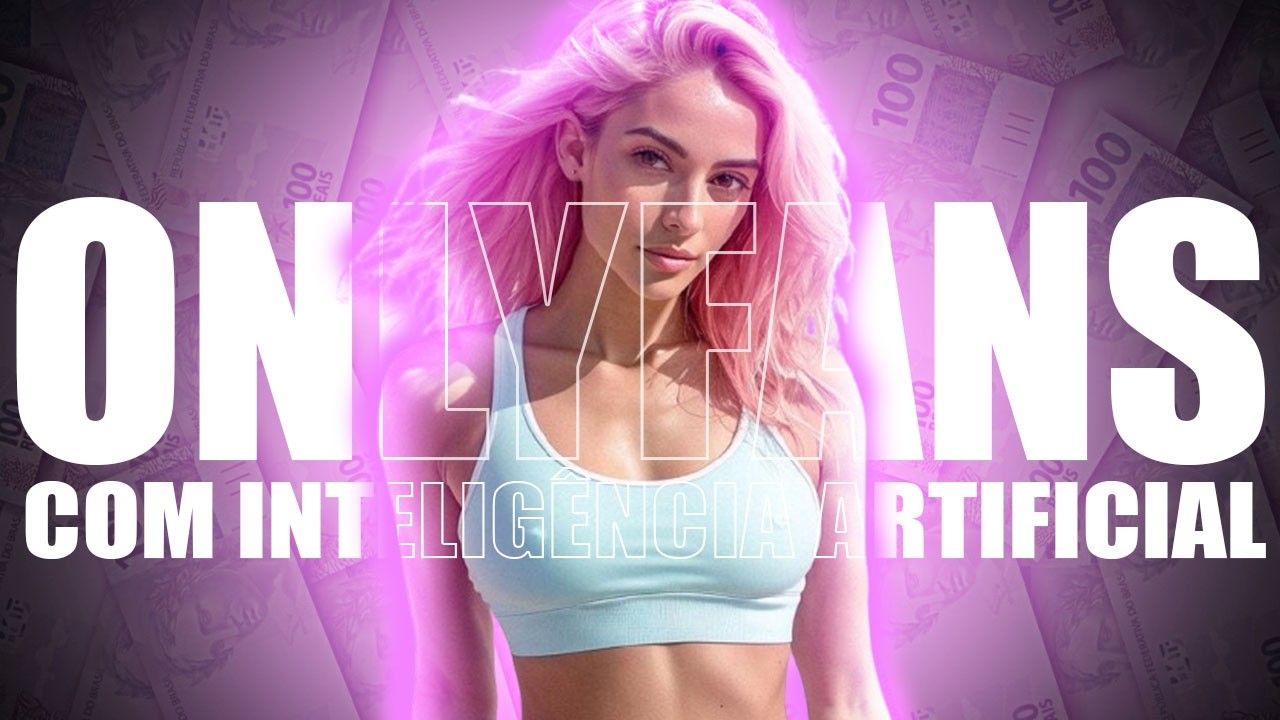
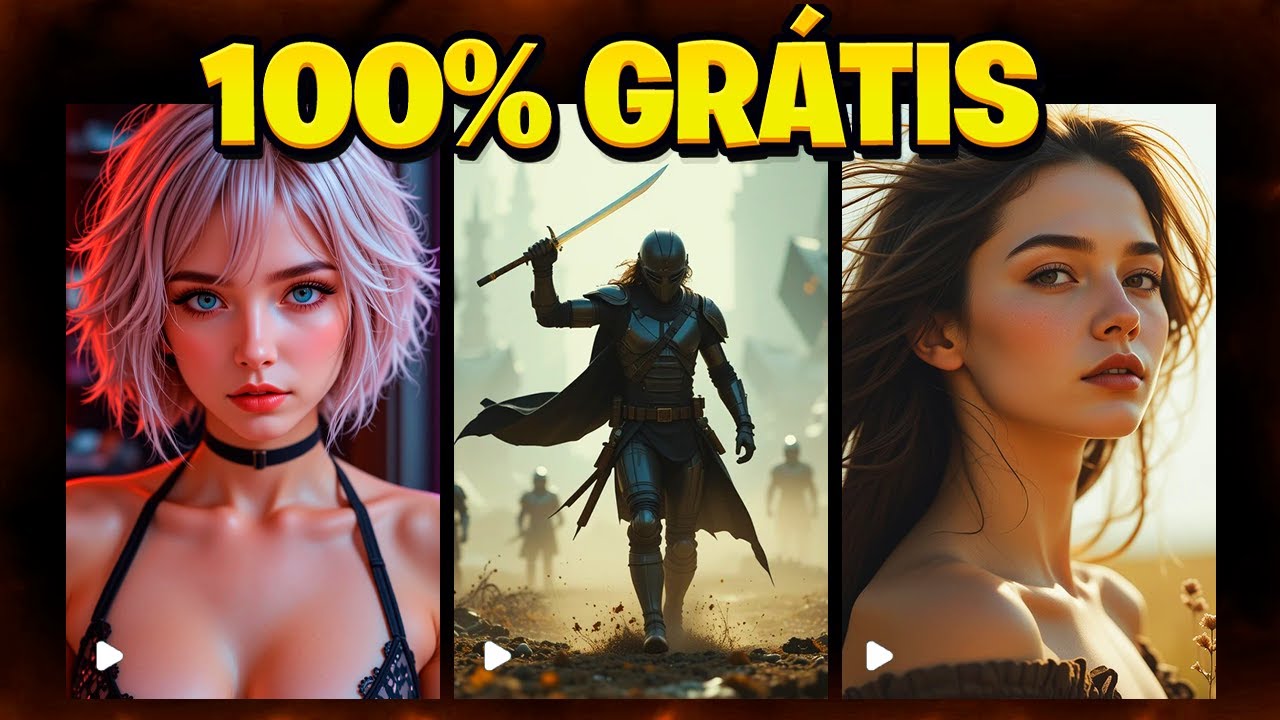
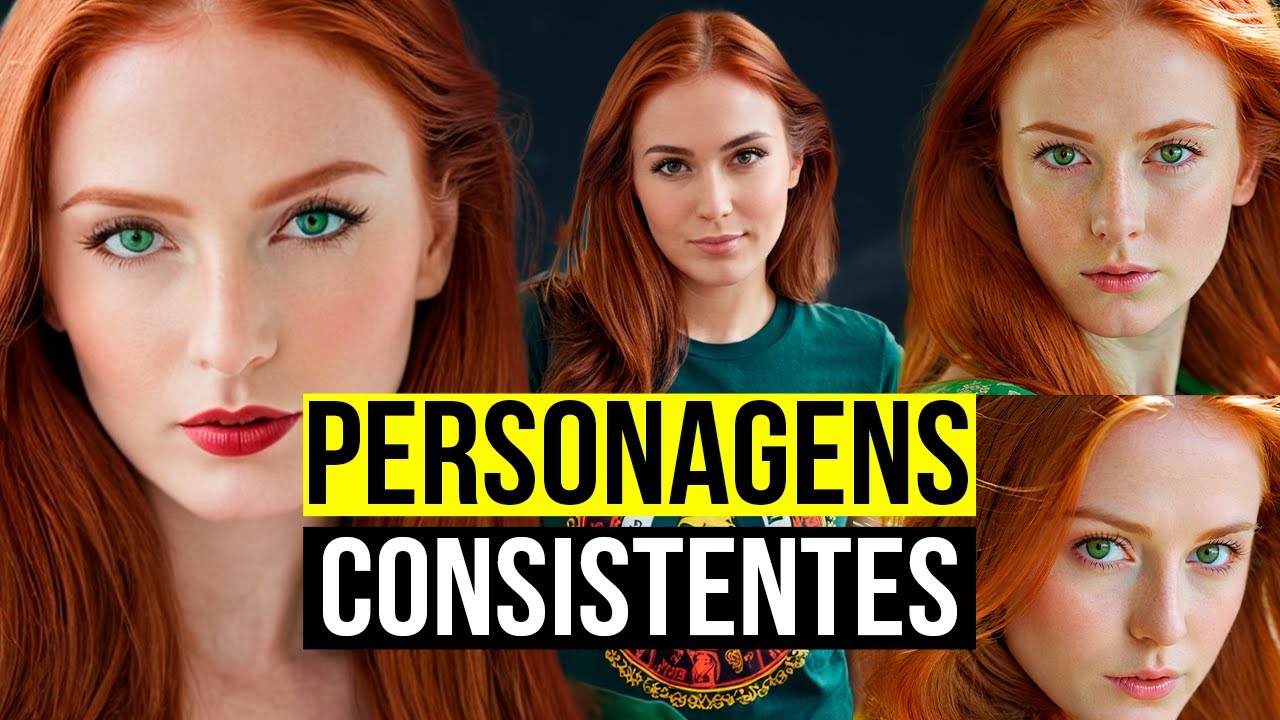
learn to make your photos come to life showing your job girl's day to day show how she cares for herself show your life behind the scenes 1 natural and consistent way and make her bill on the internet for you tutorial after the vignette save the video and leave the like hello all right in today's video let's talk about 1 highly questioned subject and who ask me every day how to create images and videos to sell from my digital job influencer let's focus on how to generate images OR use the prompets do Google labs f ex
on another creation platform with more liberal images if you understand me stay to the end and make the most of this knowledge that few are willing to share but before as many end up celebrating leave a like to help me on the channel and subscribe it motivates me to continue bringing more content to you for those who are starting we have tutorials teaching the basic about prompts and creation of images here on the channel take a look at the links I'll leave in the description if you want to save time has 1 7 day challenge
for those who are starting on Google labs f x is not 1 course and yes 1 challenge with 50 ready-made sets that I USE as you advance in the challenges libero new promises to make your creations even easier all this for a symbolic value that helps me now that the channel is not yet monetized now bora for the tutorial let's start open Google type fukus collab and click on the first link o fukus collab is a computer in the cloud for generating images it is also possible to install the program on your PC however it
requires a lot from the machine to have a satisfactory result I'm talking about computers above seventeen a thousand rays so since I wasn't born rich let's go in free mode the famous zero eight hundred at the top of the page click copy to drive this will make a copy of the fukus collab on your google drive now there in the name part renamed the file to keep everything organized I'll call mine the polymorph on the right side click connect and wait for connection it may take a few seconds then on the left side click on
the play symbol and wait for the installation this process may take a few minutes so enjoy drinking water go to the bathroom and get ready to start work with prompts already notice this platform has no restrictions which can take your creations to another level after installation click on the second link on this line this will open a new page where we will start our creations once the page loads let's configure the basic options I remember that there are several generations but for our use I will show only the essentials since for many this is the
first contact with the tool first activate the advanced option then at right side Activate performance in the vest option this will make the creation of pictures take a little longer but the final quality will be much higher now click on the Styles tab and activate fucos masterpice this option helps make the more realistic and better quality images you may notice that there are several other options and in the future I intend to teach about each one of them here on the channel for now our focus is to create the job influencer now go back to
settings and scroll the screen until you find the field called negative prompt here you must inform and what you don't want to appear in the images for example if youed a picture and the model got two heads just add to negative and prompt field that you don't want 2 heads in your images at Google Labs f ex we don't need negative prompts as Google already makes this adjustment automatically this makes creation much easier but now you must be wondering what to put in this negative field I will show you an easy and quick way to
solve this problem enter Google and type chat g p t clique no link da open Air in the text field type generates negative promptis for fucos collab so that the images are realistic and free of errors or distortions now see the amazing result that chat gpt delivered us an important observation always be specific in your creations and leave no room for doubts in our case we inform you that the negative prompt was for the fukus collab e he understood exactly where this prompt will apply it makes all the difference the more details you provide the
better the result for some requests in chat g p t sometimes 3 pages of details are needed for 1 perfect result but that's a matter for another day back to what matters you can see that the chat gpt generated several negative prompts now just choose the that best fits in with the creation of our image for more realism and less distortion copy or generated negative prompt and paste in the corresponding field now look at the size of this negative prompt already imagined everything manually this tip alone is worth your like and your courtesy hein I
will keep an eye now that we've set our negative prompt i will get 1 prompt from google labs f ex copy and simply paste remembering that you you can also create your own prompts directly here at tool as I already have my library with fifty prompts ready the link is in the description right I chose one of them and modeled it to be used here if you still don't know how to create images has several videos tutorials in the channel and links in the description to help you copy your prompt OR create 1 and organize
in the breeding field important the prompt needs to be in english to get the best results use Google Translate and copy the translated version to the breeding field now paste the prompt see that on the left side it is possible adjust the amount of images to be generated a little above is the aspectration option where you set the dimensions of your image tip depending on photo format it may be necessary to change the position of the model for example standing it fits better in a vertical shape lying down already requires a more horizontal format then
adjust the proportions based on your model and desired pose now choose the ideal format and click generate image generation will be initiated when the blue bar is complete the creation of the two images will be finished analyzing the result two images were generated with good quality and acceptable more with some distortions and lack of focus in certain areas now download the image and save to use in this or other projects let's make some changes click on impute image this will open a field just below now go to the image prompt click and select the generated
image look closely at the details of the image now let's improve the I will choose my brunette model from google labs f ix see top quality below now let's make some suggestions in our prompt basic clothing pink sweater with deep neckline and sheer scenario instead of ballroom or replace with white room with bed and white sheets now that the prompt is already set go back to the fucos paste the speed prompt and click generate for the model to assume her new identity amazing result but we can still go beyond now let's change the model's face
for that just below activate the advanced option now adjust the following parameters stop ET set the value for approximately ninety wait fit for thousand nine hundred sixty-five these resources determine how much image can be changed and the weight of the modification basically higher values drive more drastic changes lower values make subtler adjustments experience these values and observe differences in practice now click generate and see the image transformation face fit is at your discretion everyone has their preferences and here I am showing the possibilities that you can explore last change down here activate the faceshop option
now go back to google translator and modify the prompt to adjust model position for example lying in bed photo taken from above go back to fucos paste the new prompt and click generate wait a while and see the result got really good you can notice some distortions but this can be corrected if you don't want to adjust them manually you can also simply generate new images now download to use in future projects now let's change the prompet again and put on lingerie black got really good however I can't display the images to avoid problems with
the platform as YouTube does not allow this type of content here no canal but I can assure you that the result was excellent. now let's go beyond let's change the prompt to remove the clothes or better without them click copy glue to the fucos and see the result I had to cut the throat to avoid problems but the result was amazing now that you have the pictures go to two other platforms the first is hilu ai open Google search by hilu oh and enter the website this platform offers one hundred free tokens every day clique
em create choose the image that will be transformed into video and click generate the estimated time is twenty-three minutes but can decrease to five minutes depending on the day how this is a test I will add two more images totaling three videos being generated while images are processed let's go to cling there access the website click on a and videos then in frames and choose rendering as on this account I have sixteen tokens I will not waste them I will choose the option one zero point and select the desired image say in the clingue there
it is also possible to make your photo talk no canal i have already taught how to use lip sync from this platform the average waiting time is five minutes important o Hilux offers one hundred free tokens daily allowing you to generate up to three videos per account if you have three accounts can generate nine videos a day and so on clingue there does not provide daily tokens to continue using you need to create 1 new account with 1 different email now returning to Hilux oh the videos have already been generated and the quality was excellent
and very realistic for more professional projects just download the video and use e-tools a to improve quality leaving the in four k let's download the three videos generated in cling oh the video was also very good but was processed in rendering a zero point with the option one point six the result would be spectacular now download the video and that's it you already have photos and videos to start your projects people let's go to the final considerations 1st is important to remember that these video generation platforms do not accept images of characters completely out of
clothes however he forgets about a bikini OR lingerie they allow now if you want to take it to another level will require resort to platforms such as art or life but in these cases you need to pay to get a real result well now you must be wondering how can i make money with all this knowledge I learned today and which is already available on the channel the answer is simple you need to build your audience it is essential to use all the information and strategies that I shared with you to create your social networks
and attract followers the big mistake i see is that many people want to start selling without first building a solid foundation and regret to inform but it won't give sure you need a strategy see example of neighboring platform influences they have millions of followers and only after building this base begin to publicize their profiles on OnlyFans or on other paid platforms selling your content to the public that have already conquered the truth is that no one will buy a photo no matter how beautiful she is if there is no context and a faithful audience behind
it record this isolated photo does not sell that's why I'm teaching the right path step by step another common doubt polymorphous only photo does not sell must have video but think to me as the most famous adult magazines in the world made money for decades it was with videos or with well-crafted photos that awaken the imagination of followers if you don't understand this logic will keep circling in circles without leaving the place I know they are 1 little harsh words but are necessary when i finish the job girl saga I will create exclusive content a
complete course that will guide you from creation until preparation to start selling but it takes time I only have two hours a day to dedicate myself to this. because I am CLT and my time is short but little by little we will get there thank you very much for your support don't forget to leave a like and subscribe to the channel your incentive is essential for that I continue to maintain more content share this video to help with engagement send on to friends kisses and see you next time ha ha ha