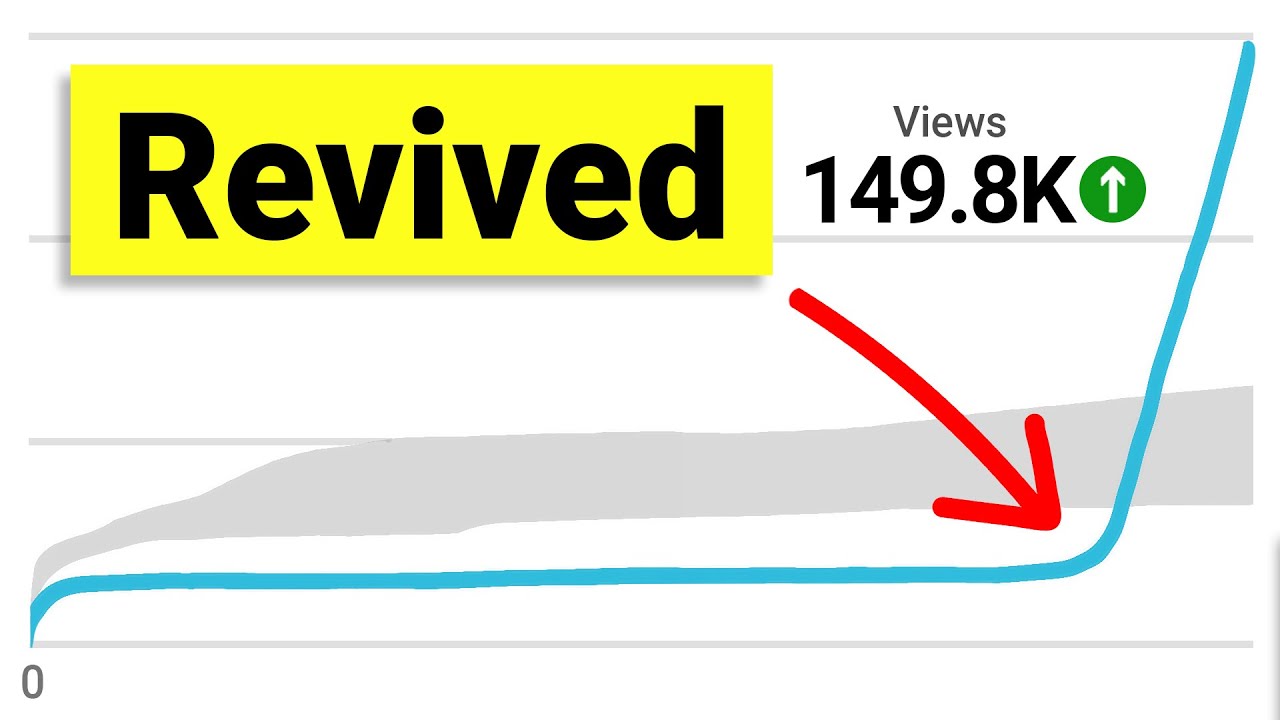
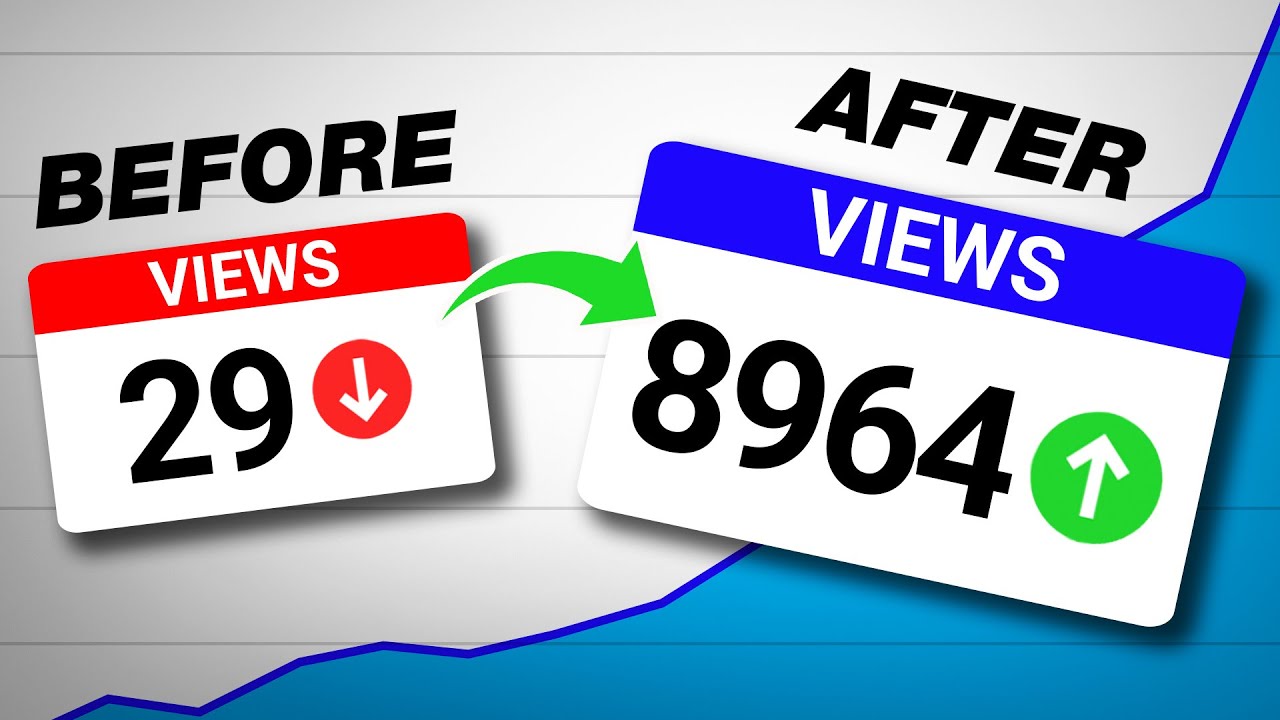
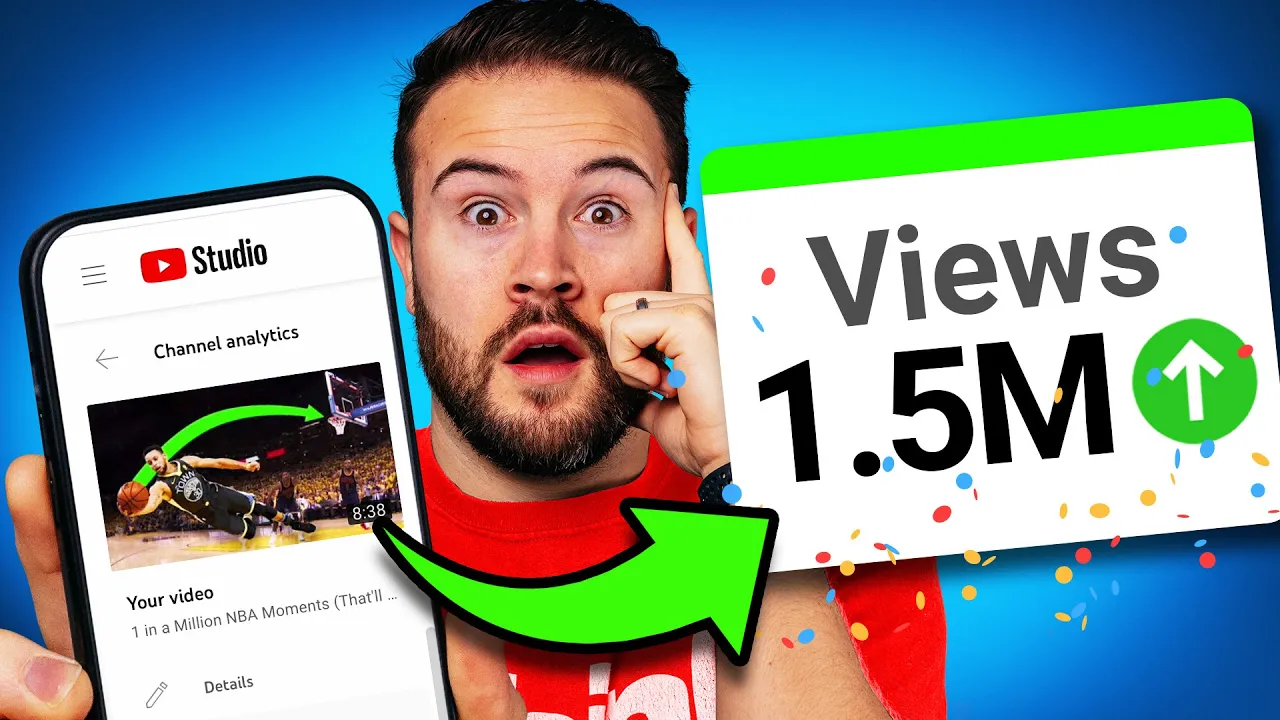
I changed my thumbnail on YouTube because I wasn't getting any views but I really believe that this video was great and I spent a ton of time editing it to make it really good so I checked the retention graph and I noticed that 83 of the viewers were still watching at 30 seconds and I noticed that the average view percentage was at 58 so I realized that it wasn't a bad video it either just wasn't getting clicked on or YouTube wasn't putting it in front of the Right audience so I made a few different thumbnails and then I decided which ones were best and I started to a B test these thumbnails on the video and then slowly over time it started to just get a little bit more views the click-through rate started to increase until it finally took off this video now has 1. 5 million views and I would have never seen that if I didn't change my thumbnail and I want to show you how you can do the same thing you got to just press record no matter how many times you change your thumbnail or your title the YouTube algorithm really doesn't care all they care about is if your click through rate is going to go down or up the hope is that you change your thumbnail and that click-through rate is going to increase and then eventually you're going to get more views because of this now truly there's four signs that I look for when a b testing thumbnails on my videos the first sign is if a video has a high retention in the first 30 seconds of the video you can see this inside of your YouTube studio so if your video is not getting a lot of views but there is a high retention in those first 30 seconds and you're hooking people into the content this could be a great video to a B test number two is if the total average view percentage of your video is higher than normal this is a great sign that you might have a great video and you just need to change out your thumbnail or title and find a new way to package this out so more people can click on it the third sign is if your video has a ton of Impressions but a low click-through rate this means YouTube is recommending your content like crazy maybe it's a great topic maybe it's timely but people aren't clicking on it and number four I love to a B test my thumbnails on videos that are in the first 24 hours if they're not performing like usual or as good as I think it can and this is a great way way to quickly increase the views on that video by finding a better thumbnail and to a B test these thumbnails I use this website called thumbnailtest. com but I want to show you guys how to use this software the best way possible so you can decide which thumbnails you should be using because you don't just want to look at the click-through rate there's a few other things you want to look at as well but first I wanted the extreme yard for sponsoring this video If you're looking to live stream or even start a video podcast on YouTube We highly recommend stream yard because of how easy it is to use and how professional it looks my favorite thing about stream yard is how simple it is to invite guests onto your show you can send them a link they don't even need to sign up they just click the link and then you can bring them onto your live stream as simple as that stream yard is free to use but if you want to unlock a ton of really cool features and you want to get started for 14 days for free go to streamwiththink.
com or check the link out in the description alright let's get back into the video the first thing you want to do is create an account and log into that account once you connect your YouTube channel you're going to see all of your videos right here here and you simply just need to click on what video it is that you want to test once selected you're going to hit next step and then from here you can upload the thumbnail that you want to test now you are able to upload up to 10 different images and then each image is going to run against the original thumbnail so they can compare all of them together but I typically find just because it is super quick I like to do it one at a time once you hit next and go to this page you're going to have a few different options if you want the most accurate test results and maybe your video is a bit older I do recommend changing the test speed to daily but if you're trying to move quick and you just want to see some simple statistics to see how it Compares then you're going to want to change this back to hourly which is what I do when I'm testing in that first day and then lastly all you need to do is hit run test now we're going to see that the test has started and I don't have to do anything I don't need to go into YouTube and change anything it's going to change my thumbnail my title whatever it is that I changed automatically for me and then at the very end all I need to do is grab my results and then compare each thumbnail and see which one performed better better this is a test I did on my basketball Channel and we had a thumbnail that was tested right here on the left and on the right and I was seeing which one was going to be better we're going to look at click through a and we can see that the click through rate when we have 4. 17 versus 6.