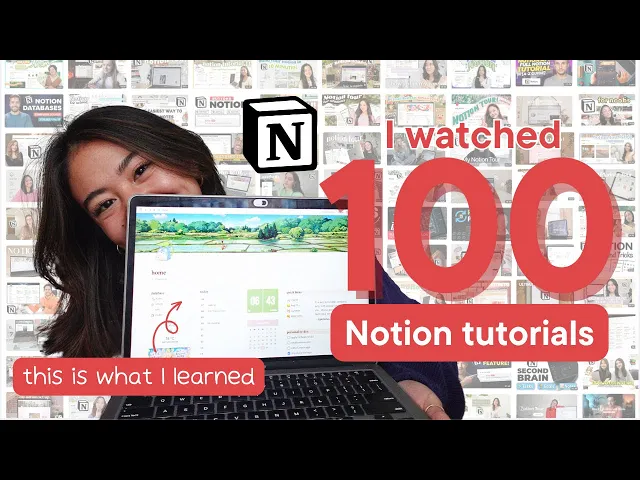
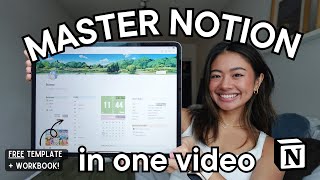
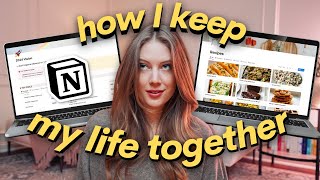
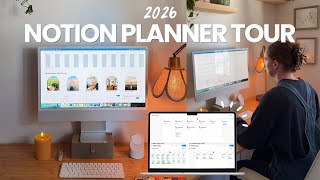
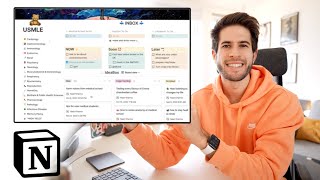
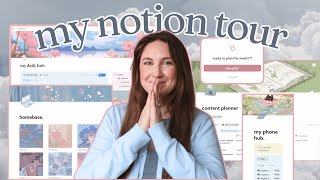
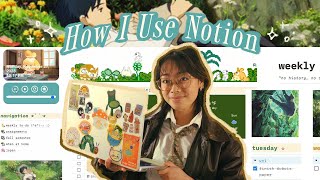
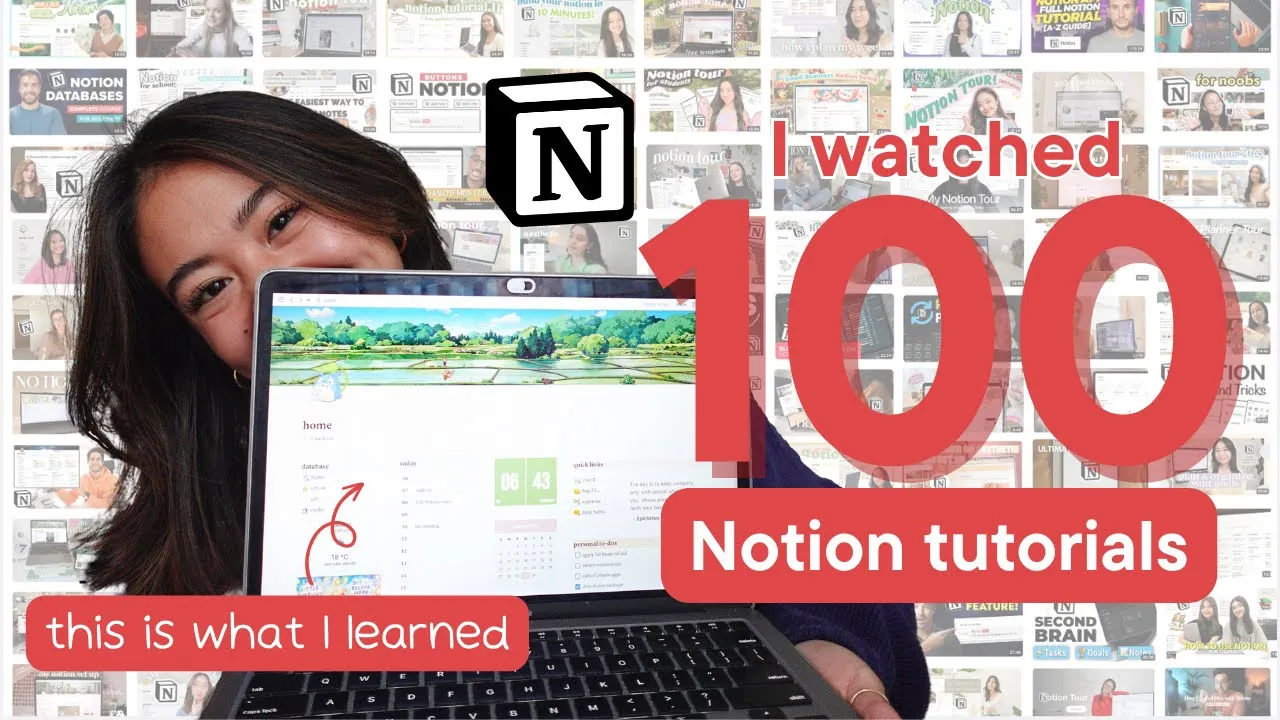
my life was a mess I had to-do list on my phone school notes on scrap paper I tried so many different journaling apps I have 15 different calendars and really just no way of managing everything that I had going on and then an angel descended from the heavens with the solution to all my problems by the name of notion and if you click this video you probably already know what notion is it's a free software that's basically a digital notebook you can make to-do list take notes build databases plan schedules really the possibilities are endless and I've been using notion for years ever since I started undergrad but I did make several oopsies that prevented me from unlocking the full potential of what notion had to offer I spent so much time making my pages pretty adding a million unnecessary widgets and never learned the features or automations that made this software so powerful so I would make Pages give up fall into disarray and repeat the process over and over over again but this time ladies and germs is different and why you may ask that's because I watched 100 different notion tutorials that's right 100 I knew that if I was going to build a notion that I was going to use for years to come I needed to consult the experts so I watched 100 of these notion tours notion tutorials I watched so many of these that I wanted to gouge my eyes out but now that I went through that you don't have to I Cherry Picked my favorite layouts features automations and formulas and build the ultimate notion board so without further Ado I present to you my updated optimized aesthetic is new and improved notion board so this is my home page apply titled home and it serves as the landing page when I first open notion in terms of design it seems that in everyone's aesthetic notion tour the theme was studio jibli so who am I to break that tradition starting on the left we have something called a synced block that holds my database which allows me to access my sub Pages regardless of what page I'm in and right below it I have a weather widget that's configured to show the weather in my city which right now is Toronto below that is this art from anal Laura who you've probably seen on Tik Tok and Instagram they just make the most magical and profound watercolor paintings so it's nice to have art in the corner I just find it really inspirational and to the right of that is a very basic outline of my daily schedule I don't put any to-do lists or anything specific here it's kind of just a big overview of what I have planned for the day here in the middle I have more widgets this is a flip clock to show the time right now and also a mini calendar just to see what day we are in the week and this is also probably from indifi I would say and to the far right we have some quick links to pages that I frequently use and I want easy access to too I have my school notes Here my journal for the week my expenses tracker and my habits tracker and all of this will get to later and next to that I have the last widget in my homepage which refreshes to show a motivational quote and finally down below those I have linked views to my personal and school to-do list so I can always stay on top with what I have to do as you can see overall I was trying to go for a more minimal look like I said before I think I place too much emphasis on creating widgets and making my notion really pretty that I was kind of skimming on the functional side of things so I try minimize the amount of widgets that I have to use and really only use the essentials and this is what I came up with and the next page that I'm going to be talking about is going to be my lifeline in less than a week because I'm going back to my second year of med school in a couple of days and that is my school page in here I have to-do list my class schedule lecture notes and more and it basically just organizes my entire life as a student on the left again we have that database that we were talking about so we can easily move between the pages and next to that are my school links so I have quick access to things like my Google Calendar my student portal and more and this is a good time to mention that just because notion is a centralized database that doesn't mean that it has to replace everything in your life the notion calendar is never going to be better than my Google Calendar for planning things scheduling making time blocks and I'm never going to use notion notes over notability or one note for taking notes on my lecture slides so use notion to complement these applications that you already use and don't uproot your life and try to dump everything onto a notion page because you'll be limited by Notions limitations anyway below that is something that I call today out a glance where I have my Google calendar embedded to show my classes for the day and it'll probably make more sense when I go to a day where my classes actually start like this there we go but as you can see it'll give me a sense of what lectures and practical sessions I have scheduled for the day and to the right of that I have two different to-do lists which I think highlights the way that you can customize notion to your specific needs you'll see that unlike many of the student notion boards that I saw on YouTube I don't have a class list or assignment trackers because in med school I don't really have multiple classes per se like an undergrad you would have maybe a different board for biology or chemistry or physics but I really just have one main Med class and how I plan on learning is going to my lectures taking notes with my iPad using notability or OneNote and then reviewing it later when I go home so for this to better make sense let's actually go through and do our to-do list for a lecture that we'll have on a certain day on Tuesday September 5th my first class is going to be functional anatomy of the oral cavity and dentition so I would just click that copy paste the title from my Google Calendar and if I go press this generate button I can paste the title on here and then I'm going to go to class I'm going to attend the lecture and I can take that box off and then when I go home I can click this review lecture button and it'll bring me to our notes database I can find the lecture topic over here and open and as you can see I have all of these objectives that are listed and I'll just go through my notes and I can type down list the components of the oral cavity I have no idea after I do these objectives I would do the associated Angy cards for it and then I can check both both of those tasks off and that's me reviewing the lecture for the day and below that is my time todos this is in contrast to my today to-do since reviewing lectures don't really have a specific due date or a time I need to get them done by so under time to-dos are the things that actually have a deadline and we can go through what this chart is so starting off over here is the name of the task so here I have something like online Med modules so I I have to finish these modules that I have to do before school starts here I have the different tags that it would relate to so this is kind of an admin thing I have things for studying research some extracurriculars that I'm with so I can just assign the tag for what kind of task this is and to the right of that is this really cool formula called days left that is set up so that it will calculate the number of days between today and the due date so since this is due on September 4th it says that I have seven days left but the really fun thing here is that this formula is set up in a certain way that if the due date is tomorrow for example so we can say the 29th instead it will say due tomorrow with this little bell and if it was due today the 28th it would say due today which is so cool it has this little siren so hopefully it really catches my attention and tells me that I really have to get this done now now we can scroll down and this is more so the notes Hub this study Hub and this right here is a really cool feature which is an embedded Pomodoro Timer and if you're not familiar with Pomodoro is it's basically a study timing technique where you study for a certain amount of time take a break study break study break study break so here I have it set to study for 30 minutes take a break for 5 minutes and that cycle repeats below that I have my brain dump which is where I throw just random thoughts or random things that I want to remind myself that isn't really a to-do list so it's just a catch all box for me to throw in my thoughts and to the right of that I have something called my notes Hub and this just stores all of the notes that I take for school during the year once again it's also Studio jibli themed but it's Studio jibli School themed so I feel like I have friends accompanying me when I'm studying at 3:00 in the morning here in the bottom I have this random resources table that just has my notion shortcuts I didn't know where else to put it but I'm trying to get better at not using my mouse all the time so this is the school page I love it so much I feel like it's very customized optimized for me so jumping to the self page which is just everything pertaining to myself this is also Studio JBL themed for the banner but I don't know who this icon is so if anyone knows please let me know on the left once again we have our database and below that we have the same widget that I had in my homepage just to show me what day we're at in the week in the middle we have a gallery view of all of my sub Pages which is my journal kitchen finances and Library okay so let's go into each of my sub Pages this is so exciting so over here is my journal I've been trying to get better at journaling I've been doing it sporadically over the years but never really had a good system for me to write everything down so I'm trying it again with notion and hopefully I can stick with it I have this table that holds all of my journals here on the left is the week that I would be journaling cuz I organize it based on week for example we have this one from August 21st to 27th on the column next to it is the status so it's either I haven't started maybe it's in progress or it's completed and then really excitingly I think this is my favorite feature that I added is something called in summary and this is basically just a summary of everything that I have in my journal because when I Journal I write volumes I write a whole thesis and I'm not really going to go back there and read everything very frequently so what I do is that I copy paste my journal I go to something like chat GPT and I paste it saying please summarize this into the key details in bullet point form and I take that and paste it into my end summary so that I'm more likely to actually go in and read the summary of what happened in my journal what my feelings were what the lessons I learned from it so let's go back and take a look at kitchen which is so fun I love my kitchen board I have this little mango as a cover all right so the kitchen is divided into the shopping list and the recipes and let's start off with the shopping list here on this left column I have my ingredients database and it's just a table that shows all of the different ingredients that I could use for a recipe I'm someone who doesn't get sick of food very easily like in undergrad I had phases where I ate chili every day for every meal for a week straight or mashed po potatoes for 2 weeks straight and I could be fine with that so I feel like I don't need that many ingredients but even if you do it's so easy to customize I have them grouped based on the tags which can be produce protein dairy grains baking canned condiments and spices and more and I just have the name of the ingredient with a little emoji that most closely correlates to it I do have some weird ones here but how this works and what makes this so functional and so cool is that this is not just a list of ingredients I make it so that when I go to the grocery store I already know the things that I want to buy so let's give an example let's say that I want to make katsu for dinner so what I can do is go to my shopping list and click off everything that I'm going to need so I have a list of it when I'm at the grocery store so let's check things like maybe I need potatoes I would need chicken breast and this is quite a long list so I do have this filter here on top so now that I did produce and protein we can just look at Dairy what Dairy do I need actually have no idea maybe I want to make a cheese chicken katsu so I'll add shredded cheese and then I'll jump to grains there I'll need rice and panko breadcrumbs and the really cool thing now is that once I check everything off in my ingredients database I can jump to my shopping checklist and as you can see all of those ingredients that I clicked in the database will now show up here at the shopping checklist once again separated by the category so here I am I'm in the grocery store I need to figure out what I need to get guess what it's right here and I go and get the potatoes and I can check it off and it disappears and then I got the chicken breast the cheese the rice the breadcrumbs and then once the shopping list is all at zero then I know that I would have G and everything so this is not only a way to make a list of what I need it's also actually a checklist that I can check off once I'm at the grocery store it's so fun and at the bottom here I have my recipes database I don't have everything here it's kind of just the things that I want to remember when I go back to school and I don't have my wonderful mother to cook everything for me anymore so each of the recipes here are divided based on what kind of meal it is so I have breakfast lunch/dinner dessert snacks I have this category for things that I can easily meal prep things that are I consider healthy but when I click each one I have the title up here the meal type it's also separated by difficulty I think that the energy bites are decent enough to make so it's not too hard and also a link to the recipe where I actually got it in case I need to consult the original source so let's say I'm hungry and I can't be bothered to really put effort into cooking right now I can go to this difficulty filter and only look for recipes that are easy and that will only show the recipes that I have designated with the easy tag that was my kitchen page I love her so much I really love the shopping checklist so I'm going to leave before I keep talking about it so we're back in our self page and the next thing is finances and honestly I will say this is one of the hardest Pages for me to make just because it was so formula and math heavy I have never been great with finances I like to just buy things willy-nilly and then act surprised at the end of the month when my credit card bill is so high so I have this finances page to help me track my expenses and also form a budget so hopefully I stay within it on top here I have my balance calculator which is kind of just big picture overview the money that I have my total income my total expenses and what my total balance is here I've just put fake numbers cuz I think you guys would faint if you saw what my actual spending habits are like and what minimal income I make as a student here on the left is our income table this is the income source so it could be from your work paycheck a monthly allowance which I don't know Asian household I never got an allowance maybe I'm just better I would just put anything where I gained money here and this table is always very short next to that I have my amounts and I have it set to Canadian Dollars and here is the date where I actually received that source of income and here in the bottom bottom is just a little Su function that tabulates the total amount of income that I made that month next to that is my budget and this is kind of just my fake budget it is separated into all these different categories like food and drinks entertainment clothes Beauty and everything else down this list next to that is my budget which I make based on what my income is for that month so next to the budget this is a total spend the budget is the maximum that I want to spend for each category and the total spend is how much I have already SP spent on that category thus far and next to that is amount left which is just a formula which shows the difference between the budget and the total spent and I have this really cool function here on the right such that if I'm below budget I have this green check mark that shows up and if I'm above budget I have this police siren telling me to stop buying things in that category so ideally I will always be in the green check mark but who knows hopefully this keeps me accountable and finally here in the bottom is the actual expenses table okay I said that I wouldn't be showing my actual expenses but here are my actual expenses so you and I can take a look at how bad it is so this total spend column in the budget is based on this expenses table so here on the left I have the name of the purchase that I made and next to that is the category that relates to this category so for all of these Tech ones for example I have a formula that is going to add up all of the cost costs of the tech categories and put that over here hopefully that makes sense so I don't actually touch anything in this total spend column it's just based on the sums that are from this expense table going through this expense table as you can see she's quite beefy this is just a select function for me to choose what store that I purchased the item from this is really only for stores that I tend to frequently go back to like Amazon Sephora Uber Eats so I can ALS so filter through that and see how much I'm spending on each store this is the date of purchase next to that is the amount oh my God what did I spend 170 oh my teeth filling SP $171 filling my cavities but once again just as an overview this is the Balance Calculator Just My overall income expenses and how much I have left this is where I input my income this right here tells me what my budget is how much I've already spent in each category and how much money I have left and this is where I track all of my expenses is finally the last board is my library which is my newest edition and I'm very excited about so if I click that it opens up this and it is separated once again into different boards here on the top left I have my currently reading below that is my TBR or my Tob read list these are books that I want to read but haven't gone around to yet and here is my recently finished I have this widget below that that is just a counter that tells me how many books I read in 2023 I have read more than seven this is just how many that I have for this video so starting off with this database here on the left is the title of the book and we can look at the stranger as an example I have the title here and a tiny icon next to it of the book cover so I can just remember what it looks like we have the author here which is just a select function we have the genre which is a multi- select function meaning we can click more than one category so the stranger I put fiction and philosophical it's actually really depressing I had a bit of an existential crisis after I finished this book and I have the date when I started reading it the date when I finished it and this formula just tells us the number of days between when I started and finished the book and afterwards I input a rating of how I thought it was so this is a really fun feature with notion is that you can have a main database like this and you can replicate it and filter it such that it only shows the views that you want to see and I think this is just another example of making it super functional and that is the library and the last of the subpages in my self page let's keep going and below that is our habit tracker on this habit tracker I have something called The Habit analytics which will tell me my completion rate here are all of the daily habits that I want to track my 7:00 a. m. wake up gacha every day that's going to be a new video meditating reading and working out these are these progress circles that tell me the percentage of times that I've actually completed this habit successfully so apparently the 7:00 a.
m. wake up I've only successfully done 42. 9% of the time but this is just a really good overview of how much of the tasks I'm actually doing on a day-to-day basis and I also have this total success rate which is at an embarrassingly low 25.
7% so that's really a kick in the ass to tell me that I have to really get going with these daily habits that I'm setting for myself and once again these habit analytics are related to this daily habits calendar for each day I have this little box that tell me what my daily habits are and I'm able to check the boxes right in this calendar so for today for example I did do my 7:00 a. m. wake up and that's all I've done but let's say I was really good today I did my gacha I meditated I read and I worked out and as you saw as I checked each of those boxes this progress bar in the bottom was filling up and it can tell me on any given day how many of my habits I've actually done and if I scroll back up not only do I have this habit completion rate but I also have it separated by each weekday so today is Monday I can take a look at my Monday habits it seems that on Monday I did do my 7:00 a.
m.