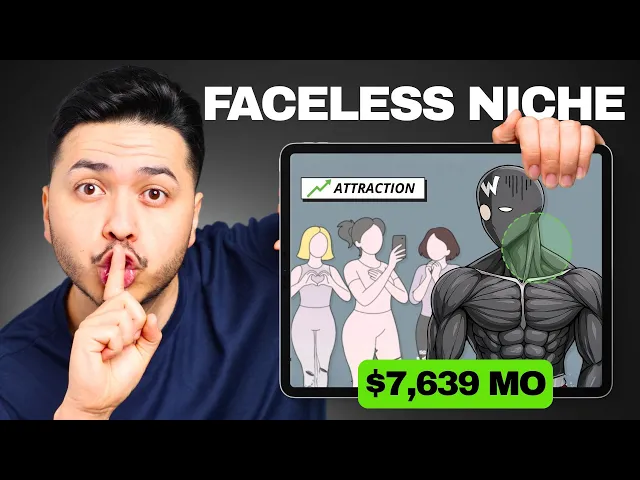
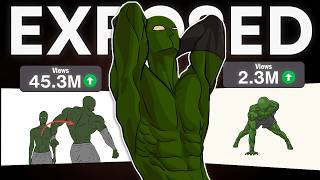
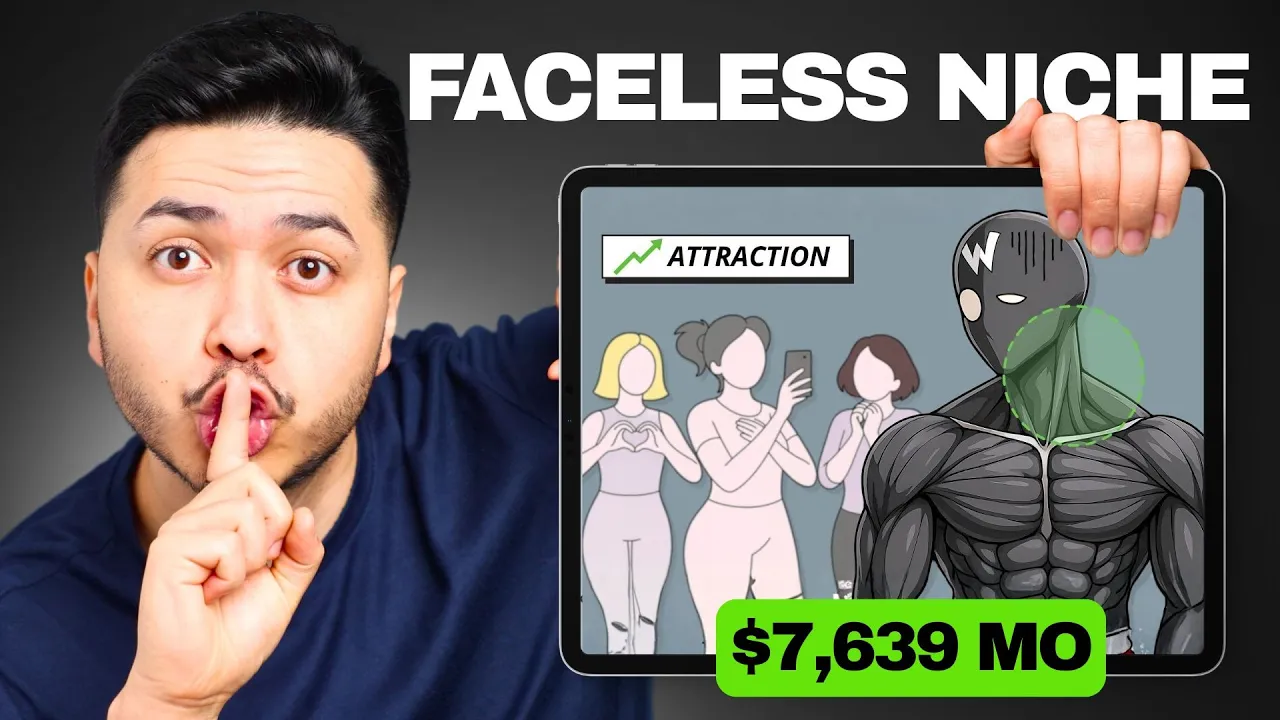
Channels like Yellow Dude are pulling in max $20,000 every 28 days. And newer channels just like Captain Workout are already making the same type of money even though they just started this year. And I'm going to show you guys four AI tools to recreate their workflow from the packaging to the scripting and visuals.
But if you guys miss this first step, you guys will keep posting videos that get zero views. Step one is packaging, aka titles and thumbnails. Most creators make videos that they hope it will go viral, but the real growth happens is when you guys make videos that the audience is already proven that they want.
And how do you guys do that, right? Well, by studying outlier videos, the ones that get way more views than the rest of the channel. These videos will tell you that the idea, the title, the thumbnail are high in demand and are getting clicked on like crazy.
My favorite AI tool to find these is view stats from Mr Beast. And what it does, they just analyze titles and thumbnails across YouTube. So you guys could instantly see what's working and reverse engineering the success.
There are also free Chrome in sections out there like one of 10 that quickly show you guys which videos are outperforming the channel's average. So I found this channel where the creator is doing the same style of videos and I noticed something interesting. The most popular video that is titled How to do 90 plus push-ups in one set has over 300,000 views and it was uploaded only a month ago.
Meanwhile, his other videos are under like 14,000 and even some under 5,000. So clearly, this video is a huge outlier and the title and thumbnail are resonating with the audience, which means this topic is connecting with the viewers on a deeper level. So now I'm going to use this viral proven idea to generate my script.
Step two, scripting. So now that you guys have a title and thumbnail that's already proven to go viral, it's time for the scripting part. And this part is actually way easier than you think because now that you have a reference to work from, what I like to do is to take the title and thumbnail, plug it into chatbt so it could help me improve on it.
And by the way, this where a lot of people mess up. They think they could just copy and paste the videos that they saw on YouTube onto their own channels and expect millions of views. But that usually never works out.
You guys need to make it better either by shortening the time frame or adding a unique spin on it. What I like about JBT is that it gives you guys the option to improve the title and even suggests to boost the thumbnail. One thing that caught my attention was the optional addition to boost CTR like 30-day plan, beginner friendly, no gym needed.
Adding these types of phrases at the end of the title creates this FOMO. It makes a viewer think like, wa, I can't really miss out on this. So, here's what I did.
I asked Chachi BT to write a voiceover script based on the idea, but I told it to divide the scripts into frames/storyboards for animation. Then I came up with my unique version of the title, which is how to do 90 plus pull-ups in one set and adding the 30-day game plan. Again, same structure, same format, but now making it about pull-ups.
And the 30-day game plan adds this urgency, makes the viewer feel like they're going to get some real transformational blueprint. Once the chat GBT generated everything frame by frame, now it's time for the fun part is making this come to life. Step three, visuals.
Now, I highly recommend using Genomi with Nano Banana. They're super easy to use. Just head over to Genomi, go to tools, and you guys will see create images with a picture of a banana.
Click on that, and all you need to do is paste this prompt. Create a muscular mass superhero character, and a clean vector comic book style, highly defined anatomy with exaggerated chest, shoulders, and abs. Monochrome grayscale color palette with smooth gradient shadows and glossy highlights.
Blank white oval eyes with no pupils, no mouth, strong dynamic pose with character pointing towards the viewer, thick, clean line art, high contrast, semi-realistic muscle rendering, minimal flat background with soft blur and muted tones. Damn, that was a handful. But the results that I got this were identical to Captain Workout's animation, which is kind of nuts.
The only thing I just didn't love about this was the background. So, I just asked it just to remove it and replace it with a clean white one. And boom.
Now you guys got a character isolated and ready to be animated. And what I really like about Nano Banana is the character consistency. When you ask it to change it to a different pose, it doesn't just morph the face or shift the style around, which is something like Jet beats he does.
It's literally the same character just doing whatever you as it to. So I tested a few poses. First, I asked him to do a push-up with good form and boom, it nailed that.
Then I wanted to push it even further and I asked it for a version where he gained some weight and holding a burger in his hand. And honestly guys, it crushes that. He looks bigger and the style stays perfectly consistent.
The burger even looks great. Next, I asked him to look straight at the camera like he's making eye contact with the audience. And again, super clean with the results and a subtle head tilt that works really well.
So, now that we know this workflow works, we're going to take the frames/storyboards that we originally created in ChachiBT and rebuild them inside Nano Banana for more of a polished result. Step four, editing. So, now that we're in the editing stage, let's talk about how to piece everything together.
You guys could use any editing software, but I'm assuming you guys are beginners, so we're going to use the free program called Cap Cuts. Cap Cut is honestly all you guys need to create videos just like these. As you guys can see here, we have a clip and images laid out on the timeline.
And between the clips, we added some transitions. And here at the top, we have the effects panel. Cap Cut comes with tons of built-in effects.
Just search what you need and it's right there. For example, I wanted this shaky effect to make it look like the character is struggling when he's doing the pull-up. And there are plenty of variations to choose from.
And using that subtle shake really helps sell the moments and sell the effect. And the best part is that you guys don't need a pro version of Cap Cut. Capka is free.
The effects that come with it for free works really good. Like all the effects that you're seeing me use to make this video is all free. And another thing I want to highlight is the wordbyword text.
This style keeps the videos a lot more engaging because something is always moving. Motion and consistent small visual changes keep the viewers hooked. Then using sound effects throughout the whole video also adds its overall experience and keeps people engaged.
And at the end everything comes together to look something like this. Most people stop at five pull-ups and think that's their limit. But what if I told you you could hit 90 plus pull-ups in a single set in just 30 days?
No gym, no supplements. Just a smarter plan. Pull-up progress isn't about just doing more reps.
It's about training the movement, building endurance in the right muscles, and unlocking strength your body already has. And if you guys are wondering where I found these faces niches, I got them from my private community where I break down other stupid simple faces channels that are making millions of dollars. We cover things like viral sleeping stories pulling around $22,000 a month and immersive warm-up channels making over $100,000 per month.
We break down the real data behind the monetization and the performance, plus the exact AI workflows to recreate it. And the success stories from the members inside is just unbelievable. It's free to join.
The link will be in the description down below.