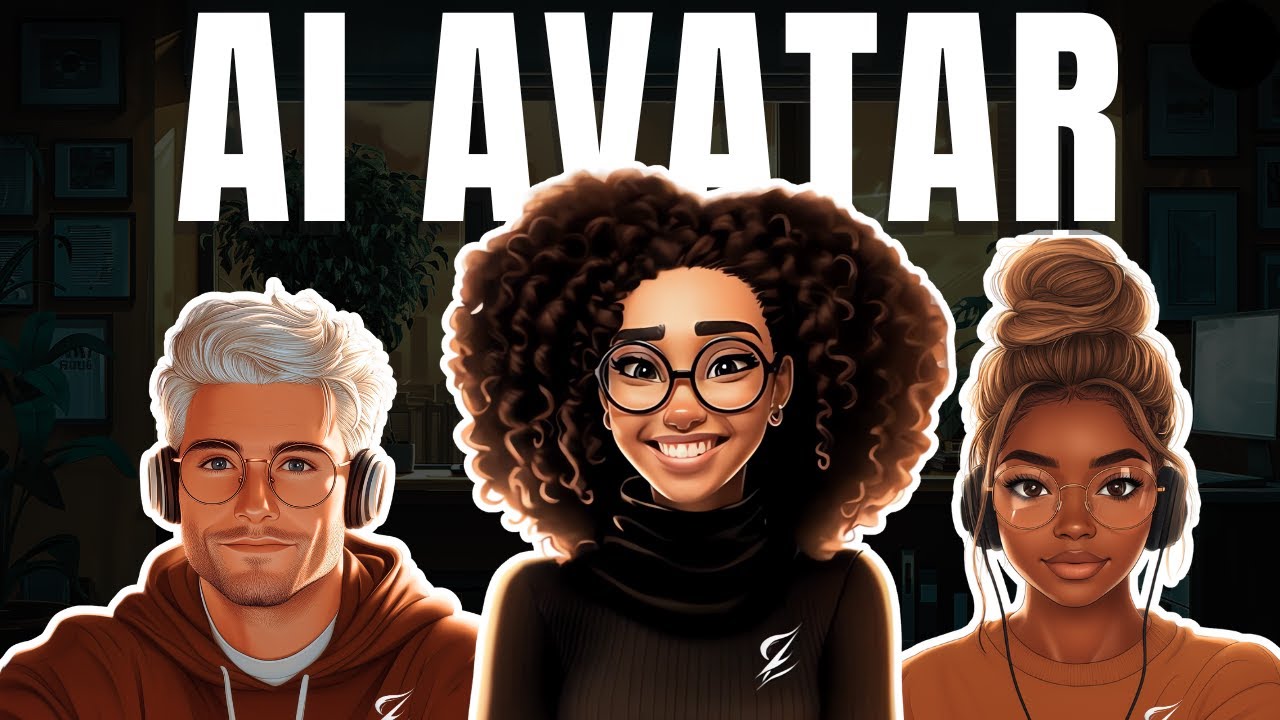
in today's video we'll be reviewing an AI tool that you wish you knew about sooner from generating high quality image and video face swaps to realistic avatars and so much more we'll be focusing on specific aspects of this tool while highlighting their use case scenarios and at the end we will decide if this tool stands out in the midst of endless AI tools available right now the name of the tool I'm referring to is called a call to access the the tool visit a call.com and sign up it has a free plan that you could
use to follow along and test it out more for yourself without paying once you sign up for the account you'll be greeted with this landing page which looks really nice and at the very top it tells you the credit that you have that you could use just come to platform go to face swamp which is the first tool that will be testing and click on that the face swap has three different aspect it has image face swap it has a video face SW and go live face War which is still a better we'll be starting
off with the image face SW what we will do here is just to choose the image you want to swap the face with we click on choose image then I'm going to select a particular Renaissance kind of image that I want to switch the face for another face once that is uploaded you can see it gives you a space to add another face I've got ahead to upload some of the faces I want to swap with I'm going to use this once you do that you could go ahead here and reage if that is what
you want or increase the face enhancements let's just put it on and then go ahead and click on high quality face swap what it's going to do it it will start working in the background and where you could find what it's doing is at the very top here go to library and then you could see under your library under face swap this is where it's working once it's done we will take a look at what the image looks like let's see how it looks this looks good it takes even the eye color I'm going to
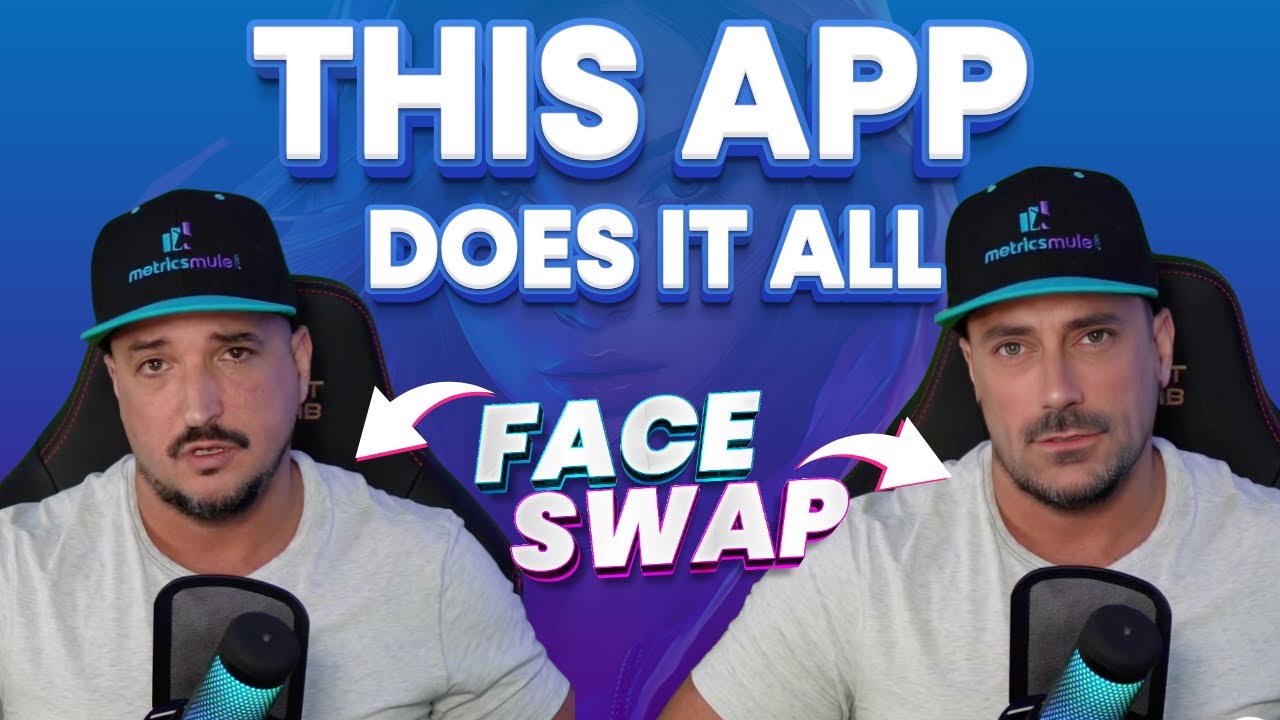
the image side by side just to compare as you can see this is the before this is the after and this face swap is smooth I haven't seen any AI tool that does a face swap like this let's test it one more with another type of image just to see how it holds up back to the Face Swap and this around I'm going to choose another image of a different ethnicity just to see how it holds up this is the black lady and I'll be swapping it out with this face and at the same time
again I'm going to use face enhance and go ahead and click on high quality face SW looking at this image this is stunning at the images the before and the after side by side you can see how this looks extremely good what is the use case scenario for the image face swap the use case scenario would be to use it for those who create renissance portrait on Etsy let me show you what I mean when you come into Etsy and type renissance spot rate you would see stains like this they tend to sell extremely well
before now the ai2 that we used to generate this kind of wasn't entirely perfect but with AAL you could actually make this as a listing on Etsy and you could make tons and tons of sales this is a personalized product so obviously anytime someone makes a purchase you have to do this process one after the other it's not automated but this is one of the use case scenarios now that we have gotten the image face SW out of the way the next one would be video let's go back to face SW and this time around
we'll be choosing a video file I'm going to choose a video file that I generated using um Runway ml gen 3 I'm going to be reviewing that very soon this lady is smiling and then we're going to go swap out the face and see how well he's going to do that you can see different frames here I would choose the one my face is facing forward and choose the same lady and go ahead make sure the face enhance is there and click on high quality face swap this is the result and this looks seamless it
looks as if it's the same face there's no cracks anywhere this is really good what is the use case scenario for this particular one for the use case scenario would be if you are creating different faceless YouTube videos and you want some form of consistency you could use this to swap out different characters with different bodies but the same face if you want to do that this is where this is going to shine this is really good now that we have done the image we have done the video the next will be the go live
this I wouldn't test because you need it to go live now that we have done with the face SW the next tool I'll be reviewing would be the realist they have sets of realistic a use for different projects or even in your presentation or even on your faceless YouTube channel if you want to do that once you click on that get started and once that load give you some templates or you could choose to start from scratch so let me just use a template just to show you as an example you click on this and
say start editing what it's going to do is to ask you to type in your if you have an audio script and upload the file here I'm just going to use this test script here and then in terms of voices it has a specific SE Lo your own voice if you want to use your voice or you could use pre-made voices here for pre-made voices I'm just going to use the male and Briant it sounds pretty realistic and then you could go ahead and generate the audio then it gives you access to this this is
the Avatar you could place it properly and then go ahead to play through it to see what it's do once you do that the next thing would be to click on this button that says generate premium results it will ask you whether you want it in 1080P terms of the quality of 4K I'm going to use 1080p so I can save a bit of my credit and then go ahead to generate this as well will be processed in your my library you go to my library and then under realistic Avatar then it's going to work
this is done let's see how it sounds hi I'm Barbara I'm glad you came to a cool I'm here to guide you through your first steps write down your omage alas in the prompt box choose the scale you want and here are some inspirational examples for you this is not bad at all once you're done and you're okay with the results you just on download and then use it in your next step that is for the realistic Avatar the next one that I'll be testing as well would be talking photos which is something that majority
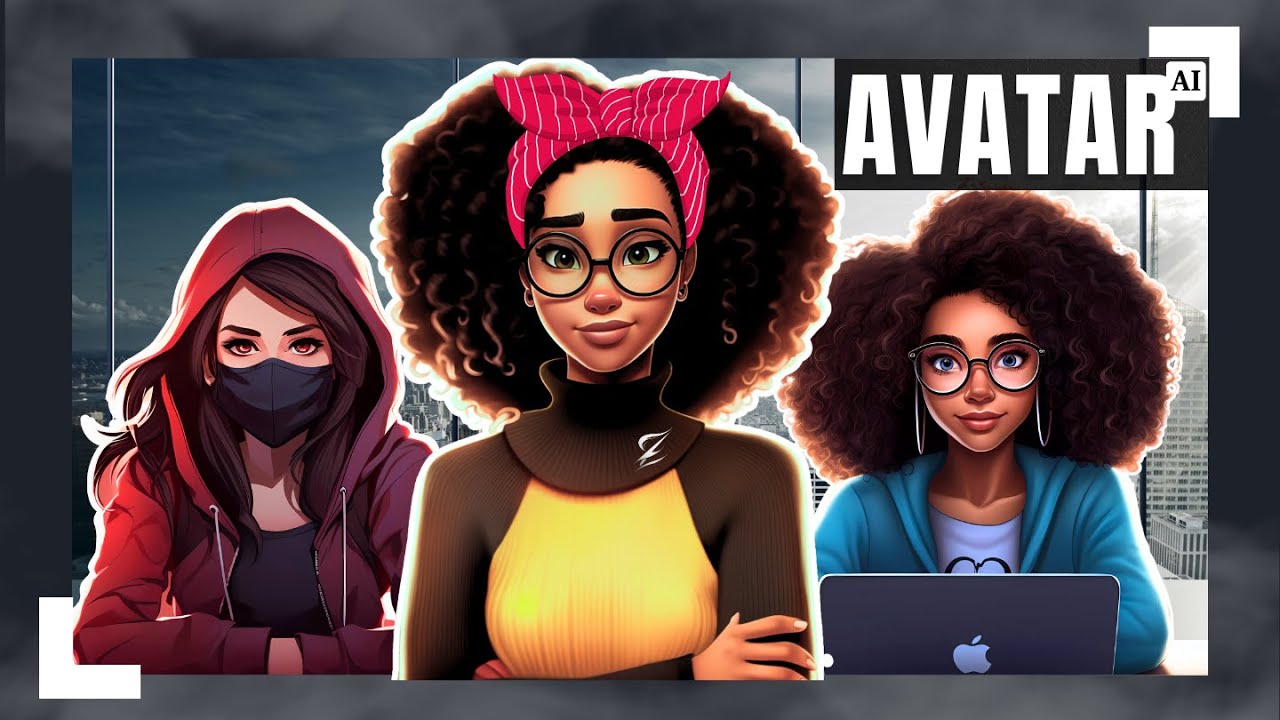
of us that have faceless YouTube channel like to use you have an image and you want it to be your talking avatar for the channel like what the one I have on this channel for us to do that I'll be using using my own avatar to test it out and then we could compare it with other AI Avatar tools that is out there already and once I upload the Avatar then I'm going to go ahead to upload the voice that I want to use here type in the script that you want to say and then
here you could add your own voice or use a pre-made voice I have gone ahead to add my own voice how this works compared to any AI tool list you you put in the voice you want to use you type in the script of you what you want to say using that voice it's going to say it exactly using that voice I've pasted in a script that I want the Avatar to say and this is the voice I uploaded so to upload it just click on new voice and then upload your own voice and this
is what it is here then you could go ahead and click on generate premium result and let's see how this plays out let's play it and see how it looks like if you find Value in this tool review kindly hit that like button and subscribe to the channel thank you look at at this you could see that my voice is a little bit muffled and the mouth movement seem to be a little sort to some other AI tools I'll be showing you a video of the same clip from did because that's what I use currently
for my Ai avater and then we could see how that Stacks up if you find Value in this tool review kindly hit that like button And subscribe to the channel thank you looking at the you could see that the mouth movement the eye movement is more pronounced compared to um AAL and my voice sounds like my voice without being mled in terms of comparing this with di I would say that did has a bit of an upper hand when it comes to AI Avatar generation the last two I'll be testing out in a call would
be the video translate for example you have a video and you want to translate it to a different language this tool also shines within the EOL um PL click on choose and I'm going to choose the video that I just played now and then we would go ahead and translate it here you could translate it from English to what is your target um language Let just say French Li syn we're just going to leave it natur don't want to do any form of Li sink you can choose face enhancement you leave natural and then we'll
go ahead to generate premium results once you click on that as well it's going to go to your my library and it's going to go under video translate and then we'll wait for it to process this sounds good to me though I don't know French but this sounds pretty good you could go ahead and download But be sure that what is translated correct if you're using a full video um translation so you go ahead and download it and then use it in your project or your faceless video depending on what you're using it for these
are the to I wanted to cover for this specific tool my final thought on echle would be that some tools really stand out like the image face SW as well as the video face war and we've talked about use case scenarios you can use those tools for for the image face SW you could use it to start a Renaissance portrait business on Etsy the business is killing it in terms of a video face you could use that for your faceless YouTube channel Then followed by the video translate it is the video translate is really good
and Then followed by the realistic aatar before the talking photo because for the talking photo I believe that there it needs more F tuning when you compare it to other tools that are out there as are today so with that being said there other AI tools that I'll be reviewing soon on the channel so be sure to hit the like button the Subscribe button and turn on your bell notification to know when those reviews go live thanks for watching and see you in the next one