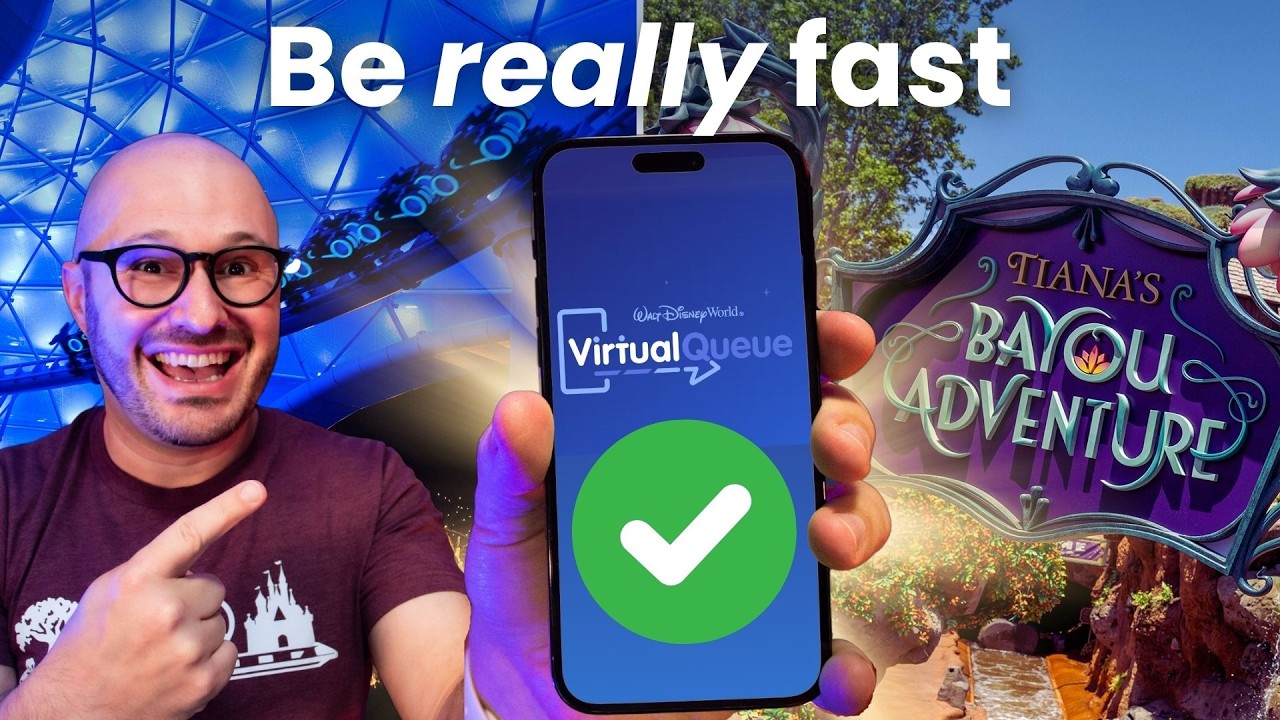
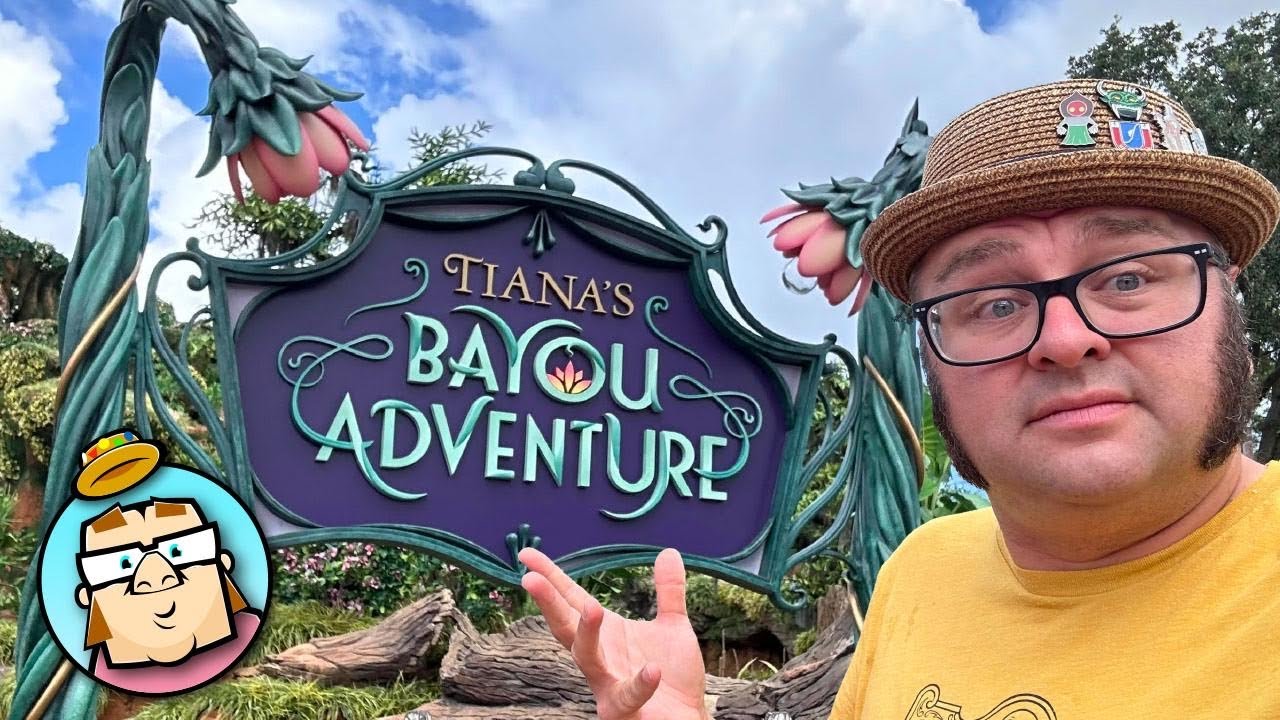
the brand new lightning Lane multipass service is finally here at Walt Disney World we put it through its Paces on the first day so we can show you step by step screen by screen how to get the most out of this new system plus we'll show you how much we were able to get done on day one let's go do it hi ho everybody this is Rob with ear Scouts coming to you from my bedroom because I am actually in quarantine right now unfortunately right before this new system was going to roll out I had hotel reservations lined up I was so excited and raring to go and I ended up getting covid so the very first day of this service I was actually using it from right here in my bedroom in quarantine cuz obviously I don't want to bring Co to Walt Disney World while Eric was actually in the park riding every tapping in and I got to say it was quite an experience and we learned so much it actually kind of worked out for the best because it allowed me a lot more time to just kind of play around with the app CU I didn't have anything else to do it's not like I was having fun in the Park first off though let's just go over the basics in case you're not familiar with this new system this is essentially what's replacing Disney Genie plus it's going to allow you to get shorter weights at most attractions AC across all four parks at Walt Disney World just like with Genie plus you pay one price and it gives you access to a whole basket of rides unlike with Genie plus however this system allows you to keep three lightning Lanes booked at all times and even more importantly it allows you to book those first three lightning Lanes before you even arrive at the park if you're staying at a qualifying Disney Resort hotel we'll throw that list up on the screen right now now if you're at one of these hotels you can actually book for your entire stay starting 7 days before your checkin day up to a total of 14 days so it's possible that you could actually be booking lightning lanes for 21 days in advance if you have a really long hotel stay for everyone else who's not staying at a Disney World hotel you'll be able to book 3 days before your first Park day another big difference from Disney Genie plus is that that whole 2hour rule thing has gone away now you always have three lightning Lanes whenever you use one of them you book another so when you use one you go down to two that frees you up to book another so you're back up to three you're able to carry three lightning Lanes at all times assuming that there are still lightning lanes available for you to book and we're going to talk about that in just a little bit now let's go ahead and fire up the My Disney Experience app and we're going to show you step by step how you're going to set up your very first Park day head on over to the main menu up in the upper right hand corner you're going to see a new button that is now called lightning Lane passes go ahead and tap on that here you're going to see a menu that you can choose between multipass and single pass multi pass is what we're talking about in this video it's like Genie plus single pass is like what used to be called those individual attraction lightning Lanes they essentially work the same way the main difference is that now you can actually purchase those single passes at the same time as you're setting up your multi-pass so it does streamline it a bit we're going to go ahead and tap on multipass next it's going to ask you to choose the date and the park that you're going to I would recommend start with the earliest day that you can book for the reason is more people are going to have access to book for that day and the rides are going to be snapped up much more quickly than the days that are farther out the only exception I might make to that is if Magic Kingdom is not your earliest Park day and you really want to do Tiana's Bayou Adventure you might want to consider doing your first Magic Kingdom Day first just because Tiana in particular is running out of lightning Lanes super quick one thing to note while you're on this screen is that you're able to see not only all the different Parks but you're also able to see the different single pass lightning Lanes from those parks you are allowed to mix and match single pass lightning lanes and multi-pass lightning Lanes from different Parks assuming that you have a park hopper ticket that's going to let you get to all those different Parks the exception though is that all of your multi-pass lightning Lanes have to initially be for the same park you will be able to park hop later but initially your first three lightning Lane selections for multipass have to be in the same park once you've chosen the park de and the park that you're going to you're going to want to wait until it hits 7:00 on the dot if it has not already because that's when your eligibility is going to start if you tap through before it reaches 7:00 you're going to get a message saying that no one in your party is eligible to book at that time so you'll have to go back do it over again so wait until it hits 7:00 on the dot and then tap through and it's going to let you continue with the process you want to be as close to as you can be because some of these rides are going to be running out of lightning Lanes very quickly once you've selected all of the eligible members of your party who you wish to purchase multipass for continue to the next screen and this is where you're going to make your initial lightning Lane selections you're going to notice here that the rides and attractions are separated into two tiers there's tier one from which you can choose one attraction and then there's tier two from which you can choose your other two at Magic Kingdom also note that right now Peter Pan's flight is down for an extended refurbishment so it's not available at Epcot you'll notice that test track is also down for refurbishment and not available if other rides are already out of lightning lanes for example right now you might see Tiana's Bayou Adventure out that will also show as unavailable over at Hollywood Studios one thing you might note is that Tower of Terror is surprisingly listed in tier two so that's a pretty good grab for tier 2 there an interesting thing about Animal Kingdom however is that animal kingdom doesn't have tiers at this time so at Animal Kingdom you can actually book all three attractions from any attraction that's available you don't have to worry about the tier system there the important thing to note here is you want to make these selections as quickly as possible you want to already have this planned out before you even get to this screen because the faster you click through the better times you're going to be able to secure for these attra actions and that is going to become really important in your day once you click continue the system is going to look for the best available times for those attractions and it's going to essentially give you an agenda for the start of your day that it's proposing it will generally not overlap any times it'll also work around any existing dining reservations that you have so you may not love the order that it's come up with and that's why there are some buttons there that say modify time what I do do not recommend doing is going back from this screen if you go back it's going to release all of these different attractions back into the pot and it's possible you won't be able to get them back again as of right now you're going to see a little timer up there at the top that's how long you have to play around with these and not have to worry about losing any of them so go ahead use that modify time feature assuming the ride has multiple times available it'll show you the time windows and you can tap into those and see more specific times as you're playing around with these times you'll notice that the system tries to avoid overlaps we were able to get it to do some degree of overlapping at this stage but once we pass this stage it became very difficult to overlap at all the good news is once you're actually in your Park day you're allowed to overlap as much as you want it's not going to stop you but during this pre-booking phase it's a little bit more finicky about overlapping times do keep an eye though on that timer up at the top because that's showing you how much time you have left to finalize your decisions I recommend just get things as good as you can get them on this screen and do know that once you've booked everything you're actually able to come back and make changes as much as you want up until the day of your visit once you continue from here it's basically just going to ask for your credit card information I do recommend go ahead and have a credit card already on file in my profile inside my My Disney Experience and that way it'll be autop populated and make this a little bit faster for you that said we have credit cards in our profiles that have been there forever we've used them tons of times and when we went to make our very first purchase a Disney Gremlin popped up and for some reason it just wouldn't process the card the first time we went through and the only thing we could do unfortunately was to back out and come back in which meant that we lost all of those initial selction and we initially lost Tiana we were able to get it back but we didn't have Tiana when we purchased it because of that little Gremlin so I imagine that just happened because it was the first day and if you think about it there were people making lightning Lane purchases not just for that day but potentially for as much as 21 days out all at the exact same moment so that was probably a snafu that hopefully won't happen again but it did kind of give us a little bit of a hiccup in our first morning Eric was actually purchasing for day one while he was doing that I was actually purchasing for a hotel stay that we have coming up because I wanted to see what my options looked like when I was booking 7 days out as opposed to on day one spoiler alert you have a whole lot more availability 7 days out so if you're staying at a Disney Resort Hotel while yes you probably do want to go ahead and book on your your first available day you're probably going to find it's not nearly as competitive as it is when you're booking on 3 days out or especially if you're booking one day out if you're really worried that the rides you care most about are going to be all gone by the time you're able to book I do have some good news to share today we are on day two of this system existing so I got up this morning right at 7:00 a. m. cuz I wanted to see did some of the rides that were showing previously is not offered come back into play this morning what was interesting was that for 3 days out nothing came back into play at least not that we could see tiis was showing as not currently offered for 3 days out and after seven it was still showing as not currently offered however when I went to the day of to today itself Tiana was back in play which tells me that at least for right now Disney is adding more lightning Lanes in on the day of your visit so if you were not able to get what you want I would recommend modify your selections at 7 a.
m. on the day of your visit and hopefully you'll be able to grab something then once you've got those lightning Lanes secured and paid for you're going to be able to go back to that main menu tap on that same lightning Lanes button and then you'll see them all there you can tap on any one of them and modify them as much as you want right up until the moment you use it so if you're 7 days out you can spend a full seven days if you want tweaking these and getting them exactly the way that you want them one important tip that we did learn about modifying these when I was working on my reservation I have for 7 days out I was noticing that there was a great 9005 return time for Remy and I really wanted it but whenever I would tap in on it it would give me a much later time I soon figured out this was because of that overlapping thing I already had an attraction that was pretty early in the day so what I did I modified that attraction to make it much later in the day then I quickly went back and grabbed that Remy 9905 and then it went through so if you're seeing a Time repeatedly that you really want but it's not letting you get it just try to move your other lightning Lanes out of that window of time and then try again and with any luck you'll be able to grab it just like we did as you'll see later on in this video however it's not going to be a problem to overlap things once you're physically in the Parks it'll let you book those lightning lanes for the exact same times if you want so that overlapping problem really only exists at this pre-booking stage the timing of these rides is really important because once you're there on your Park day you're not going to be able to book another attraction until you tap in at the first one and even more importantly you're not going to be able to have multiple tier one attractions or attractions in other theme parks until you've tapped in on your first one now now the good news is it can be any one of these you could tap in at one of your tier 2 attractions and that would immediately unlock the system and let you book in other Parks or book other tier one attractions in fact you could immediately go and modify your other tier 2 into a tier one or another Park as long as you've unlocked that first attraction what I mean by unlocking is physically entering the park and tapping in at that attraction unfortunately there is no other way to unlock and believe me we tried all of them the reason is because Eric unfortunately had to work so we weren't able to even start riding rides until a little bit before 5:00 p. m.
we tried everything we tried waiting for an attraction to expire we did that with Dumbo Dumbo expired and I thought hm maybe that's going to unlock maybe it's going to let me now book another attraction that's tier one or in another Park unfortunately no when I tried it still said that we were not able to book another tier one attraction next I tried cancelling an attraction I tried canceling our other tier 2 that also did not free us up to book another attraction I also just tried randomly throughout the day I thought hm maybe after noon maybe after 2 it would suddenly free us up it never did the only thing that is going to unlock you and make you able to book other tier ones and attractions in other Parks is to physically enter and tap in at that first attraction as the day went on I kept seeing more and more attractions run out of lightning Lanes this is very different from the old Disney Genie service and when you think about it it makes sense with Disney Genie folks only held one or maybe two lightning Lanes at a time with this system everyone using it is going to have three lightning Lanes at all times so what does that mean it means lightning lanes are going to disappear three times faster than they did before and that's pretty much what we saw all day long so as I'm waiting for Eric to get off from work to be able to finally tap into that first attraction I was just watching ride after ride disappear from the list but I have good news just like with Genie plus Disney is sprinkling in some more lightning Lanes throughout the day so don't give up hope we're going to show you at the end of this video how much we were actually able to get done even though we couldn't start booking other tier ones until right before 5:00 so stick around if you want to see how much is actually possible but I think you're going to be surprised at how much we were able to do before we show you what our day looked like though I want to share with you some tips and tricks that we've picked up using this system on the first day the biggest one is that the Disney Genie slots are very much still around if you're not familiar with what I mean by that it's a term I used to use with Disney Genie plus essentially means refreshing the app to look for better return times in hopes that you'll be able to tap in quickly and win that lightning Lane that you were aiming for it works surprisingly in much the same way only now it's even more powerful the first thing you're going to do just like before you're going to start with Disney genie that's right Disney Genie is still around the free Disney Genie service where you plan out your day it is still there the way you're going to get to it now though is a little bit different it's kind of hidden now it used to be my day but now there's a little button that says today's plans you want to tap on that and if you blink you're going to miss it but right there up near the top there is a little Disney Genie icon and there's a button to get started that's where you're going to tap to start using Disney Genie this system is just like it was before you're going to choose what day it is what park you're going to who all you're going with but then comes the most important step and this is you're going to tell Disney Genie what rides you're most interested in this is going to pin those rides to the top of your view when you're modifying your lightning Lane selections and it's going to make it much easier to find times for these rides when you're looking for them so go ahead make those selections I don't recommend picking more than two maybe three max when I had more than three I was really not very effective at getting the return times that I wanted because by the time I scrolled down and saw it and tapped in it was already gone so limit yourself here to two Max 3 attractions once You' finished that it's going to ask you if you're interested in princesses and things like that just skip that continue because if you choose anything here it's going to add other stuff to the top of that view and we just want to keep that view really uncluttered so we can see the things we care most about once you've got that free Disney Genie set up head back to that lightning Lane menu and just tap on any one of your lightning Lanes here a menu is going to pop up and you're going to choose modify plan just like you would with Disney Genie but now what you're going to see is a sort of different view than you saw before it's similar but there are some big differences you're going to see the ride that you have booked there at the top and below that are the other attractions that you could book instead note here that if you've done everything correctly those attractions that you picked with Disney Genie are going to be pinned to the top and they're going to have a little star next to them showing that they're pinned if the attractions that you really want aren't showing any return times available and that's what you really want to aim for just take your finger slide it down the screen and spin the reels on that slot machine it's going to go back and look for updated return times in some cases attractions that we're showing as not having any lightning lanes available will suddenly have lightning lanes available again it really is very much like playing a slot machine you're not going to win every time sometimes the times might get worse sometimes they might get better sometimes they might disappear allog togethere but it is kind of a game of luck the good news with this however is you've already got whatever that is in the top that you're playing with you've got that locked in there's really nothing you can lose here you just have the opportunity to possibly win something a little bit better so far everything looks a lot like it did with Disney Genie plus but now is where you're going to see the powerful new feature that Disney has added go ahead and tap in on one of those attractions and you're going to see this screen looks a lot different number one you'll see a timer up at the top that's showing you how long you have to make your final choice so whatever you see here is locked in right now you don't have to immediately select it you can see what your other lightning lanes are you can see how this is fitting into your day and if you're not happy with the time there there is a button Buton now where you can modify that time so before when you played the genie slots you were just stuck getting whatever was the best available time and if you didn't like it well your only option was to go back and try again now with this modify time feature you can really get granular and decide where you want this attraction in your day this is going to be especially great when you're Park hopping and you really want an attraction to be maybe at 3 or 4 in the afternoon instead of early in the morning it's going to make it really easy for you to do that so this is actually like Disney Genie slots on steroids I love it I think it's a great new addition and it really does make playing the genie slots a lot more effective than it was before with the old system unfortunately not everything about the new system is great probably the biggest downside is that now when you're playing those Genie slots you're going to have to play a lot longer and a lot harder because the competition is essentially three times greater than it was before remember everyone who just had one lightning Lane before now they got three and that means you're going to find even attractions that used to be easy to grab once it gets later in the day you might have to play the slots for things like Tomorrowland Speedway or even Under the Sea journey of The Little Mermaid rides that you could get very easily before you will now sometimes at least later in the day have to play the slots for another difference you're going to find playing the slots now is that not only are those times going to start disappearing sooner in the day and are those attractions going to run out of lightning Lanes sooner when you do find one of those stray times it is going to get snapped up even faster than ever we would sometimes tap in at these Split Second that an attraction showed up with a time and by the time we got through the next screen it was already already taken again three times the competition means you got to be three times as fast but I have some good news and that is that our old tap in Tapout trick still works with this new system if you're not familiar with that this is how it works so let's say you were looking for an attraction that showing is not currently offered and every time you refresh it's just still nothing available and then magically you refresh and voila there there's a time there but you tap in and you didn't tap in quick enough and that time was already gone now what you want to do tap back out and don't refresh the view leave that screen intact so that you still see that time that you can tap into and then you're going to tap in again each time you do this it's going to look to see if a time is available so in this way you're actually saving yourself this step of tapping in quickly if it finds something you're set it's basically already in the bag you'll see that timer at the top that's how long you have to decide if you really want it or not but for as long as that timer is counting it is yours to hold on to so this definitely saved our bacon multiple times in this day we were able to get some really difficult to book attractions later in the day by using this tap in Tapout method another big change in how you play the Disney Genie slots is how often you're going to play them a lot of people I think were hopeful that since they could pre-book three attractions that maybe they weren't going to spend as much time on their phone now for me I wasn't in the park I was stuck here in quarantine while Eric was in the park so I didn't really have anything better to do than to play the Disney Genie slots and what I realized was there are now three times the opportunity to play the slots before you had one ride you were aiming for once you got it to where you were happy with it you were done playing the slots but now you've always got three rides in play and what we found was that for our goals for the day it made sense to keep trying to get at least one of those rides turned into something better or turned into a better return time so it very easily became a NeverEnding game of playing the slots do I recommend that you do that on your Park day of course not but it's really going to be harder I think in some cases to find that balance between getting all the attractions that you want to get and getting them done in the times that you want to do them and still enjoying the park in my experience so far this system does not cut down on the amount of time you spend on your phone unless of course you're just going to be happy with those first three that you booked and not really care as much about what else you book during the day we're of course going to be making a whole bunch of videos where we spend the day in the park and we really look at how much time you do need to spend tweaking these things to get a lot done and hopefully we're going to have some strategies to share with you that'll make sure you spend as little time as possible looking at your phone and as much time as possible enjoying the park so if you want to see those videos as they come out be sure to subscribe to our Channel and ring that Bell so you'll be notified as soon as they're released the next thing I want to talk about is how this new system is going to work for those who are stacking or Park hopping so if you were not planning to arrive to the park until much later in the day let's say it's your arrival day and you have a flight that's later in the afternoon so most of your day you weren't going to be able to spend it in the park with the old system you could do what was called stacking you could book a lightning Lane right at 700 a. m. and then you could use that 2hour rule throughout the day to just keep adding in more lightning Lanes so that when you were able to get to the park you had a whole bunch of things all lined up for you to ride as you've probably guessed by now that strategy doesn't work the same way anymore because now you're going to be limited to one tier one and two tier 2s all in the same park until you can physically get there now the good news is you're going to see when we show you what our day look like you are are still going to be able to get a lot done the bad news is you're going to have to do it on the Fly you're not going to have it all stacked up before you arrive my best advice to you number one make sure you grab the most difficult to grab tier one attraction first and hold on to that that's going to be your tier one my recommendations right now for Magic Kingdom is definitely going to be Tiana over at Hollywood studio it's going to be Slinky Dog dash at Epcot it's going to be Remy's Ratatouille Adventure it doesn't matter as much over at Animal Kingdom because they don't have a tier system my other recommendation to you is try to get at least one of your tier 2 attractions to be right when you're planning to arrive at the park and ideally make it one of your must do tier tws so if your must do attractions are say Pirates of the Caribbean Haunted Mansion and Tiana you could have all three of those lined up because both Pirates and Haunted Mansion are tier 2 attractions you're just going to want to make sure that you have them as early as possible in your visit to the park so that you can quickly tap into them and book something else next let's talk about Park hopping with this it's going to be really important that you get at least one of your attractions booked for right when your first park opens the reason for that is these tier one attractions in the other Parks they're going to be gone very quickly if you want to ride Remy over in Epcot there's a good chance unless you grab it really really early in the day it's going to be hard to grab it at all it's not going to be impossible it's just going to be hard so your strategy is if you're Park hopping you got to be there when the park opens you got to have a ride ready to go as soon as the park opens so that you can tap into it and start booking for your next park at that point if you really care more about booking attractions in your next Park you can go ahead and modify all of your attractions that are in that first park into attractions for your second Park this is another big change with this new system with the old Disney Genie system you would have had to have cancelled your lightning lane and then booked a new one in the new park you couldn't transfer between but now look what happens with this new system when you modify you're going to see those little Park icons there tap on one of those Park icons and that is actually going to let you book an attraction in that other Park and even better if you go ahead and set up the Disney Genie service for that park it will even pin the attraction that you're most interested in to the top of your view for that Park as well in some ways this is an upgrade for Park hopping but of course the big downside is you got to get to the park early you got to tap in before you can start booking for Park number two I do have one really good piece of news though for those of us who enjoy Park hopping it did just get a lot cheaper the reason for that is the old Disney Genie system had required you to purchase a special Park hopping flavor of Disney Genie plus if you wanted to use it in multiple parks that price was tied to whatever the most expensive Park was which was always magic King so if you started your day in any other Park you were going to pay the Magic Kingdom price for the day even if you didn't even plan to hop into Magic Kingdom that was just the rate for Park hopping the good news is now you only pay whatever the cost is for your first park for example this Sunday I am finally done with my quarantine I'm going to be going to Animal Kingdom to try out this new system I was able to get my lightning Lanes booked for only $16 this morning and once I use one of those I'm going to be able to book lightning Lanes in any of the other parks that I want including Magic Kingdom and I'm not going to have to pay any extra I just pay for the cost of my first Park and then once I tap into my first ride there I'm free to book in any of the other parks at no additional charge well that's all we've got for this first round of tips and tricks but you're definitely going to want to stay tuned to the channel because we're going to have a whole lot to cover in future videos this system is completely different in terms of strategy now that you have three lightning Lanes at play at all times and now that you have attractions that never used to run out of lightning Lanes suddenly running out of them a lot sooner in the day it means you're going to really need to rethink your priorities and the order in which you do things so we're going to be spending a lot of time in the Parks trying out different strategies and figuring out how to make the most of this new system and of course with everything we discover we're going to be sharing that with all of you but for right now let's show you how things went on our very first day using this system I think you're going to be surprised at how much we were actually able to get done [Applause] [Music] n [Music] [Applause] [Music] [Music] I'm not going to lie I did not think it was going to be Poss possible to do as much as we did in that very first day especially starting as late as we did not only did we ride every single ride that was in the tier one category we actually finished almost every ride in tier two I think the only rides that we had left in tier 2 that we didn't do were Bon Stormer tomorrowand Speedway and Under the Sea Journey The Little Mermaid and guess what all of those rides at the end of the night have a wait time of 5 minutes they were walk- on so essentially you didn't even need a lightning Lane to ride those and important caveat here though of course is I was stuck at home with covid I had nothing better to do than play the slots all night so that's what I did in reality if you don't have somebody who's glued to their phone playing the slots all night you probably wouldn't be able to get quite as much done but what I want you to take away from this is that you could absolutely get some of this done even without being glued to your phone those attractions that you saw disappearing throughout the day that you thought weren't going to come back let me tell you if you play the slots if you use the tips and tricks we share with you in this video and in the future videos that we're going to be doing you can absolutely get some of those rides to come back into play just involves a little bit of patience and a little bit of luck before we go I want to give a huge thank you to our patreon family thank you so much for supporting what we do here at Scouts if you'd like to join them and get access to exclusive bonus content including some special Q&A sessions we did about this new lightning Lane Service head on over to patreon.