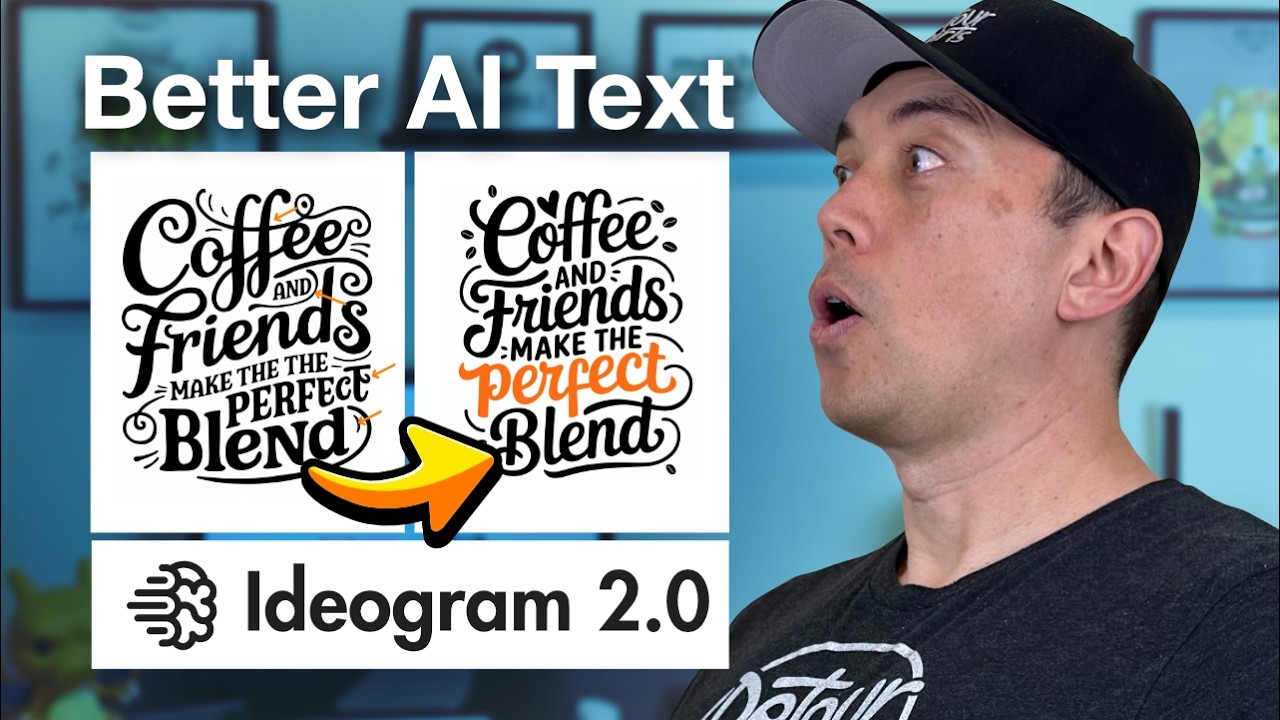
every entrepreneur I show this to literally freaks out today I have 10 use cases for idiogram that I'm really excited to share with you whether you're running a business or simply looking for your next side hustle there are so many reasons to use this for image generation what sets idiogram apart from other AI generation tools is its ability to create highly stylized text inside of your images this is a superpower that we're going to exploit in many different ways as I like to do I'm going to kick it off with a 30se second intro to
the tool and then we're going to get into all the different use cases including how I'm using it to enhance my videos and finally at the end of the video I want to show you how to use this tool to generate passive income directly this is a side hustle that I personally am really excited to implement so make sure to stick around for that this is idiogram It's just ID d o g r m.ai you can do a ton of stuff for free and it's very easy to use if you've used other image generation tools
you just describe what you want to see in here this is where the prompt goes uh the magic prompt we'll get into that in a second this aspect ratio is really nice I really like how they you can just uh select an aspect ratio here rather than having to type it in like you have to do on Mid Journey different models color palette I honestly haven't messed around with that color palette too much but that can help you make sure you're aligned with your branding Etc and if you click this little down arrow you get
a few other options the most useful of these probably is the negative prompt you also have these little buttons down here that can designate the style you're going for the first case study I want to walk you through is how to create a logo I created this logo here very quickly and I think it turned out pretty awesome I actually used Claud to come up with this prompt I put a simple very simple prompt into Claud you can do this inside of chat GPT I just said hey help me create a prompt for a simple
logo for a hypothetical company in the green energy space and this led me to a fairly complex prompt here in Claude clad is very good at creating uh complicated prompts sometimes they're too complicated but this worked really well in this case it uh talked about the exact hashtag colors to use I just use this little clipboard down here copied and pasted this right into ideogram here right into this prompt I like to keep this magic prompt button on I don't know what it I think by default it said on to Auto but I found that
my results are much better if I just keep this on and then you can pick the aspect ratio and visibility whether you want this public or private I've only been using this 2.0 model I haven't uh tried any of the earlier models and I haven't really adjusted this color palette once you generate it if you're on the free plan it'll take a second it generates four different options here 1 2 3 4 I think they are all pretty cool this one looked the best one thing I like to do that I think works is remixing
it if you find the best one just give it a remix I've been bumping up this image weight just slightly and just remix it see what it comes up with and this will be subtly different um but you can add stuff into that prompt as well when you remix it these are pretty cool this one I like awesome creating quick logos like this is super helpful because I'm coming up with so many different weird little AI ideas little businesses little pieces of software I love having just a little logo that I can slap on these
projects makes it just feel that much more real all right now I want to show you how I created this image this is a very different image this could be used to promote a summer camp for kids so you know if you're running a business you probably have different promotions different offers that you're rolling out and you want to create a little unique graphic for them the way I came up with this prompt was very different if you notice when you come to the homepage here there are all these other people using it and you
can click into any of these and find the prompts that they are using so if you find something you like you can just click on it and it gives you the prompt here as well as the magic prompt as well as what the other options were there these can be great starter prompts inside of Claude or chat GPT saying hey I love this prompt but I'm doing XYZ with it can you adjust the prompt that's exactly what I did here I found something on that homepage that was cool and it came up with four pretty
great versions here all right now getting into a little bit of social media fun this is something I created if you know me you know I do not like meetings at all so this was another one that I found on that homepage by scrolling around it had this really um I don't know vibrant elegant font here and I thought what would be a great way to juxtapose that I have a little article I want to write about um meetings and why I don't like them so this is going to be the header to that article
uh again that prompt was taken straight from the homepage but then I adjusted it to be more humorous and juxtaposed to U you know the design so this mapping the AI Evolution was part of a podcast generated by notebook LM and I thought wouldn't it be cool to add some extra Graphics to this so sure enough I went into Claude I asked Claude to help me create a prompt that would match that and it came up with this I think this looks like an awesome cover for a podcast so if you're creating podcasts using notebook
LM ideogram might be a great way to up with your covers for those podcasts I think this could also be used on social media for a little header that links into some text maybe a Blog article or some longer form content here's another one that I made for a gym this was a very basic prompt here generate some text transform your body with exercise equipment so if you just need something quick for a email newsletter these real simple little prompts work well I think the 2:1 ratio there works pretty well for an email newsletter you
can drop that right into your MailChimp Etc ET all right you ready have some fun here's when I created a t-shirt design for a family vacation so this was a mix of both I found an image on the homepage that I thought was really cool I grabbed that prompt and put it into Claude and said hey let's change this into some sort of a humorous uh family vacation t-shirt design came up with this awesome prompt and this is going to dovetail right into some of those Revenue generation ideas I have that I want to cover
at the end of the video if you're new to the Blazing zebra Channel I want to welcome you and thank you for joining me on my mission of helping as many people as I can learn to use these new powerful AI tools my goal is simple I just want to provide the most practical and useful AI tutorials on the planet if you're getting something out of these videos please consider checking out my patreon I've got a link to that in the description and I create a cheat sheet for every single video that I make this
video happens to have two cheat sheets one that covers all the different use cases and one that dives deep into this passive Revenue generation method that I'm going to be talking about at the end of the video so if you're getting something out of these videos check out the patreon here's another way you can use this if you're hosting any sort of event you can create some awesome signage using idiogram this is a banner that I created for a synthwave Meetup whether you're doing a personal event or an event for your organization having some exciting
signage like this can really take it over the top and what about creating some hilarious cards for your family or for your teammates maybe on their birthday or a work anniversary here's how you might do that I just dropped a prompt in there let's see what would be a good aspect ratio maybe something like this I'm going to keep the magic prompt on going to generate see what this turns out you can see it generating down here and here you go a beautiful card that you can give to someone who always calls you out on
everything another cool use case for it is to create these different titles that I use in my videos you can use these in any sort of video presentations you can use use these in sales decks obviously as well here's a very simple example of what I mean I've created this image that says don't do this and then another image that says do this and this can be used inside of my videos or even inside of sales decks to emphasize certain slides if you want some unique um verbiage calling out specific things I had to pull
these into canva and then I used this background remover feature and then I downloaded this and you got to click this transparent background but then I can pull them right into descript and you can see I can really emphasize specific points with these two different um images that I've created there and now finally getting into some ways that you can create passive income using these tools there are so many funny t-shirts that you can make with this stuff funny pillows people buy all sorts of things with these funny graphics on it so you can scroll
through Amazon to get some ideas for these funny different t-shirts and then create your own versions of them and once you've created those designs maybe you finessed them a little bit inside of Photoshop then you can set up a print on demand service I think printful or printify or a couple that I've heard of then you want to create a Amazon seller account and just connect your print on demand account to Amazon and when people buy it's automatically printed and you make some money that way all right I really hope you got something out of
this video as I mentioned earlier I have two cheat sheets for this video one is all about the use case and then the second one is a very deep dive into this print OnDemand process so if that's something that's exciting to you check out the patreon there's a link in the description and if you haven't subscribed to Blazing zebra there has never been a better time than now I've got a bunch of fun stuff coming on the way so make sure to subscribe give me a thumbs up hit me up in the comments let me
know what you liked what you're working on what I might be able to help you with and I'll see you on the next video make