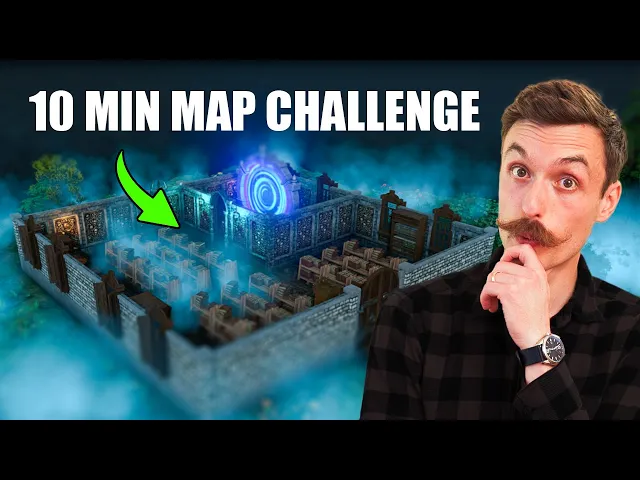
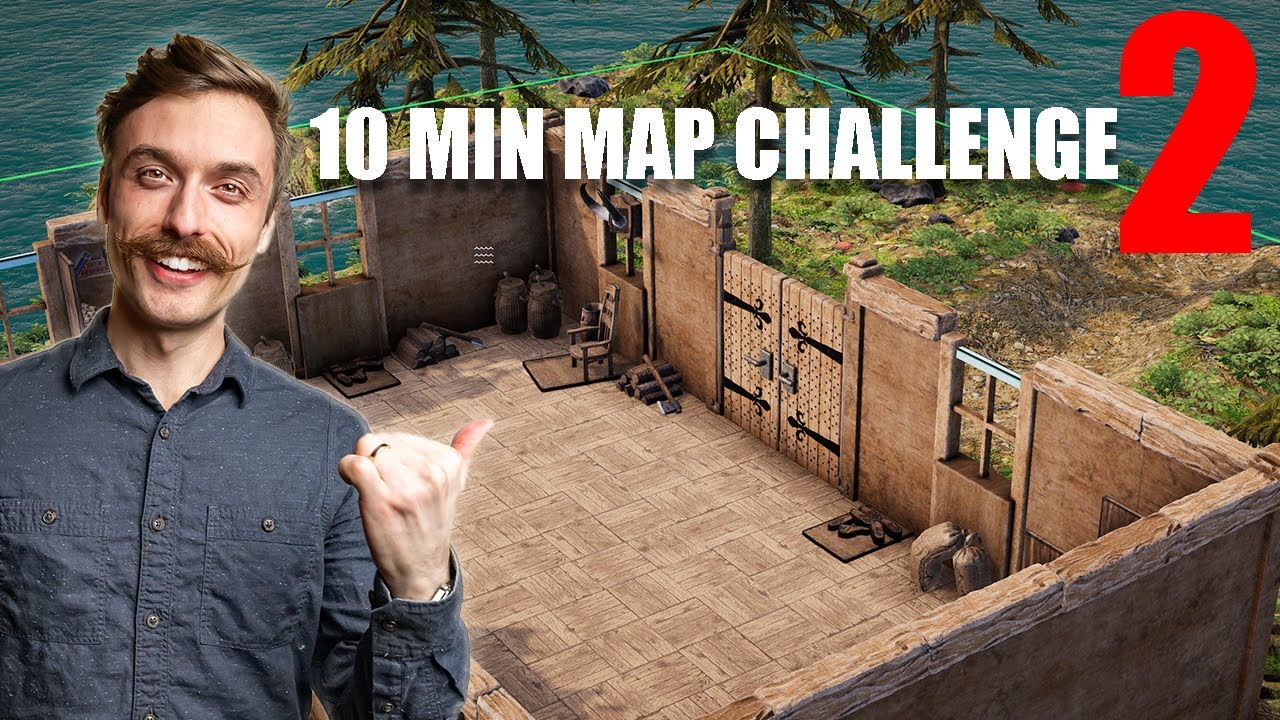
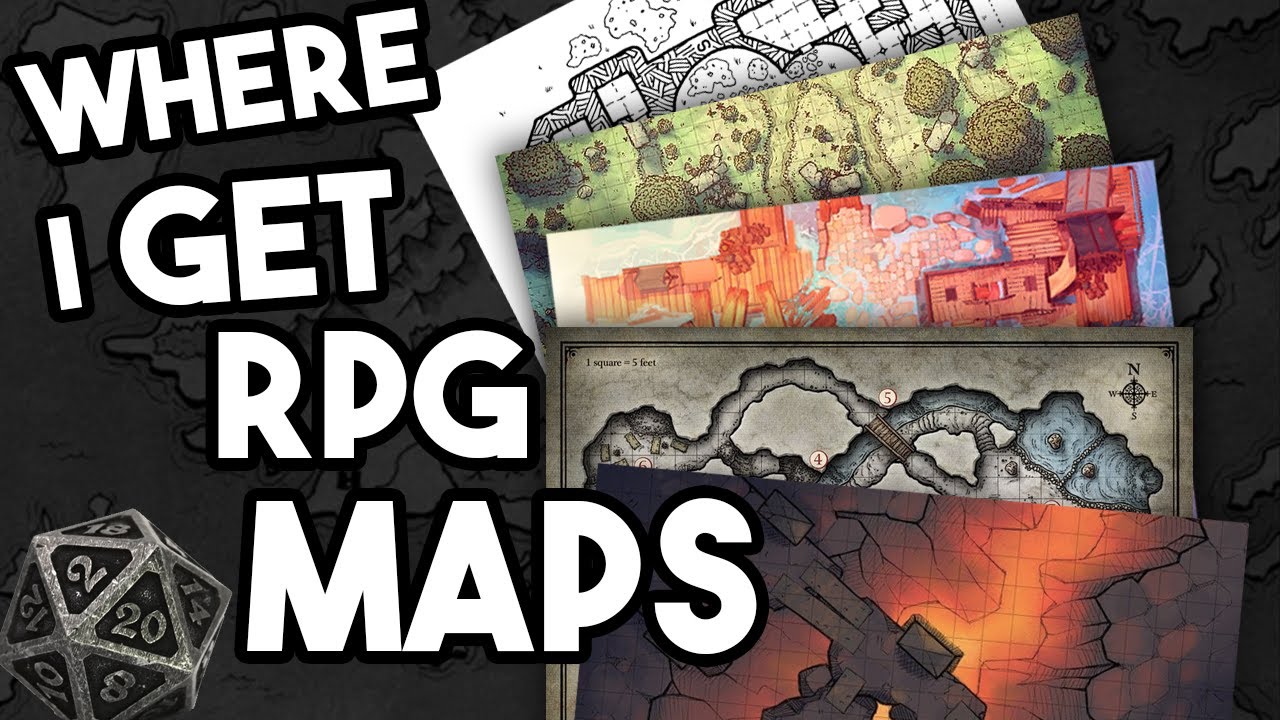
I tested out five different battle map making tools to find out which is the best including one that uses AI I challenged myself to see if I could make a map with each one of these tools in just 10 minutes this was a lot harder than I thought but some of these were able to produce really impressive results in that tiny amount of time welcome to the table I'm Kelly and we're going to make some very rushed battle maps up until this point I haven't been making my own battle maps I've always been able to
find maps online that suit my encounter well enough or often times I'll find a cool map first and then design the encounter around that I did make one map using Photoshop but it took me so many hours and the result in the end was pretty underwhelming but there are many Fantastic purpose built tools out there for making ttrpg battle maps with more popping up all the time so I decided it was finally time for me to wade into the warm pool of map making take my shorts off and just frantically Splash around until I either
sink or swim by the way this video is not sponsored I paid for all of these with my own money before making this video I had not spent any time using any of these tools so they're on a completely Level Playing Field I gave myself 30 minutes to get familiar with each of these tools and then 10 minutes to build a map and because these are for TTR bgs I made some roll tables that will determine the biome the type of building and a random feature that I have to add in first up is a
completely free not premium but actually free tool called tile Forge tile Forge 2 one all right go so a cliff power Forge does not do well with drain this is a web app developed by two people in their spare time as a passion project because of this development seems to be pretty slow and there are some bugs but it's completely usable if you want to support the developers they have a patreon which will also give you access to their Discord the biggest Pro of this one is that it's free I also really like that the
map can be as big as you like there aren't any limits that slowed me down for this particular challenge but normally it would be very cool the biggest downside is the lack of terrain tools hopefully they'll be able to add a brush tool in the future as that would really help because currently there's only a rectangle tool and a polygon tool I am not an artist okay uh there's my Cliff I like the way the wall tool works and the portal tool for doors and windows was easy to use there are tons of objects included
and the automatic lighting was pretty smooth if you're making dungeon Maps or Castle Maps where there isn't much terrain involved then this is a really great option oh boy 26 seconds what can we just Chuck in here oh freaking sword nice oh yeah crossbow guards got to have some crossbows one thing to note though it does store the data in your browser cache so if you clear your cash that means you will lose all of your Maps well there's a jailhouse with a very bad Cliff do you want to make world maps region maps and
battle maps all with the same tool next up in the initiative order is Incarnate incarnate 3 2 1 Barracks with a pond in a town Barracks with a pond in a town okay there is a free version with limited map slots resolution textures and items or the subscription is $5 per month the free version is usable but you'll only be able to make very basic Maps the biggest Pro of Incarnate is the versatility you can load in different art styles they have assets that serve a ton of different genres and as I mentioned earlier you
can make region and world maps as well incarnate doesn't have a wall tool like the other map makers instead you place individual wall pieces as objects I found this a little difficult to use and more timec consuming if you were trying to make a building with a more complex shape this next thing is a very minor nitpick but as you can see I just couldn't get over it when you have an object that you're placing and you rotate it it also rotates the last thing that you placed not just the one that is currently about
to be placed so incarnate wants you to place an object then rotate it all the other map makers that I tested did it in the opposite way you rotate while the object is hovering ring then you place it they have Barrack's okay well they definitely got beds got to have beds pretty basic bed these Town guards prison bed maybe not that basic one feature I loved though was the randomized object variation this was unique to Incarnate most objects will have color and style variations and when you place a bunch in a row it will randomly
select a different variation each time which really helps to make the map look natural oh into the pond ah overall I was pretty impressed what I could get out of Incarnate in such a short time but not as impressed as I was with the results from this next one dungeon draft 2 1 go okay all right a snowy landscape with a river dungeon draft is a standalone program that is a one-time purchase of $2 what's that a piece of software that you don't have to pay a subscription for what year is this but ironically I
had been looking at buying dungeon draft for a while but I just kept thinking $20 that's kind of a lot of money compared to some of the other subscriptions but if you use this for more than 4 months which you probably will it's a great deal my initial impression of the UI was that it felt a little clunky but after just 10 minutes of using it everything made sense the terrain tools are excellent especially the water tool and the ability to load in asset packs means that it's really versatile I downloaded a free trees pack
from you probably guessed it 2-minute tabletop and the process was really easy there are lots of asset packs out there so whatever genre you're playing in or art style that you're trying to achieve you'll most likely be able to find something that fits the wall floor and portal tools worked really well the only issue I had was that my light objects didn't stick to the walls for some reason my favorite feature is the way that dungeon draft Blends different terrain textures together when I drew in my path it Blended really well with the snow and
when I drew in the river it added nice outlines to the edges oh we should do some trees some snowy trees this snowy trees okay well maybe it's spring the snow is melted already don't worry about it the onetime purchase price the excellent terrain tools and the flexibility to add asset packs made this my second favorite map maker and one that I'll absolutely continue to use my favorite is still to come all right but first dungeon fog dungeon fog 3 2 1 okay which is Hut in the desert with a hidden room in it okay
dungeon fog felt like it sat in the middle between incarnate and dungeon giraffe some of the features seem to work like they did in incarnate and some seem to work closer to how they did in Dungeon draft overall I found the UI of this one the least intuitive for some reason the fact that all of the textures are available for all of the tools meant that I spent time scrolling through grass textures when I was trying to draw a wall this does give you a lot of flexibility because you can make walls out of anything
but I like that in the other map makers when I selected the wall tool it showed me the wall textures another thing was that there's a shortcut key for rotating objects but not scaling them meaning I had to type values into the scale box for most objects it's definitely not all bad though dungeon fog has a lot of really cool features what's the witchiest looking bed here a sleeping bag on the floor This Witch is only living here temporarily the wall tool is very powerful ful and I really like the way it worked you can
change wall segments from straight to curved or circular allowing you to build some really interestingly shaped buildings you can also recolor any proper texture from right within the map editor which allows you to add variation quickly and their path tool worked well for adding Cliffs and Pathways dungeon fog also has a huge Marketplace built right in where you can get seemingly any kind of asset but at a cost there is a free version of dungeon fog but it has very limited textures just like incarnate the subscription also costs $5 per month just like incarnate that's
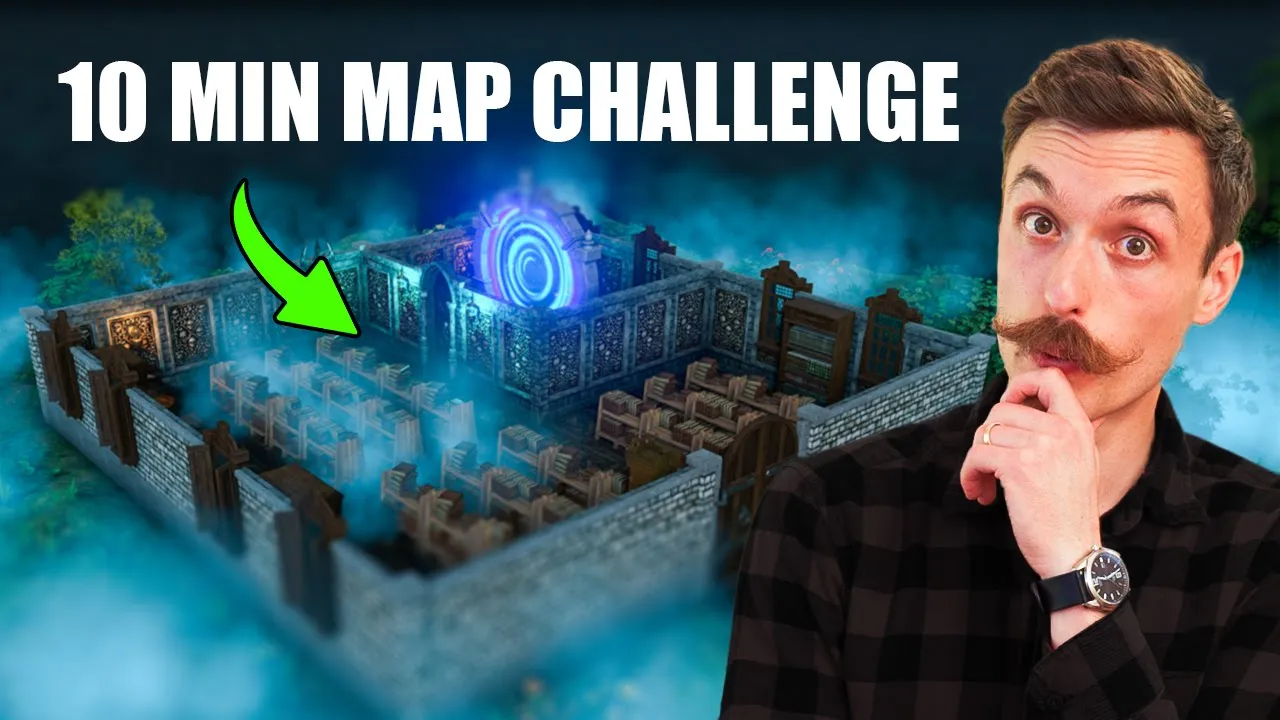
witches hut well okay that's a witches hut in the desert oh with a hidden room damn it I've saved my favorite and certainly the most unique for last dungeon Alchemist is a 3D mapmaking software that uses AI to automatically populate rooms dungeon Alchemist 3 2 1 a library can I even do library in here Village Tavern Mansion they might have a library Castle they have a library library nice okay of all the map making tools I looked at this one definitely stands out as something different it has some limitations for sure but despite those I'm
going to tell you why it's my new favorite and why I'll be reaching for it first when I'm making maps in the future the first hurdle is the cost it's available on Steam for a one-time purchase price of $45 which certainly makes it the most expensive upfront cost out of all the options here but do keep in mind that the annual subscription for incarnate and dungeon fog are $50 so if you use it for a year you'll come out ahead I also picked it up on the Steam Sale recently for 20% off so if you
wait I imagine it'll go on sale again the next downside is that it requires you to have a decent computer if you want it to run smoothly I have a 1080 TI in my PC and it didn't have any issues running it but if your computer isn't able to run fairly modern games then it won't be able to run this the last limitation and it might be a deal breaker for some is that you're stuck with the 3D rendered video game art style that this produces now that we got those out of the way let's
talk about what makes this incredible first is the speed it allows you to create incredible looking Maps very quickly um okay I'm done all right I'm done uh no okay but I have to have a portal in it so let's go find a portal if you just just want to whip something together it will generate it for you but if you want to get into the details and be specific it will also let you do that you can add and remove individual objects and individual parts of some objects the terrain tools are quite intuitive and
allow you to start from a template and then sculpt the landscape to make it what you want biggest limitation that I ran into was there isn't currently support for multi-layer maps meaning you can't make a building with a second floor you would need to make a new map file to do that which would make lining things up difficult the developers seem to be very active and the road map is available to vote on so that you can make sure that they're working on the things that are most important to you the feature that I'm most
excited for that they're currently working on is importing 3D objects that will open up a whole new world of options from modeling stuff yourself to downloading all sorts of models from third party sites oh yeah interesting blue smoke cuz magic is a foot maybe too much too much smoke there the exporting options are also excellent you can export images and videos at different angles to show your players the location in more detail and you can also export top- down views in perspective or orthographic views there are image video and VT export options the vtt export
means that walls and doors will play nicely with Dynamic Lighting in Foundry vtt and others here we have it Portal library pretty sick all right for me the two most important criteria were speed and excitement I'm always looking for ways to reduce my prep time and make it easier on myself so starting to make my own battle maps felt like could be a step in the wrong direction but if I could create something that made me excited to show my players not something that looked like it came out of Ms paint and without spending too
much time then I knew I would stick with it dungeon draft and dungeon Alchemist both seem to fit the bill and I know I'll use both going forward dungeon Alchemist was my favorite mainly because of the sheer excitement and inspiration it induced as soon as I started playing around with it would you like to see more mapmaking videos or a live stream where I make maps with silly requirements or something like that let me know down in the comments now that you have a map making tool you should make a map and run a one
shot with it if you want to learn some tips for actually completing a one shot in one session check out this video here I appreciate you