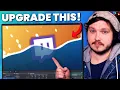
matte transitions are one of the easiest and coolest ways to make your stream look and feel more professional and it just so happens that today we are not only showing you how to set up these matte transitions but we're going to be giving away dozens of professionally made mac transitions that would normally cost hundreds of dollars but we're giving them away entirely for free after I've already paid for them hey my name is LJ from streamscream.com I'm a variety streamer twitch partner and YouTuber and if you want to say thank you for any of the
amazing and free Transitions and Graphics you're going to get in today's video then please consider liking it or commenting down below mainly because I want more beginners who are just starting out to see this video in their algorithm and it goes a long way to helping us do just that plus I've also made sure to add time codes in the description so if you want to you can use those to skip ahead to whatever part you want such as where to download The Stingers that we're going to give out today but for all those beginners
out there who don't even know where to start well let's go ahead and explain what a matte transition is and then I'll show you guys all the free ones available for download right now now what is a matte transition well inside OBS you have scenes essentially a scene is a group of Graphics cams and browser sources that fit your needs at the time when you click between these scenes or transition there are lots of different effects to make it look smoother or more professional you could simply hard cut obviously maybe you could Fade to Black
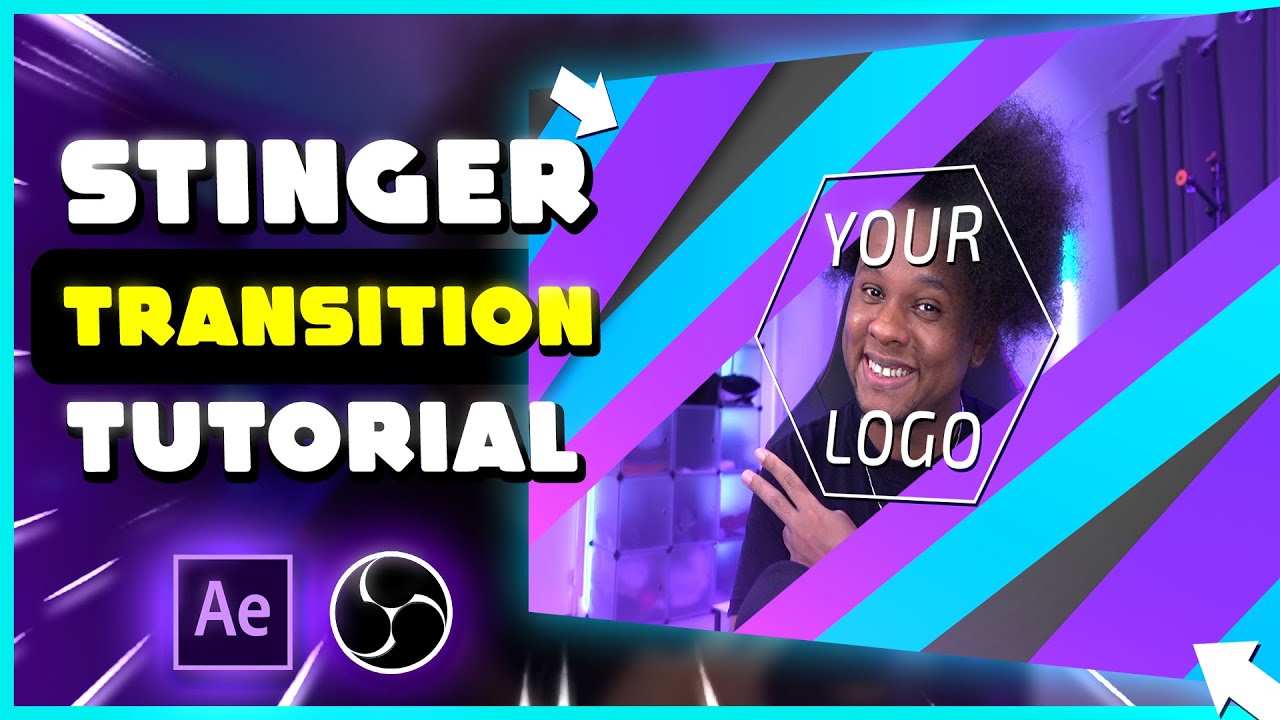
but the most common one is to use a stinger transition this is essentially an animation that plays and covers the screen in full and when the screen is entirely covered scene a will hard cut to scene B essentially the Stinger transition hides the hard cut and makes the transition smoother for the longest time sting has helped give streams that kick off production value making you look and feel more professional and it's the same reason why we released a pack a year ago of about 30 to 40 different Stingers entirely for free but now we have
matte transitions which blow stingers out of the water they are so cool matte transitions usually come as one single video however they are two 1920x1080p size animations right next to each other on the left is an animation similar to a stinger but on the right the second animation is purely black and white OBS takes this animation of black and white and uses it as a map to reveal or hide different sections of scene a and scene B the black is our starting scene and the white is the revealing of scene B they do these reveals
while the animation that is on the left plays over the top like a normal Stinger would it can be a little tricky to explain so let me show you an example of the classic fire Stinger that you guys love from our pack we released last year it looks nice and it looks cool it's okay but what if we made this a matte transition we can literally burn away scene a to reveal scene B now that is cool now before I show you how to download all of these free transitions we made and how to install
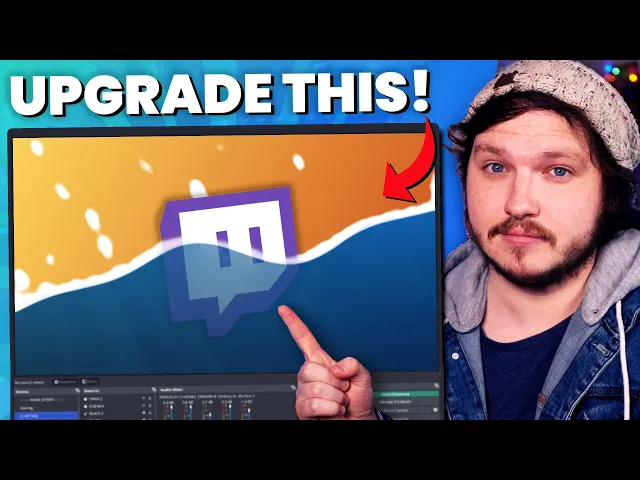
them I hope you'll let me show off a bit and show you all the different transitions we've made for you that are available on screen right now you will see all of our mats and due to popular demand let's start with your most favorite singer from last year the fire one due to popular demand not only did we remake this as a matte transition but we also made it as blue green pink black and of course orange fire that said you can't have fire without water which is now one of my favorite transitions ever look
how smooth it is we've also got colorful shapes for those like some pop we've got paintbrush effects for those artists or grungy kind of streamers and of course we have this glitch transition which looks absolutely amazing and we've got cherry blossoms for the weebs out there we've also included eight basic transitions for a more minimal style without animations we have this amazing glass transition to really show off the extent of a matte transition and while we're at it why not transition by breaking your screen much like a Minecraft block but for legal reasons it's like
a Minecraft block it's not actually a Minecraft block and of course heavily requested we have finally made a stinger for our most downloaded free overlay pack of all time Tokyo nights and it looks damn amazing also tucked away in this pack are our totally unique battle animations which aren't based on anything at all especially not a game where you raise animals to fight in a league and get badges but where do we download all of these I hear you yell well let's get into that now to download these packs head down to our description and
click on the link that leads you to our Discord inside our Discord click the rules and roles Tab and please read the rules properly especially this rule here about pinging me without it being urgent it is crucial if you want to avoid a ban you read that rule no seriously once you've read the rules you'll click the verify button at the bottom and the entire Discord will pop into existence for you from here scroll down to the free stream graphics and find the new matte transitions that will be listed in this channel click click the
download link and you might be met with a quick warning from Google Drive saying the file is too large to scan this doesn't mean it's a virus it just means the file is too big to scan you can either trust me click download and go ahead or you don't have to trust me and don't download it just go on with your life I don't care either way once it's downloaded it will be in what's called a zip file this means you need to right click it and click extract here you might not think I need
to explain what a zip file is or how to use it but there is a reason we have a guide about how to do just that in the how to install overlays channel in the Discord if you get stuck please go to that channel and read through it don't ping me okay it's time to install these into OBS now it's really easy to do but first I just want to say we have literally dozens of entirely animated free overlays in this Discord we have three stingers and generally a huge amount of resources for new creators
including a crew of about 6 to 12 full-time and experienced streamers who volunteer as Educators to give you advice and answer questions I don't talk about it much here but I'm really proud of our Discord community and I highly recommend you join it if you want to meet new creators to learn and collaborate or just join it so you can download the free packs and then just leave it's what most people do now the installation is actually the easiest part of all of this first step is to open OBS I know tricky but stay with
me head to the scene transition doc click the plus sign and click Stinger name it whatever makes sense for you I'm gonna name it fire because that's my matte transition I'm creating now click settings or properties if it doesn't open automatically and from there click browse this will open up a folder Explorer on your computer go to the folder that you extracted earlier and select the transition you want to use please make sure you go into the correct folder and make sure you use the webm we provide not the mob or not the MP4 those
are previews and for editors if you're installing into OBS please use the webm now the next step is crucial make sure you click use a track mat here or else when you preview the transition it's going to look well the technical term for how it will look is so please don't miss that step on the matte layout it should say same file side by side Stinger on left track matte on the right this is what you'll select if you're using the wider video files the two side by sides I showed off earlier but if you
go get a matte transition off someone else they may have created it to be on the top and the bottom which is why this exists so you can change it over to theirs now another reason you need to know about this drop down is because we've included a few basic Stingers as I said these are called the matte Stingers one through eight or essentially any of the video files that aren't side by side and instead are just one black and white 1080p file if you're going to use one of those you're added and then you'll
put the drop down to mask only but that's only if you are using a file that is purely the black and white and doesn't have the animation included now that should be it click preview and if you have selected the right transition properly and followed along this video carefully it should work perfectly now a really important step in all of this is to comment down below which transition is your favorite and your Twitch username so I can drop by and see them in action while you're live consider liking the video and subscribing so it goes
out to more people and more people can get access to these free resources and if you want to grab any of our free animated overlays and get them installed leave a video here all about those including our most popular and largest pack ever created Tokyo Knights I'll see you guys next week [Music]
![FREE Custom Transitions in Canva [Canva for Streamers Tutorial]](https://img.youtube.com/vi/-huknF1OUFI/maxresdefault.jpg)
![FREE Custom Track Matte Transition in Canva! [Canva for Streamers Tutorial]](https://img.youtube.com/vi/963Gp93Q5pQ/maxresdefault.jpg)