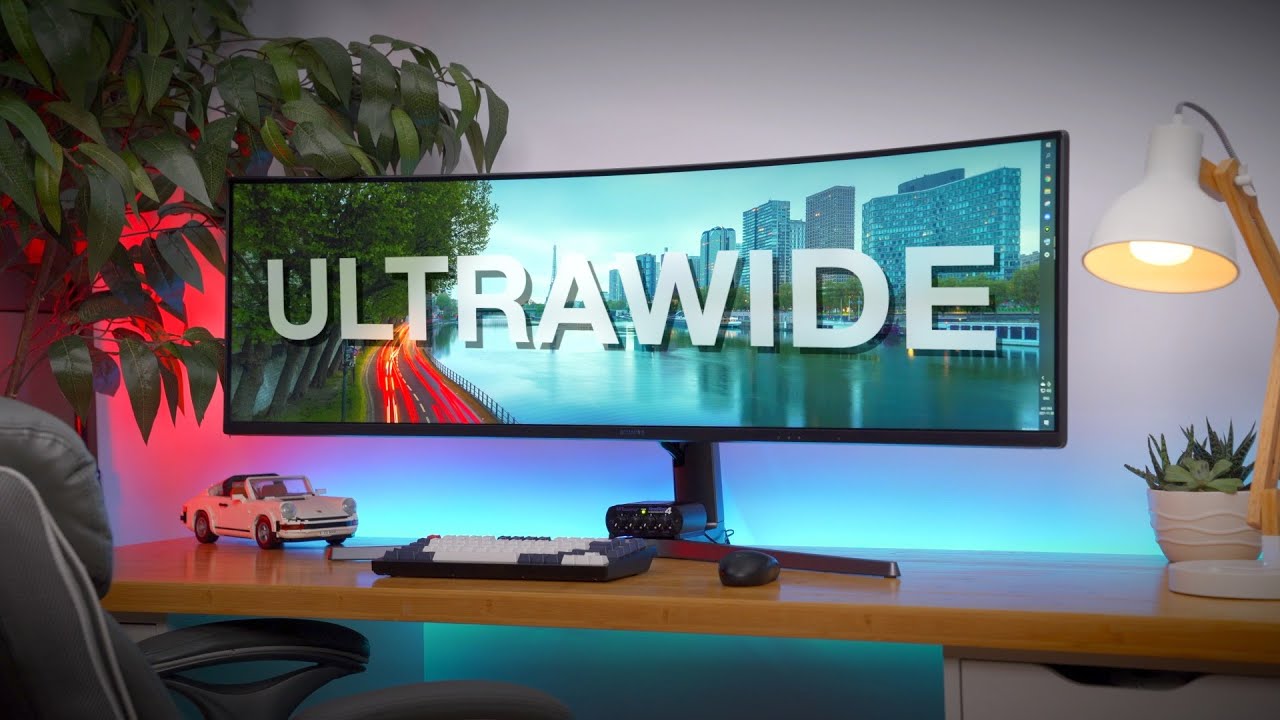
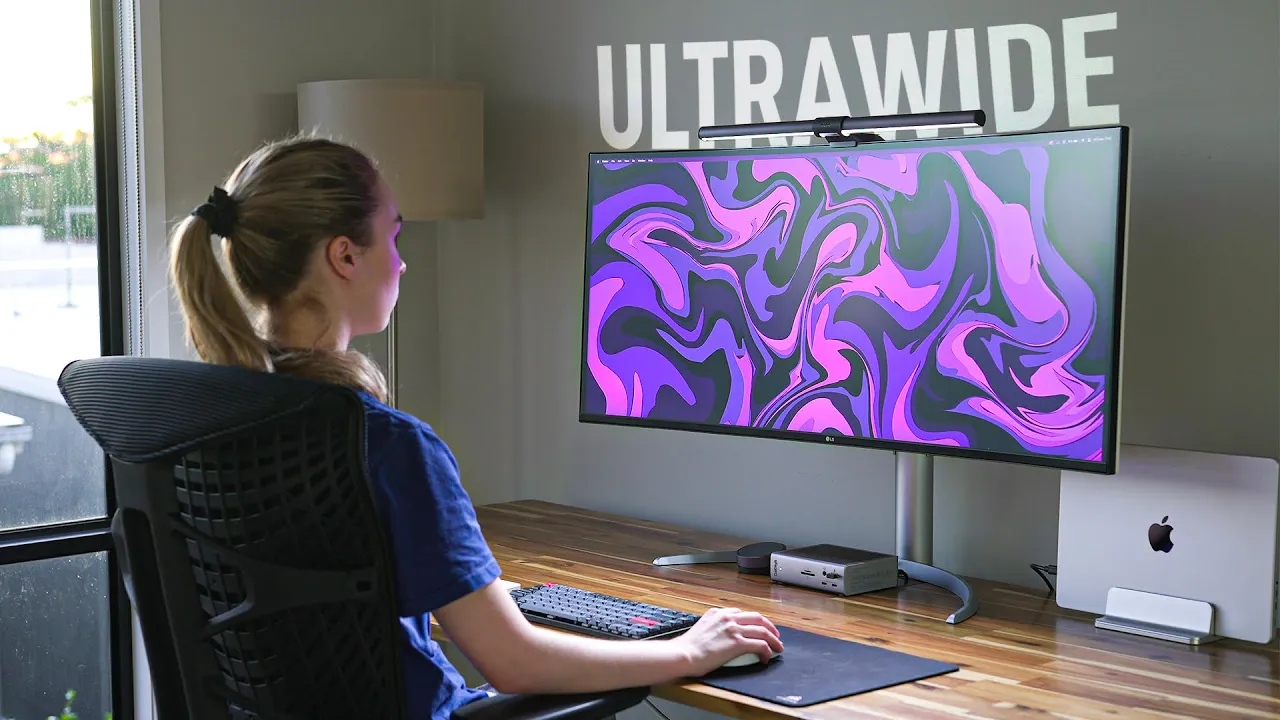
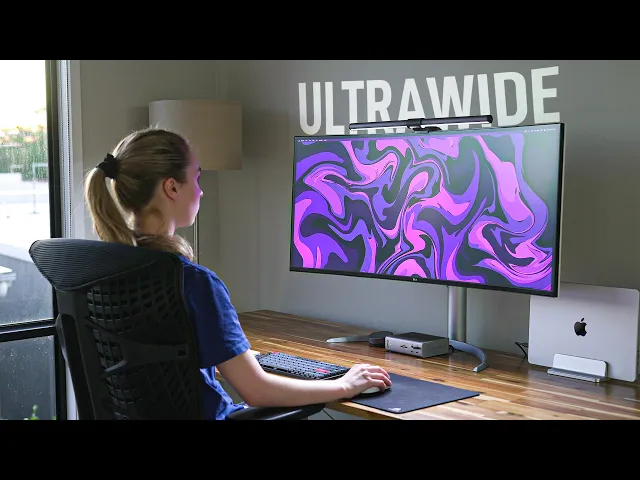
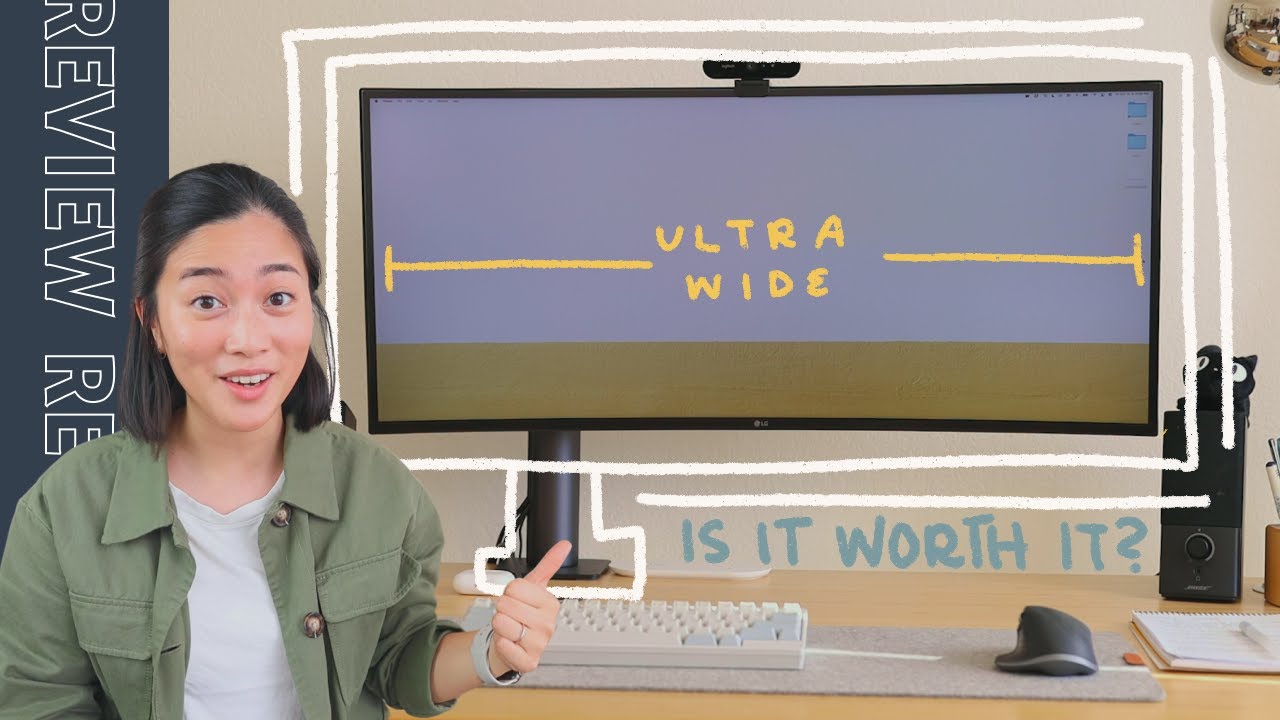
a year ago I made the decision to ditch my traditional monitor setup and embrace the ultra wide at life did it supercharge my productivity and my love for the classic dual monitor setup or was it just one big expensive mistake and do those extra few inches really make a difference funnily enough it was all of those things let me explain now Ultra wides are already very popular I mean you see them all the time on YouTube especially on all those productivity desk setup videos and just like your traditional 16x9 aspect ratio monitors ultrawides come in
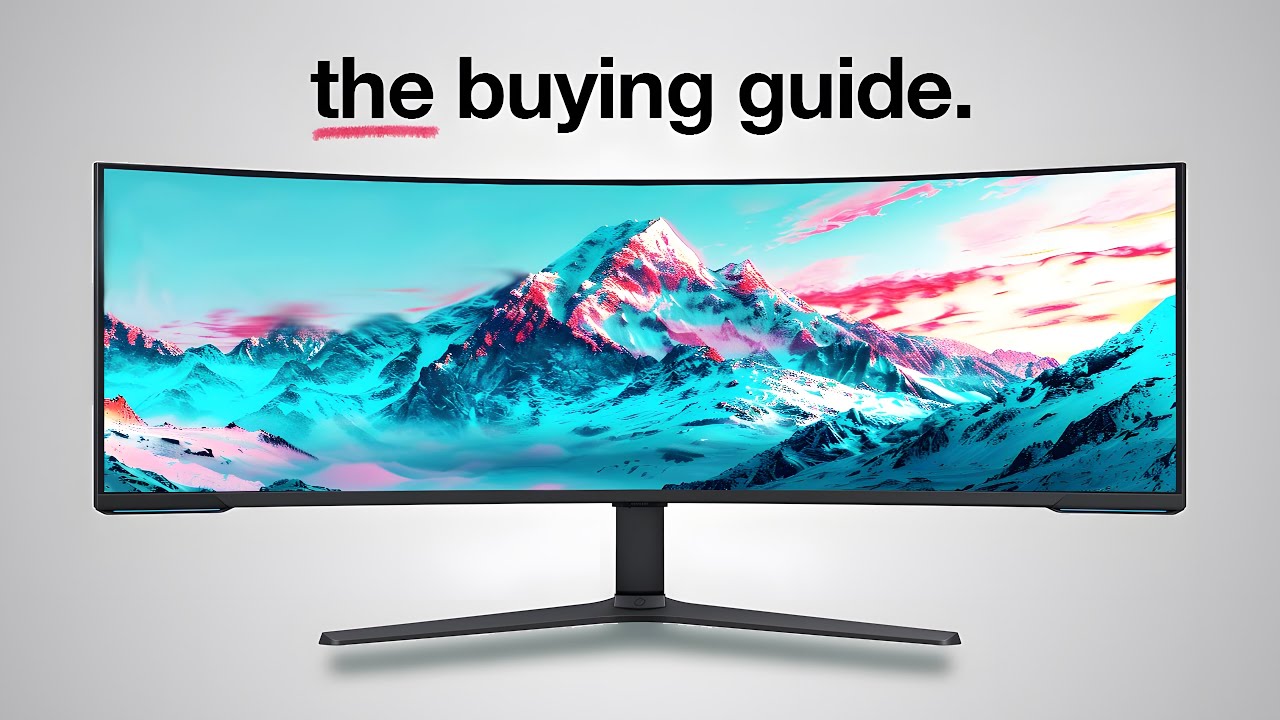
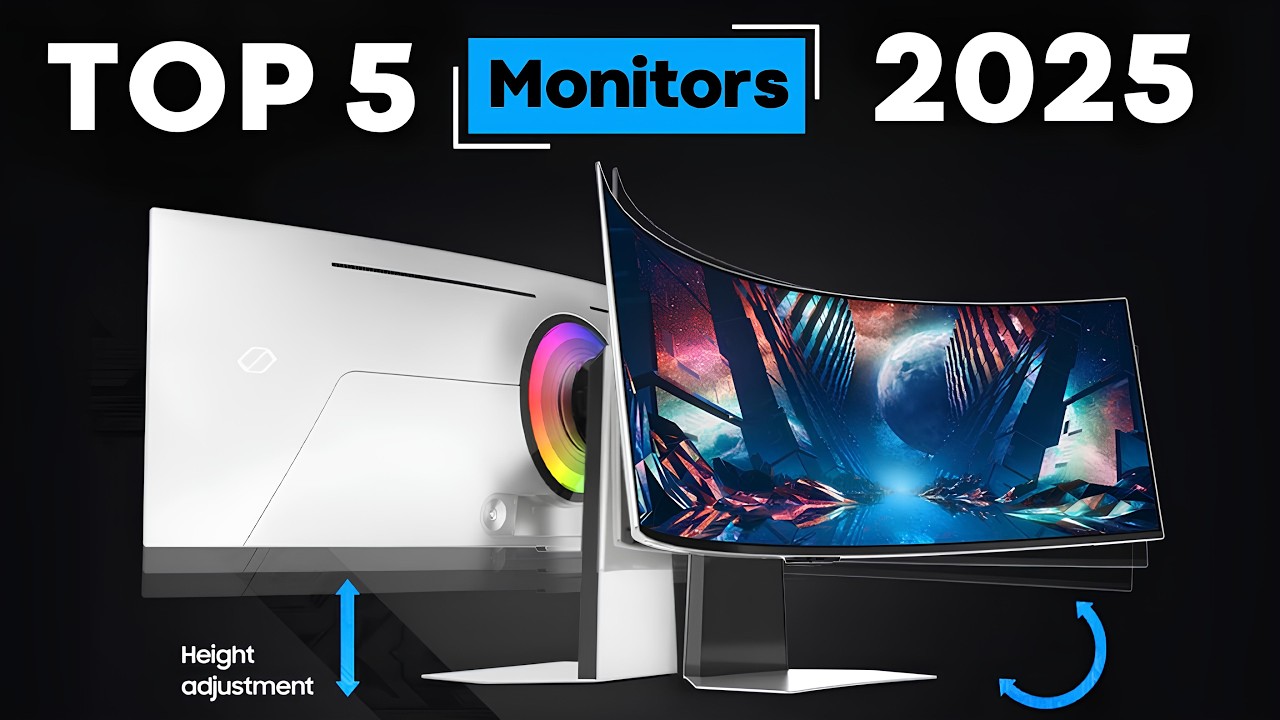
a variety of different flavors from the 1440p budget Ultra wides all the way up to the insanely huge and premium 4K 49 inch varieties with different features like built-in USB hubs or even gaming Ultra wides with high refresh rates but going from your typical 16x9 aspect ratio monitor to a 21x9 ratio Ultra wide is a pretty very significant difference and here are some of the pros and cons I've noticed over the last year of using these Ultra wide screens first let's talk size because it's not about how big it is and how you use it
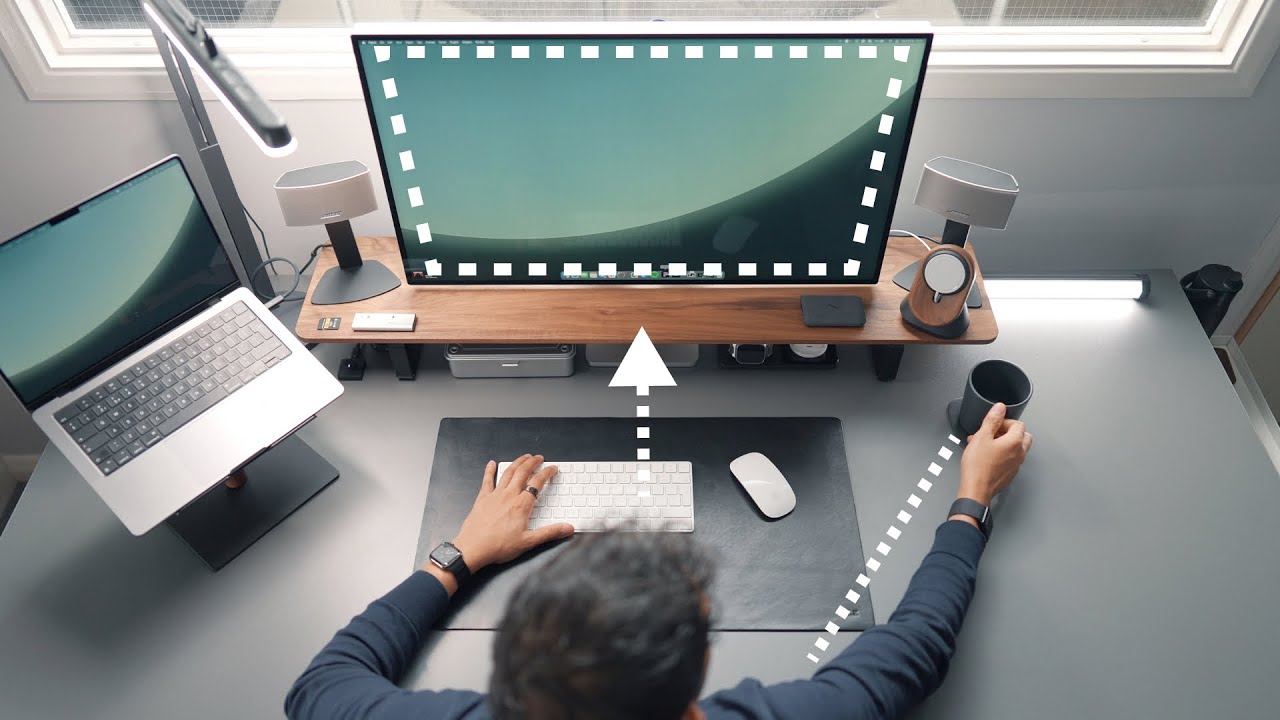
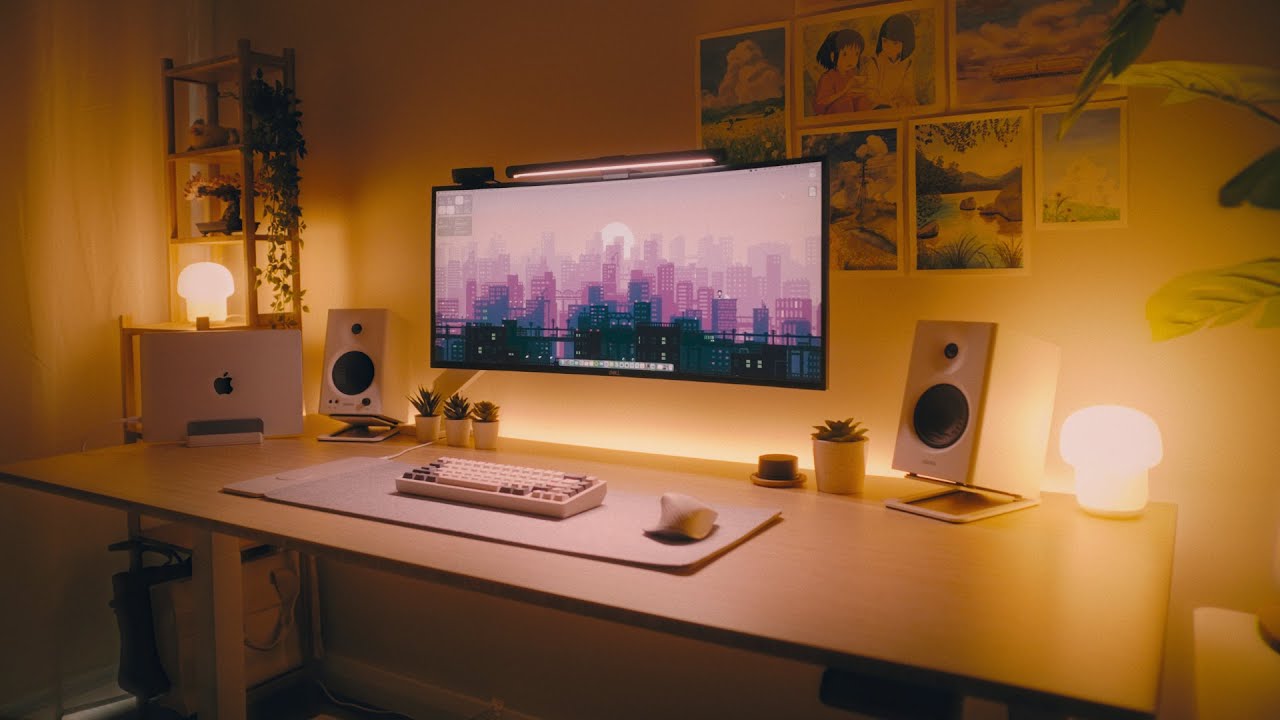
instead now obviously it's going to be bigger and also heavier but an issue I kept running into is lack of space on either side of the monitor depending on the size of your desk you simply cannot have speakers next to the Monitor and if you like to have your laptop open as a second screen to one side this can get tricky especially if your ultrawide has a relatively large curve it will actually protrude out on the sides and further block off any other screens speakers or accessories you want there now this is especially a problem
if you keep your PC on your desk like I do the trade-off though is of course the vastly increased horizontal workspace that an ultrawide provides let me tell you once you've tried it it's kind of hard to go back I mean I was a dual monitor user for as long as I can remember but it did have its drawbacks my secondary monitor would have to be off to the side so that I could look straight at my main one otherwise I'd get bezels right in the middle of my gaze which I just really hated the
ultra wide completely fixes this pet peeve for me sure look two separate monitors have their advantages you can have a 4K productivity monitor next to a high refresh rate gaming monitor for example window snapping and resizing app Windows is typically better on two separate monitors as well although don't knock the built-in functionality in Windows and apps like magnet for Mac OS also if you use two separate computers like a Windows PC and a Mac separate monitors are still Superior to whatever picture in picture or split view feature your monitor has but if those things aren't
deal breakers to you Ultra wide is an easy choice and speaking of deal breakers if you're a business looking to safeguard your data and only want the best protection that's where the sponsor for this section of the video comes in Sharing sensitive data within a company organizational team can be risky but nordpass business lets you securely share this data with different teams and departments you can control your team members access to Shared passwords and credit payment information and other sensitive data immediately in one place and all of it can be accessed with just one click
logging into your accounts is seamless with usernames and passwords populating automatically into login Fields eliminating tedious manual entry the breach monitoring feature scans the web 24 7 for data breaches involving your online accounts and notifies you in real time moreover nordpass is the only password manager that deploys the ultra secure data encryption algorithm don't let managing passwords and access become a Time waster for your organization see nordpass business in action now with a three month free trial with code Creator Tech business by clicking the link in the description below okay let's move on to productivity
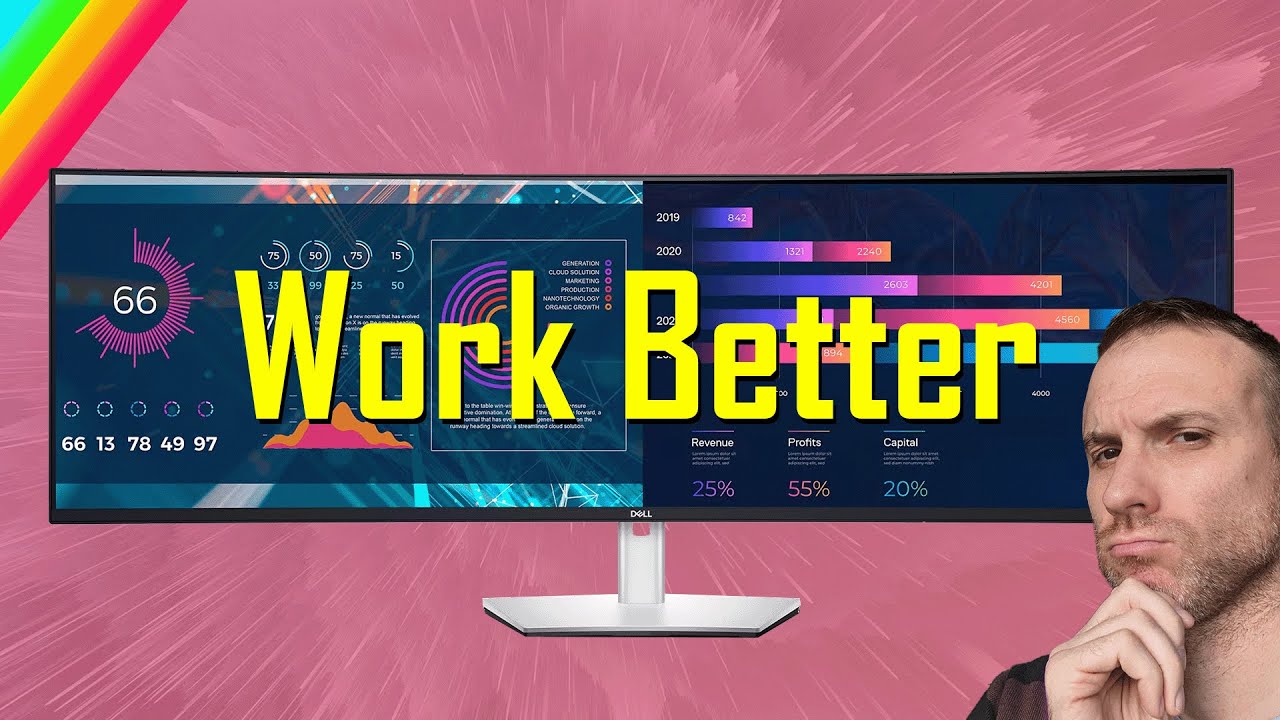
again you can just fit more on the screen compared to a 16x9 aspect ratio monitor usually three Windows side by side without having to cram it all together but will you actually take full advantage of all the extra space for me it took some time I mean I was really used to having maybe maximum two windows open at the same time or just working on one thing in front of me like I did with my previous smaller 27 inch monitor setups I found I had to keep reminding myself almost to spread my work out but
after this initial period of adjustment it was great and I think pretty much any workflow out there can benefit from it video editing is an obvious one the timeline is huge requiring less zooming and panning researching and writing is great with up to four Word documents or web pages for research open at once coding you can have a terminal open with notes or slack open as well and a web page for music streaming or just to have a video playing in the background and all of these things can be done without switching between virtual displays
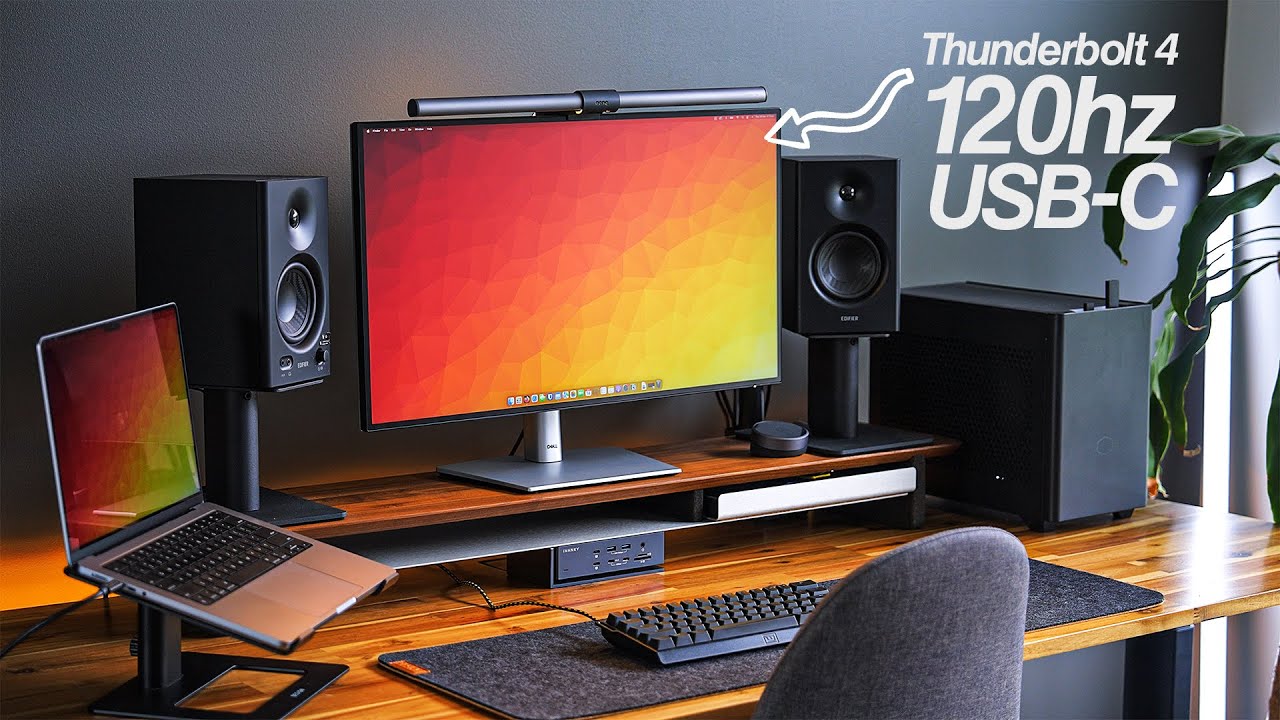
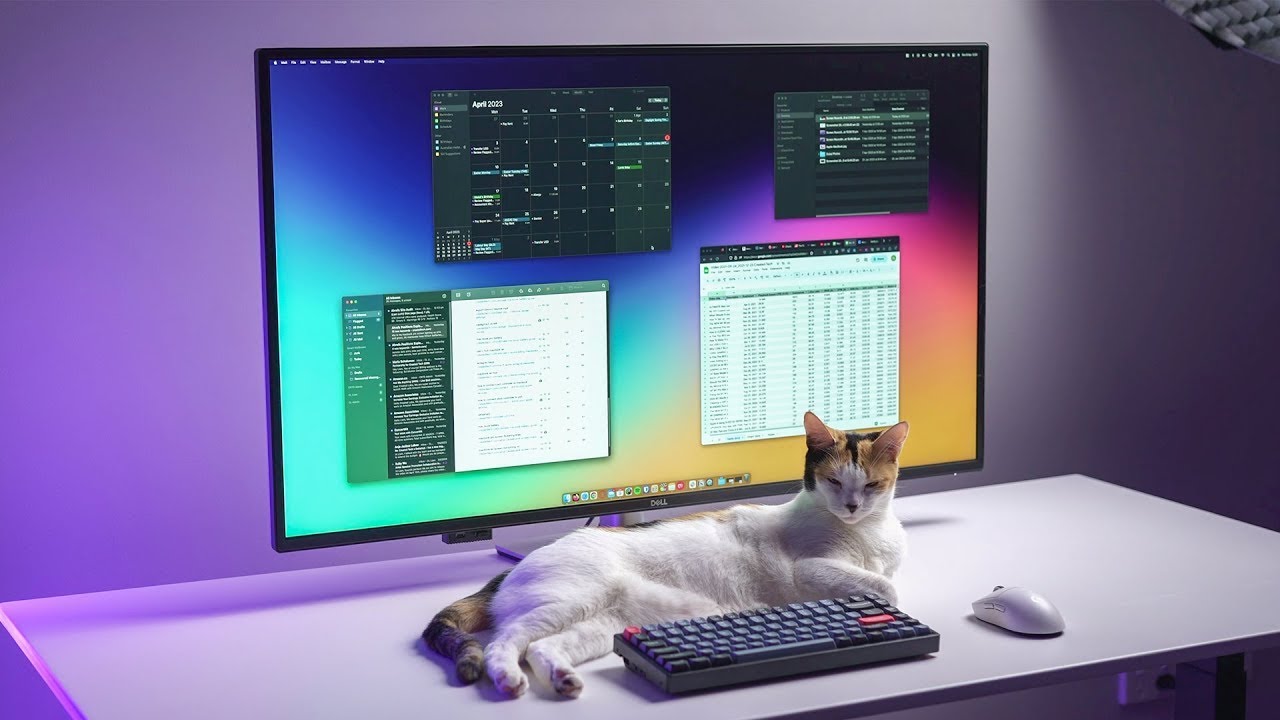
or moving Windows around I will say though that if your workflow benefits more from vertical space rather than horizontal space there are probably better alternatives to an ultra wide out there like the LG dual up monitor that is a much longer 16 by 18 aspect ratio or even a larger 16x9 monitor like the 43-inch Dell u4323qe that I reviewed in a separate video quick side note here I noticed that when I used a non-curved ultrawide monitor anything towards the far sides tended to warp slightly in my version or just be a little bit more difficult
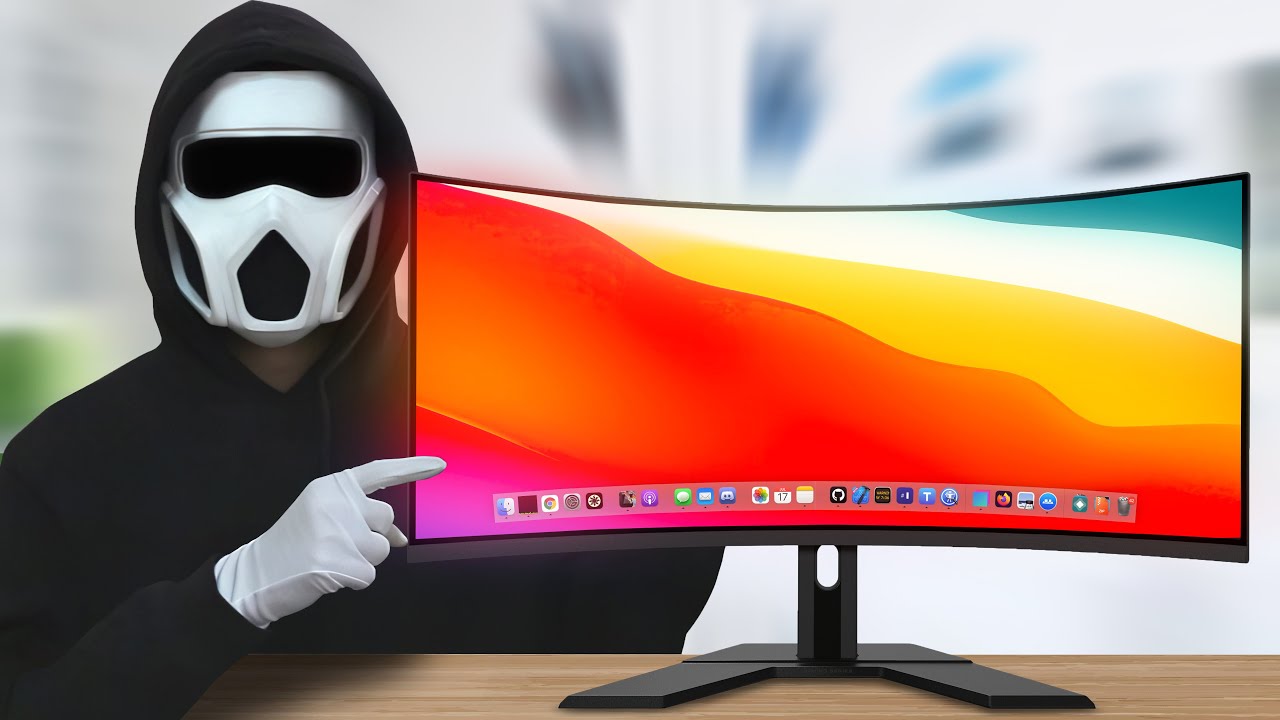
to read never had this issue on curved screens and side note the curve really is noticeable and made the experience more immersive for me luckily curved ultrawides usually aren't that much more premium more expensive compared to non-curved but that brings me to my next point the cost when ultrawide's first came out just like 4K monitors when they were first released price was expensive but fast forward a few years going Ultra wide is now relatively affordable the trade-off is that you often have to pay something I call the ultra wide tax this consists of a the
physical dimensions of an ultra wide is typically bigger than your standard monitor B they are less common than your standard monitor which increases manufacturing cost and C bumping up things like resolution frame rate or adding features like built-in USB hubs will significantly add to the cost at a ratio higher than a standard monitor due to the reasons I mentioned previously so let's look at an example of this here are some LG monitors all of them have goodies like 4K resolution and built-in USBC ports the 27 inch is of course the cheapest or you can pay
100 bucks more and get a 32 inch version 5 inches bigger for just a hundred bucks I think most people would consider that a great deal especially if you're a dude but once you want to take it to the next level and go Ultra wide but not compromise on features gets tricky take LG again for example if you want a 4K resolution you have a wide selection at both 27 inch and 32 inch sizes change that filter to 4K plus ultrawide though your selection is extremely limited you can either Fork out a huge amount of
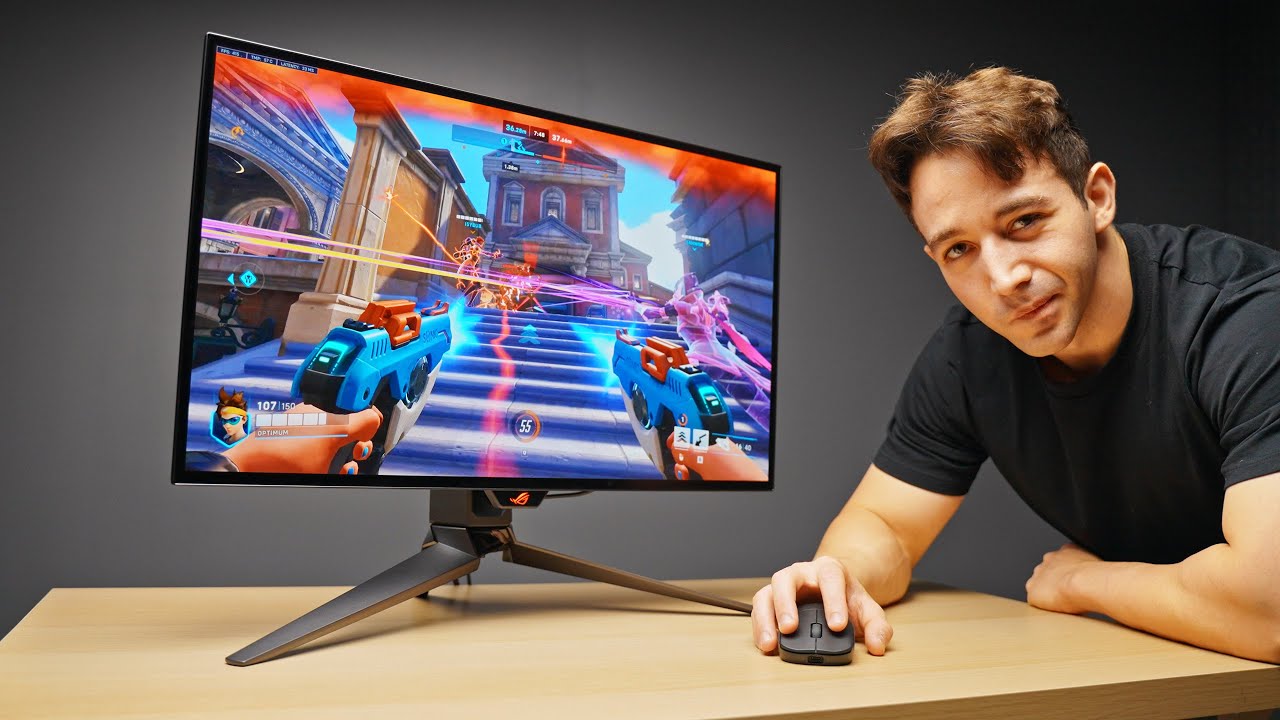
money or compromise on features in most cases by choosing a lower 1440p resolution instead of 4K and side note here there's a much wider selection of 1440p ultrawide monitors and I do think that the price of 4K Ultra wides will come down but that will take some time basically the takeaway here is that you will almost certainly have to make bigger compromises if you want to go Ultra wide then with a more traditional monitor it's not a negative just something to be aware of quick note on gaming while I personally play competitive FPS shooters that
run best on my 27 inch monitor with 144hz refresh rate I'll Ultra wide gaming is super immersive particularly single player games or racing Sims for example that extreme field of view is something you just cannot get anywhere else it sort of wraps around your vision and allows you to see a much wider view of the game World which is more similar to how you actually experience things in real life right I mean human Vision represents a roughly 200 degree field of view gaming on a 27 inch monitor will take you to maybe 120 degrees maximum
if you crank the POV slider all the way up but you're still getting that fov on a rectangular 27 inch screen you physically need the extra horizontal screen space to get around this limitation is provided of course that the game you're actually playing supports the ultra wide aspect ratio in the first place overall there are a lot of Pros to going Ultra wide and surprisingly the cons really aren't that bad in my opinion I'm enjoying the switch and the increased horizontal screen space I now have access to the price of more premium features like 4K
is high and I still prefer gaming on my traditional monitor but they're really not deal breakers for me but what about you let me know in the comments down below


![Monitor Buying Guide - What You NEED to Know! [2024]](https://img.youtube.com/vi/ptUchraop3c/maxresdefault.jpg)