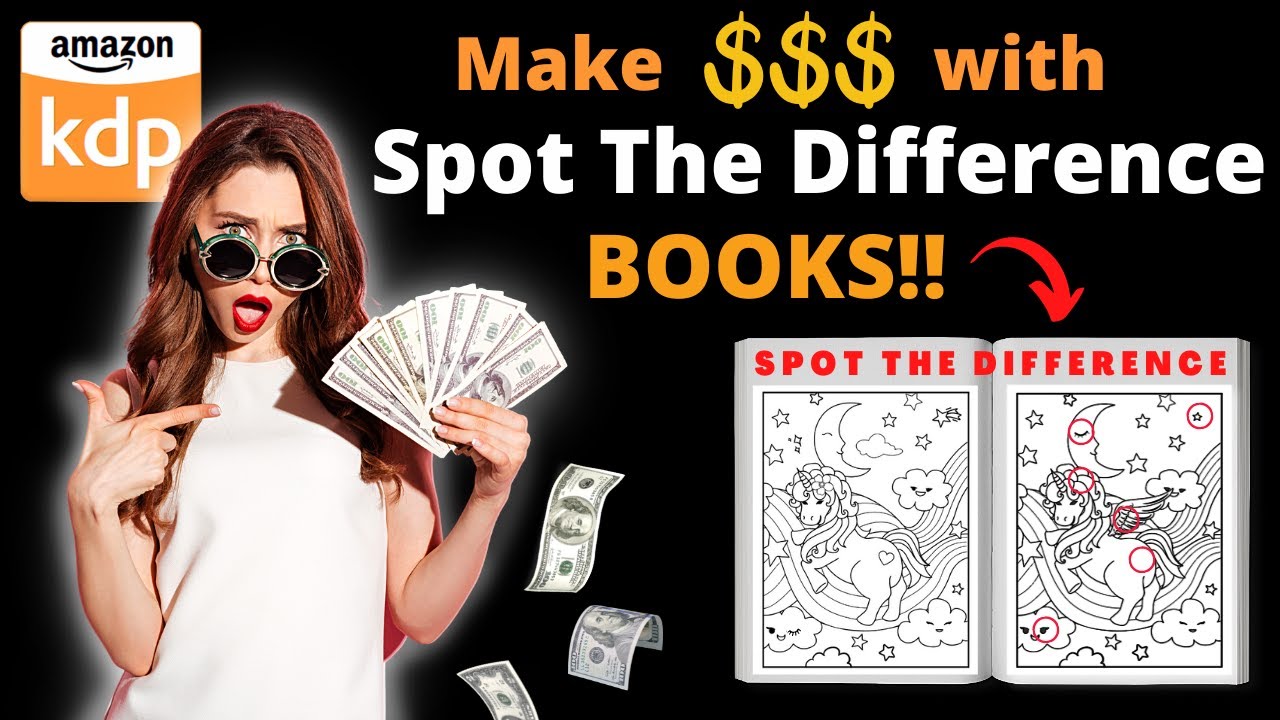
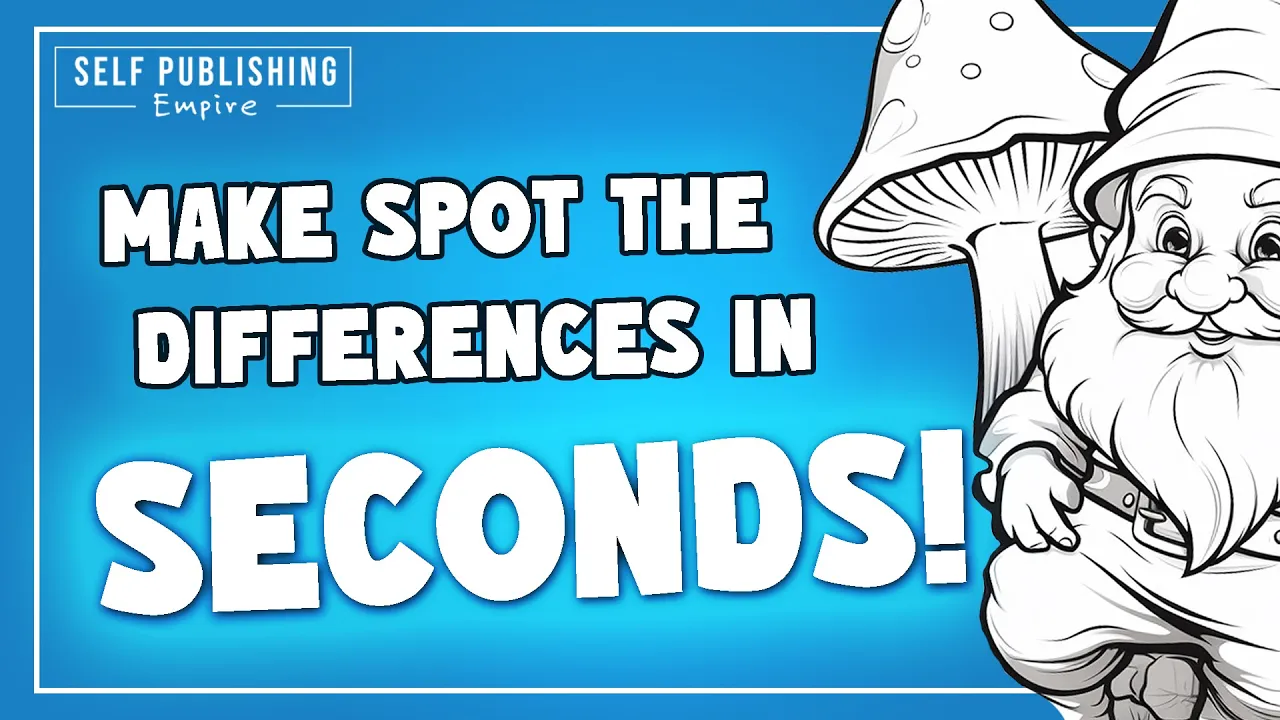
do you want to know how to make a Spot the Difference page in seconds stay tuned to find out mid-journey is an incredible text to image AI tool but what's great about it is they keep adding new features all of the time previously when you had an image you had the option to do variations but mid-journey has added a new feature which lets you vary by region utilizing this you can create a Spot the Difference page in seconds let's come on to Mid journey and have a look at it in action so I'm going to
look for a coloring page for kids of a gnome on a toadstool with a white background just like always mid-journey provides you with four options let's say we like the second option here now this can be the left side of our Spot the Difference page but as you can see here below you now have some additional vary options the very command has now split from one single make variations button into three you have two different generic vary options you have strong and subtle but the one we're looking at today is vary by region now say
if we wanted to do a Spot the Difference page with five differences all you need to do is Select five areas on this image let's take that one there take this round bit here let's see if we can get him to hold something else let's take that and let's change his finger so we have selected five areas and we're going to click submit well mid-journey we'll now do is give us four options where the AI has adjusted those areas that we've selected and here are the four that is given so now what you need to
do is go and see which ones have the best changes but if we look at this one we can see that the top right round section on the Toadstool has changed to two the finger that's pointing down has changed to a finger finger that's now pointing up in this one he's holding a stick in this one he's not in this one he's got a smaller button on his belt and then there was another thing here with flower as well which has changed so I'm going to upscale that one and there we have it that is
how easy it is now to make a Spot the Difference page on mid-journey I literally did that in a few seconds so what you can do using the very region tool now is either create your own Spot the Difference books utilize them in activity books or you could even sell the pages yourself on places like creative Fabrica now I absolutely love this new region tool and it's not just for Spot the Difference if we go back to this image and click very region we can see here that there are some imperfections and now what you
need to do less and less is actually take this image into Photoshop and fix it and what you can do is actually use the AI itself to fix the blemishes fix the variations so I'm not happy with that Circle there or this circle here because they're not perfect again this circle here and his hand looks like a little bit of a claw so I'm going to select the hand now if I click submit I'll get four options where those little areas have been changed and it might take a little bit of tinkering a few different
options to go through but you're going to get an image where those sections have changed and hopefully the AI will fix it okay so here we go let's compare this first one here so you can see on the Toadstool in the top left that there were some round circles which weren't perfect and they have now been removed and replaced with a single Circle the hand which was a claw is now a normal hand and again on the top right Toadstool the circle which was imperfect has now been removed so this new region tool is absolutely
incredible it's fantastic for coloring pages where you might have something that doesn't quite make sense you might have some clouds which aren't perfectly formed you can literally just select them and the AI will fix them for you another thing that this could be absolutely incredible for is for illustrations for children's books now we're gonna get a cartoon gnome up here as our hero character I've done a really really generic prompt just to show you an example but here we have four cartoon gnomes let's say we liked the look of the third one we're going to
upscale that and here we have our hero character now the difficulties with things like this in the past with children's book characters has been when you need to do a new prompt if you need them in a new scenario you either need to take them into Photoshop and do some editing or create model sheets and do some hacks that way now depending on what you need you can vary the region so we have our happy gnome and this might be the start of our coloring book a happy gnome jumping about in the forest let's vary
some of the regions and see what the output is and here we go here are some options so we've changed the legs we've changed the hands and we've changed his facial expression slightly now this isn't perfect because it looks like it's floating in mid-air but it gives you a good example so if we compare this to the original version you can see it's the same character but we've got a different facial expression and a different action now let's say we're happy with this version what we can do next is change the background so we've selected
very very crudely there we've selected the whole of the background now the character model should stay the same but it should be placed in a new background and here we go here are four options of the same character model in a different background now let's compare these two models so the image on the right is the gnome that we created at the beginning our hero character we did one variation where we changed his face his arms and his legs and then we did another variation where we changed the background and so here we've got two
amazing images for our kids book with the same character but varied now you could do this for 10 20 30 40 pages you could also utilize the remix mode and add characters you could vary regions and changes clothes change the color of his cap but the power of this new variable region is absolutely incredible so not only is it amazing for creating Spot the Difference pages in seconds it's also great for things like character models changing facial expressions and also fixing any blemishes as well I hope that this video was helpful please hit that like
And subscribe button and I'll see you in the next one

![I Replaced ALL my ADOBE APPS with these [free or cheaper] Alternatives!](https://img.youtube.com/vi/5EfqHg49kMk/maxresdefault.jpg)