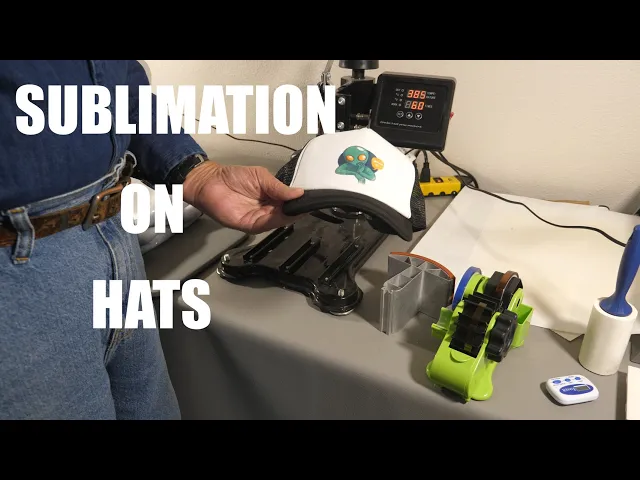
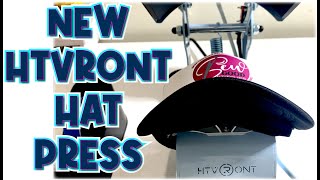
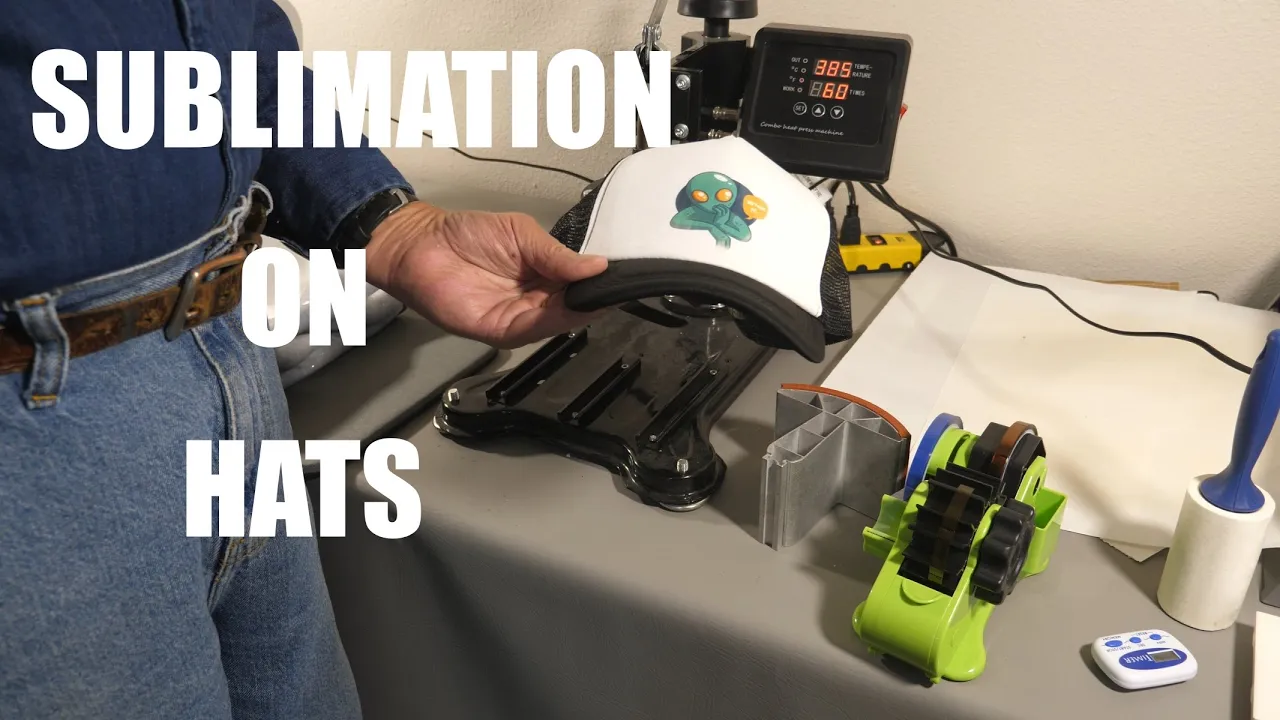
[Music] no no no no had quite a few requests on how to do sublimation onto a hat like this and I've got a blank one here and I've got a little thinking alien we're going to put on the front of it show you how I'm going to do this coming up I'm Roger Welcome to The Loft above the shop but what I'm going to be showing today is how to sublimate onto a sublimation blank cap and I am using some rather cheap ones here just for this demonstration because I don't normally do hats but I've
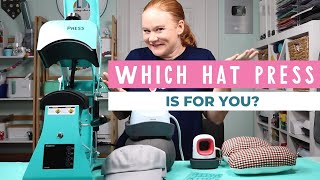
had a lot of requests you know maybe you have a three in one or a five and one or an eight and one or a 101 or whatever heat press that came with a hat press attachment on it and you've kind of got to figure out how to get it set up but you're not real sure how to make the Hat work on it and it's actually on these multiple used heat presses it is a little bit fiddly if you're going to be doing a lot of hats get an actual hat press and I'm going
to show you why here in a minute when we go over to the other side of the Loft and I go over to the Press I'm going to be using a tussy swing away press with the hat press attachment on it and you'll see that once you get the pressure set it doesn't swing away while you've got the Hat on it and the the vivore five in one is the same way I did a video on that a while back I didn't actually press a hat but it's something you need to keep in mind you're
going to have to get this prepped a certain way slide it in from the front as you'll see do the press and slide it back out and there's a few little tricks to this uh same as if you're going to do HTV onto just a regular hat you don't need a sublimation blank for that of course but getting it on the Press correctly and getting it pressed and maybe you think you're going to be have the Heat going where it is but it's not really you're going to have to look at a few things and
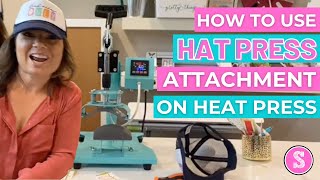
do a little bit of testing first so take you over to the other side of the room here and I'll get set up we'll show you how this works okay here so I have my press set up here I don't have it on right now this is the attachment that holds the base of the hat and it fits into a channel other brands are similar and this just slides in like this well then you see the problem is when you go to slide to rotate this for having it set for the proper pressure it actually
hits your project even if you try to lift up and do this yeah it'll clear right there but as you'll see here in a minute once you get your hat on there that doesn't work so well so you want to take your blank and I always undo the strap in the back here place it over the base of the press get it sort of centered like that so this is a little bit fiddly we'll get the slit back on here so this is what you're going to need to do first is get the Hat in
place with your press off don't turn it on yet get everything kind of centered there and you're going to have to figure out exactly how far that heat element goes around and I'll show you why because I found out on one of them I was doing the hard way I had measured my distance of the heating element from one side to the other and made a graphic that I could use and I measured also this direction however that doesn't really clamp down around all the way because I ended up with a botch project here this
was supposed to say thinking cap I lost my T got there and I lost a p over here and I lost the top of my little thinking guy so yeah that's a scrap so keep that in mind do a even though you do a measurement it doesn't necessarily heat all the way out to the edge there's the element inside is what you're going to have to look at carefully even though you can measure a long distance on a hat it's not necessarily going to cover all of that so once you get this in there you
need to get your pressure set and you want a medium pressure like this you don't want something really really hard so once you have your pressure set now you can get your graphic ready and like I said this is a little fiddly if you don't have an actual hat press so here's my little graphic and I'm going to get him put on in the center here get some heat tape going here and I also found the heat tape doesn't stick real well to the material on this particular cap so I have to use quite a
bit of it make sure you follow the curvature of the cap and that your graphic is straight on there this is very easy to get a crooked you see there it just pops off it's very hard to get this to stay so you may have to use a lot of heat tape depending on what your how your hat is made this this particular one your brand I've been having a Decades of a time with I'm going to add one more just for safety measures here okay now I'm going to get the heat press turned on
here okay if you don't plug in your heat press when you turn it on it won't do anything so you have you have to plug it in so what I'm going to be doing here is 385 degrees for 60 seconds so now we need to get our hat back on the base down here and get it back in position you want to make sure you get your hat on there straight I get a slit into position once you have everything in position you can clamp it down again you need to make sure that everything is
straight and stay straight and it can be a little fiddly but it does work the end of the time let's pop that out of there foreign because my paper had shifted as I was pulling this out and it ghosted up here so it's kind of a double dimension thing I'm going to grab another one here I'm going to show you another method I'm doing this but it's still a little fiddly okay this method what I'm gonna I've set my pressure it'll be just like we did on the last one but before I set all this
up I'm going to raise my heat press up quite a bit and I'm counting the turns so now when this is in place and you have your project there you could do a swing away you would swing it back in then let the that number turns back down and then do the Press so I have this set up here just as we did before same graphic it's taped on here now the the bottom plating is in place so I can get everything set here then you just let it back down and do your press okay
now once I release this I'll raise the column back up again I can very easily pull this out without it getting moved now I've got my thinking alien without any ghosting so there's how to do hats on one of these multi-use heat presses and there again I say if you're going to do hats get an actual hat press and not one of the multi all-in-ones as you saw there is somewhat fiddly the other five in one that I did demos with here a while back worked just exactly the same you cannot actually swing that top
away without it hitting that bottom plate so you either have to slide it in in the front the first method I did which gives you the chance of ghosting your image which I did as I showed because I don't edit out my boo-boos I I make a mistake you get to see those too the other method of course was getting your pressure set raising the column up X number of turns in my case it was 15 or so get your project set everything set in place lower it back down the about 15 turns as I
did do your press Times Up release it crank it back up again take your project off because the top will swing away without hitting your image or you could just slide it out from the front in fact I would I slid out the front because I didn't want to take any chances of when that move that it would hit the image here and make a ghost again so that's why I pulled that one out from the front but you could do it either way so yes it's a little fiddly complicated if you're just getting started
in it buy the cheapest sublimation blank hats you can find or start out with some very very inexpensive caps and use HTV to get your hat press down you know just use some little scraps of HTV and put a couple designs on a few to get the hang of it because if you start getting the the higher quality caps and you screw them up you're going to be not happy with yourself so that's what there is to it got anything out of this appreciate getting a thumbs up on this helps the channel Roger and the
Loft above the shop thanks for watching see in the next one because I got my thinking alien I can think now [Music]