Hey everyone! Welcome to our channel. If you are experiencing weak Wi-Fi signals on your iPhone, then there are several ways to improve this connection.
So, here are some tips to help boost your Wi-Fi signal strength. First of all, restart your iPhone and router because sometimes a simple restart can resolve connectivity issues. Start by restarting your router.
Unplug it for 10 to 15 seconds, then plug it back in. Next, try restarting your iPhone. You can simply hold the power button and swipe to turn it off, then turn it back on.
Or, you can also use the shortcut option available there and restart your iPhone. Once restarted, try moving closer to the router to reduce interference and improve the signal strength. After you have done all this, try enabling Wi-Fi Assist.
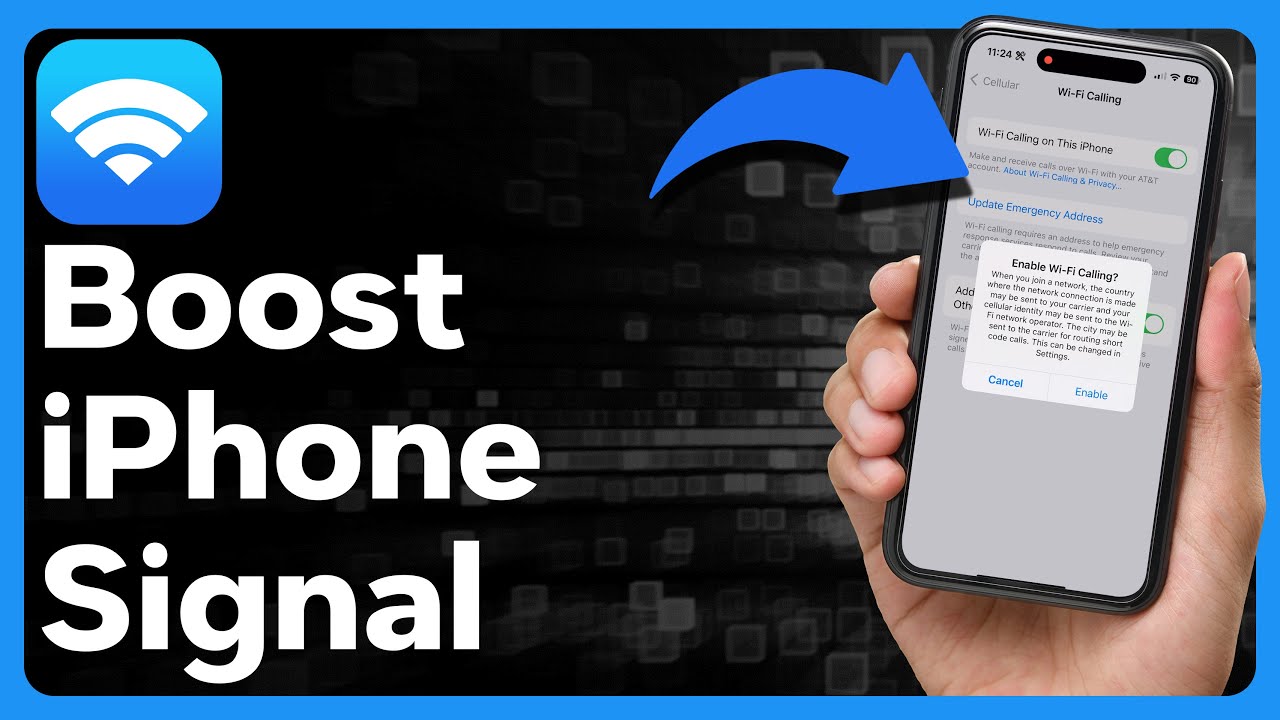
Wi-Fi Assist automatically switches to cellular data when the Wi-Fi connection is weak. To turn it on, open the Settings app on your mobile device. Then, tap on the Cellular option.
Inside Cellular, scroll down and enable Wi-Fi Assist. This ensures that you get a more stable connection if Wi-Fi drops. Now, after you toggle on Wi-Fi Assist, try forgetting and reconnecting to the Wi-Fi network.
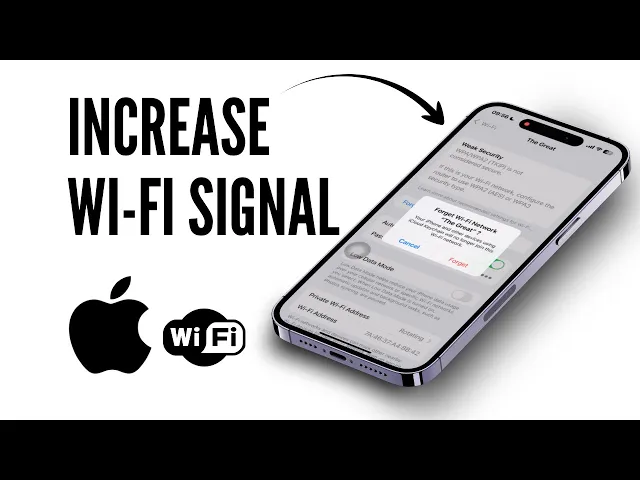
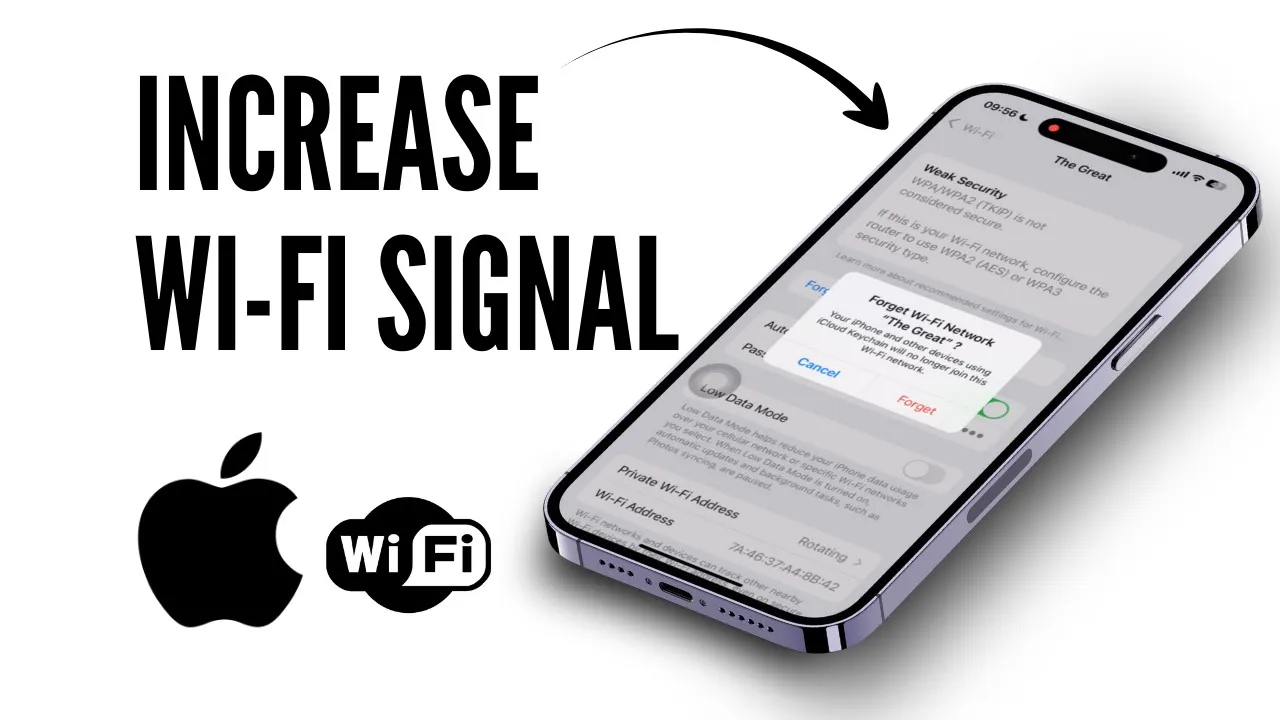
Sometimes, reconnecting to the network can help. Go back to Settings again and tap on Wi-Fi. Inside Wi-Fi, tap on the network that you are connected to.
Then, tap on Forget This Network. Reconnect by selecting the network and entering the password again. After all these steps, if none of them work, then all you have to do is go back to Settings again and tap on General.
Inside General, scroll down to the bottom and tap on Transfer or Reset iPhone. Then, tap on Reset. Finally, tap on Reset Network Settings.
That’s it! If you found this video helpful, please like, share, and subscribe. Thank you so much for watching!