hey guys welcome back how was the future search wasn't it exciting didn't that make you richer knowledge-wise do you want to get more richer knowledge wise then you are on to the right channel that's what this channel is built for I'm back with one more exciting application that is going to help you a lot in your day-to-day activities one of the most common applications that world loves that we do love and we do use commonly in our day-to-day application is YouTube do you want a smarter ways for you to save valuable time by quickly summarizing
the video that you're watching do you want a way that's going to provide for you to talk to your favorite video are you fed up with YouTube creators not adding their time stamps in the description well the application that we are going to build is going to help you that with the detailed transcriptions and the timestamps which can help you navigate to favorite part of your video that's the application that we'll be building which sits right in our favorite application YouTube just next to our video so are you guys excited to watch what I'm trying
to say well then let's jump on to the application that I'm talking about which will'll be building as part of this playlist so this is going to be the application that we will be building the Chrome extension which sits right into our YouTube extension so I'm going to demonstrate you with one example so this is the video that I'm watching so I want a way for me to talk to this video so this is the Chrome extension application that we will be building so if I just expand this so this is the Chrome extension application
that sits right next to my favorite video so let's say I'm watching this and I wanted to save my valuable time I'm going to rush to attend some meetings so do you want to quickly understand the summarized version of this video so if you just go to summarized section and use the model that we most rely on so all you have to do is just click on this generate sum summary button so that is the power of this extension that we are building so you can see here this gave the summary of this video and
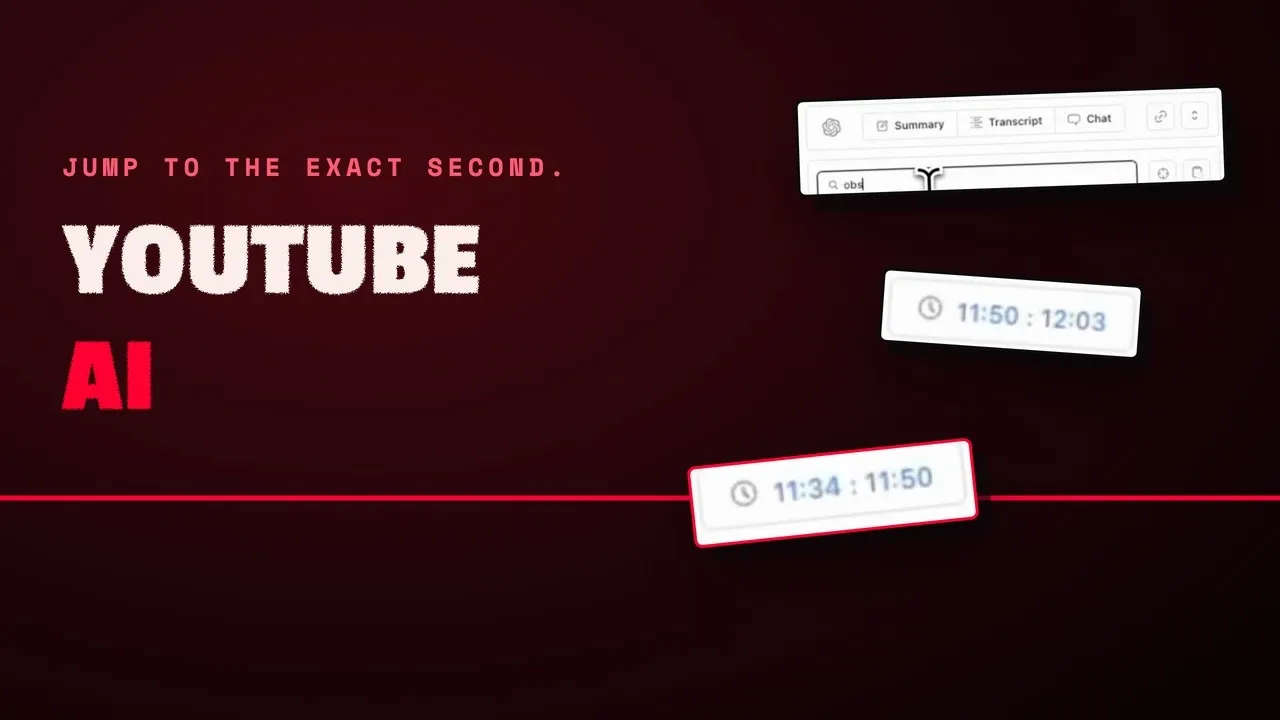
this is the video about sharing how the day in the life of hrid kPa looks like so this is the summary and the overall analogy and the notes the pointwi that you can grasp on okay so this is the summary and also the time stamp that this whole video is having you can search for specific keyboard so if I just specific keyboard and if I just click on particular uh time stamp it's going to help me navigate get to that particular time in our video so you can see that's the uh Power of this transcript
you can search for it you can navigate to particular time stamp and also the most favorite part you can chart with your video so if I just ask what is this video about and just send this to our assistant so this is going to help me tell me what this video is about so let's just wait for it to give me the answer there we go we have the answer that we were just looking for the question that we asked can you tell me about the video so this just video title just gave me in
uh the answer for this question so where it is discussing uh the how the day in the life of the andr carpati who is the AI researcher and who led the AI team a Tesla and it's a very expert in this AI field so it's just talking about that and uh that's what it gave us things okay so I doesn't want to get into the each and every detail of this but this is how we can talk to the videos and ask the question related to this video and we'll just get the answer that we
were looking for in this video okay so we can just start a new chat if you wanted to get start from the beginning and you can just uh copy this and share this and you can just minimize this and going to the transcript you can jump to the current uh Tim stamp that we have as part of this video you can copy whole of this transcript and use any way you want it to and this is the summarized thing you can regenerate the summary you can just copy the summary that you uh got and also
you can just set the prompts that you want which is configured as part of our application okay so this is the application that we will be building which will be pretty exciting for us to build this from scratch so do you want to know how we are going to build this so I'm just going to give you a brief about how we are going to build this I'm going to use the uh PLM which is the open source framework which is going to help me this kind of browser extensions in the quickest manner so we
doesn't have to worry about the jagon of extension development like what is Manifest Json file what are content scripts what is background or service worker and what is the popup and all the permission that we need in order to Target the particular website that we are accessing in our Chrome uh browser okay so it's going to help us act as a rapper around this all the subtractions and it's going to help us build this extensions with the technologies that we are aware of with just the of the components of a react and also the styling
with the tailb CSS on all the sh components just like how we normally build the web applications so this is going to help us achieve that so I'm going to show you how do we build this in more detail in the coming videos when we'll be starting on to build this application from scratch using this react the all the components using tailin CSS Shard CN and all this uh the way that we were building the web uh applications hope you guys are excited to get started with this playlist and I hope you will support me
all I need from your end is just keep supporting me and do subscribe and share the video If did help you in one or other way thank you so much stay tuned for more exciting videos on this channel thank you so much