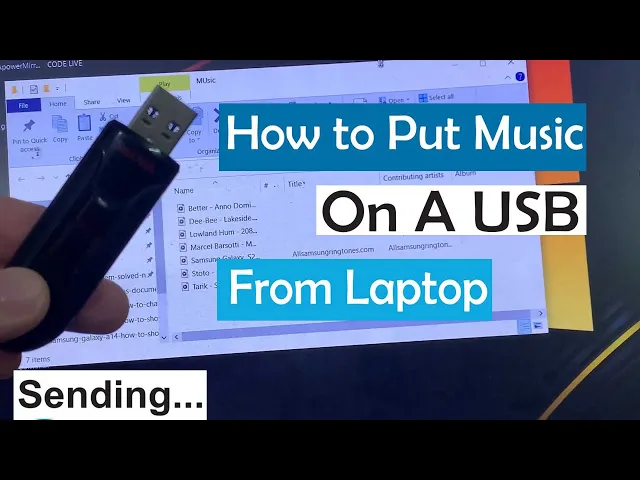
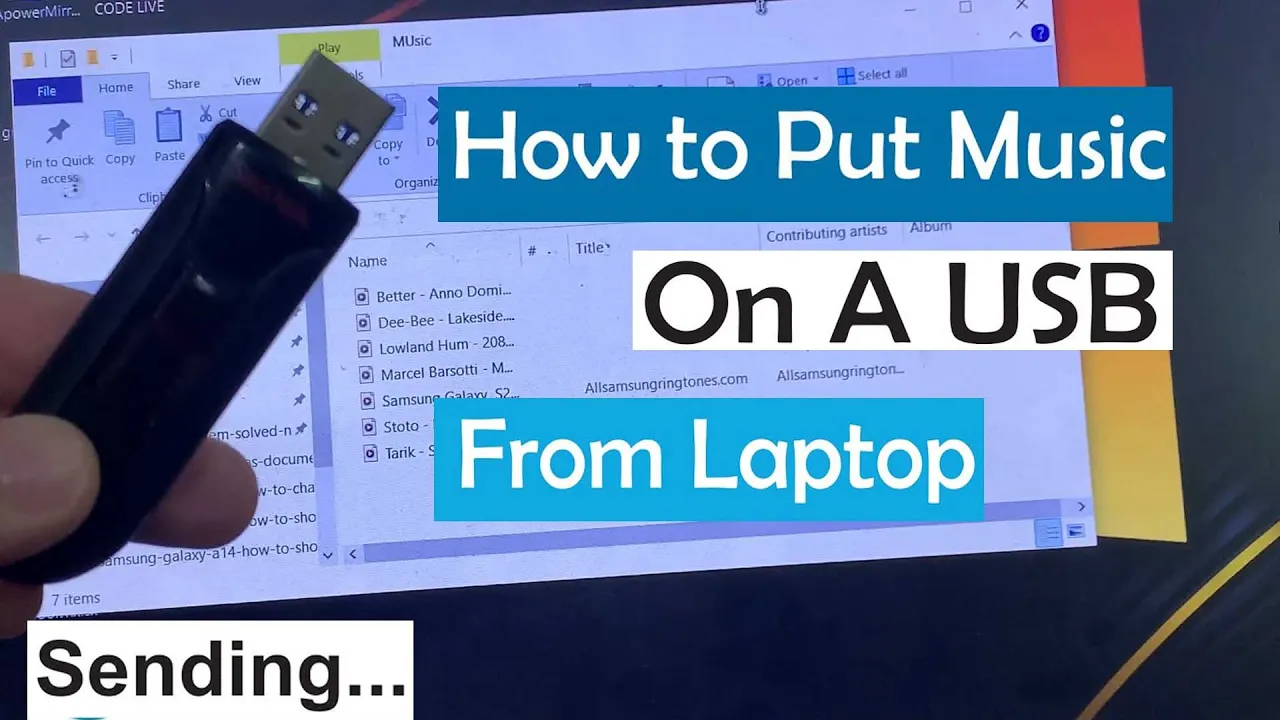
hi everyone in this video I will show you how to put music on a USB from laptop to do this the first thing you have to do is to plug your USB flash to your computer as you can see a USB has been plugged to the laptop computer after that go to my computer or this PC to do this on your keyboard press the window candy then you click on this PC as you can see here is my USB flash drive the next effort to do is to locate where you have the music on your
PC the next thing for you to do is just to copy this music right click on it and then click on copy then go back to your USB drive now you can create a folder give its name then you paste the music you copied from your computer to the USB thank you for watching this video please subscribe to my channel for more videos hi everyone in this video I will show you how to put music on a USB from laptop to do this the first thing you have to do is to plug your USB flash
to your computer as you can see a USB has been plugged to the laptop computer after that go to my computer or this PC to do this on your keyboard press the window candy then you click on this PC as you can see here is my USB flash drive the next effort to do is to locate where you have the music on your PC the next thing for you to do is just to copy this music right click on it and then click on copy then go back to your USB drive now you can create
a folder give its name then you paste the music you copied from your computer to the USB thank you for watching this video please subscribe to my channel for more videos