[Music] AI assistants excel at supporting complex analytical tasks such as supply chain management that require multimodal perception and iterative interaction between the agent and the user. These agents are powered by large language models with advanced capabilities in planning, reasoning, memory, and tool integration. Today, we'll build AI agents for content creation and digital illustration.
Let's get started. Imagine you're a social media manager for a company launching a new product. To create a social campaign, you'll need two AI agents: one for content creation and another for digital graphics.
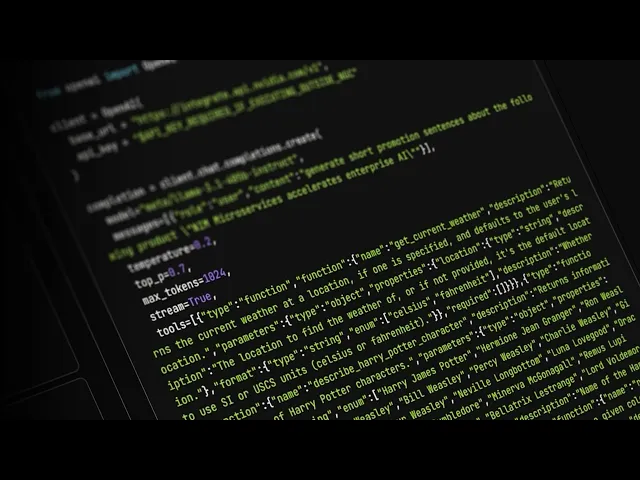
The content creator agent can help with promotional messages and generating hashtags, while the digital artist agent designs visuals for your social posts. You'll need a NIM for the content creator agent, a stable diffusion model for the digital artist agent, LangChain to orchestrate the workflow, and Gradio for user interaction. You can find the Llama 31405 B NIM in the NVIDIA API catalog.
This NIM can power a content agent to generate marketing materials. The "Run Anywhere" label means it can be hosted anywhere in the cloud, on-prem, or in a hybrid environment. Don't forget to get your API key by clicking on the "Get API Key" button.
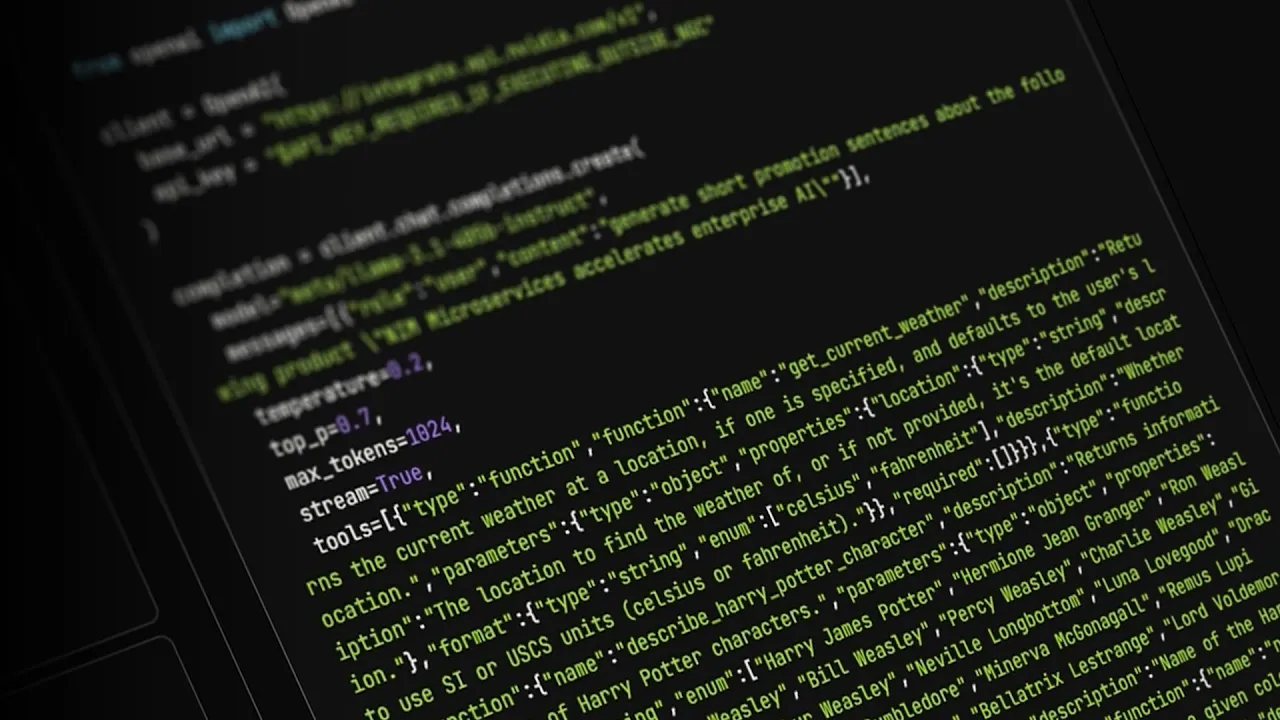
Next, we'll install the LangChain NVIDIA AI package to integrate the agents into the workflow and enable LangChain to orchestrate the entire process. To create a tool in LangChain, we need: one, a decorator to define it in the framework; two, a name with enforced input and output types; and three, a description of the tool and an overview of the input variable. To create a digital artist, we'll bind the stable diffusion model into a large language model as a tool for generating images on demand.
Next, we'll create a function to trigger the AI agent to produce the desired output using LangChain Expression Language, or LC. We'll refine our digital artist AI agent to produce outputs from the received inputs using structured output, ensuring that the content creator AI agent generates organized and structured outputs like promotional text and hashtags. Next, we'll set up a simple Gradio UI to interact with both agents, adjust prompts, and preview results.
Now comes the exciting part: interacting with our two AI agents. First, let's call the content creator agent to craft the promotional message, and then run the digital artist to design the visuals. You can easily iterate to polish the campaign.
You can experience the AI agent in your browser and visit the GitHub repo for source code. Enterprise developers can use NVIDIA AI blueprints to orchestrate complex workflows. You're ready to supercharge your productivity with AI agents.