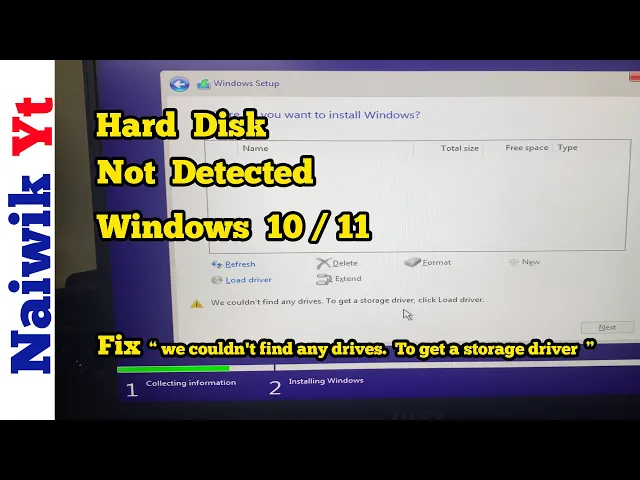
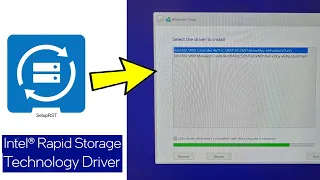
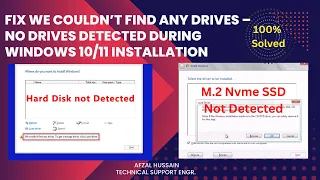
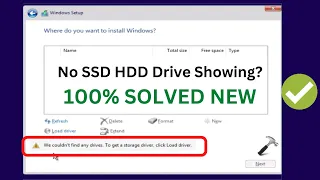
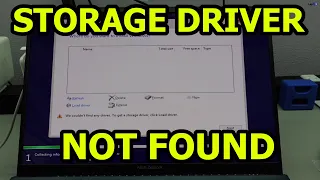
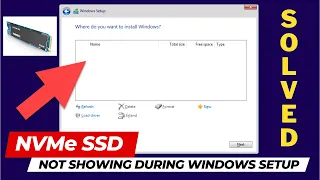
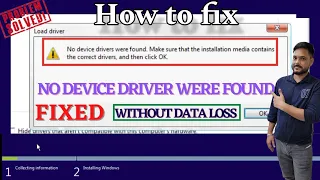
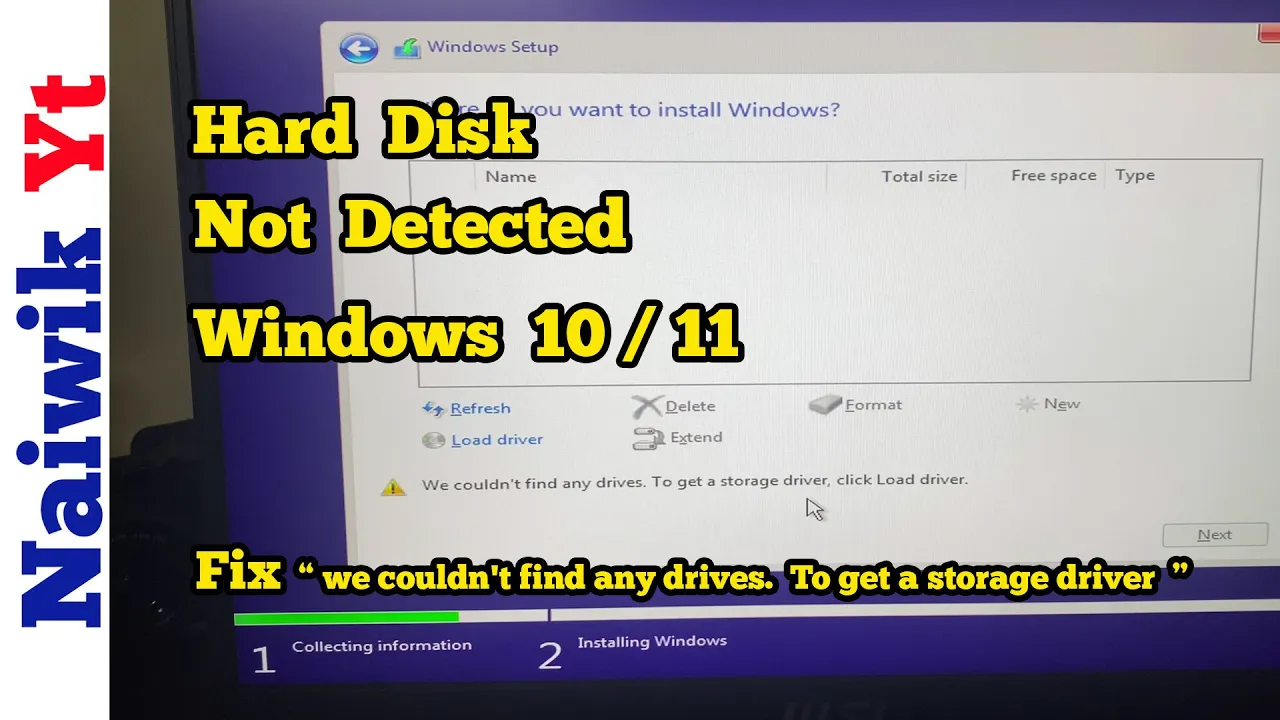
hey guys in this video I'm going to show you how you can fix if your SSD is not showing up during Windows 10 or 11 installation recently I tried to install Windows 10 on my PC when I tried to install it here you can see that the hard disk in my case SSD is not showing up and I got error message we could not find any drives it is giving me that uh get a storage driver click on load driver to fix this issue you need to visit Intel website and you need to to download
this software Intel rapid storage technology or Intel rst when you go to this page uh you will get this option download setup rs. exe file click on download Once the file is downloaded since it is aexe file format you cannot see inside contents so we need to extract the files from this exe container to extract the files what you need to do is you need to open the command prompt in the search box simply type command prompt right click on the command prompt and click on run as administrator by default command prompt open C drive
but I have placed my setup rs. exe file in e Drive you need to give the location of that particular drive if you have uh saved the setup rst uh in D drive you need to type D column since I have placed the file in uh e Drive I am going to type e colon hit enter now currently I'm in the E drive to extract the files you need to copy this uh code and paste it in the command prompt I will give this command in the description box after pasting it hit enter now it
you will be shown Intel rapid storage technology popup like this in the background you can see that now we have a folder called rst since I have given the name rst it is showing rst under rst you need to click on production Windows 10 1563 and drivers you need to copy copy vmd folder copy the folder I am pasting the file in my Windows 10 bootable pen drive after this you need to Simply restart your Windows 10 operating system here you can see that I'm restarting the windows and enter the BIOS and select boot from
pen drive and after that you will get this uh Windows setup prompt click on next now the setup is starting if you have a key enter that otherwise simply click on I don't have a product key now you need to select the operating system which you want to install I am selecting Windows 10 Pro and after that you need to select custom install Windows only you need to select that option here you can see that still I'm not able to see my hard dis partitions over here to fix it you need to click on load
driver and click on browse and select the Windows 10 bootable pen drive and select the vmd folder here you can see the vmd folder click on that and click on okay now you need to select the first option Intel rstd vmd controller a7f click on next now here you can see that I can see all my partitions of my hard drive select the partition on which you would like to install Windows and proceed to the installation so that's it guys in this way you can fix if your hard drive is not showing up during Windows
10 or 11 installation hope you like this video please do subscribe to our Channel thank you