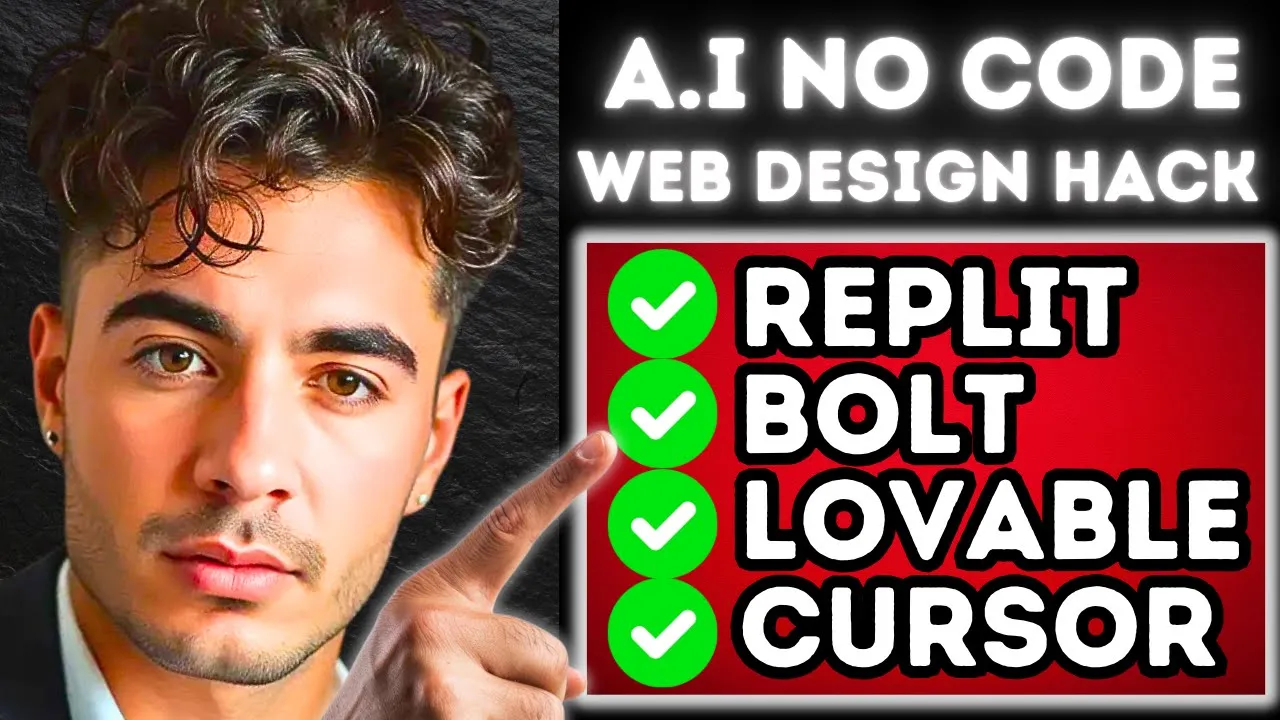
so by the end of the video guys you're going to learn how to build an entire no code app with insane components like this rainbow hover animation like this robot that's 3D and animated with our cursor so if you've been using no code tools like bolt do new repet agent lovable Dev or any of the other ones that are out in the market you could agree with me that the designs these AIS create aren't the greatest they're not that unique but in today's video guys I'm going to show you the biggest hacks that I'm using
to actually turn my AI websites into amazing looking web designs that you can sell on Fiverr for thousands of dollars or just use to enhance your own products so really quick let's get into this presentation and then we're going to build our own Next Level website using only an AI coder and the hacks that I'm going to show you in today's video so step one guys is pick your no code tool it doesn't matter which one you choose and one that I teach my Academy to use is the repet agent because from what I've seen
it's the best performing AI coder out there but you can use any of the other tools that you're filming amiliar with as well now the next step here guys is to actually pick the website that we're going to be building you can build a SAS you can build an automation website and you can build an entire landing page for your AI agency before we actually build the website guys I want to show you the two hacks that I'm using to design amazing looking websites so when we start building it out you guys know exactly what
to do so the first website here is called 21st Dev now what 21st Dev does basically allows any user to upload components that they have designed themselves for other people to use and these are really highle components that your AI coder is able to integrate into your applications and so here are a couple examples that I can show you like this 3D robot that is animated in real time now this is really really cool and it adds that really professional look to your website so as you guys can see here this little robot is completely
animated it's following my cursor around and all we would do is copy the components and the prompt to our AI coders to actually build out the website now guys in the no code academy I've gone out of my way to find my favorite UI designs on 21st Dev and I put it in a Google docs for everyone in the community to share and look at and this is something that we're going to continuously add on as time goes by but that's just hack number one right so finding cool components that you can add on to
your website now hack number two is this other website called iconify dodes so if we open that baby up it's a little bit different than the 21st Dev because the 21st Dev focuses on entire components iconify actually just focuses on different icons and so if you needed a specific icon for your application this is where you find it looking at these SVG Spinners like whenever something's loading for example you can use this spinner it's really really cool so today's video guys the website that we're going to be building together is going to be an AI
agency website buildout and we're going to be using the replit agent to do so and our goal for this video is to just add as many cool design components as possible so now that we're in the repet agent the first thing I'm going to do is just start it off with a really basic prompt to get the website built and then we'll start adding in all of those elements now that that's done guys we're going to send this in and then we'll start with the design all right guys so we got our first update back
from the agent and now we have our website buildout kind of laid out for us so we're going to add our first component using the 21st Dev the first component we're going to add is this interactive 3D robot that I was telling you guys about and we're going to add it to the hero page and the way that we're going to do that is we're going to copy the prompt here so we're going to copy that prompt we're going to go back to our replit agent we're just going to paste that in so we're going
to say add this robot opponent to the hero page and then we're going to paste in that first prompt that it gave us and then we're also going to grab this demo prompt as well so it knows exactly what we're doing and then we're just going to send that baby in and we're going to see what happens with this component so while that's happening guys I just want to show you the opportunity that lies on something like Fiverr for web developers so if we see here the fiverr's choice uh for web developers ranges from $120
to $600 Canadian for a simple WordPress website developer now what we're developing on repet here is taking things to a whole another level because on something like WordPress your capabilities are limited by what's allowed on that website but with repet the possibilities are literally endless and therefore you can start charging services on Fiverr that are better than the ones that Fiverr is recommending so the opportunity for building website with AI is insane so anyways we got the update back with the 3D robot and as you guys can see within our application we now have this
interactive 3D robot on the the hero page so that works well and with some more prompts we can we can make this hero Page look even better but let's move on let's add another feature so this feature here has a cool like transition between different keywords that the business is associated to so we're going to have this display keywords like install AI agents automations Uh custom apps scale your business stuff like that so what we're going to do here guys is the same thing we're going to copy this prompt and we're going to let it
know what we want so we're going to say in the header where it says AI Solutions I want to replace that with a interchanging component that Cycles through the keywords Associated to the business keywords are AI agents AI automations and custom AI apps so now that we let it know what we want to happen with the design we're just going to again copy this prompt and then we're going to send that prompt in and then we're also going to send in an example of the demo that it has here and then we're going to see
if it does it correctly so now we're going to send this in all right guys so the first time that we tried to do this component it failed and we just responded in the prompt just saying the text animation is not working and now it fixed it so it's rotating through custom AI apps custom AI Solutions and AI automation so that's perfect we are now two components in let's add our third component it so I absolutely love this uh testimonial Carousel here that it displays all the companies that your business is working with and I
think this looks absolutely beautiful so we're going to do the exact same thing here we're going to add this prompt to the landing page and we're going to add it right below the robot so we're going to add that in the prompt first we're going to say I want to add a component below the robot section this component displays all the company we are working with um add this components now that we have the prompt of explaining where we want the component to go we're going to copy the prompt we're going to send that in
and then we're going to copy the demo and we're going to also send that in um we're also going to say we want the animation to filter through 10 different companies displaying three at a time all right so we're going to send that in we're going to see what happens all all right so let's see if we got that back and as you guys can see here we have the trusted technology partners and it's rotating through all the different logos that we have given it so far and obviously we would replace that with real companies
that we're working with but as we see so far we have three components we have this animation here we have the 3D robot and we have the trusted technology Partners let's keep going let's add a couple more so this component is really cool you could use it for a bunch of things what we're going to be using it for our app is to display the team members that are associated to the company so we're going to try and do that right now by copying this prompt and sending it in We'll add this section below the
technology Partners so we're just going to say I'm adding a component that showcases the team members in the company add this component below the trusted technology Partners okay so now it knows where it's going to go we're going to paste in that first prompt we're going to go and grab the demo and we're going to paste that in as well and we'll see what happens okay let's see if we got that fourth component and here we go so we got John Doe Robert Johnson Jane Smith Emily Davis Tyler Duran and in the future this can
be a like a hyperlink so when you click on one of these characters it can be a different page on the website that actually explains in depth what each team member does and our entire company as a whole so far that looks really really good now we're going to change the color design of the website to make it look better I don't like this purple design and then we're going to add two more components and then we'll finish off this video we just got the new update of the color scheme I love how this looks
now this looks really really professional and we're just getting started now the next thing we want to do guys is add a dark mode so I really like this 21st Dev design of the dark mode feature I love how it animates so we're just going to again copy this and send it into the agent but the first thing we're going to do is let it know that we want to do the dark mode feature so we're going to say this looks amazing now let's add a dark mode and Light mode component you to add beside
the book A call button in the header and we're going to copy in that prompt and then we're going to copy in the demo as well so we're going to go grab that uh demo and we're going to paste that in as well so let's see what we get here okay awesome so we got the dark mode light mode button it's in the wrong spot but let's just see if it works first okay so the button doesn't work we're just going to send that prompt to the AI okay guys so it added the button to
the right part of the website now let's see if it works and yeah so we got the dark mode and light mode working properly I personally really like the dark mode right now this looks unbelievable there's no more borders between the sections so it looks like this is all one section that looks really really nice and uh yeah okay that looks awesome guys for every single component that has a border on our website we want to add this cool little blue animation to it so that's our next component so we're going to go and do
the exact same thing here guys we're going to copy the prompt here first and we're going to let it know what we want okay guys so we just got the button hover animation so we switched out the blue animation with this Rainbo effect cuz it looks unbelievable now look how professional this website looks now guys we have this animation here that's switching through the keywords of our business every button has its nice rainbow effect that can switch between light mode and dark mode we even have like more than dark mode and the way that the
animation happens with this button looks awesome we have an interactive 3D robot that actually moves with our cursor we have our trusted technology partners that displays all of the companies we work with in a very cool animation and we have our mear team components that actually displays all of the different members that are part of the company in this cool animation popup now we can continue to go here guys but you can see how insane this hack is using 21st Dev and iconify Design now I hope you guys can use this to build your own
massively productive web design app and you can use this as your testimonial to sell on places like Fiverr as well when you're just getting off of the ground so anyways guys I hope you enjoyed and I want to see what you guys can build using no code tools