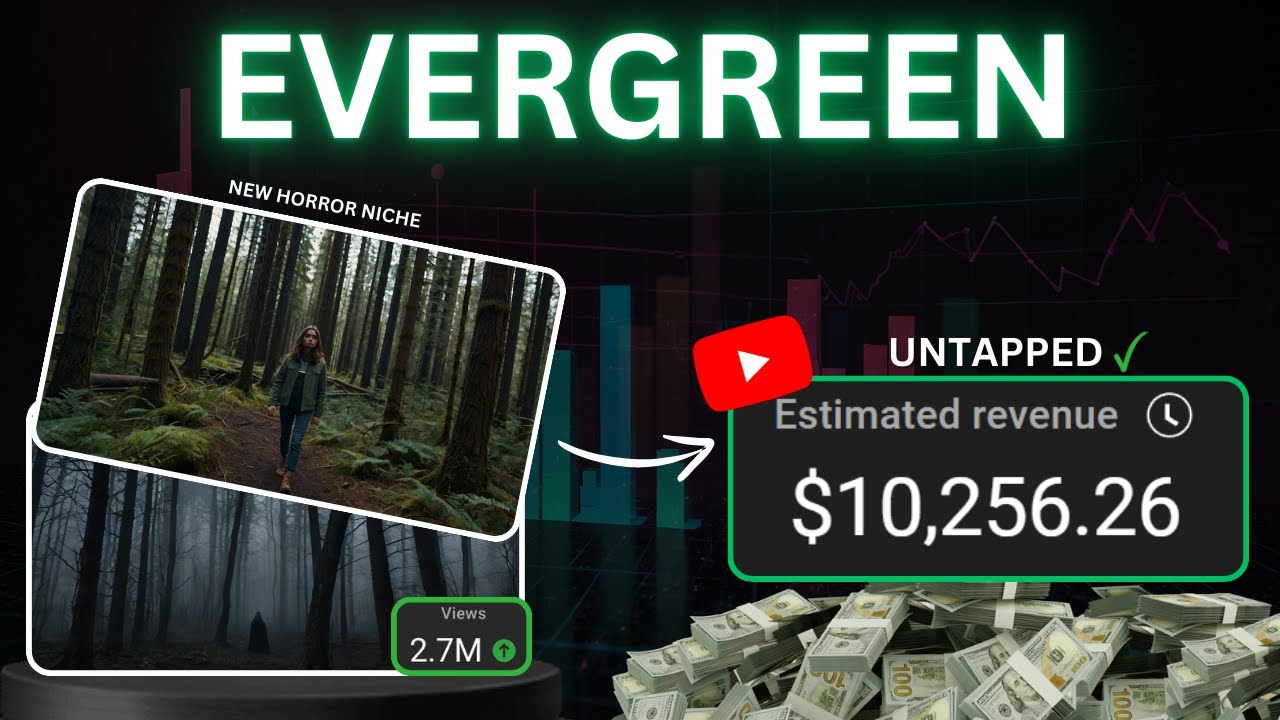
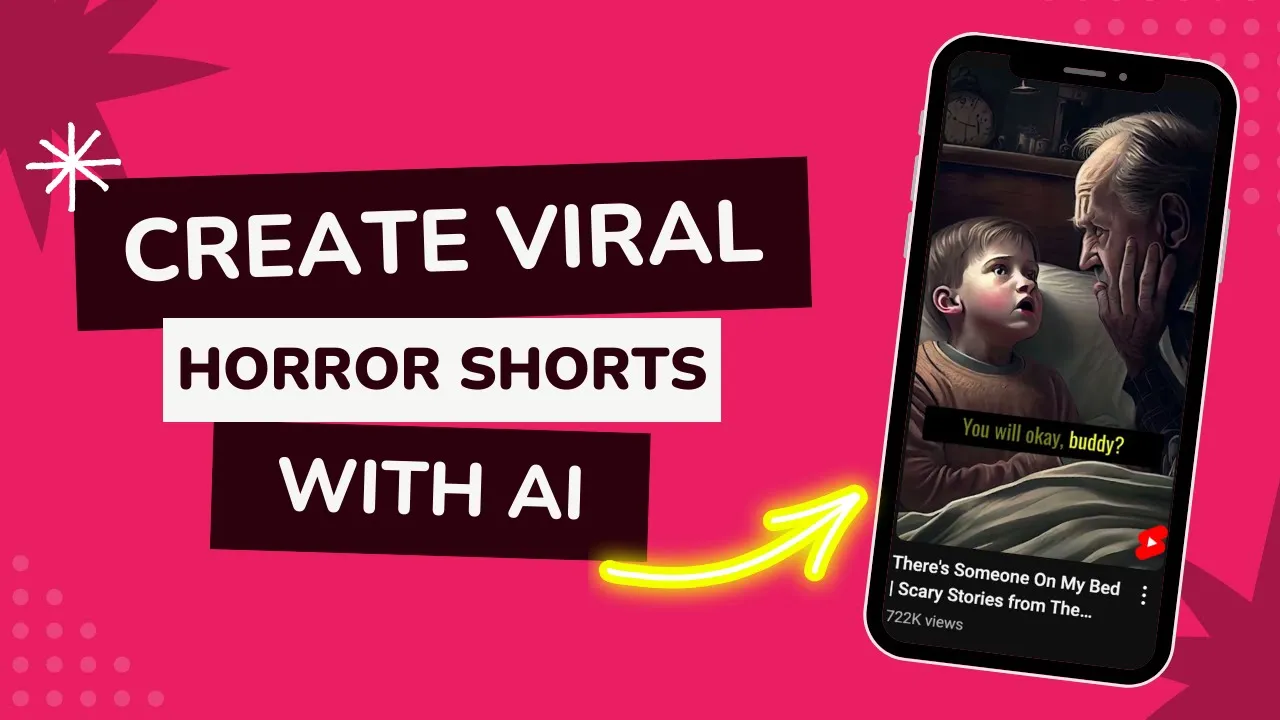
look at this short this short has got more than half a million views this is horror story short before you get scared I want to tell that this is one of the Evergreen niches that you can start your own YouTube channel in just look at this channel it has just 22 videos and has already got close to 14,000 subscribers obviously this means this Niche is not that competitive and has a lot of potential so this video I'll guide you on how to create Horror Story shorts with AI and start your YouTube Journey this time we'll
jump straight on the video creation we'll be using flicky after logging in we'll click on the new file button enter our file name select the language and dialect and choose portrait for the aspect ratio then we'll select idea Under start with and click submit now write the following idea a scary but believable story told from a firstperson perspective like sharing a personal experience it should not include haunted houses or ghosts the suspense should build slowly so listeners can really feel it next in the content settings select AI media then video make sure it's set to
cinematic and under more sound effects are checked now hit submit flicky will create a horror story short for us first of all viewers Love Heavy voices on horror stories so we'll click on the voice and select Bruce from here I think this is the heaviest among the available options we'll scroll down and check apply to all scenes in its select another thing that's very important for Horror Story shorts is the pace of the voice un like other shorts which prefer a quick Pace Horror Story shorts have a slow and steady Pace to build the anticipation
so we'll reduce the speed to 90 from the customization panel and regarding captions I love the grander font on my horror shorts so we'll select it next change the display to word and turn on Bubble effect let's also resize it a bit after making these changes we'll hit apply to all scenes to copy the same settings to all the scenes next for the media I think everything is already on point but still if you want to make changes you can click on the media icon switch to the generate Tab and click autogenerate to generate a
new visual you can also create an AI video clip with an image just switch it to AI video clip and select generate video clip using this image and it will generate the clip by the way you can do all this with a text prompt as well you should know that background music is the life of the for Story video while flicky ises a really good job with the music selection you can manually change it from background audio layer from here after everything is set you can click on download select the desired resolution and format I
prefer 1080p in MP4 format next hit start export then start it will render the video for us which we can then download by clicking on the download MP4 option now let's watch the video I always took the same route home from work a quiet country road that was usually deserted at night one evening as the sun dipped below the Horizon I noticed a woman walking along the road she seemed lost against my better judgment I pulled over and offered her a ride to which she agreed as I drove I tried to make small talk but
she remained silent suddenly the car felt colder and an uneasy feeling settled over me glancing over I saw her face clearly illuminated by the Dashboard Lights her eyes were empty black voids Panic surged through me and I slammed on the brakes turning to confront her but she was gone I sped home heart pounding only to find an old news article the next day about a woman who had disappeared on that very Road decades ago this is scary amazing we literally spent a few minutes to create a really amazing Horror Story sure which I believe has
huge potential to go viral now it's your turn to create scary videos and have a blast on YouTube
![How I make ORIGINAL YouTube Shorts with AI [FULL TUTORIAL]](https://img.youtube.com/vi/CICAugrOhmM/maxresdefault.jpg)