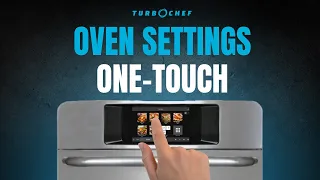
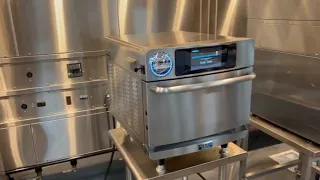
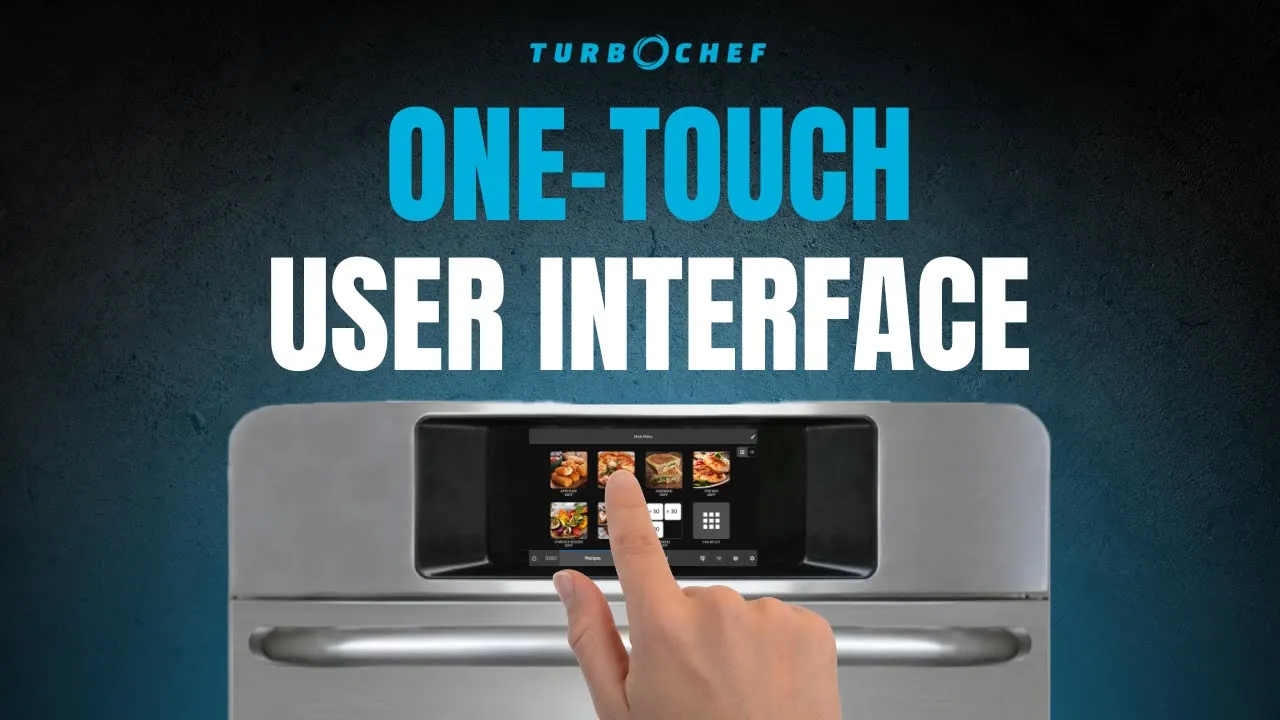
to power up your oven simply plug it into a compatible socket after you plug in your oven you will first see a middle be Corporation logo once your oven screen shows the power button simply press to turn on this begins preheating your oven to view the preheating progress press the temperature value next to the power button press recipes next to the power button to return to your main screen to turn the oven off and begin the cooling process you will find the power button in the bottom left corner of the screen to view your oven
settings press the gear icon in the bottom right of the screen type in the passcode provided in your owner's manual you can view your oven information including the serial number the serial number is particularly important if your oven requires service to adjust the oven volume press oven settings Slide the volume control to your preferred volume for oven alerts you can toggle menu edit depending on if you want your menu to be editable or not with menu edit enabled press the pencil icon in the top right corner of the main cooking screen edit icons will appear
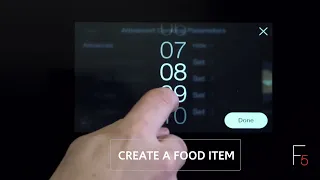
on each menu group press on the group you need to edit press edit recipes then press the recipe you need to edit and press cook settings this allows you to change your cook settings for that selected recipe after you are finished editing your recipe press save in the bottom right hand corner or if you don't want to save the changes press the back button in the top left corner press the X in the recipe box and then press the back button again in the top left corner to return to the main cooking screen you can
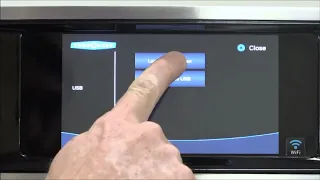
also toggle manual cooking depending if you need to develop the recipes on your menu manually if you need to develop your menu ensure that manual cooking is enabled to download your menu plug a USB drive into the side of the oven under oven settings Press menu download and the menu will automatically download to your USB drive the oven screen will provide a message when your menu export is complete remove the drive from the oven to reset your oven scroll to the bottom of oven settings and press the reboot button press yes your oven will automatically
reset you will see the middleby corporation logo once your oven screen shows the cooling down screen you can press the power button in the bottom left corner if you need to heat your oven and continue using it to return to the main cooking screen press the logout button in the top right corner to clean your oven screen press the clean icon on the bottom menu the screen will lock for 10 seconds allowing you to clean it with a clean damp cloth if your ovens have connect wear modules the Wi-Fi icon will show if you are
connected press the question mark icon to scan a QR code that connects to the oven product page you will find the oven features spec sheet owner's manual and more for a full list of documents scroll to the bottom of the page